
Buy the Framework Laptop if you want the safest Linux developer machine, choose the System76 Pangolin if you want power without fuss, and pick the Pinebook Pro only if you enjoy low-cost ARM tinkering. Framework officially supports Ubuntu 24.04 and Fedora 40 on current Laptop 13 models, which matters if you want fewer weird driver surprises [source: Framework].
TLDR: The Framework Laptop is the best all-round choice for most developers because it is repairable, fast, and well supported by major Linux distros. The System76 Pangolin is better if you want a ready-to-code Linux laptop with strong AMD performance and Pop!_OS preinstalled. The Pinebook Pro is cheap and fun, but its 4GB RAM limit can hurt; for example, running VS Code, Chromium, Docker, and a local database at once can push it into swap fast.
Contents
Quick comparison
- Pinebook Pro: Best for hobbyists, ARM Linux testing, writing, SSH work, and learning.
- Framework Laptop: Best for developers who want Linux support, upgrades, repairability, and long-term use.
- System76 Pangolin: Best for people who want strong Linux performance out of the box.

Pinebook Pro: cheap, charming, and limited
The Pinebook Pro is the odd one here. It is not trying to beat premium laptops. It is an ARM laptop built for people who like experimenting. That makes it interesting for Linux users, kernel hackers, and open hardware fans.
Its biggest strength is price. It has often been sold around the low hundreds of dollars, which puts it in a very different class from the other two machines. The 14-inch screen is decent, the body feels nicer than expected, and battery life can be solid with a light desktop.
The problem is speed. The Rockchip RK3399 chip and 4GB of RAM are fine for a terminal, text editor, browser tabs, and remote development. They are not fine for heavy containers, Android builds, big IDEs, or modern Electron overload. Honestly, it feels like one browser tab too many can turn a calm coding session into a patience test.
Pick it if you want to learn ARM Linux or keep a cheap secondary machine in your bag. Do not buy it as your main paid-work laptop unless your workflow is very light.
Framework Laptop: the practical Linux favorite
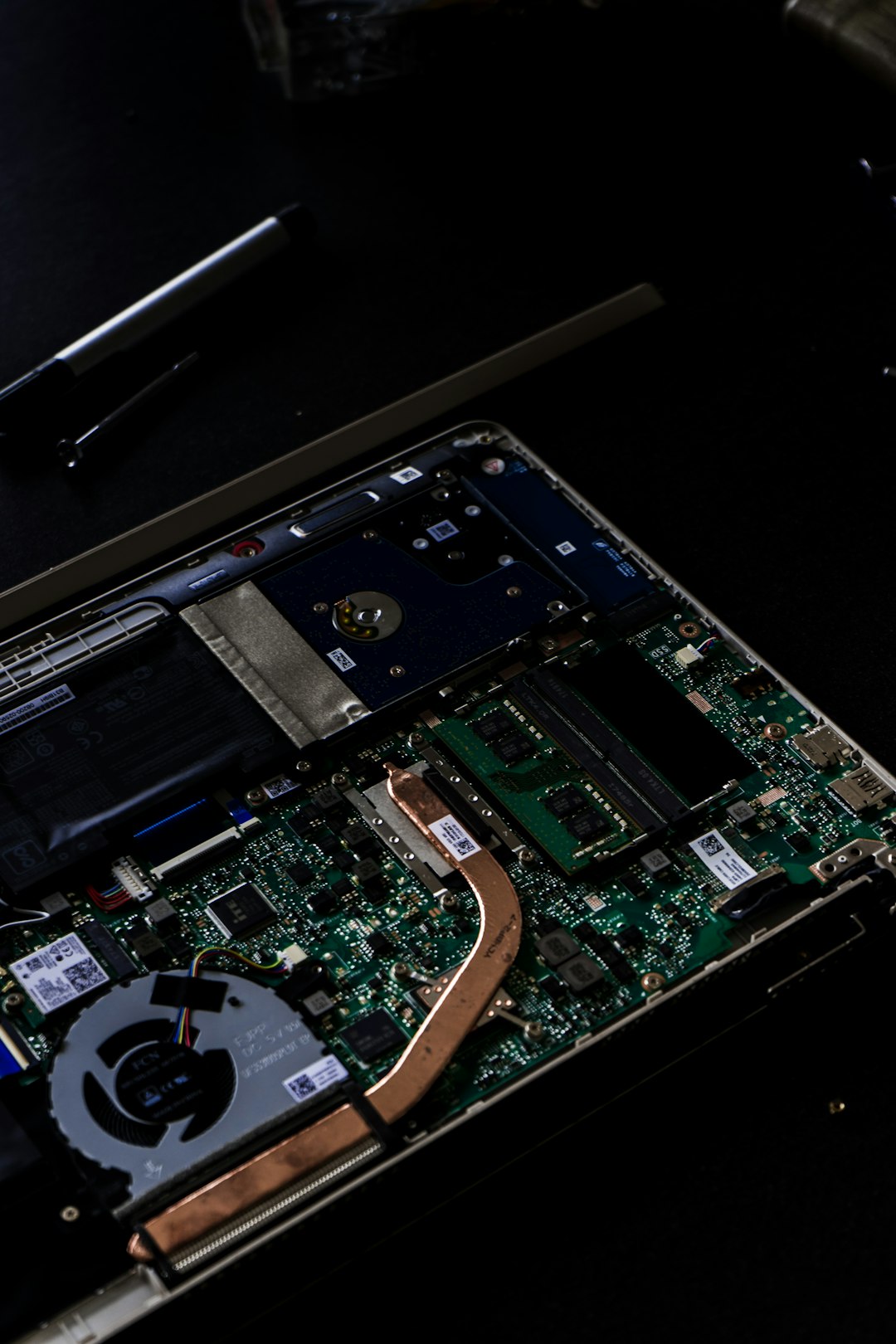
The Framework Laptop is the best balanced choice here. Its whole pitch is simple: you can repair it, upgrade it, and keep it alive longer. RAM, storage, ports, keyboard, screen parts, battery, and even the mainboard are designed to be replaced.
For developers, that matters. Need more RAM for Docker? Upgrade it. Want a bigger SSD for local datasets? Swap it. Break a USB-C port? Replace an expansion card instead of shipping the whole laptop away. It sounds boring until your laptop fails two days before a deadline. Then it sounds brilliant.
Linux support is also strong. Framework publishes Linux setup guidance, and the community is active. Fedora and Ubuntu are the safest picks. Arch, Debian, NixOS, and others can work too, but expect some manual tuning depending on the generation and hardware mix.
The catch is cost. A well-specced Framework can get pricey fast. The expansion card idea is clever, but buying extra cards adds up. Still, for a developer who keeps a laptop for four or five years, the repair angle is hard to ignore.
System76 Pangolin: ready to work
The System76 Pangolin is for developers who want Linux first, not Linux as an afterthought. It ships with Pop!_OS or Ubuntu, and System76 controls the software experience in a way most laptop makers do not. Firmware updates, power profiles, and graphics behavior tend to be smoother because the machine is built for this job.
The Pangolin usually uses AMD Ryzen hardware, which is great for multi-core builds, containers, and daily development. If you compile code, run several local services, and keep a pile of browser tabs open, it feels more like a normal workstation than a thin compromise.
Pop!_OS is also friendly to developers. Tiling features, keyboard shortcuts, and sane defaults reduce setup time. You can install Node, Go, Rust, Python tools, Docker, editors, and database clients without fighting the machine first. System76 also documents its hardware and software stack through official support pages [source: System76].
The downside is flexibility. The Pangolin is not as repair-focused as Framework. You can upgrade common parts, but the design is more traditional. If the screen, board, or ports become an issue years later, Framework has the clearer path.
Which one fits your developer workflow?
- Web developer: Framework or Pangolin. Both handle editors, local servers, browsers, and containers well.
- DevOps or cloud engineer: Framework if you value ports and upgrades. Pinebook Pro works only for SSH-heavy tasks.
- Kernel or ARM hobbyist: Pinebook Pro is the fun choice. It teaches you things, sometimes the annoying way.
- Student coder: Framework if budget allows. Pinebook Pro if money is tight and projects are light.
- Professional software engineer: Pangolin for ready-made Linux power, Framework for long-term ownership.

Final pick
The Framework Laptop wins for most developers. It has the best mix of Linux support, performance, repairability, and upgrade options. It is the laptop most likely to grow with your work instead of becoming e-waste when one part fails.
The System76 Pangolin is the smoother Linux appliance. If you want to open the lid and start coding with fewer setup chores, buy it. The Pinebook Pro is the adventurous budget choice. It is lovable, but not practical for heavy modern development.

