
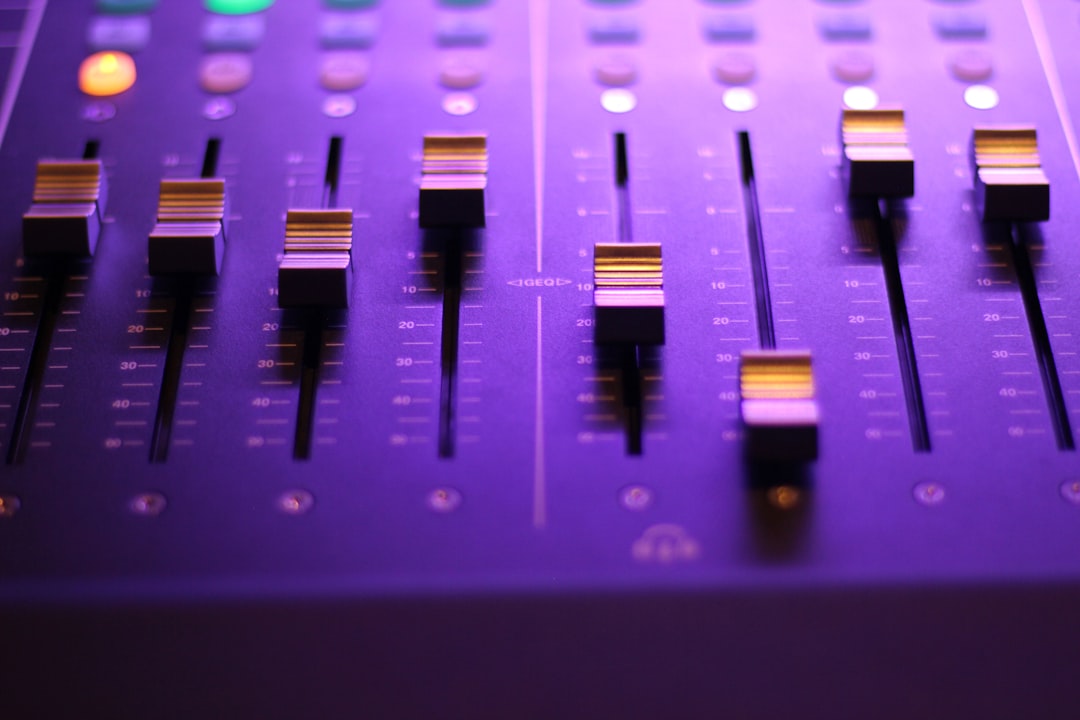
Modern music production has been transformed by powerful digital audio workstations that allow artists to compose, record, edit, and mix tracks entirely from a computer. Software like FL Studio has become a central tool for producers across genres, from electronic dance music and hip hop to film scoring and pop production. With intuitive interfaces, advanced sequencing features, and extensive plugin ecosystems, these platforms provide both beginners and professionals with everything needed to turn creative ideas into polished recordings.
TLDR: Music production software like FL Studio enables creators to compose, arrange, record, and mix music using a computer. These digital audio workstations combine virtual instruments, audio editing tools, effects, and mixing consoles into one unified environment. They are accessible to beginners while offering deep customization and professional-level features. Choosing the right software depends on workflow preferences, genre, and production goals.
Contents
- 1 Understanding Digital Audio Workstations
- 2 Key Features of Software Like FL Studio
- 3 The Mixing Process Inside a DAW
- 4 Workflow Advantages
- 5 Genres and Creative Applications
- 6 Learning Curve and Accessibility
- 7 Hardware Integration
- 8 Advantages Over Traditional Studios
- 9 Choosing the Right Software
- 10 The Future of Music Production Software
- 11 FAQ
Understanding Digital Audio Workstations
A Digital Audio Workstation (DAW) is the central hub of modern music production. Programs like FL Studio, Ableton Live, Logic Pro, and others allow users to manipulate both MIDI and audio data in a structured workspace. Instead of relying on expensive hardware studios, producers can now create studio-quality music on a laptop.
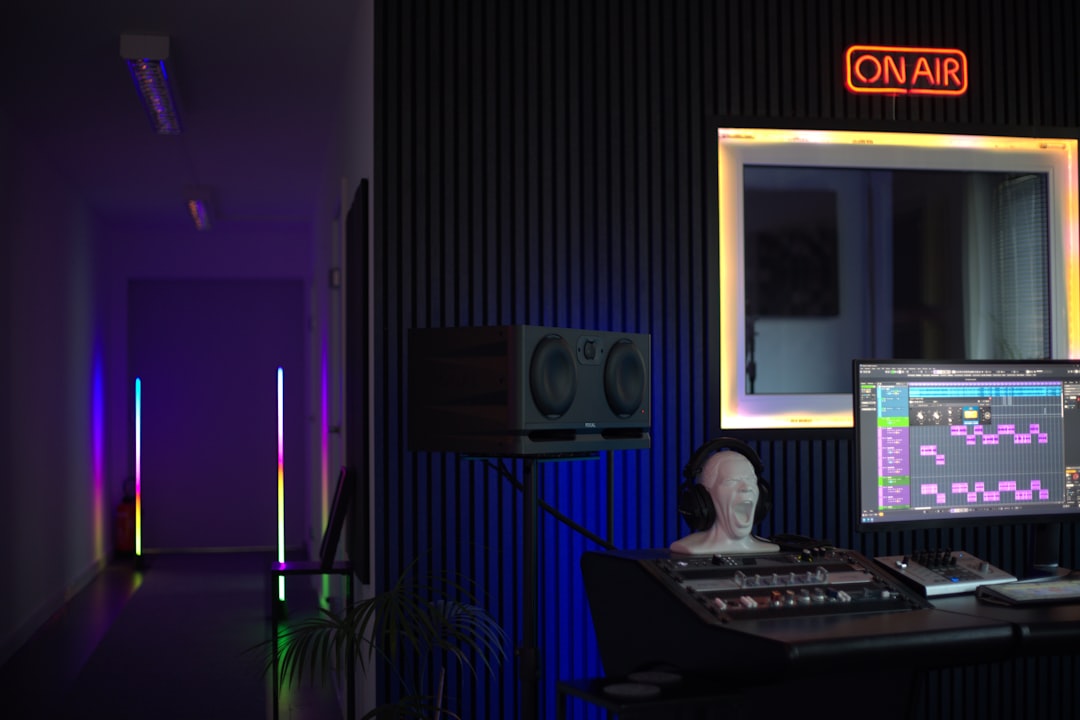
At its core, music production software typically includes:
- A sequencer for arranging musical patterns and clips
- A piano roll for programming melodies, chords, and rhythms
- Audio recording capabilities for vocals and live instruments
- Virtual instruments such as synthesizers and samplers
- Effects processors like EQ, compression, and reverb
- A mixing console for balancing and polishing tracks
FL Studio, in particular, is known for its pattern-based workflow, which enables producers to sketch musical ideas quickly before arranging them into full compositions.
Key Features of Software Like FL Studio
1. Pattern-Based Sequencing
One of the defining features of FL Studio is its pattern system. Producers create short loops or sequences for drums, melodies, or chords and then place them into a playlist to build a full arrangement. This method is especially popular in electronic music and beat-making because it encourages experimentation and rapid idea development.
2. Advanced Piano Roll
The piano roll is widely regarded as one of FL Studio’s strongest tools. It allows users to:
- Edit note velocity and timing
- Adjust note length and pitch
- Create complex chord progressions
- Automate modulation and expression
This level of precision makes it easy to design intricate melodies and rhythmically tight drum patterns.
3. Built-In Instruments and Plugins
Music production software often includes a wide range of instruments, such as:
- Subtractives synthesizers for classic electronic sounds
- FM synthesizers for rich, harmonic textures
- Samplers for manipulating recorded audio
- Drum machines for creating beats
Additionally, producers can expand their toolkit with third-party plugins, allowing near-limitless sonic variation.
4. Audio Recording and Editing
While early versions of certain DAWs focused heavily on MIDI production, modern systems now support professional-grade audio recording. Artists can track vocals, guitars, or live drums directly into the software and edit takes with:
- Time stretching
- Pitch correction
- Comping tools
- Crossfades and slicing
This makes music production entirely self-contained within one digital environment.
The Mixing Process Inside a DAW
Once a track is arranged, mixing becomes the next critical step. Mixing involves balancing volumes, shaping frequencies, and creating spatial depth so that every element sits properly within the song.
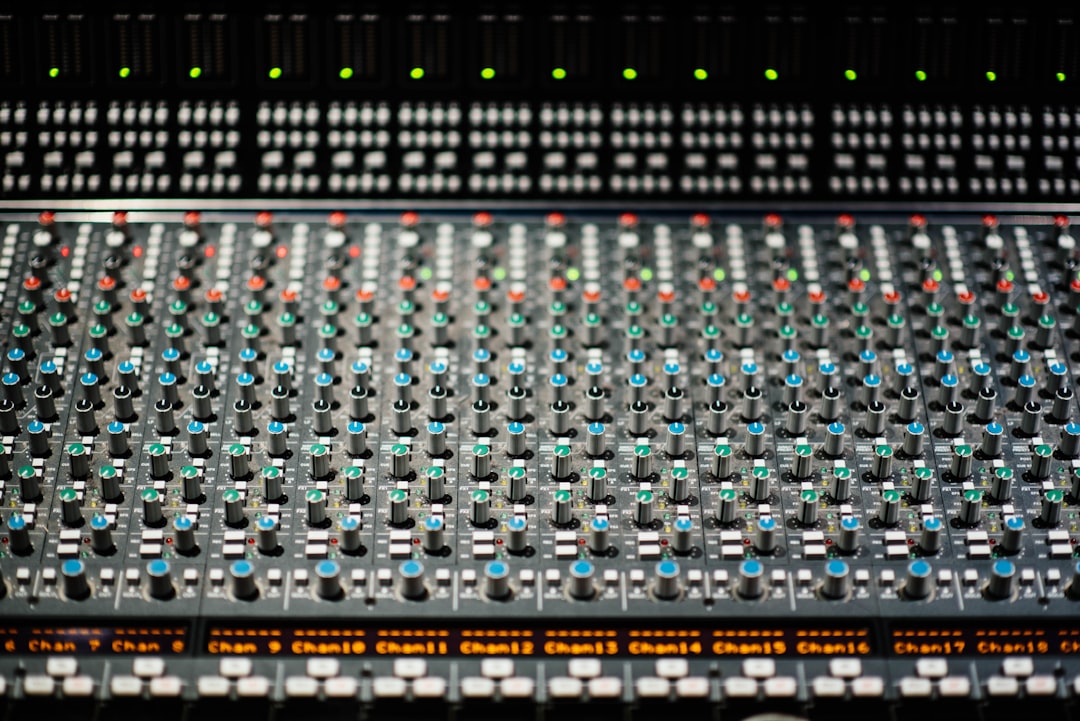
Software like FL Studio includes a digital mixer that mirrors traditional hardware consoles. Each instrument or sound can be routed to a mixer channel where producers can apply:
- Equalization (EQ) to adjust frequency balance
- Compression to control dynamics
- Reverb and delay to add space and dimension
- Stereo imaging tools to widen or focus sounds
Automation is another powerful feature. Users can automate parameters such as volume, filter cutoff, or reverb intensity over time, adding movement and emotion to static sounds.
Workflow Advantages
One reason producers gravitate toward FL Studio and similar software is workflow efficiency. Key advantages include:
- Non-destructive editing, meaning original audio remains untouched
- Undo history for risk-free experimentation
- Template creation for fast project setup
- Customizable layouts to suit different creative styles
These features encourage experimentation without fear of losing progress. Producers can try bold creative decisions and revert if needed.
Genres and Creative Applications
Music production software is not limited to one genre. While FL Studio is often associated with electronic and hip hop production, it is equally capable of handling:
- Pop and R&B
- Rock and alternative
- Orchestral and cinematic scoring
- Podcast editing and sound design
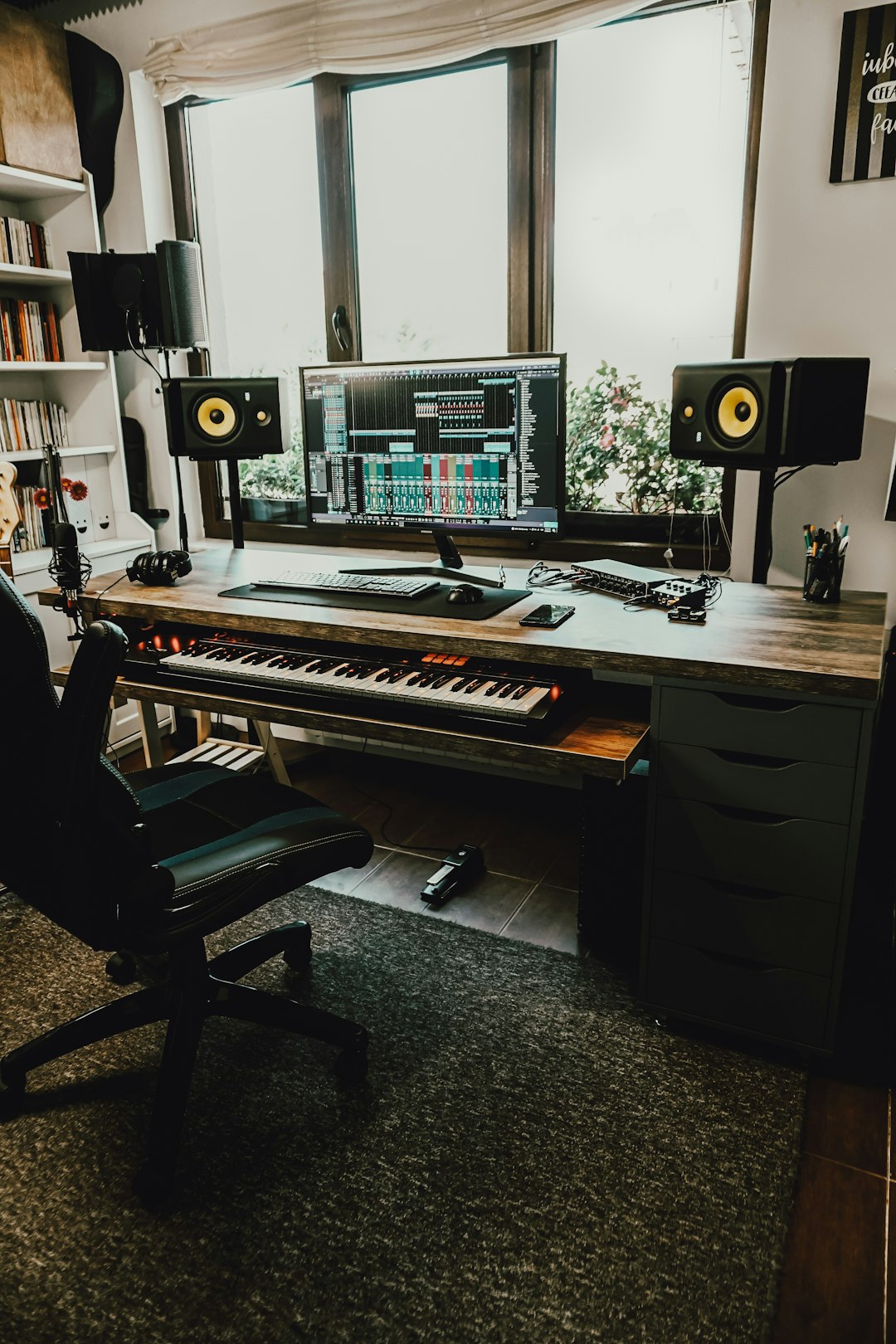
Home studio setups have become increasingly affordable. With a laptop, audio interface, MIDI keyboard, and studio monitors, creators can build professional-grade tracks from small spaces. This accessibility has democratized music production and allowed independent artists to compete globally.
Learning Curve and Accessibility
While music production software offers immense power, it can initially feel overwhelming. Multiple windows, routing options, and plugin choices require time to master. However, many programs now provide:
- Beginner-friendly presets
- Tutorial projects
- Extensive online documentation
- Large user communities sharing tips and templates
FL Studio, for example, is often praised for striking a balance between simplicity and depth. Beginners can create patterns within minutes, while advanced users can dive into complex sound design and routing configurations.
Hardware Integration
Modern DAWs integrate seamlessly with external hardware, including MIDI controllers, synthesizers, and control surfaces. MIDI mapping allows producers to assign physical knobs and faders to software parameters, creating a more tactile production experience.
This combination of digital flexibility and physical control bridges the gap between traditional studios and in-the-box production.
Advantages Over Traditional Studios
Before DAWs became widespread, producing music required access to:
- Large mixing consoles
- Hardware samplers and synthesizers
- Outboard compressors and effects
- Professional recording spaces
Today, music production software replicates and often surpasses that functionality at a fraction of the cost. Features like total recall (saving every setting within a project file) make revisions quick and efficient—something analog studios could not easily offer.
Choosing the Right Software
Selecting a DAW depends largely on personal workflow preference. Some producers favor linear timeline arrangements, while others prefer loop-based composition. Important factors to consider include:
- Ease of use
- Available plugins
- Pricing and licensing
- Community support
- Compatibility with hardware and operating systems
Trying demo versions can help determine which interface feels most intuitive. Comfort and creativity often go hand in hand, making workflow a top priority.
The Future of Music Production Software
Technology continues to push music production forward. Artificial intelligence tools are beginning to assist with tasks such as:
- Generating chord progressions
- Suggesting drum patterns
- Automating mixing balances
- Mastering tracks with minimal manual input
Cloud collaboration is also expanding, allowing multiple creators to work on projects remotely in real time. As processing power increases, software instruments become more realistic, blurring the line between digital and live performance.
Despite these advancements, the core essence remains unchanged: music production software is a tool for creative expression. Whether crafting chart-topping singles or personal passion projects, producers rely on DAWs to capture inspiration and transform it into sound.
FAQ
- What is music production software?
Music production software, also known as a Digital Audio Workstation (DAW), is a program that allows users to compose, record, edit, arrange, mix, and master music on a computer. - Is FL Studio good for beginners?
Yes. It offers an intuitive interface, pattern-based sequencing, and many built-in sounds, making it approachable for newcomers while still powerful enough for professionals. - Can professional music be created with software alone?
Absolutely. Many commercial releases are produced entirely within DAWs using virtual instruments and digital effects. - Does music production software require expensive equipment?
Not necessarily. A basic setup can include a computer, headphones or monitors, and an audio interface. Additional gear like MIDI keyboards is optional but helpful. - What is the difference between mixing and mastering?
Mixing balances individual tracks within a song, adjusting levels and effects. Mastering is the final process that prepares the fully mixed track for distribution by optimizing loudness and tonal balance. - Can multiple people collaborate using the same software?
Yes. Projects can be shared as files, and some platforms now support cloud-based collaboration for remote teamwork.

