
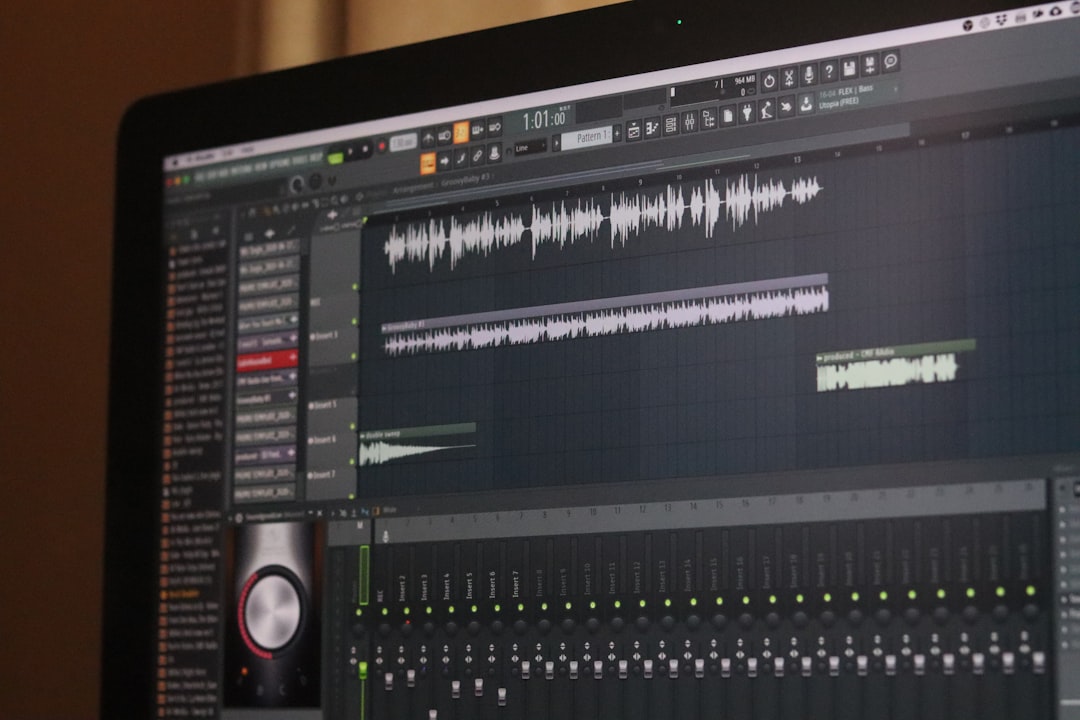
Audio editing has become an essential part of modern content creation, from podcasts and music production to video voiceovers and online courses. Tools like Audacity have made professional-level sound editing accessible to beginners and experienced creators alike. With powerful features, intuitive interfaces, and affordable pricing models (often free), these tools allow users to record, edit, enhance, and export high-quality audio from virtually anywhere.
TLDR: Audio editing tools like Audacity provide powerful features for recording, editing, and enhancing sound without requiring expensive software. They are suitable for podcasters, musicians, educators, and content creators of all skill levels. With capabilities such as noise reduction, equalization, compression, and multi-track editing, these platforms make professional audio production accessible to anyone. Choosing the right tool depends on workflow needs, experience level, and project complexity.
Contents
- 1 The Rise of Accessible Audio Editing
- 2 Core Features of Audio Editing Tools
- 3 Advanced Editing and Enhancement Options
- 4 Benefits for Different Types of Creators
- 5 Ease of Use and Learning Curve
- 6 Exporting and File Compatibility
- 7 Limitations to Consider
- 8 Choosing the Right Audio Editing Tool
- 9 The Future of Audio Editing
- 10 FAQ
- 10.1 1. Is Audacity really free?
- 10.2 2. Is Audacity good for beginners?
- 10.3 3. Can Audacity remove background noise completely?
- 10.4 4. What file formats can be exported?
- 10.5 5. Is Audacity suitable for professional music production?
- 10.6 6. Do audio editing tools require expensive hardware?
- 10.7 7. Are there alternatives to Audacity?
The Rise of Accessible Audio Editing
In the past, high-quality audio editing required expensive studio equipment and specialized technical knowledge. Today, programs like Audacity, along with other digital audio workstations (DAWs), have democratized the process. These tools run on standard computers and provide sophisticated editing capabilities without overwhelming new users.
Audacity, in particular, has gained popularity because it is:
- Free and open-source
- Compatible with Windows, macOS, and Linux
- Supported by an active global community
- Regularly updated with new features
Other popular alternatives include Adobe Audition, Reaper, GarageBand, and Ocenaudio. While they vary in cost and complexity, they all share a central purpose: giving users control over sound.
Core Features of Audio Editing Tools
Most audio editing platforms, including Audacity, offer a consistent set of foundational features. These features enable creators to transform raw recordings into polished final products.
1. Recording Capabilities
Users can record audio directly into the software using:
- USB microphones
- Audio interfaces
- Built-in laptop microphones
- External mixers
Many tools support multi-track recording, allowing for separate audio layers such as vocals, music, and sound effects.
2. Waveform Editing
Audio is displayed visually as a waveform. Editors can:
- Cut and trim unwanted sections
- Move segments
- Fade audio in and out
- Adjust timing and alignment
This visual representation makes it easier to remove mistakes, pauses, or background interruptions.
3. Noise Reduction
Background noise is a common issue in home recordings. Audacity’s Noise Reduction feature allows users to capture a noise profile and remove consistent background sounds such as hums, fans, or static.
This function is particularly valuable for podcasters, remote workers, and YouTubers recording in non-studio environments.
4. Equalization (EQ)
Equalization adjusts the balance of frequencies in audio. For example:
- Boosting treble can increase vocal clarity
- Reducing bass can eliminate muddiness
- Shaping mid-range tones improves speech intelligibility
EQ tools help tailor the sound to match specific playback devices or stylistic preferences.
5. Compression
Compression reduces the dynamic range between loud and quiet sounds. This creates a more balanced listening experience and prevents sudden volume spikes.
For spoken-word content, compression ensures consistent vocal levels throughout an episode or recording.
Advanced Editing and Enhancement Options
Beyond basic editing, many audio tools offer advanced capabilities suitable for professional workflows.
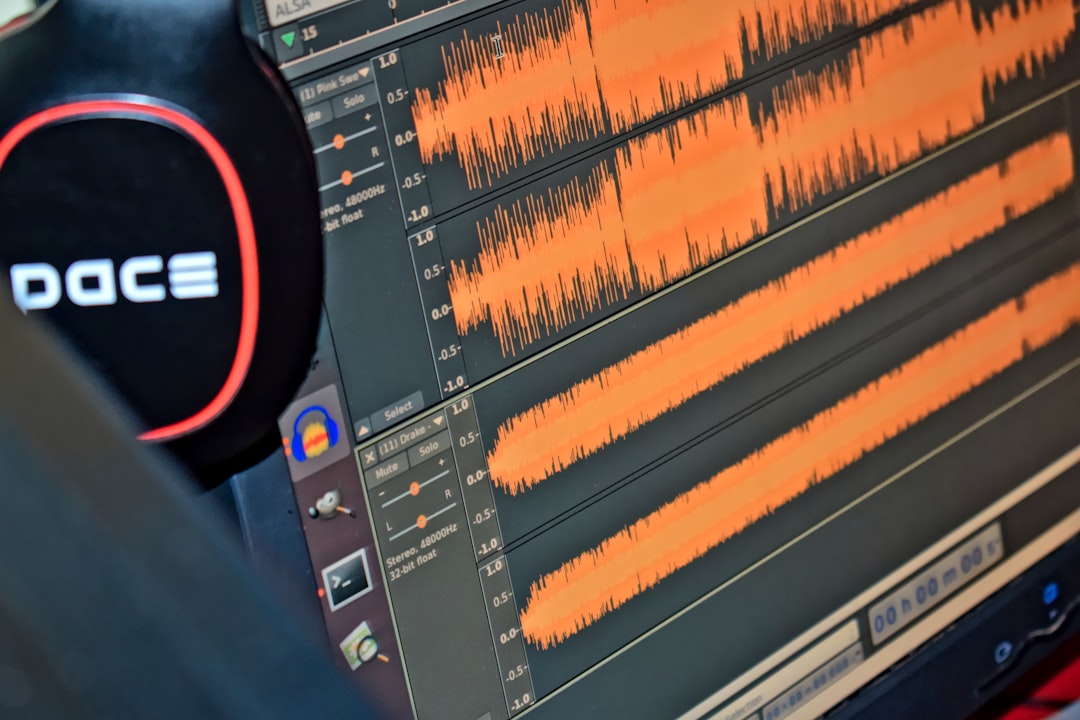
Multi-Track Editing
Multi-track editors enable users to layer:
- Voice recordings
- Background music
- Sound effects
- Ambient tracks
Each track can be edited independently, adjusted for volume, or enhanced with effects.
Effects and Plugins
Audacity supports a wide range of built-in effects and third-party plugins, including:
- Reverb
- Delay
- Distortion
- Pitch correction
- Time stretching
Plugins extend functionality and allow users to customize their editing environment.
Batch Processing
For users managing multiple files, batch processing allows repetitive tasks—such as normalization or compression—to be applied automatically across several recordings.
Benefits for Different Types of Creators
Audio editing tools cater to a diverse range of users.
Podcasters
Podcasters use these tools to:
- Remove filler words and pauses
- Add intro and outro music
- Balance multiple guest recordings
- Enhance vocal clarity
Consistency and clarity are essential for audience retention.
Musicians
Musicians rely on multi-track functionality and effects processing to produce demos, mix songs, and experiment with sound design.
Video Creators
For YouTubers and video editors, clean audio significantly impacts viewer engagement. Tools like Audacity are often used to process voiceovers before syncing them with video.
Educators and Corporate Trainers
Online courses and training modules require clear, distraction-free narration. Audio editing tools help standardize volume levels and eliminate background noise.
Ease of Use and Learning Curve
One of Audacity’s key strengths is its relatively low learning curve. The interface, while technical, is logical and well-documented.
Beginners can start with simple tasks:
- Recording audio
- Trimming clips
- Applying basic noise reduction
As confidence grows, users can explore advanced editing techniques and plugin integrations.
Online tutorials, community forums, and video guides significantly reduce the barrier to entry.
Exporting and File Compatibility
Audio editing tools support multiple file formats, including:
- MP3
- WAV
- AIFF
- FLAC
- OGG
Choosing the correct format depends on the intended use. WAV files maintain higher quality but take up more space, while MP3 files are compressed and ideal for online sharing.
Limitations to Consider
While tools like Audacity are powerful, they do have some limitations:
- Less intuitive for MIDI-based music production
- No full-scale virtual instrument support compared to advanced DAWs
- Interface may appear outdated to some users
For highly complex music production, professionals may prefer premium DAWs with expanded mixing and mastering features.
Choosing the Right Audio Editing Tool
When selecting an audio editor, users should consider:
- Purpose: Podcasting, music production, or sound design?
- Budget: Free versus subscription-based software?
- Experience level: Beginner-friendly or advanced workflow?
- Operating system compatibility
Audacity remains an excellent starting point for most users, especially those focused on spoken-word content and straightforward editing.
The Future of Audio Editing
Modern audio editing continues to evolve with AI-assisted features such as automatic transcription, silence detection, and smart noise removal. These innovations streamline editing workflows and reduce manual effort.
As remote work, podcasting, and digital media consumption grow, demand for accessible and powerful audio editing tools will likely increase. Future updates may further integrate cloud collaboration, real-time processing, and automated mastering.
FAQ
1. Is Audacity really free?
Yes, Audacity is free and open-source software. Users can download and use it without paying licensing fees.
2. Is Audacity good for beginners?
Audacity is considered beginner-friendly for basic editing tasks. While advanced features may require some learning, numerous online tutorials make the process manageable.
3. Can Audacity remove background noise completely?
It can significantly reduce consistent background noise, though complete removal depends on the quality of the original recording. Severe noise may still leave minor artifacts.
4. What file formats can be exported?
Audacity supports MP3, WAV, FLAC, AIFF, OGG, and several other formats, making it versatile for online and professional distribution.
5. Is Audacity suitable for professional music production?
It can handle multi-track recording and basic mixing, but dedicated DAWs may offer more advanced features for large-scale professional music production.
6. Do audio editing tools require expensive hardware?
No. While professional equipment can improve results, users can achieve good-quality recordings with a decent USB microphone and a standard computer.
7. Are there alternatives to Audacity?
Yes. Popular alternatives include Adobe Audition, GarageBand, Reaper, and Ocenaudio. Each varies in price, complexity, and feature set.
Audio editing tools like Audacity continue to empower creators by offering accessible, flexible, and effective solutions for shaping sound. Whether producing a podcast episode, recording music, or enhancing a corporate presentation, these tools provide the capabilities necessary to turn raw audio into professional-quality results.

