
The best official way to download a Spotify song is to use Spotify Premium and save it for offline playback inside the Spotify app. That gives you legal, reliable access on phones, tablets, computers, and some watches, but it does not give you an MP3 file you can move anywhere. Spotify reported 626 million monthly active users and 246 million Premium subscribers in Q2 2024, which shows why its offline mode is the standard option for most listeners [source: Spotify].
TLDR: Use Spotify Premium if you want official offline listening for songs, albums, and playlists. For example, a commuter who spends 45 minutes each way on the train can download a 120 song playlist at home and avoid mobile data use all week. Spotify offline downloads stay inside the app, so they are not MP3, WAV, or files you can copy to a USB drive. Free users have very limited offline options, mainly podcast downloads in supported cases.
Contents
- 1 What “Download Spotify Song” Really Means
- 2 Best Official Option: Spotify Premium Offline Mode
- 3 Can You Download One Spotify Song?
- 4 Official Offline Options by Device
- 5 Spotify Free: What Can You Download?
- 6 Audio Quality and Storage: What to Expect
- 7 Why You Should Avoid Spotify Converters
- 8 Best Use Cases for Official Offline Spotify
- 9 Practical Setup for a Clean Offline Library
- 10 Final Recommendation
What “Download Spotify Song” Really Means
When people search for download Spotify song, they often mean one of two things. They either want to listen without an internet connection, or they want an audio file stored on the device. Spotify officially supports the first need. It does not support the second.
That difference matters. Offline Spotify songs are cached and protected inside the Spotify app. You can play them when your phone has no signal. You can use them on a flight, on the subway, or in a rural area. But you cannot open them in another music player, burn them to a disc, edit them, or keep them after your Premium subscription ends.
The catch is simple: Spotify offline downloads are access rights, not ownership. That annoys some users, but it is also why the feature stays legal and stable.
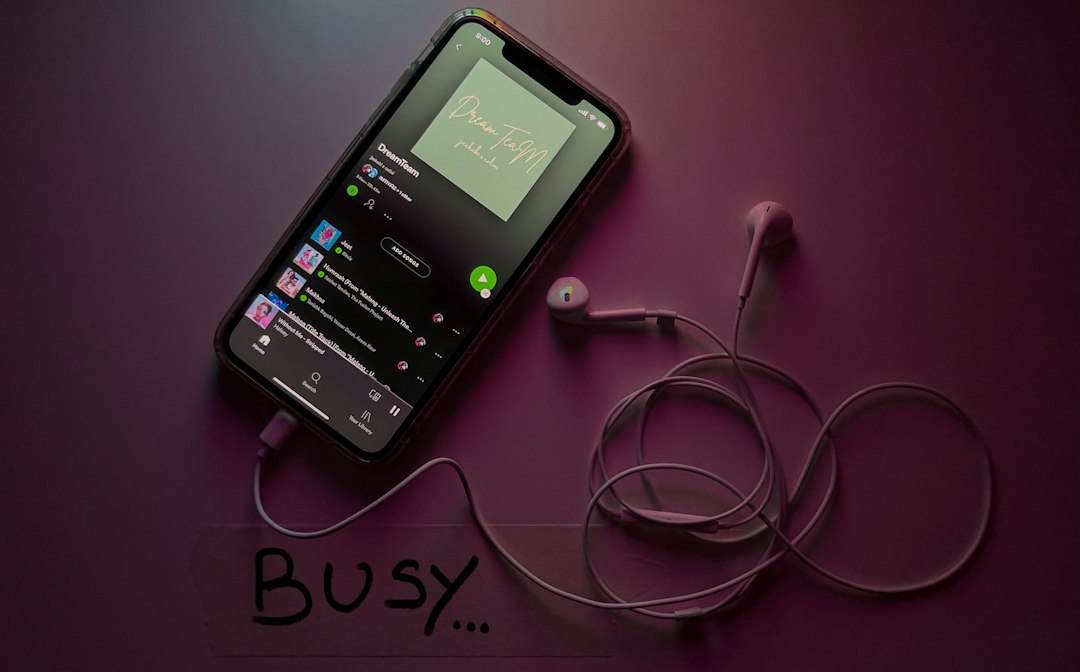
Best Official Option: Spotify Premium Offline Mode
Spotify Premium is the main official route for downloading music for offline playback. With Premium, you can download playlists, albums, and many podcast episodes. In many cases, a single song can be made available offline by adding it to a playlist or to Liked Songs, then downloading that collection.
The process is simple:
- Open Spotify on your phone, tablet, or desktop app.
- Find the album, playlist, or Liked Songs list you want offline.
- Tap or click the Download button.
- Wait until the download icons turn green.
- Use Offline Mode if you want to force Spotify to use only downloaded content.
Spotify says Premium users can download up to 10,000 tracks on each of up to 5 devices, and you need to go online at least once every 30 days to keep downloads active [source: Spotify Support]. That is enough for most people. Ten thousand songs can represent hundreds of albums or dozens of long playlists.
Can You Download One Spotify Song?
Yes, but the exact method can feel less direct than it should. Spotify often works around collections. If you want one track offline, the clean official method is to add that track to a playlist, then download the playlist. You can create a playlist called Offline Singles and keep it tidy.
It drives me crazy that this can take a few extra taps compared with buying a song from a download store. Still, it is the safer route. You stay inside Spotify’s rules. Your account stays protected. You also avoid shady converters that often come with malware, broken files, ugly ads, or fake download buttons.
Official Offline Options by Device
Spotify offline mode works across several device types, though the experience is not identical everywhere.
- iPhone and Android: Best all around option. Download playlists, albums, and podcasts over Wi Fi before leaving home.
- Windows and Mac desktop apps: Good for laptops. Useful for travel, hotels, and weak office Wi Fi.
- Tablets: Strong choice for families, flights, and long reading sessions with music in the background.
- Smartwatches: Some Apple Watch, Wear OS, Garmin, and Samsung models support Spotify offline playback with Premium.
- Car systems: Usually play downloaded music through your phone. The car itself does not normally store Spotify songs.
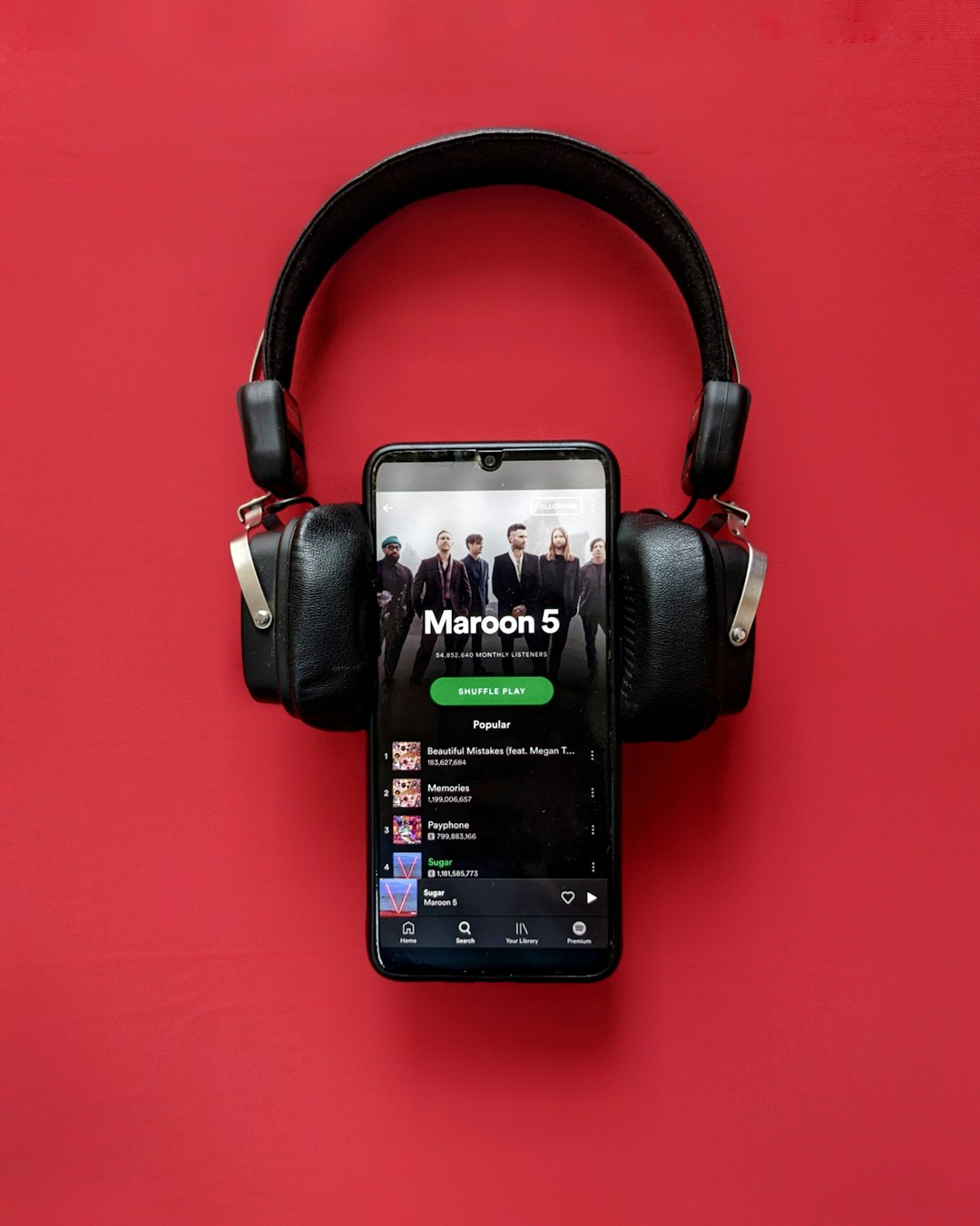
Spotify Free: What Can You Download?
Spotify Free is not meant for offline music. If your goal is offline access to songs, albums, or playlists, Free will not do the job. You need Premium.
Some podcast downloads may be available without Premium, depending on device, region, and current app rules. That can help if you only want spoken audio for a commute. It does not solve offline music listening.
If you only listen now and then, Free may still be fine. But for anyone who rides trains, flies, works in poor signal areas, or has a strict mobile data cap, Premium is usually the practical option.
Audio Quality and Storage: What to Expect
Spotify lets Premium users choose download quality settings. Higher quality sounds better, but it uses more storage. If your phone has only 64 GB, this matters fast.
As a rough guide, a playlist of 100 songs may take a few hundred megabytes at common quality settings. A large library of 3,000 songs can take several gigabytes. If downloads suddenly fail, storage is often the reason.
Use these tips:
- Use Wi Fi: Download at home to avoid burning mobile data.
- Pick quality wisely: Very high quality is nice, but not always needed for gym earbuds.
- Remove old playlists: Delete downloads you have not played in months.
- Check storage monthly: Spotify caches can grow quietly.
Why You Should Avoid Spotify Converters
Unofficial Spotify downloaders promise MP3 files. That promise is tempting. It is also risky. Many tools violate Spotify’s terms, break often, or push users through misleading ads. Some ask for account access. That should be a hard no.
There is also a legal issue. Spotify licenses music for streaming and offline app playback. It does not give users a right to strip songs into permanent files. If you want to own music files, buy them from a legitimate download store or from the artist directly.
Best Use Cases for Official Offline Spotify
Official offline mode makes sense when you need reliability, not file ownership. It is especially useful in common situations:
- Commuting: Download work playlists before leaving home.
- Travel: Save albums before flights or border crossings.
- Fitness: Keep a running playlist on your phone or watch.
- Students: Store focus playlists for libraries with poor Wi Fi.
- Families: Download kids’ music for road trips with no signal.

Practical Setup for a Clean Offline Library
A little structure helps. Create three or four offline playlists instead of downloading everything. For example:
- Daily Offline: 100 to 200 songs you play often.
- Travel Offline: Long albums and calm playlists for flights.
- Workout Offline: High energy tracks for the gym.
- Offline Singles: Individual songs you do not want to lose.
This keeps storage under control. It also makes Offline Mode less annoying. You will not spend five minutes searching through half downloaded albums when you have no signal.
Final Recommendation
If you want the best official way to download Spotify songs, choose Spotify Premium offline playback. It is legal, simple, and built into the app. Use playlists for single songs, download over Wi Fi, and check storage before trips.
If you need permanent files, Spotify is the wrong tool. Buy the music elsewhere. For most listeners, though, Premium offline mode is the safest and most dependable answer.

