

Runway ML has become one of the most practical platforms for editors, marketers, filmmakers, and content teams that want to integrate artificial intelligence into professional video production. It is not a replacement for editorial judgment, visual taste, or production planning, but it can significantly reduce the time required for tasks such as background removal, generative video creation, object cleanup, rough compositing, and rapid visual experimentation.
TLDR: Runway ML is best used as a professional AI video editing assistant, not as an automatic end-to-end editor. Start with a clear creative brief, use its generative and editing tools for specific production tasks, and always review outputs for accuracy, consistency, and licensing suitability. For best results, combine Runway with traditional editing software, maintain organized project files, and use AI-generated material responsibly.
Contents
- 1 Understanding Runway ML in a Professional Editing Workflow
- 2 Start With a Clear Creative Brief
- 3 Use Text to Video and Image to Video Strategically
- 4 Remove Backgrounds and Isolate Subjects
- 5 Clean Up Footage With Inpainting and Object Removal
- 6 Generate B Roll and Visual Variations
- 7 Combine Runway With Traditional Editing Software
- 8 Pay Attention to Prompting and Iteration
- 9 Maintain Professional Quality Control
- 10 Consider Rights, Privacy, and Client Approval
- 11 Use Runway for Speed, Not Shortcuts
- 12 Final Recommendations
Understanding Runway ML in a Professional Editing Workflow
Runway ML, often referred to simply as Runway, is a browser-based creative suite that uses artificial intelligence for video generation, editing, masking, inpainting, motion tracking, background removal, and related visual tasks. Its value lies in helping professionals move faster from concept to usable media. Instead of spending hours rotoscoping a subject or testing multiple visual directions manually, an editor can use Runway to create drafts, enhance footage, or prepare assets for further work in tools such as Adobe Premiere Pro, DaVinci Resolve, Final Cut Pro, or After Effects.
For professional work, the most important mindset is workflow integration. Runway should be treated as one stage in a production pipeline. It is useful for generating options, solving time-consuming technical problems, and creating supporting material. However, final editorial decisions, continuity checks, color management, audio treatment, pacing, and delivery specifications still require human control.
Start With a Clear Creative Brief
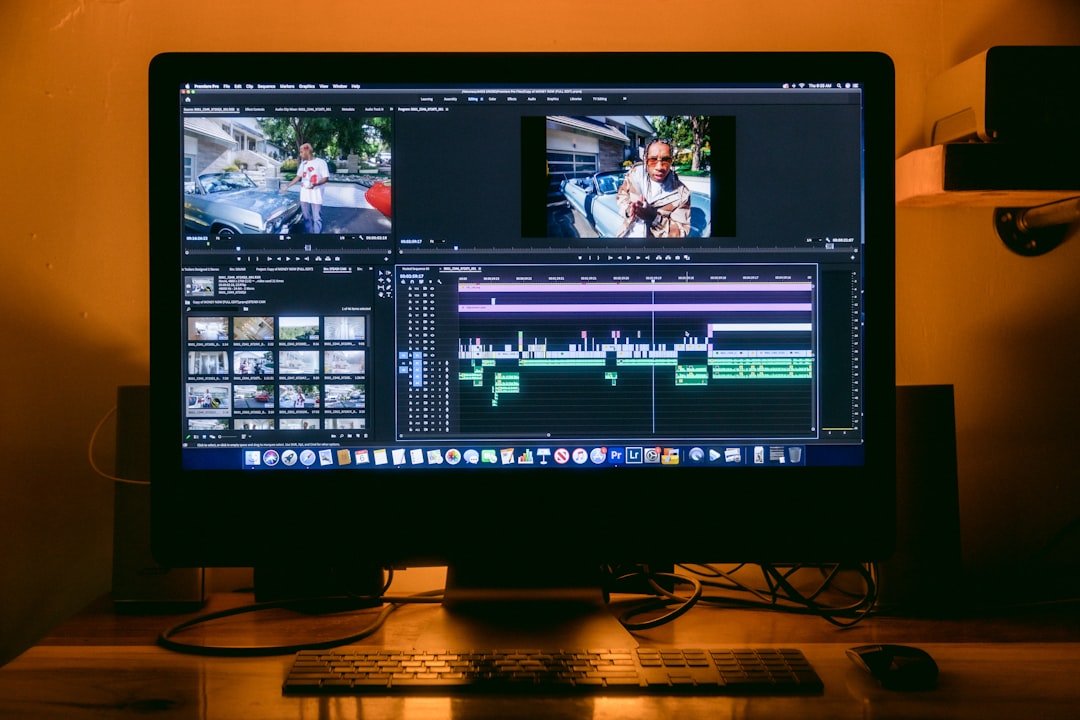
Before opening Runway, define the objective of the edit. A professional AI workflow begins with clarity: What is the video for? Who is the audience? What is the visual style? What duration is required? What assets already exist? The more specific the brief, the more useful Runway becomes.
A strong brief should include:
- Project goal: advertisement, explainer, social video, music video, pitch film, internal presentation, or cinematic sequence.
- Visual direction: realistic, documentary, futuristic, editorial, minimalist, surreal, luxury, or corporate.
- Technical requirements: aspect ratio, resolution, frame rate, export format, caption needs, and platform specifications.
- Brand or creative constraints: color palette, tone, approved imagery, prohibited themes, or legal limitations.
- Source materials: footage, stills, logos, scripts, storyboards, voiceover, music, and reference clips.
This preparation helps you use AI with discipline. Without a defined direction, it is easy to produce visually interesting but commercially weak results. Professional editing is not about generating more material; it is about generating the right material.
Use Text to Video and Image to Video Strategically
Runway’s generative video tools can produce short video clips from text prompts, images, or reference assets. In professional editing, these features are especially useful for concept development, transitional shots, background plates, stylized inserts, and scenes that would be expensive or impractical to shoot.
When writing prompts, avoid vague instructions such as “make it cinematic.” Instead, specify subject, camera movement, lighting, environment, mood, composition, and action. For example, a stronger prompt might describe “a close-up product shot on a reflective black surface, slow dolly movement, soft studio lighting, premium technology aesthetic, shallow depth of field.” Specificity improves the odds of receiving usable results.
For image-to-video work, start with a high-quality still image that already matches the desired look. AI motion generation tends to perform better when the source image has clear composition, clean subject separation, and limited visual clutter. If you are creating brand-sensitive content, use approved imagery and verify that the AI-generated movement does not distort logos, products, faces, or regulated claims.
Remove Backgrounds and Isolate Subjects
One of Runway’s most valuable professional features is AI-assisted background removal. Traditionally, isolating a person or object from video footage can require extensive rotoscoping. Runway can often create a usable mask much faster, especially when the subject is clearly separated from the background.
To achieve better results, use footage with good contrast, stable lighting, and limited motion blur. If the subject’s clothing blends into the background or the camera moves aggressively, expect to refine the result. For professional delivery, always inspect edges around hair, hands, transparent objects, and fast-moving elements. AI masks can be impressive, but they are not always perfect.
Background removal is useful for:
- Creating social media cutouts and presenter videos.
- Replacing poor shooting environments with branded backgrounds.
- Building composites for advertisements or explainers.
- Preparing assets for motion graphics scenes.
- Producing alternate versions of a video for different campaigns.
Clean Up Footage With Inpainting and Object Removal
Runway can help remove unwanted objects from footage, such as signs, wires, blemishes, background distractions, or production equipment that accidentally appears in frame. This can save significant time compared with manual paint-out work, although results depend heavily on motion, texture, and scene complexity.
For best results, apply object removal to short segments rather than long clips. Work in controlled sections, review each result, and export only the clean portions that meet your standard. If the AI creates warping, flickering, or unnatural textures, consider using the Runway output as a temporary plate and finishing the shot in a dedicated compositing tool.
A professional editor should also consider whether removing something changes the factual meaning of the footage. In documentary, journalism, legal, medical, or public-sector contexts, object removal must be handled with strict ethical judgment. AI editing should not mislead viewers or alter evidence inappropriately.
Generate B Roll and Visual Variations
Runway is particularly useful when a project needs additional visual coverage. Many edits suffer because the available footage is too repetitive, too literal, or missing transition material. AI-generated B roll can help support narration, add atmosphere, or bridge sections of a story.
However, use generated B roll carefully. The footage should match the project’s tone, not distract from it. Avoid inserting clips simply because they look impressive. In professional editing, every shot should serve a function: clarify information, create emotion, maintain rhythm, or guide attention.
When generating B roll, create several variations and compare them in the timeline. Look for continuity in color, camera style, lens feel, and visual density. If the rest of the project uses handheld documentary footage, a highly polished synthetic shot may feel out of place. Conversely, for a futuristic product launch or conceptual brand film, generative visuals may be entirely appropriate.
Combine Runway With Traditional Editing Software
Runway is powerful, but it should not replace a professional non-linear editor. Most teams will get the best results by using Runway for AI-specific tasks, then returning to a full editing environment for structure, pacing, sound, color, captions, and final export.
A reliable workflow looks like this:
- Plan: define the edit, collect assets, and identify where AI can help.
- Prepare: trim source clips and export only the segments needed for AI processing.
- Process: use Runway for generation, background removal, cleanup, or visual experimentation.
- Review: check for artifacts, flicker, distortions, and brand accuracy.
- Edit: bring the best outputs into Premiere Pro, Resolve, Final Cut, or another editor.
- Finish: color grade, mix audio, add graphics, apply captions, and export to specification.
This approach keeps the project organized and reduces the risk of relying on AI outputs that have not been properly evaluated.
Pay Attention to Prompting and Iteration
Effective Runway use depends on iteration. Professional editors rarely accept the first result. They generate multiple options, compare them against the brief, and refine prompts based on what works.
When prompting, adjust one variable at a time. If the camera movement is wrong, change only the camera instruction. If the lighting is too dramatic, modify the lighting language without rewriting the entire prompt. This methodical approach makes it easier to understand what influences the output.
Keep a record of successful prompts, settings, reference images, and exported versions. For client work, this documentation is valuable because it allows you to reproduce a style, explain your process, and maintain consistency across multiple videos.
Maintain Professional Quality Control
AI video can contain subtle problems that are easy to miss during a quick preview. Faces may shift, hands may deform, text may become unreadable, objects may change shape, and motion may feel physically inconsistent. These issues can damage credibility, especially in commercial, educational, or corporate content.
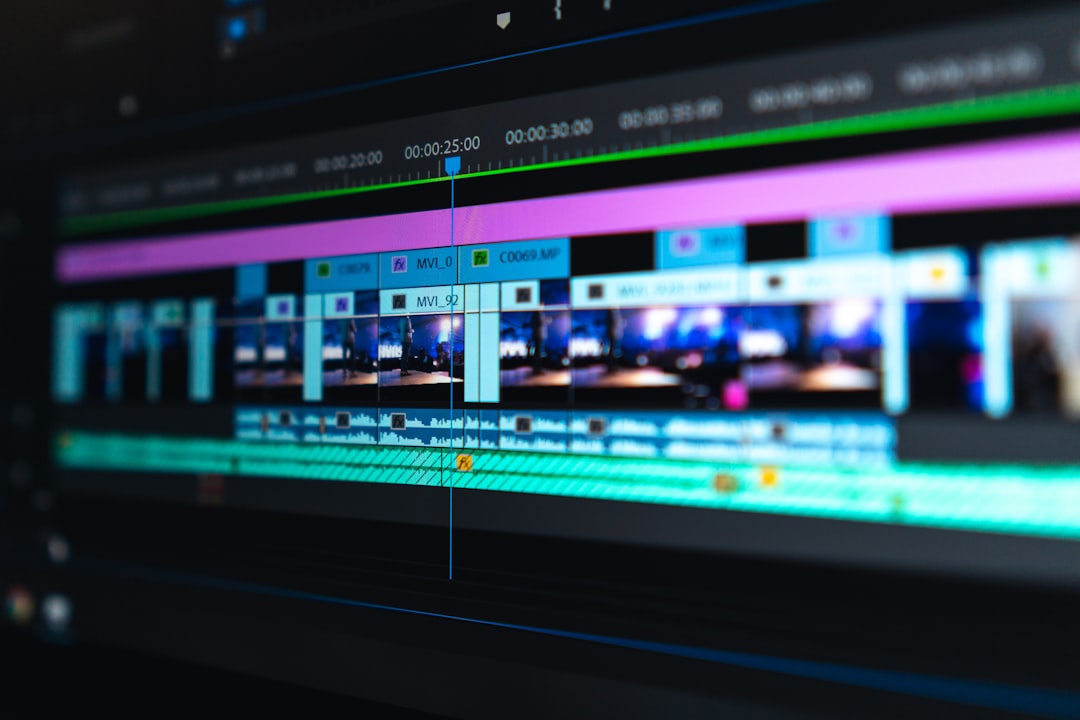
Before approving AI-assisted footage, review it at full resolution. Watch it more than once. Scrub frame by frame around complex movement. Check brand assets carefully. If a logo, product label, legal disclaimer, or uniform appears, make sure it remains accurate throughout the clip.
Quality control should include:
- Visual accuracy: no unwanted distortion, flicker, or broken anatomy.
- Continuity: consistent lighting, perspective, and motion between shots.
- Brand compliance: correct colors, logos, products, and messaging.
- Legal review: appropriate rights, permissions, and usage terms.
- Technical delivery: correct resolution, bitrate, aspect ratio, and file format.
Consider Rights, Privacy, and Client Approval
Professional AI video editing requires responsible use. Before uploading footage, confirm that you are allowed to process the material through a cloud-based AI platform. This is especially important for confidential corporate content, unreleased products, personal data, minors, medical footage, legal evidence, or sensitive interviews.
Review Runway’s current terms, commercial usage rules, and privacy policies before using outputs in paid work. Policies can change, and different subscription tiers may have different rights or restrictions. If you work with agencies, enterprise clients, or regulated industries, obtain explicit approval before AI processing begins.
It is also wise to disclose AI involvement when appropriate. Some clients welcome AI experimentation; others require strict control over synthetic content. Transparency builds trust and prevents disputes later in the production process.
Use Runway for Speed, Not Shortcuts
The strongest professional use of Runway is not to cut corners, but to increase creative speed. It can help teams test ideas before production, fill visual gaps, make rough concepts presentable, and reduce repetitive technical labor. Used well, it gives editors more time to focus on story, rhythm, clarity, and emotional impact.
For example, a commercial editor might use Runway to create several atmospheric product backgrounds before a client presentation. A documentary team might use it to clean distracting elements from licensed footage, where ethically appropriate. A social content team might use background removal to create multiple platform-specific versions from one recorded presenter segment.
Final Recommendations
To use Runway ML professionally, start with a defined creative outcome, limit AI work to suitable tasks, and maintain rigorous review standards. Treat every generated clip as a draft until it has been checked for artifacts, accuracy, rights, and relevance. Use traditional editing software for finishing, and keep your workflow documented from prompt to final export.
Runway ML is a serious tool when used with serious production discipline. It can accelerate editing, expand creative options, and reduce technical friction, but it does not remove the need for skilled editorial judgment. The best results come from combining AI efficiency with human taste, ethical awareness, and professional post-production standards.

