

E-readers have evolved from simple digital book screens into sophisticated devices packed with sensors and smart features. As a result, many readers wonder whether devices like the Kindle include hardware commonly found in smartphones and tablets—such as an accelerometer. Understanding what sensors your Kindle has can help you make better use of its features and decide which model fits your reading habits.
TLDR: Most modern Kindle devices include an accelerometer, primarily to support automatic screen rotation between portrait and landscape modes. However, not every Kindle model has identical hardware capabilities, and older or entry-level versions may lack certain sensors. The accelerometer’s function is focused on improving reading experience rather than supporting apps or games. Always check the specifications of your specific Kindle model to confirm its features.
Contents
- 1 What Is an Accelerometer?
- 2 Does Kindle Have an Accelerometer?
- 3 Which Kindle Models Include an Accelerometer?
- 4 What Is the Accelerometer Used for on a Kindle?
- 5 Why Does Screen Rotation Matter?
- 6 Does Kindle Have Other Motion Sensors?
- 7 How to Check If Your Kindle’s Accelerometer Is Working
- 8 Does an Accelerometer Affect Battery Life?
- 9 Do You Really Need an Accelerometer in a Kindle?
- 10 Accelerometer vs. Manual Rotation
- 11 Final Thoughts
What Is an Accelerometer?
An accelerometer is a small internal sensor that detects changes in movement and orientation. In practical terms, it measures motion and tilt. You are likely familiar with accelerometers from smartphones—they allow screens to rotate automatically when you turn your phone sideways, power step counters, and enable motion-based features.
In computing devices, an accelerometer typically:
- Detects orientation changes (portrait vs. landscape)
- Measures motion and vibration
- Supports gesture-based controls
- Enables motion-sensitive applications
While accelerometers in smartphones often work alongside gyroscopes and magnetometers, e-readers like the Kindle generally use them for more limited and targeted purposes.
Does Kindle Have an Accelerometer?
The short answer is: most modern Kindle models do have an accelerometer. However, the extent of its functionality depends on the specific device.
Amazon introduced accelerometers in Kindle devices mainly to support automatic screen rotation. When you rotate your Kindle from portrait to landscape mode, the accelerometer detects the change and adjusts the display accordingly.

That said, not every Kindle ever produced includes this sensor. Some early-generation or more basic models required manual screen rotation through software settings instead of detecting orientation automatically.
Which Kindle Models Include an Accelerometer?
Here is a general overview of Kindle device categories and their typical accelerometer support:
1. Kindle Paperwhite
Most recent Kindle Paperwhite generations include an accelerometer. This enables seamless switching between portrait and landscape reading. It is particularly helpful when:
- Reading wide-format PDFs
- Viewing comics and graphic novels
- Using larger font sizes in landscape mode
2. Kindle Oasis
The Kindle Oasis, Amazon’s premium e-reader line, includes an accelerometer. In fact, the Oasis enhances this functionality further by automatically adjusting page orientation based on how you hold the device—even flipping the interface if you switch hands.
This makes it especially convenient for one-handed reading.
3. Basic Kindle (Entry-Level Models)
Newer entry-level Kindle models typically include accelerometer functionality, but earlier versions did not always offer automatic rotation. In some cases, users had to manually select orientation within settings.
If you are unsure about your specific model, check Amazon’s official technical specifications or the “Device Info” section in your Kindle settings.
What Is the Accelerometer Used for on a Kindle?
Unlike smartphones and tablets, Kindles are purpose-built devices focused on reading. As a result, the accelerometer has a much narrower role.
Its primary functions include:
- Automatic screen rotation
- Optimizing landscape reading mode
- Improving ergonomic flexibility
The accelerometer in a Kindle does not typically support:
- Step tracking
- Motion-controlled gaming
- Augmented reality apps
- Advanced spatial navigation
In other words, it is there to improve readability—not to transform your Kindle into a multipurpose smart device.
Why Does Screen Rotation Matter?
At first glance, automatic rotation might seem like a minor feature. However, it plays a significant role in user experience.
Landscape mode can make reading more comfortable in several scenarios:
- When increasing font size for accessibility
- When reading technical PDFs
- When viewing charts or formatted documents
- When lying on your side
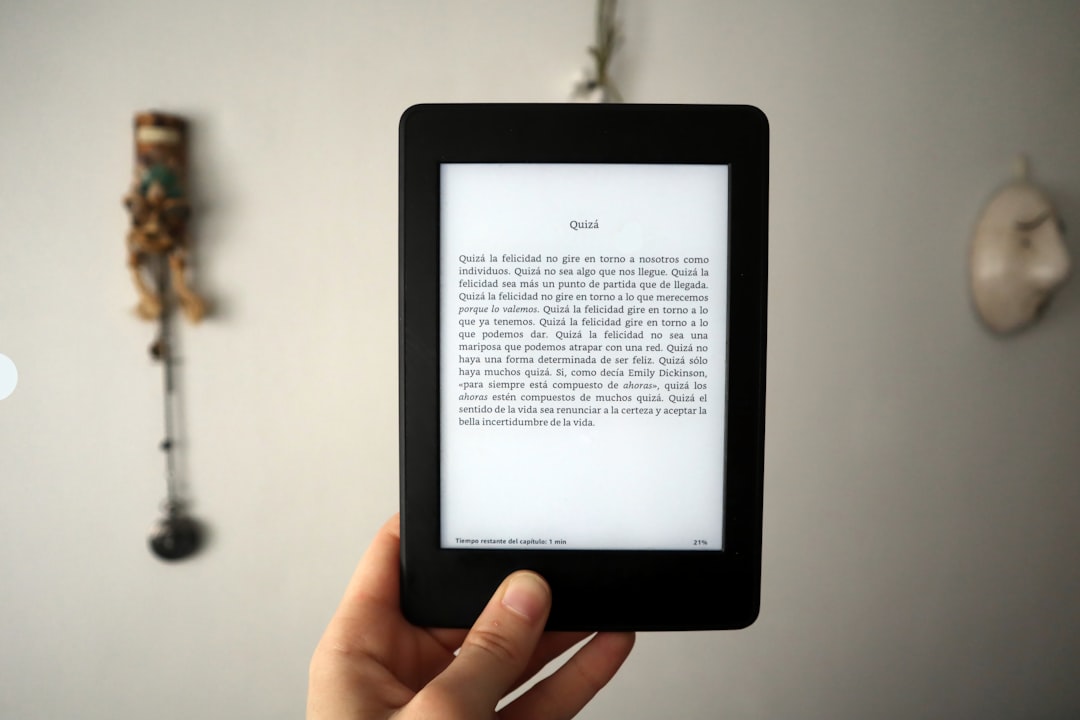
Because e-ink displays refresh differently from LCD or OLED screens, smooth orientation changes require precise calibration. The accelerometer ensures that when you rotate your device, the transition is natural and responsive without unnecessary lag.
Does Kindle Have Other Motion Sensors?
In general, Kindles do not include advanced motion sensor arrays like those found in smartphones. Most models do not contain:
- Gyroscopes
- Barometers
- Advanced magnetometers
Amazon intentionally keeps Kindle hardware streamlined. Fewer sensors help:
- Preserve battery life
- Reduce device cost
- Minimize complexity
- Maintain long-term reliability
This design philosophy is one of the reasons Kindles can last weeks on a single charge.
How to Check If Your Kindle’s Accelerometer Is Working
If your Kindle supports automatic rotation, testing it is straightforward.
- Open a book.
- Ensure orientation lock is turned off (check your display settings).
- Physically rotate the device 90 degrees.
If the screen adjusts automatically, your device is using its accelerometer correctly.
If it does not rotate:
- Check whether orientation lock is enabled.
- Restart the Kindle.
- Verify your device model supports automatic rotation.
Persistent issues could suggest a software glitch rather than hardware failure.
Does an Accelerometer Affect Battery Life?
One common concern is whether built-in sensors drain battery power. In the case of Kindles, the answer is minimally, if at all.
Accelerometers consume very little energy. Moreover, they only activate when detecting movement. Compared to features like Wi-Fi connectivity or screen refreshing, their impact on battery life is negligible.
This is why Kindle devices can comfortably offer:
- Several weeks of battery life per charge
- Standby time measured in weeks rather than days
Do You Really Need an Accelerometer in a Kindle?
For most readers, the accelerometer is a convenience feature rather than a necessity. You can read perfectly well in portrait mode without ever rotating the screen.
However, you may particularly benefit from automatic rotation if you:
- Read image-heavy content
- Use large fonts frequently
- Switch hands often while reading
- Read while reclining or lying sideways

Premium models like the Kindle Oasis integrate accelerometer functionality more seamlessly into their ergonomic design, making the feature feel intuitive and refined.
Accelerometer vs. Manual Rotation
Before accelerometers became standard, screen rotation had to be manually selected within device settings. This approach still works and does not significantly hinder reading.
The difference lies in convenience and fluidity. With an accelerometer:
- The device adapts automatically to how you hold it.
- No extra taps or settings adjustments are needed.
- The experience feels more modern and responsive.
Without it, you must manually toggle between orientations each time you want to switch.
Final Thoughts
So, does Kindle have an accelerometer? In most current models, yes. Amazon includes this sensor primarily to enable automatic screen rotation and improve reading flexibility. However, the accelerometer’s function is intentionally limited in scope, aligned with Kindle’s focused purpose as a distraction-free reading device.
Unlike smartphones packed with multifunctional sensors, the Kindle’s hardware is streamlined for efficiency, battery longevity, and comfort. The accelerometer enhances usability without compromising these priorities.
Before purchasing a Kindle—or if you are troubleshooting your current device—it is wise to confirm your specific model’s technical specifications. But for most modern users, automatic orientation adjustment is a standard and reliable feature.
In essence: the accelerometer in a Kindle is not about complexity or extra features. It is about making reading smoother, more comfortable, and better aligned with how you naturally hold a book.

