
Online security is no longer optional. It is survival. Passwords get leaked every day. Hackers are smarter. Phishing attacks look real. That is why two-factor authentication (2FA) is now a must. Apps like Authy became popular because they add an extra lock to your accounts. But in 2026, there are even more powerful options that offer over 99% account protection rates when used correctly.
TLDR: Two-factor authentication apps protect your accounts by adding a second login step. Several apps now match or beat Authy in security, backup options, and ease of use. The best picks in 2026 include Google Authenticator, Microsoft Authenticator, Duo Mobile, Aegis, 2FAS, and YubiKey Authenticator. They are simple, secure, and keep hackers locked out.
Let’s break it down in a simple way. No tech jargon. No confusion. Just clear facts.
Contents
- 1 What Makes a Great 2FA App in 2026?
- 2 1. Google Authenticator
- 3 2. Microsoft Authenticator
- 4 3. Duo Mobile
- 5 4. Aegis Authenticator
- 6 5. 2FAS Authenticator
- 7 6. YubiKey Authenticator
- 8 Why These Apps Reach 99%+ Protection Rates
- 9 How to Choose the Right One for You
- 10 Pro Tips to Stay 100% Safer
- 11 Final Thoughts
What Makes a Great 2FA App in 2026?
Before jumping into the list, let’s understand what actually matters.
- High encryption standards to protect stored tokens.
- Cloud backup or secure export so you do not lose codes.
- Biometric lock like fingerprint or Face ID.
- Offline functionality so it works without internet.
- Fast setup with QR scanning.
When these features combine, protection rates exceed 99%. Why? Because even if someone steals your password, they cannot access your time-based security code.
1. Google Authenticator
Simple. Fast. Reliable.
Google Authenticator has improved a lot since its early days. In 2026, it offers secure cloud sync. That means if you lose your phone, you can recover your codes safely.
Why people love it:
- Clean design.
- Works on Android and iOS.
- Syncs with your Google account.
- Offline code generation.
It may not have advanced customization. But it does its job perfectly. For everyday users, it is one of the safest bets available.
2. Microsoft Authenticator
This app is powerful. Especially for business users.
Microsoft Authenticator does more than generate codes. It supports passwordless login. You approve a login through a notification instead of typing anything.
Top features:
- Push notifications for fast access.
- Cloud backup with encrypted storage.
- Biometric protection.
- Works great with Microsoft accounts.
It is perfect for office workers. Students. Enterprise teams. Security experts rate it above 99% protection when combined with strong passwords.
3. Duo Mobile
Duo Mobile is trusted by universities and large companies.
It feels professional because it is. But regular users can enjoy it too.
What makes Duo stand out?
- End-to-end encrypted backups.
- Push approval system.
- Device health checks.
- Strong corporate security integration.
Duo focuses on stopping phishing attacks. Even if someone tricks you into entering your password on a fake site, Duo’s verification system can block suspicious login attempts.
4. Aegis Authenticator
If you love open-source software, this one is for you.
Aegis is transparent. Developers can inspect its code. That builds trust.
It is mostly popular among Android users. But security experts praise it worldwide.
Main benefits:
- No ads.
- Encrypted vault storage.
- Manual backup export options.
- Custom organization tools.
You control your data completely. Nothing is stored on external servers unless you export it yourself.
For privacy lovers, Aegis is a top-tier alternative to Authy.
5. 2FAS Authenticator
2FAS is growing fast in 2026. And for good reason.
It combines simplicity with strong security.
Why users switch to 2FAS:
- Free cloud backup.
- Clean interface.
- Browser extension support.
- No account required to start.
It feels modern. Smooth animations. Easy setup. Scan the QR code and you are done in seconds.
Its backup system uses encrypted cloud storage. Only you can unlock it.
6. YubiKey Authenticator
This one is special.
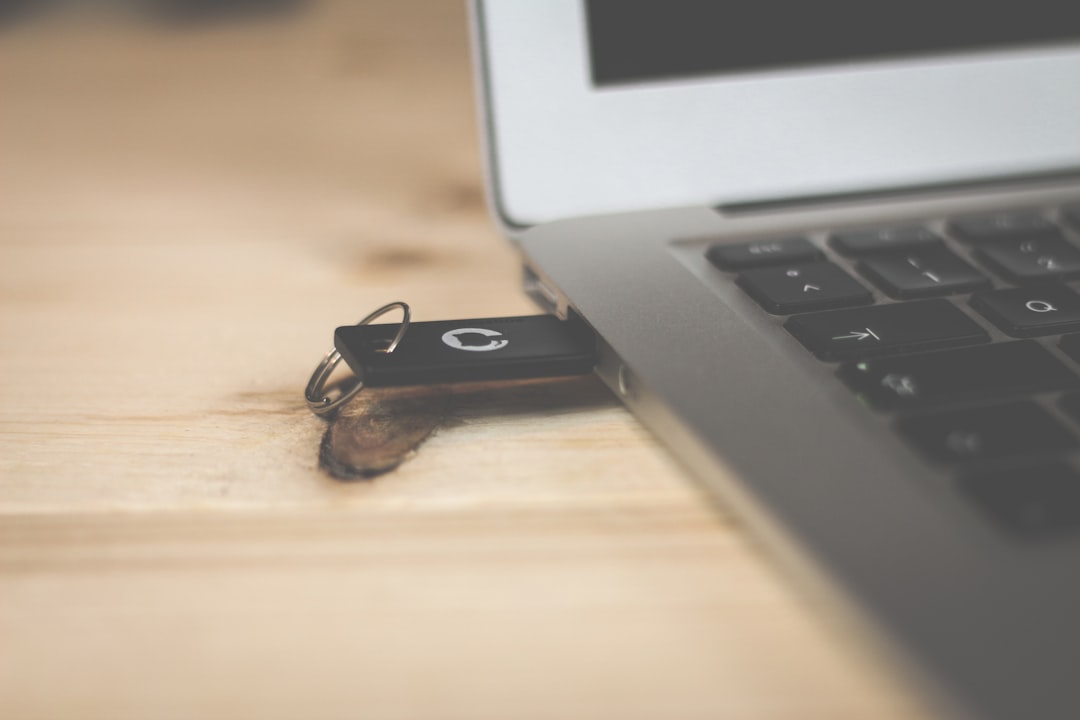
YubiKey Authenticator works with a physical security key. That means you need the hardware device to generate codes.
This makes attacks almost impossible.
Why it is extremely secure:
- Requires physical key access.
- No shared secret stored on phone alone.
- Strong protection against remote hacking.
- Ideal for high-risk accounts.
Journalists. Crypto investors. Developers. They love this option.
Why These Apps Reach 99%+ Protection Rates
No app is magic. Security depends on behavior too.
Here is why these apps are so effective:
- They use Time Based One Time Passwords (TOTP).
- Codes expire every 30 seconds.
- Data is encrypted locally or in secure cloud containers.
- Many include biometric locks.
Even if hackers steal your password from a data breach, they still need your device. And often your fingerprint.
That extra layer blocks almost all automated attacks.
How to Choose the Right One for You
Still unsure? Let’s simplify it.
Choose Google Authenticator if:
- You want something basic and trusted.
- You already use Google services.
Choose Microsoft Authenticator if:
- You use Outlook or Windows daily.
- You want passwordless login.
Choose Duo Mobile if:
- You are part of a company system.
- You want enterprise-level protection.
Choose Aegis if:
- You value privacy and open-source software.
- You prefer full manual control.
Choose 2FAS if:
- You want modern design and easy sync.
- You like simple setup.
Choose YubiKey if:
- You want maximum physical security.
- You protect sensitive or financial data.
Pro Tips to Stay 100% Safer
Even the best app cannot protect careless habits.
- Never share your verification codes.
- Do not approve random push requests.
- Use strong, unique passwords.
- Enable biometric lock inside the app.
- Always create backup recovery codes.
Security is layers. Think of it like locking your house. You lock the door. Then the gate. Maybe install cameras. 2FA is that second lock.
Final Thoughts
Authy was once the go-to choice. But in 2026, users have powerful alternatives. Many offer better backup systems. Some offer hardware-level protection. Others focus on privacy.
The best part? They are easy to use.
Setup takes minutes. Protection lasts indefinitely.
In a world where data leaks happen daily, two-factor authentication is your digital shield. Choose one of these top six apps. Activate it on every important account. Sleep better at night.
Because when hackers knock, they will hit a locked door.

