
Encountering Error ART00004 in ARC Raiders can be frustrating, especially when you’re ready to jump into the action. This error typically appears during launch or matchmaking and is commonly tied to corrupted game files, network instability, or conflicts with background services. While it may look complex, in most cases it can be resolved with a structured troubleshooting process. This guide provides a clear, professional roadmap to fix ART00004 quickly and safely.
TL;DR: Error ART00004 in ARC Raiders is usually caused by corrupted files, unstable internet, outdated drivers, or firewall interference. Start by restarting your system and router, then verify game files and update drivers. Disable background overlays and ensure your firewall allows the game. Most players resolve the issue in under 30 minutes by following these steps methodically.
Contents
- 1 What Is ARC Raiders Error ART00004?
- 2 Step 1: Restart Your PC and Network Equipment
- 3 Step 2: Verify Game Files
- 4 Step 3: Update Graphics Drivers and Windows
- 5 Step 4: Disable Background Overlays and Conflicting Software
- 6 Step 5: Allow ARC Raiders Through Firewall and Antivirus
- 7 Step 6: Check Your Internet Stability
- 8 Step 7: Reinstall Easy Anti-Cheat (If Applicable)
- 9 Troubleshooting Tools Comparison
- 10 When to Consider Reinstallation
- 11 Preventing ART00004 in the Future
- 12 Final Thoughts
What Is ARC Raiders Error ART00004?
Error ART00004 generally signals that the game client cannot properly communicate with required services or load essential files. It may occur:
- During game startup
- When connecting to servers
- After a patch update
- When anti-cheat verification fails
Although the exact trigger can differ between systems, the root cause usually falls into one of four categories: file corruption, connectivity issues, outdated software, or security interference.

Step 1: Restart Your PC and Network Equipment
This may seem basic, but restarting resolves temporary glitches more often than players expect.
How to do it properly:
- Completely close ARC Raiders and your game launcher.
- Restart your PC (do not just log out).
- Unplug your router and modem for at least 60 seconds.
- Reconnect and wait for full internet stabilization.
This clears cached network configurations and resets background services that may interfere with the game client.
Step 2: Verify Game Files
Corrupted or missing files are one of the most common causes of ART00004.
For Steam users:
- Open Steam.
- Go to Library.
- Right-click ARC Raiders.
- Select Properties.
- Click Installed Files.
- Choose Verify integrity of game files.
For Epic Games Launcher users:
- Open Epic Games Launcher.
- Go to Library.
- Click the three dots next to ARC Raiders.
- Select Verify.
The launcher will automatically download and replace corrupted files.
Step 3: Update Graphics Drivers and Windows
Outdated GPU drivers can cause communication failures between the game and system resources.
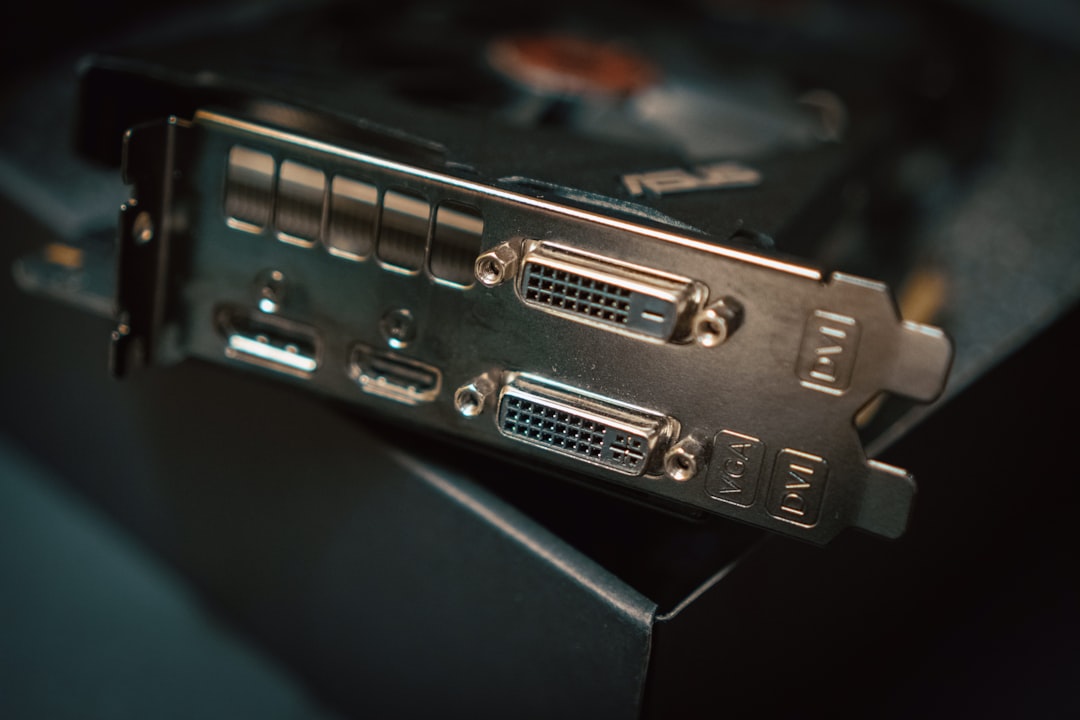
Update Your Graphics Drivers:
- NVIDIA: Use GeForce Experience or download drivers from the official NVIDIA website.
- AMD: Use AMD Adrenalin software.
- Intel: Use Intel Driver & Support Assistant.
Update Windows:
Go to:
Settings → Update & Security → Windows Update → Check for updates
Install all pending updates and restart your system.
Step 4: Disable Background Overlays and Conflicting Software
Overlays and background services can interfere with anti-cheat systems or the game’s network handshake process.
Common Software to Temporarily Disable:
- Discord Overlay
- GeForce Experience Overlay
- Steam Overlay
- MSI Afterburner
- RGB controller software
- Third-party VPN applications
After disabling, relaunch the game to test if ART00004 persists.
Step 5: Allow ARC Raiders Through Firewall and Antivirus
Security software can mistakenly block game services.
To Add an Exception in Windows Firewall:
- Open Control Panel.
- Select System and Security.
- Click Windows Defender Firewall.
- Select Allow an app or feature through Windows Defender Firewall.
- Add ARC Raiders if it is not listed.
If you use third-party antivirus software, temporarily disable it for testing or add the game folder to its exclusions list.
Step 6: Check Your Internet Stability
ART00004 is frequently triggered by unstable or high-latency connections.
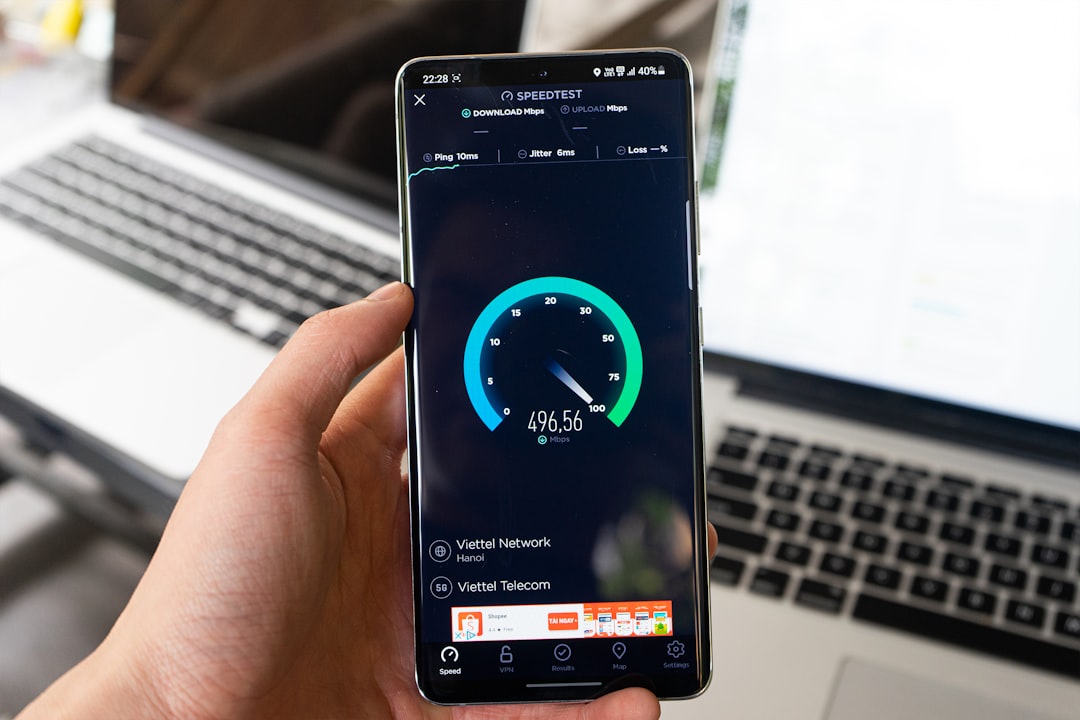
Best Practices:
- Use a wired Ethernet connection instead of Wi-Fi.
- Run a speed test to confirm stable upload and download speeds.
- Ensure no large downloads are running in the background.
- Avoid VPN services unless required.
High packet loss or unstable ping can prevent proper server authentication.
Step 7: Reinstall Easy Anti-Cheat (If Applicable)
If ARC Raiders uses Easy Anti-Cheat, a damaged anti-cheat installation may produce ART00004.
To Repair Easy Anti-Cheat:
- Navigate to the game installation folder.
- Open the EasyAntiCheat folder.
- Run EasyAntiCheat_Setup.exe.
- Select Repair Service.
Restart your PC after completing the repair.
Troubleshooting Tools Comparison
The following chart summarizes the primary tools and methods used to resolve ART00004:
| Tool or Method | Main Purpose | Difficulty | Time Required | Effectiveness |
|---|---|---|---|---|
| System Restart | Clear temporary conflicts | Very Easy | 5 Minutes | Moderate |
| Verify Game Files | Fix corrupted files | Easy | 10 to 20 Minutes | High |
| Driver Updates | Ensure hardware compatibility | Easy to Moderate | 15 Minutes | High |
| Firewall Exception | Allow server communication | Moderate | 10 Minutes | High |
| Anti Cheat Repair | Fix launch authentication errors | Moderate | 10 Minutes | High |
When to Consider Reinstallation
If none of the previous steps resolve ART00004, a complete game reinstall may be necessary.
Before Reinstalling:
- Back up saved settings if applicable.
- Ensure your drive has sufficient space.
- Uninstall through the official launcher.
- Restart your PC before reinstalling.
A clean installation eliminates deeply rooted corruption that file verification may not detect.
Preventing ART00004 in the Future
Prevention is much easier than repeated troubleshooting.
Best Practices for Long-Term Stability:
- Keep GPU drivers updated monthly.
- Avoid abrupt PC shutdowns during updates.
- Maintain a stable wired internet connection for online games.
- Exclude game folders from aggressive antivirus scanning.
- Close unnecessary background applications before playing.
Routine maintenance significantly reduces the chance of recurring connection or file integrity errors.
Final Thoughts
ARC Raiders Error ART00004 may initially appear severe, but it is rarely permanent or complex. In most cases, the solution involves verifying files, updating drivers, or correcting firewall permissions. By following a structured troubleshooting process—starting with simple resets and progressing toward deeper repairs—you can resolve the error quickly and safely.
Approach each step methodically, restart your system after significant changes, and test the game between adjustments. This disciplined approach prevents unnecessary full reinstalls and ensures that you identify the true cause of the issue. With proper maintenance and updated software, you can return to ARC Raiders without recurring ART00004 interruptions.

