

Pick the proxy type based on how trusted you need to look, not on what sounds fancy. Residential and mobile proxies look more “real.” Datacenter proxies are fast and cheap. ISP proxies sit in the middle. Mobile matters a lot because mobile devices make up about 60%+ of global web traffic [source: StatCounter].
TLDR: Use residential proxies when you need to look like a normal home user. Use datacenter proxies when speed and price matter most. Use mobile proxies when you need high trust on sites that watch mobile users closely. For example, a price tracker checking 10,000 product pages per day may use datacenter proxies for 80% of pages, then switch to residential or mobile when blocks rise above 5%.
Contents
What Is a Proxy Server?
A proxy server is a middleman.
You send a request to the proxy. The proxy sends it to the website. The website sees the proxy’s IP address, not yours.
Simple enough.
But not all proxies look the same. Some look like real homes. Some look like servers in a warehouse. Some look like phones. Some look like a blend of home and server.
That difference matters. A lot.
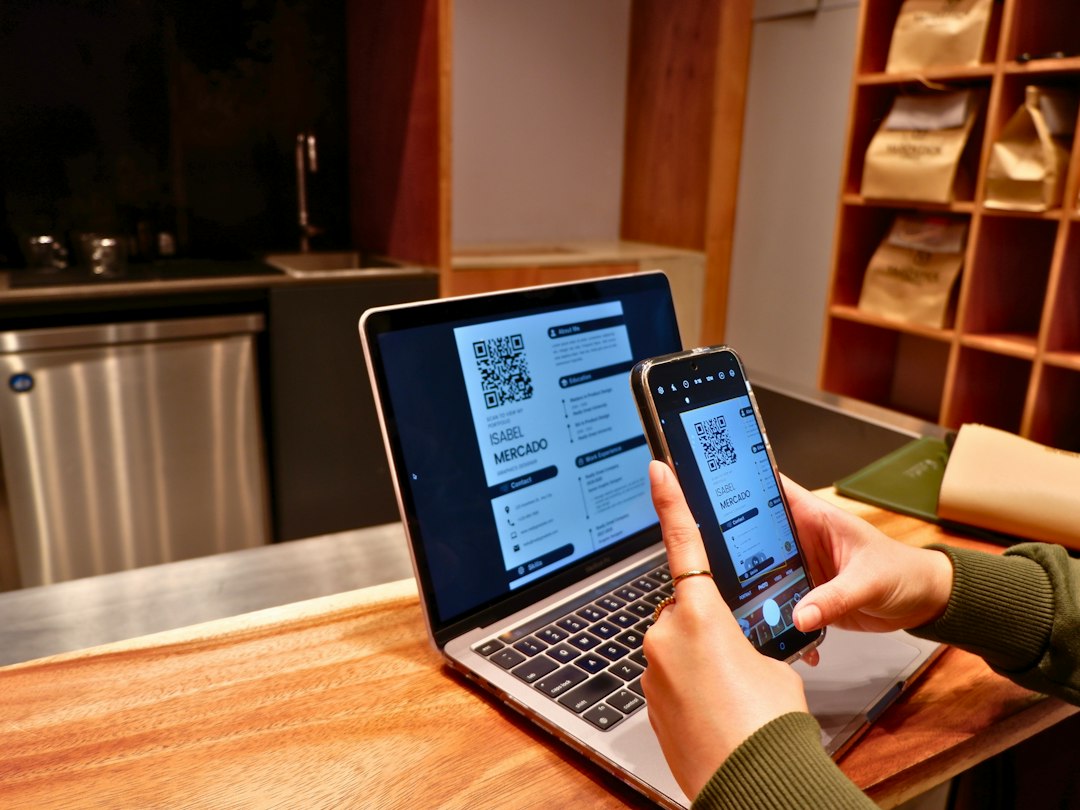
1. Residential Proxies
Residential proxies use IP addresses tied to real home internet connections. Think cable, fiber, or home WiFi.
To a website, the traffic looks like it came from a regular person sitting on a couch, probably ignoring laundry.
Best For
- Web scraping public data
- Ad checks in different cities
- Market research
- Testing local search results
Why People Like Them
Residential proxies have strong trust. Websites are less likely to block them right away. They are useful when a site gets grumpy about repeated visits.
What Gets Annoying
They can be slower. They also cost more. Honestly, it feels like paying extra just to avoid being treated like a robot. Sometimes that is worth it. Sometimes it is not.
Use residential proxies when success rate matters more than raw speed.
2. Datacenter Proxies
Datacenter proxies come from cloud servers and data centers. They are not tied to home internet accounts.
They are the sports car of proxies. Fast. Cheap. Easy to scale. But not exactly subtle.
Best For
- High speed tasks
- Basic scraping on low protection sites
- SEO checks
- Bulk account testing on your own systems
Why People Like Them
They are quick. Many are very stable. You can often get thousands of requests done fast.
If a residential proxy is a person in a hoodie, a datacenter proxy is a robot wearing a name tag that says “Not a robot.” Cute, but not always convincing.
What Gets Annoying
Some sites spot datacenter IPs fast. Expect blocks on stricter platforms. It drives me crazy when one site lets them fly, then another blocks them after three clicks.
Use datacenter proxies when speed and low cost matter most.

3. Mobile Proxies
Mobile proxies use IP addresses from mobile carriers. These are tied to 3G, 4G, or 5G networks.
They look like real phone users. That gives them a lot of trust.
Best For
- Social media testing
- Mobile app testing
- Ad verification on mobile networks
- Checking mobile search results
Why People Like Them
Mobile IPs are shared by many users. One carrier IP may represent lots of phones. Because of that, websites can be careful about blocking them. Blocking one IP could block real customers too.
That is why mobile proxies often work well on strict sites.
What Gets Annoying
They are pricey. They can also rotate often. A task that should take 10 seconds may take 18 seconds if the connection flips at the wrong time. Small delay. Big sigh.
Use mobile proxies when trust is more important than price.
4. ISP Proxies
ISP proxies are a mix of residential and datacenter style.
They use IPs from internet service providers, but they are hosted on servers. So they can be fast like datacenter proxies, while looking more real than normal server IPs.
Best For
- Ecommerce monitoring
- Brand protection
- Search result tracking
- Tasks that need stable sessions
Why People Like Them
They are stable. They are usually faster than residential proxies. They can hold the same IP longer, which helps if you need to stay logged in or keep a session clean.
What Gets Annoying
They can cost more than datacenter proxies. They may also be harder to find in certain regions.
Use ISP proxies when you want trust, speed, and stable IPs in one package.
Quick Comparison
- Residential: High trust. Slower. Higher cost.
- Datacenter: Very fast. Cheap. Easier to block.
- Mobile: Very trusted. Expensive. Can be less stable.
- ISP: Fast and trusted. Great for longer sessions.
Which Proxy Should You Pick?
Pick based on the job.
- Need cheap speed? Choose datacenter.
- Need to look like a home user? Choose residential.
- Need to test mobile ads or apps? Choose mobile.
- Need speed plus trust? Choose ISP.
Here is the simple rule: the more real the proxy looks, the more it usually costs.
Do not overbuy. If a site is easy, datacenter proxies may be enough. If blocks start piling up, move to residential, mobile, or ISP. Start small. Test 500 requests. Track block rate, speed, and cost. Then scale what works.
That saves money. It also saves your patience.

