

Live streaming has evolved from a niche activity into a mainstream communication channel used by businesses, educators, gamers, and media professionals. While OBS Studio remains one of the most popular open-source broadcasting tools available, it is not the only reliable option. Depending on your workflow, technical expertise, and production goals, you may find that another platform offers features better suited to your streaming environment. Exploring alternatives can help you improve stability, enhance visual quality, and streamline your live production process.
TLDR: OBS Studio is powerful, but several other live streaming tools provide competitive features for different needs and skill levels. Platforms like Streamlabs, vMix, Wirecast, XSplit, Ecamm Live, and Restream offer specialized functionality ranging from beginner-friendly interfaces to enterprise-grade broadcasting. Choosing the right tool depends on your technical requirements, budget, and production goals. Evaluating stability, customization, and scalability is essential before committing to a streaming solution.
Below are six live streaming tools that serve as strong alternatives to OBS Studio, each offering distinct advantages for broadcasting live content professionally and reliably.
Contents
1. Streamlabs Desktop
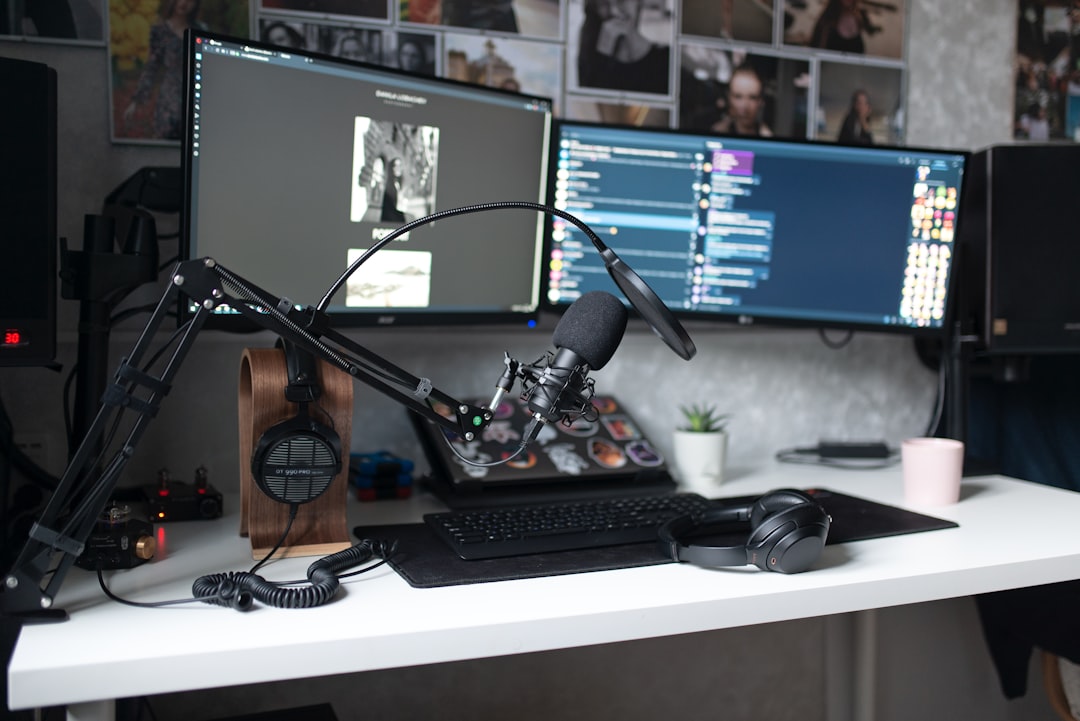
Streamlabs Desktop is often considered the most accessible alternative to OBS Studio. Built on top of OBS’s core technology, it refines the experience with a more intuitive interface, built-in monetization tools, and streamlined setup workflows.
Key advantages:
- User-friendly dashboard designed for quick onboarding.
- Integrated alerts and overlays for donations, subscriptions, and follower notifications.
- Theme marketplace with professionally designed scene packages.
- Cloud backup options for settings and overlays.
Streamlabs is particularly popular among gaming streamers due to its tight integration with Twitch, YouTube, and Facebook Live. While advanced users may prefer OBS’s granular control, Streamlabs simplifies complex configurations without sacrificing performance.
For content creators who prioritize efficiency and aesthetics without deep technical configuration, Streamlabs offers a practical and polished alternative.
2. vMix
vMix is a professional-grade live production software aimed at broadcasters who require advanced features and high production value. Unlike OBS Studio, which is primarily software-based and modular, vMix provides a more comprehensive switching and mixing environment.
Notable features:
- Multi-camera support with up to 4K streaming.
- Built-in instant replay and slow motion capabilities.
- Virtual sets and green screen support.
- Advanced audio mixing controls.
vMix is widely used in professional broadcasting scenarios such as sports events, conferences, and news production. Its interface resembles traditional hardware switchers, which can make it more approachable for users with broadcasting backgrounds.
Although it comes at a higher price point, vMix offers scalability. Businesses seeking dependable performance and enterprise-level output quality often view it as a long-term investment rather than an expense.
3. Wirecast
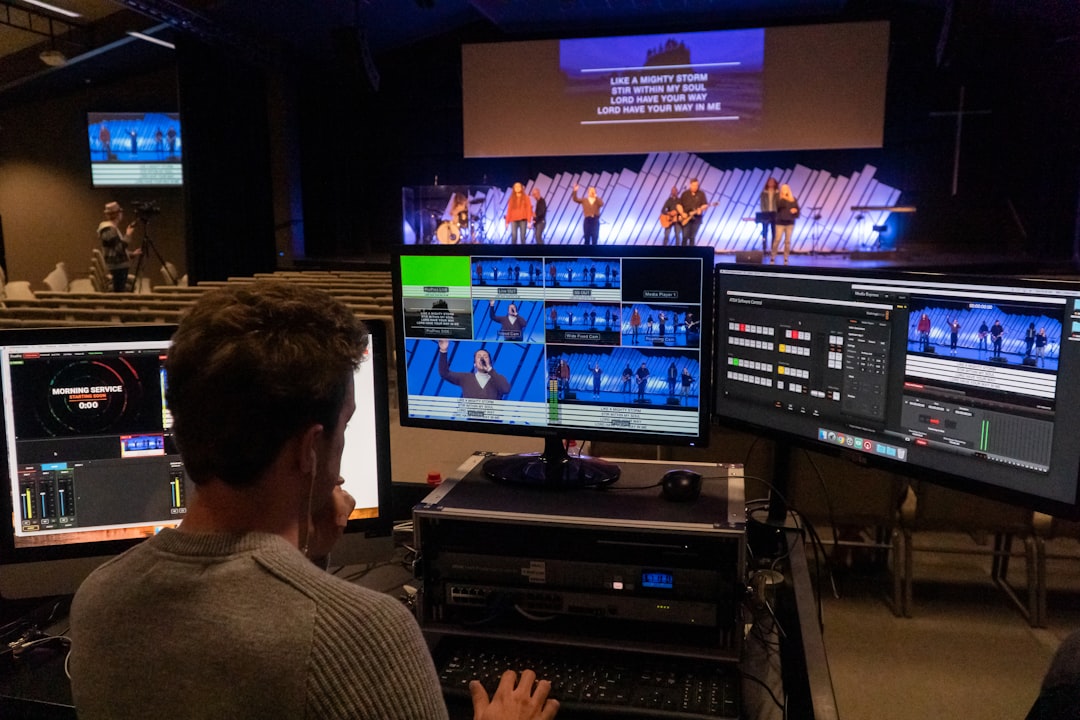
Developed by Telestream, Wirecast is another enterprise-oriented streaming solution. It focuses on providing a complete live production studio within a single application, making it ideal for organizations that value dependability and support.
Core strengths:
- Comprehensive encoding options for multiple platforms.
- High-quality graphics and titling tools.
- Remote guest integration capabilities.
- ISO recording for post-production editing.
Wirecast enables simultaneous streaming to multiple destinations, making it suitable for brands and organizations broadcasting across several channels at once. Its user interface balances professional control with accessibility, though beginners may face a slight learning curve.
For companies that require stability, customer support, and consistent updates, Wirecast provides a robust alternative to open-source tools.
4. XSplit Broadcaster
XSplit Broadcaster has long been recognized as a capable and refined streaming software tailored primarily to Windows users. Compared to OBS Studio, it offers a more streamlined setup process and built-in features that reduce dependency on third-party plugins.
Primary benefits:
- Clean and intuitive interface.
- Scene preview editor for precise arrangement.
- Direct integrations with popular streaming platforms.
- Reliable customer support for licensed users.
XSplit is particularly valued for its dependable performance and ease of use. While licensing fees apply, many professionals consider the predictable support and regular updates worthwhile.
If you want a solution that maintains OBS-like flexibility but in a more structured environment, XSplit provides a balanced and dependable alternative.
5. Ecamm Live
For Mac users seeking an optimized streaming experience, Ecamm Live stands out as a premium option. Unlike OBS, which sometimes requires additional configuration to align with macOS performance standards, Ecamm is built specifically for Apple’s ecosystem.
Key highlights:
- Drag-and-drop interface for effortless scene creation.
- Interview mode for hosting remote guests.
- Integrated comments display from live platforms.
- High-quality screen sharing features.
Ecamm Live is frequently used by educators, podcasters, coaches, and business professionals who host webinars and live classes. Its straightforward workflow eliminates much of the technical friction that less experienced users often encounter with OBS.
While it lacks some of the extreme customization flexibility found in open-source tools, Ecamm prioritizes reliability, simplicity, and integration—characteristics essential for professional communication.
6. Restream Studio
Restream Studio takes a browser-based approach to live streaming. Rather than relying on downloadable software like OBS, it enables users to stream directly from a web interface.
Standout features:
- Multistreaming functionality to multiple platforms simultaneously.
- Remote guest invitations via simple links.
- No installation required.
- Live chat aggregation across platforms.
Restream Studio simplifies the streaming process for individuals and teams who prioritize flexibility. Since it operates in the cloud, there is reduced reliance on high-end hardware. This can be advantageous for startups, small teams, or remote collaborations where equipment consistency may vary.
However, because it operates primarily within a browser environment, it may not provide the granular hardware control that advanced broadcasters require. Still, for multichannel distribution with minimal setup complexity, it remains a compelling choice.
How to Choose the Right OBS Alternative
Selecting the best streaming software depends on several objective considerations:
- Production complexity: Multi-camera and sports broadcasts demand advanced switching tools like vMix.
- Ease of use: Beginners may benefit from Streamlabs or Ecamm Live.
- Budget constraints: Open-source or browser-based tools reduce upfront costs.
- Platform compatibility: Mac users may prefer optimized solutions like Ecamm.
- Scalability: Growing businesses should consider long-term licensing and performance stability.
It is also essential to evaluate system requirements. Some software solutions demand powerful CPUs and GPUs, while others offload processing to cloud systems. Testing trial versions whenever possible provides valuable insight into how each platform performs under your unique conditions.
Final Considerations
OBS Studio remains a highly respected broadcasting tool, particularly because it is open-source and supported by a large community. However, professional live streaming often requires more than community plugins and custom configurations. Stability, technical support, advanced production features, and streamlined workflows can significantly influence broadcast quality.
The six alternatives outlined above represent reliable, credible solutions trusted by content creators, corporations, educators, and media professionals worldwide. Whether you need the advanced switching power of vMix, the enterprise reliability of Wirecast, the intuitive interface of Streamlabs, or the browser-based flexibility of Restream Studio, each option presents unique strengths.
Ultimately, the most effective broadcasting tool is the one that aligns with your production goals, technical skill level, and operational requirements. Conduct thorough testing, consider long-term scalability, and select the solution that allows you to deliver consistent, professional live content to your audience with confidence.

