
Treat a WiFi Pineapple as a controlled audit tool, not a party trick. It can expose weak wireless habits fast, but it can also disrupt users and collect sensitive data if handled carelessly. Use it only on networks, devices, and people covered by written permission.
TLDR: A WiFi Pineapple helps security teams test how devices react to rogue access points, cloned network names, captive portals, and unsafe auto join behavior. For example, a small office audit might find that 7 of 42 laptops automatically connect to a fake “Guest WiFi” network within 10 minutes. That gives the team a clear fix list: disable auto join, improve user training, segment guest access, and tighten wireless policies.
Contents
- 1 1. What a WiFi Pineapple Actually Is
- 2 2. It Tests Human Habits as Much as Technical Controls
- 3 3. Authorization Is Not Optional
- 4 4. It Is Best Used for Controlled Scenarios
- 5 5. The Findings Should Lead to Simple Fixes
- 6 6. Reporting Matters More Than Gadget Skills
- 7 Common Mistakes to Avoid
- 8 Final Takeaway
1. What a WiFi Pineapple Actually Is
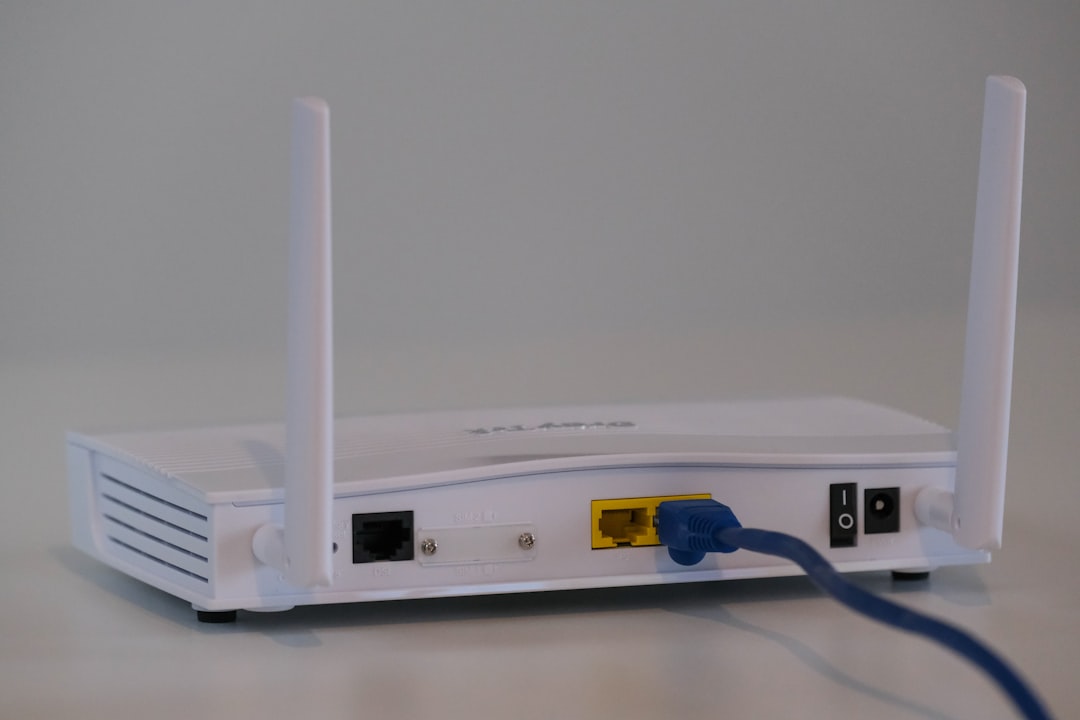
A WiFi Pineapple is a compact wireless security testing device made popular by Hak5. It is used by penetration testers, red teams, IT admins, and researchers to assess WiFi exposure. Think of it as a portable lab for testing wireless trust.
It can create access points, monitor nearby wireless traffic, inspect association behavior, run authorized modules, and help document which devices are too eager to connect. The value is not magic hacking. The value is visibility.
Many companies assume their wireless risk starts and ends with a strong WPA password. That is a mistake. Real risk often comes from saved networks, weak user awareness, poor guest segmentation, and devices that connect before anyone notices.
2. It Tests Human Habits as Much as Technical Controls
Wireless security is not only about routers and encryption. It is also about people clicking through warnings, joining familiar network names, and trusting anything that looks close enough.
A WiFi Pineapple can help answer practical questions:
- Do company laptops auto join old or open networks?
- Do phones prefer convenience over safety?
- Will users notice a fake captive portal?
- Are guest and corporate wireless zones truly separate?
- Can monitoring tools detect suspicious access points quickly?
The catch is that results can be annoying. You may discover that a device connects to a test network in seconds, even after the user swears they “never use public WiFi.” That frustration is useful. It points to habits and settings that need fixing.
3. Authorization Is Not Optional
This point deserves plain language: do not test networks or users without permission. A WiFi Pineapple can imitate legitimate wireless environments and capture useful test data. Used outside a legal engagement, that can cross serious lines.
Before any test, define the scope in writing. Include locations, dates, SSIDs, devices, data handling rules, and emergency contacts. If the test involves employees, decide whether it is a blind assessment or an announced exercise. Both can be valid, but they serve different goals.
A good scope should cover:
- Approved test area: office floor, lab, branch site, or event space.
- Approved wireless names: exact SSIDs that may be tested or simulated.
- Data limits: what may be collected, masked, stored, or deleted.
- Stop conditions: what triggers an immediate pause.
- Reporting format: screenshots, timestamps, findings, and fixes.
Clean rules protect the tester and the organization. They also keep the exercise focused on security improvement, not drama.
4. It Is Best Used for Controlled Scenarios
A WiFi Pineapple is strongest when used with clear test cases. Randomly turning on features and watching what happens is a great way to waste time. Expect to waste time on setup if your firmware, modules, and network plan are not prepared before the assessment.
Useful scenarios include:
- Rogue access point detection: Can your security tools spot an unauthorized network using a familiar name?
- Auto join testing: Which devices connect without user approval?
- Guest network review: Can guest clients reach internal assets?
- Captive portal awareness: Do users submit credentials into suspicious pages during approved training?
- Incident response drill: How fast can IT locate and shut down a suspected rogue device?
Keep tests short and measurable. For example, run a 20 minute detection drill and record time to alert, time to confirm, and time to respond. If the security team needs 35 minutes to notice a fake access point near the conference room, that is a finding worth fixing.
5. The Findings Should Lead to Simple Fixes
The point of wireless testing is not to produce a scary report. The point is to reduce risk. Good findings should turn into actions that IT can apply without guessing.
Common fixes include:
- Disable auto join for public and unused networks.
- Forget old SSIDs on laptops, tablets, and phones.
- Use mobile device management to push trusted wireless profiles.
- Improve guest isolation so visitors cannot reach internal systems.
- Enable certificate based authentication where practical.
- Train users to question odd login pages and duplicate WiFi names.
- Monitor for suspicious SSIDs near offices and event spaces.
Small changes matter. A company that removes forgotten hotel, airport, and coffee shop networks from managed laptops reduces a quiet source of exposure. It is not glamorous, but it works.
6. Reporting Matters More Than Gadget Skills
Buying the device is easy. Producing a useful report is harder. Many wireless tests fail because the findings are vague: “some devices connected” or “users may be at risk.” That does not help a busy IT team.
A strong report should include:
- What was tested: location, date, time, SSID names, and scope.
- What happened: device counts, connection attempts, alerts, and user actions.
- Risk level: practical impact, not hype.
- Evidence: sanitized screenshots, logs, and timestamps.
- Fixes: clear steps with owners and priority.
Use numbers whenever possible. “Three unmanaged phones joined the test network” is stronger than “some mobile devices were exposed.” “Detection took 18 minutes” is stronger than “monitoring was slow.” Specifics make the next budget talk easier.

Common Mistakes to Avoid
Even experienced teams make basic errors with wireless assessments. The most common one is testing too broadly. A noisy test can confuse users, trigger help desk tickets, and muddy the results.
Another mistake is ignoring privacy. Do not collect more data than needed. Mask user details where possible. Store evidence securely. Delete test data according to the agreed plan.
Also, do not treat the WiFi Pineapple as a substitute for a full wireless security program. It is one tool. You still need secure configuration, asset control, monitoring, staff training, and incident response.
Final Takeaway
A WiFi Pineapple can be an excellent way to test wireless exposure, but only when used with permission, planning, and restraint. It helps reveal risky auto join behavior, weak detection, poor segmentation, and user trust issues. The best results are practical: fewer unsafe saved networks, better alerts, cleaner guest access, and users who pause before joining a network that looks familiar but feels wrong.

