
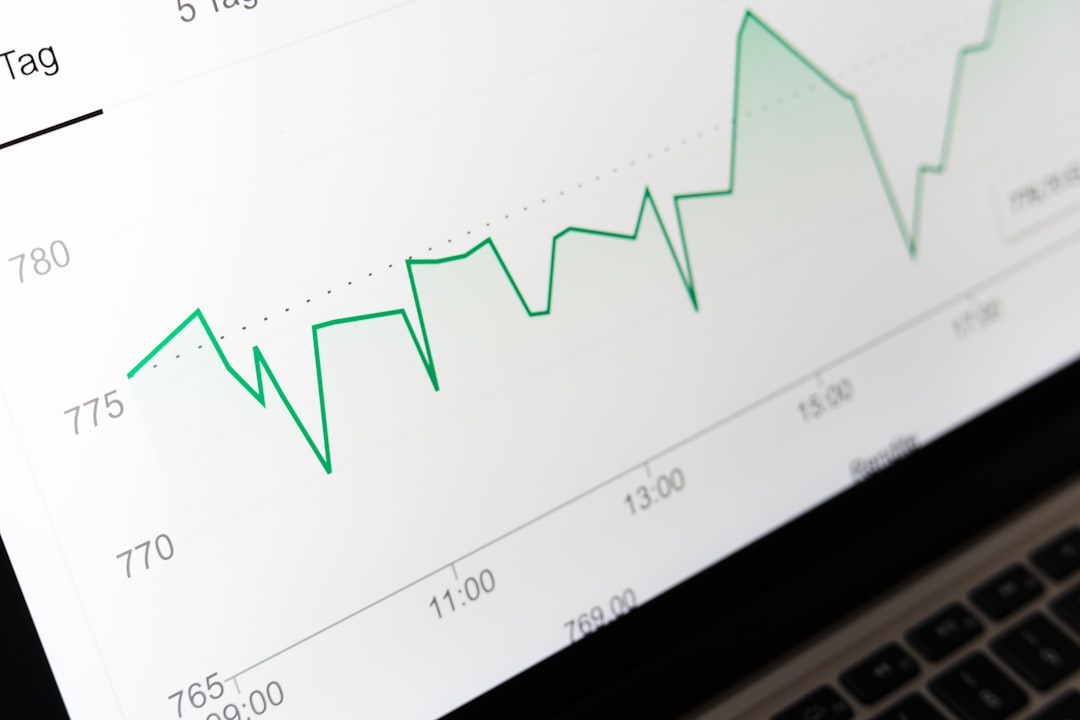
RAM makes your computer feel faster because it gives active apps a quick place to work. When there is enough of it, programs open smoothly, browser tabs stay responsive, and games avoid ugly pauses. When there is too little, the system starts leaning on storage instead, and that is much slower.
TLDR: RAM affects performance by controlling how much work your computer can keep “ready” at once. For example, a laptop with 8GB RAM may slow down with 25 Chrome tabs, Zoom, and Excel open, while a 16GB model can handle the same load with fewer freezes. In many everyday setups, moving from 8GB to 16GB can cut app switching delays by several seconds. More RAM does not always mean more speed, but too little RAM is one of the fastest ways to make a good computer feel old.
Contents
- 1 1. RAM Helps Apps Open and Run Faster
- 2 2. RAM Improves Multitasking
- 3 3. RAM Reduces Reliance on Virtual Memory
- 4 4. RAM Affects Gaming Smoothness
- 5 5. RAM Speeds Up Creative Work
- 6 6. RAM Helps Your Operating System Stay Responsive
- 7 7. RAM Capacity, Speed, and Channels All Matter
- 8 How Much RAM Do You Actually Need?
- 9 Signs You Need More RAM
1. RAM Helps Apps Open and Run Faster
RAM, short for Random Access Memory, stores the data your computer is actively using. Think of it as a workbench. The bigger the workbench, the more tools and papers you can keep within reach.
When you launch an app, your computer pulls files from the drive and places working data into RAM. Since RAM is much faster than even a solid state drive, the app can respond quickly once loaded. This affects common tasks such as opening Photoshop, running Microsoft Word, editing spreadsheets, or loading a large project in a coding app.
If your system has too little RAM, apps may still open, but they will fight for space. That fight causes lag, stutters, and random moments where everything seems to stop for no good reason. It drives me crazy when a simple app switch takes five seconds because the computer is busy shuffling memory.
2. RAM Improves Multitasking
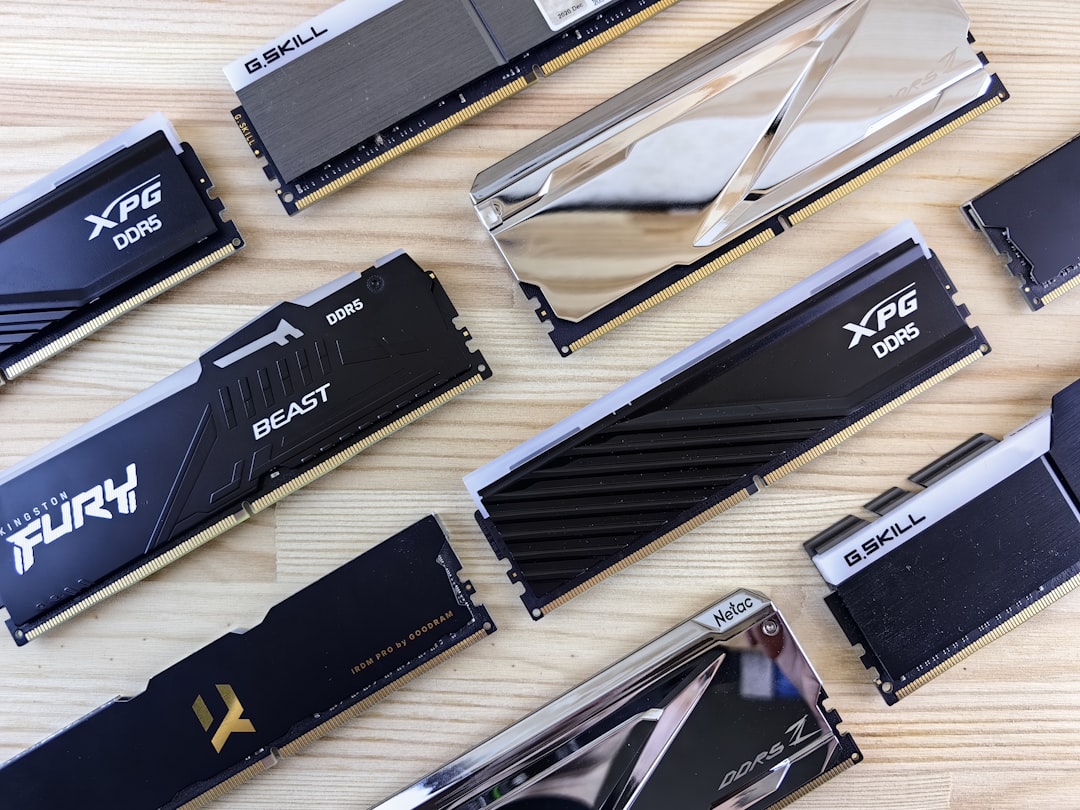
Multitasking is where RAM becomes very easy to notice. A modern user rarely runs one program at a time. You may have a browser, email, music, chat, antivirus, cloud sync, and a document editor running together.
Each one of those tasks needs memory. Browser tabs can be especially hungry. A single heavy tab with video, ads, scripts, and images can use hundreds of megabytes. Open enough of them, and 8GB starts to feel cramped.
- 4GB RAM: Basic browsing and light office work only.
- 8GB RAM: Fine for school, email, streaming, and moderate multitasking.
- 16GB RAM: Comfortable for most users, gamers, and remote workers.
- 32GB RAM: Better for video editing, large creative projects, virtual machines, and heavy data work.
The catch is that background apps are not always obvious. A laptop can feel slow even when “nothing is open” because sync tools, launchers, widgets, and browser helpers are quietly eating memory.
3. RAM Reduces Reliance on Virtual Memory
When physical RAM fills up, the operating system uses part of your storage drive as virtual memory. This is also called a page file or swap space. It keeps the system from crashing, which is useful. But it is not a real substitute for RAM.
Storage is much slower than RAM. Even a fast NVMe SSD cannot match RAM for active workloads. If your computer constantly swaps data between RAM and storage, you may see apps freeze, tabs reload, or the whole system pause while you wait.
This is why adding RAM can make an older computer feel refreshed. It is not magic. It simply lets the machine stop using the drive as emergency workspace.
4. RAM Affects Gaming Smoothness
Gamers often focus on the graphics card and processor, and those matter a lot. Still, RAM plays a key role in how smooth a game feels. Modern games load textures, maps, sound files, physics data, and background processes into memory.
With too little RAM, a game may still launch, but you can get frame drops, long loading screens, texture pop in, or sudden stutters. These issues are especially common in open world games. The game keeps pulling new assets as you move, and low memory makes that process messy.
For many current games, 16GB RAM is the practical sweet spot. Some heavy titles and modded games benefit from 32GB, especially if you stream, record, or keep chat and browser windows open while playing.
5. RAM Speeds Up Creative Work
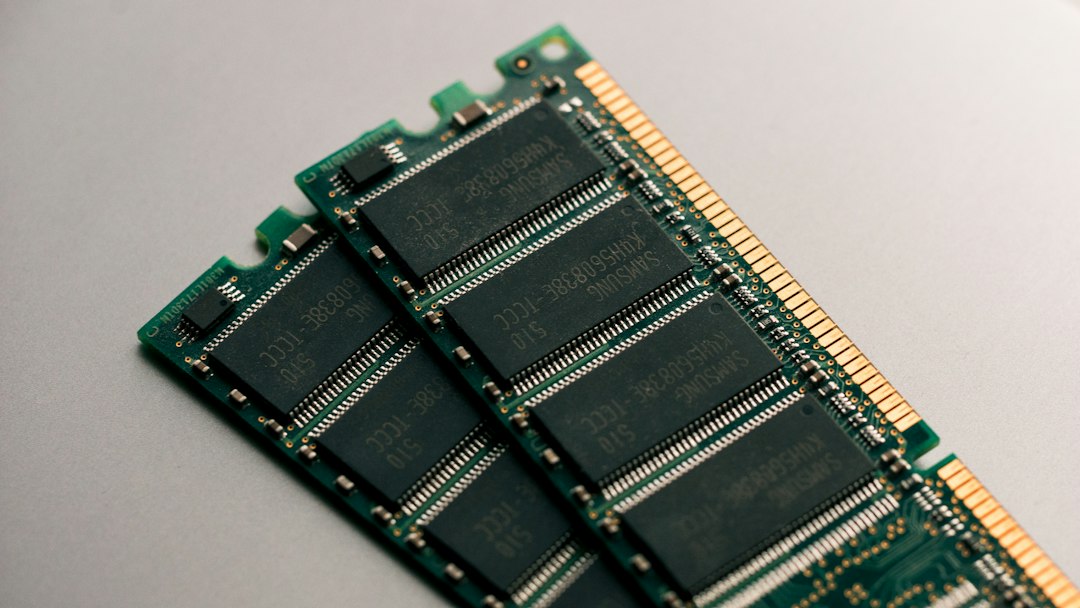
Photo editing, video production, music creation, 3D modeling, and animation all love RAM. These apps work with large files and live previews. They need space to store undo history, effects, layers, samples, frames, and cached previews.
For example, editing a few smartphone photos may run fine on 8GB. Editing a 4K video project with color correction, transitions, and multiple audio tracks is a different story. Expect to waste time on previews, exports, and timeline scrubbing if the system is short on memory.
Here is a rough guide:
- Photo editing: 16GB is comfortable for most users.
- 4K video editing: 32GB is often a safer pick.
- Large 3D scenes: 32GB to 64GB may be needed.
- Music production: More RAM helps with big sample libraries.
RAM will not replace a strong CPU or GPU, but it keeps those parts fed with data. Without enough memory, expensive hardware sits around waiting.
6. RAM Helps Your Operating System Stay Responsive
Your operating system uses RAM before you open anything. Windows, macOS, and Linux all keep background services, drivers, visual effects, security tools, and file caches in memory. This is normal.
Modern operating systems also use spare RAM to cache files you open often. That can make repeated tasks faster. If you launch the same app twice in one session, the second launch may feel quicker because parts of it are already sitting in memory.
This is why “free RAM” is not always the best goal. Unused RAM can be wasted potential. A healthy system uses memory for caching, then releases it when apps need it. Problems start when memory pressure stays high and the system has no room to breathe.
7. RAM Capacity, Speed, and Channels All Matter
Capacity gets most of the attention, but RAM performance has more than one layer. How much RAM you have matters first. After that, speed, latency, and memory channels can affect performance too.
RAM speed is measured in MT/s or MHz, depending on the label. Faster memory can help some games, integrated graphics, compression tasks, and certain professional apps. Latency affects how quickly RAM responds. Lower latency is better, though real gains vary by system.
Memory channels are often overlooked. Two RAM sticks can run in dual channel mode on many desktops and laptops. This increases memory bandwidth. For systems with integrated graphics, dual channel RAM can make a clear difference because the graphics chip shares system memory.
Image not found in postmetaHow Much RAM Do You Actually Need?
The right amount depends on what you do every day. Buying too little causes pain. Buying far too much may bring no obvious gain.
- Basic users: 8GB for email, web browsing, school work, and streaming.
- Most people: 16GB for smoother multitasking and longer useful life.
- Gamers and creators: 16GB to 32GB, depending on games and project size.
- Professionals: 32GB or more for large datasets, virtual machines, 3D work, and heavy editing.
If you are buying a new computer, 16GB should be the default target for most people. It gives enough room for modern apps without pushing the price too high. If you keep computers for five years or more, 32GB may age better.
Signs You Need More RAM
You may need more memory if your computer slows down during normal work, not just during huge tasks. Watch for these clues:
- Apps freeze when switching between them.
- Browser tabs reload after you leave them.
- The drive activity light stays busy during slowdowns.
- Games stutter even when the graphics settings are reasonable.
- Video editing timelines lag during simple playback.
- Task Manager or Activity Monitor shows memory pressure near the limit.
RAM is not the only part that affects speed, but it has a direct effect on daily comfort. A faster processor helps with calculations. A better graphics card helps with visuals. A solid state drive helps with loading. RAM helps everything stay ready at the same time. When there is enough of it, your computer stops feeling like it is struggling to remember what you asked it to do.

