
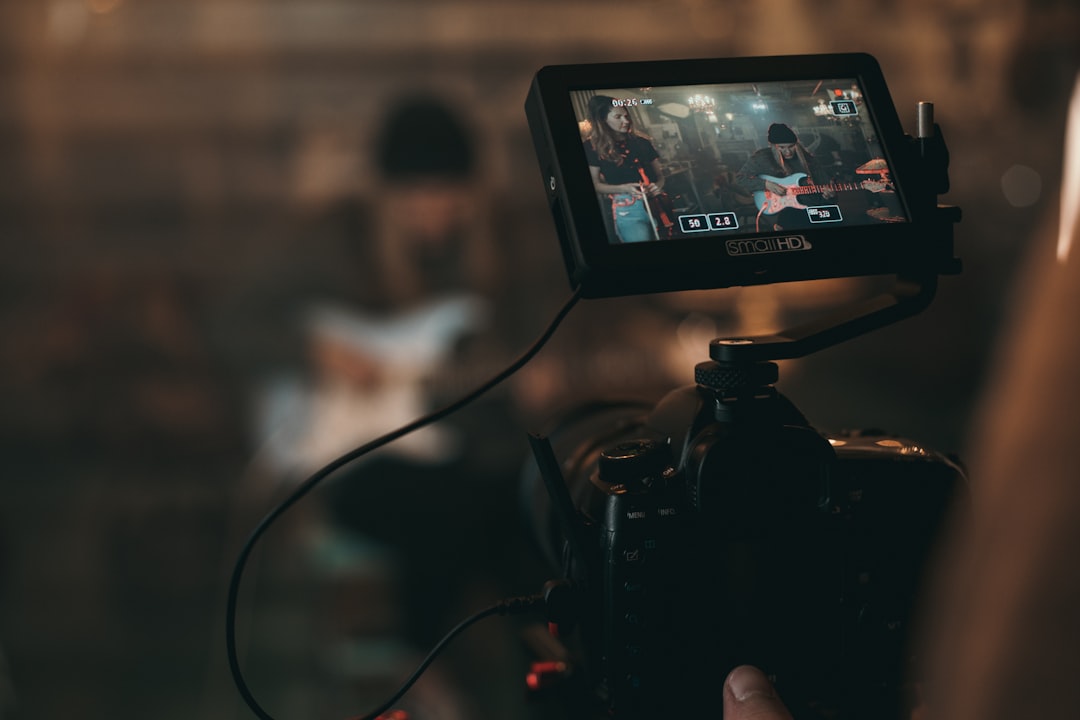
B-roll is the extra footage that makes your main video feel clear, smooth, and alive. It is the close-up of coffee pouring, the crowd reacting, the hands typing, or the city street outside while someone talks on camera.
TLDR: B-roll supports your main shot, also called A-roll, by showing details, covering cuts, and adding mood. For example, a 60-second bakery video might use 10 seconds of the owner speaking and 50 seconds of bread, ovens, customers, and frosting shots. In many promo videos, B-roll can make up 60% to 80% of the final edit. Without it, your video may feel stiff, jumpy, or just plain boring.
Contents
What Is B-Roll?
B-roll is supporting footage. It plays over or around the main footage. The main footage is called A-roll. That is usually the interview, presenter, product demo, or key action.
Think of A-roll as the person telling the story. Think of B-roll as the proof. If a chef says, “We make fresh pasta every morning,” B-roll shows flour, eggs, hands kneading dough, and pasta sliding through a machine.
That is way better than staring at the chef’s face for two full minutes. No offense to the chef.
A-Roll vs. B-Roll
Here is the simple split:
- A-roll: The main story or main speaker.
- B-roll: The extra shots that support that story.
- A-roll tells. B-roll shows.
In a company video, the CEO talking is A-roll. Shots of the office, team meetings, products, and happy customers are B-roll.
In a travel vlog, your face talking to the camera is A-roll. The beach, food, train ride, hotel room, and weird pigeon stealing fries are B-roll.
In a wedding film, the vows are A-roll. Rings, flowers, shoes, guests laughing, and the first dance details are B-roll.
Why B-Roll Matters So Much
B-roll does more than make things pretty. It solves real editing problems.
- It hides jump cuts. If someone says “um” five times, you can cut the audio and place B-roll over the edit.
- It adds context. Viewers see what the speaker is talking about.
- It keeps attention. New visuals wake up tired eyes.
- It adds emotion. A close-up of nervous hands says a lot.
- It improves pace. Fast B-roll adds energy. Slow B-roll adds calm.
It drives me crazy when a good interview has no cutaways. You find one strong quote, then the speaker coughs, looks away, or restarts the sentence. With B-roll, that problem is easy. Without it, the edit starts to feel like a puzzle with missing pieces.
Common Types of B-Roll
B-roll can be almost anything, as long as it helps the story. Here are a few common types:
- Close-ups: Hands, tools, faces, buttons, food, screens.
- Wide shots: Rooms, buildings, streets, event spaces.
- Action shots: Walking, cooking, packing, building, testing.
- Reaction shots: Smiles, nods, laughs, raised eyebrows.
- Detail shots: Logos, textures, signs, product parts.
- Process shots: Step one, step two, final result.
If your video is about a fitness coach, shoot shoes hitting the floor, water bottles, weights, timer screens, sweat, stretches, and the coach correcting form. That gives the editor options. Editors love options. They also love labeled folders. Please label your folders.
How B-Roll Supports Main Shots
B-roll supports A-roll in three big ways.
1. It explains the message
If a speaker says, “Our app saves teams five hours a week,” show the app in use. Show a clean dashboard. Show a team finishing work early. The viewer understands faster when they can see the idea.
2. It fixes rough edits
People do not talk in perfect sentences. They pause. They sneeze. They say “like” 27 times. B-roll lets you trim the messy parts while the audio keeps flowing.
3. It creates rhythm
A video needs movement. Even a serious topic needs visual changes. B-roll gives your edit a pulse. It can speed things up or slow things down.
How to Shoot Better B-Roll
Good B-roll is planned, but it should not feel fake. Start with the story. Ask, “What does the viewer need to see?” Then make a quick shot list.
Use this basic list:
- Wide shot: Show the full place.
- Medium shot: Show the person or action.
- Close-up: Show the detail.
- Movement shot: Add motion, like walking or panning.
- Reaction shot: Show how people feel.
Hold each shot for at least 5 to 10 seconds. Do not whip the camera around. Editors cannot use blurry chaos. Well, they can, but they will complain. Quietly. Maybe loudly.
Shoot more than you think you need. For a two-minute brand video, you may need 40 to 80 small B-roll clips. Many will not make the final cut. That is normal.
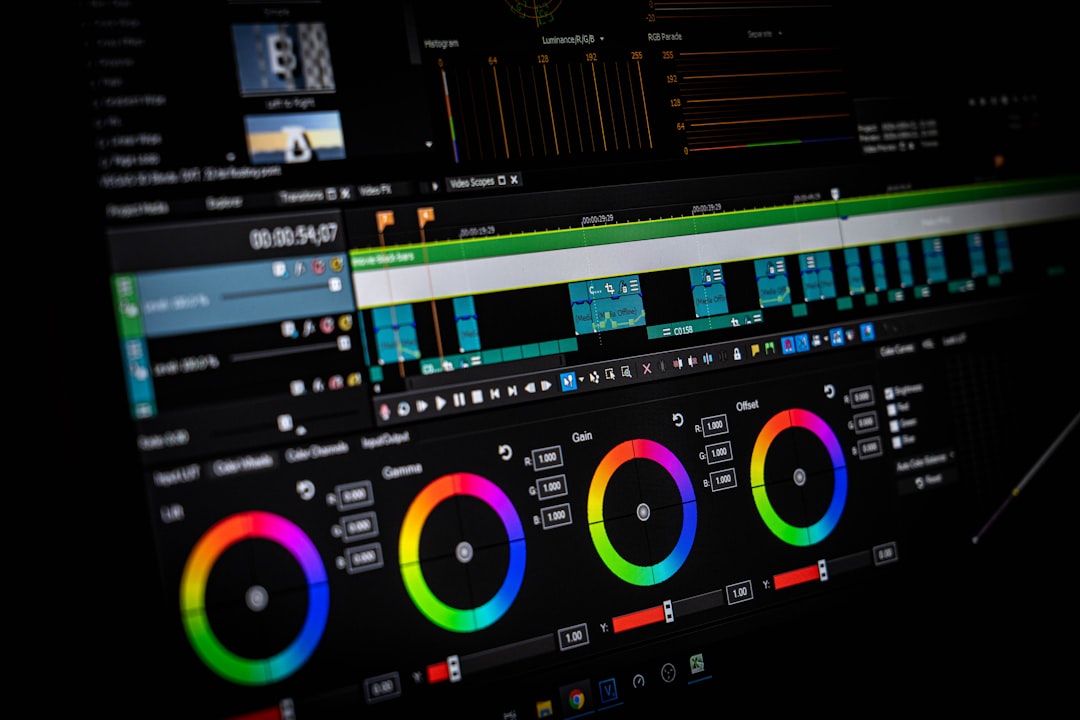
How to Use B-Roll in Professional Video Editing
Start with the A-roll. Build the main story first. Cut the interview or main action until it makes sense. Then place B-roll where it helps.
Do not cover every single second. Let strong faces stay on screen sometimes. B-roll should help the story, not bury it.
Try this workflow:
- Cut the A-roll first. Remove mistakes and dead space.
- Mark key lines. Find phrases that need visuals.
- Add matching B-roll. Show what the speaker means.
- Use cutaways to hide edits. Cover jumps and awkward pauses.
- Match the pace. Fast topic, fast clips. Soft story, slower clips.
- Polish with sound. Add natural audio, soft music, or tiny sound effects.
Honestly, it feels like some editing apps make simple clip sorting harder than it should be. Losing 30 seconds hunting for “VID_9382” is painful. Rename clips by scene or action. Use bins like office, product, people, and details. Your future self will thank you.
Simple B-Roll Example
Imagine you are editing a video for a small coffee shop.
The owner says, “We roast our beans in small batches every week.” That line is your A-roll. Now add B-roll:
- Beans spinning in the roaster.
- A scoop dropping beans into a bag.
- Steam rising from a fresh cup.
- A barista writing on a label.
- A customer taking the first sip.
Now the claim feels real. The video smells like coffee, even through a screen. That is the magic trick.

B-Roll Mistakes to Avoid
- Random shots: Pretty footage is useless if it does not fit.
- Too much slow motion: Use it with care. Not every sandwich needs drama.
- Shaky clips: Stabilize the camera or use a tripod.
- No variety: Mix wide, medium, and close shots.
- Bad lighting: Dark B-roll can drag down a polished edit.
- Ignoring sound: Natural audio can make B-roll feel real.
Final Takeaway
B-roll is not filler. It is story fuel. It supports the main shot, covers edits, explains ideas, and adds feeling. If A-roll is the spine of your video, B-roll is the muscle, clothes, and facial expression.
Plan it. Shoot plenty. Keep it organized. Use it with purpose. Your edits will feel cleaner, richer, and much less like a person trapped in a webcam box.

