
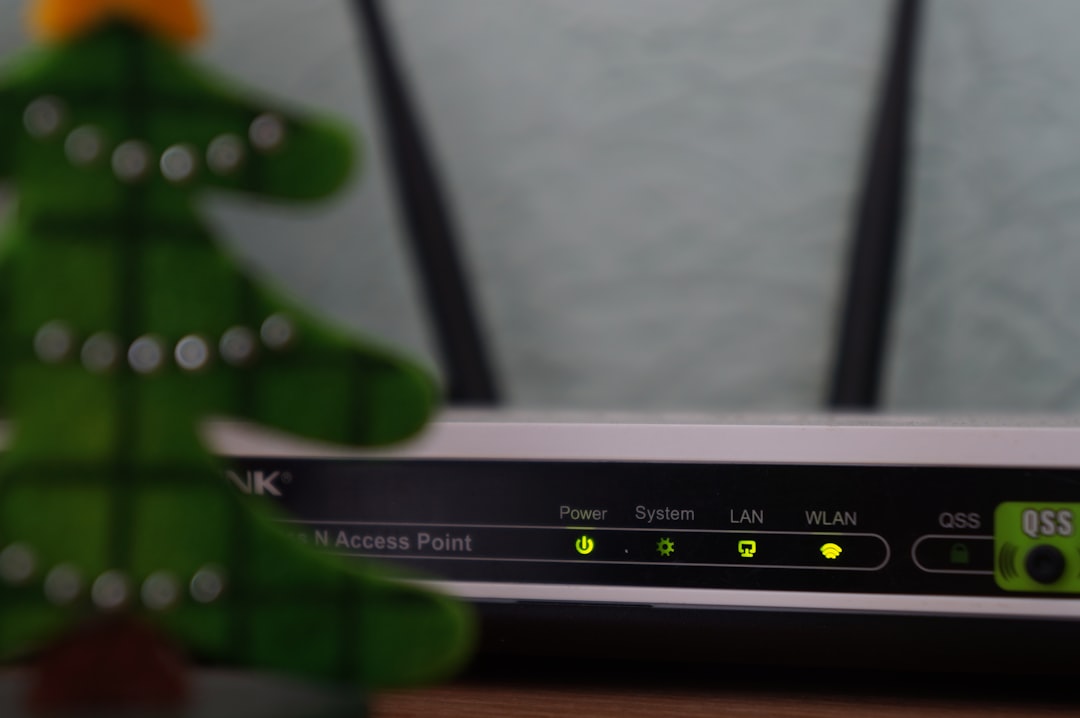
A Wi-Fi security key is one of the most common pieces of information used to connect a phone, laptop, tablet, smart TV, or other device to a wireless network. Although many people simply call it a Wi-Fi password, the term refers more broadly to the code that protects a wireless network from unauthorized access.
TLDR: A Wi-Fi security key is the password or passphrase required to join a protected wireless network. It helps encrypt data and prevents strangers from using the network without permission. The key is usually found on the router label, in router settings, or in saved network settings on an already connected device. A strong key should be long, unique, and difficult to guess.
Contents
- 1 What Does a Wi-Fi Security Key Do?
- 2 Is a Wi-Fi Security Key the Same as a Wi-Fi Password?
- 3 Common Types of Wi-Fi Security
- 4 Where Is the Wi-Fi Security Key Found?
- 5 What Makes a Strong Wi-Fi Security Key?
- 6 Why Changing the Default Key Matters
- 7 How a Wi-Fi Security Key Protects Privacy
- 8 When Should a Wi-Fi Security Key Be Changed?
- 9 Tips for Managing a Wi-Fi Security Key
- 10 FAQ
What Does a Wi-Fi Security Key Do?
A Wi-Fi security key acts as a digital lock for a wireless network. When a device attempts to connect, the router checks the entered key against the one saved in its settings. If the key matches, the device is allowed to join the network. If it does not match, access is denied.
This key does more than control who can connect. It also helps support wireless encryption, which scrambles data as it travels between devices and the router. Without encryption, nearby attackers could potentially view sensitive information, such as browsing activity, login details, or private messages.
In a typical home or office, the Wi-Fi security key protects the network from neighbors, guests, passersby, and malicious actors. It also helps keep internet speeds stable by preventing unknown devices from using bandwidth.
Is a Wi-Fi Security Key the Same as a Wi-Fi Password?
In everyday language, yes. Most people use the terms Wi-Fi security key, Wi-Fi password, network key, and wireless password to mean the same thing. All refer to the code needed to connect to a secured wireless network.
Technically, however, “security key” can refer to the authentication credential used by the network’s security protocol. The password or passphrase entered by a person is used to generate encryption keys behind the scenes. Those technical keys help secure communication between the router and connected devices.
Common Types of Wi-Fi Security
Different routers use different security standards. Some are modern and safe, while others are outdated and vulnerable. The most common types include:
- WEP: An old and insecure standard. It should not be used because it can be broken easily.
- WPA: A replacement for WEP, but now considered outdated compared with newer options.
- WPA2: A widely used and reliable standard for home and business networks.
- WPA3: The newest and strongest common option, offering better protection against password guessing and other attacks.
For most networks, WPA2 or WPA3 is recommended. If a router still uses WEP or basic WPA, updating the router settings or replacing the router may be necessary for better security.
Where Is the Wi-Fi Security Key Found?
The location of the Wi-Fi security key depends on whether it has been changed from the default setting. Many routers come with a default network name and password printed on a label. This label is often found on the bottom, back, or side of the router.
If the key has been changed, it may be found in several places:
- Router label: Useful only if the default key is still active.
- Router admin page: Accessible through a web browser using the router’s local address.
- Mobile router app: Many internet providers and router brands offer apps that show or manage Wi-Fi settings.
- Saved device settings: A computer or phone already connected to the network may be able to display the saved password.
- Internet provider documents: Some providers include the default Wi-Fi details in setup paperwork or account pages.
What Makes a Strong Wi-Fi Security Key?
A strong Wi-Fi security key is difficult for people and automated tools to guess. Weak keys often include simple words, names, phone numbers, addresses, or predictable combinations such as “password123.” These should be avoided because attackers can test many common passwords quickly.
A strong key usually has the following qualities:
- Length: At least 12 to 16 characters, and longer when possible.
- Variety: A mix of uppercase letters, lowercase letters, numbers, and symbols.
- Uniqueness: Not reused from email, banking, social media, or other accounts.
- Unpredictability: Not based on personal information or common phrases.
Some households use a memorable passphrase made from several unrelated words, numbers, and symbols. For example, a phrase can be easier to remember than a random string while still being difficult to guess. The most important point is that the key should not be obvious.
Why Changing the Default Key Matters
Many routers are shipped with a default Wi-Fi security key. While some modern default keys are fairly strong, changing them is still a good security habit. A custom key reduces the risk of unauthorized access, especially if the default information is visible on the router or has been shared with many people.
Changing the network name, also called the SSID, can help as well. A custom SSID should not reveal private details such as a full name, apartment number, or business identity. A neutral network name gives less information to outsiders.
How a Wi-Fi Security Key Protects Privacy
A protected Wi-Fi network helps safeguard personal and business data. When encryption is enabled, information moving between the router and connected devices is much harder to intercept and read. This is especially important for activities such as online banking, remote work, video calls, and file sharing.
A secure key also prevents unauthorized users from joining the network and performing harmful activities. If strangers use an unsecured connection for illegal downloads, spam, or attacks, the activity may appear to come from the network owner’s internet connection. Keeping the Wi-Fi locked reduces that risk.

When Should a Wi-Fi Security Key Be Changed?
A Wi-Fi security key should be changed when there is reason to believe it is no longer private. For example, it may need to be updated after a roommate moves out, after employees leave a workplace, after guests have had long-term access, or after suspicious devices appear on the network.
It is also reasonable to change the key periodically, especially for small businesses or shared living spaces. After the key is changed, all trusted devices must reconnect using the new password.
Tips for Managing a Wi-Fi Security Key
Good management helps maintain both security and convenience. The key should be stored somewhere safe, such as a trusted password manager. It should not be written on a public note, shared in group chats unnecessarily, or posted near the router where visitors can see it.
For homes and businesses that often share internet access with visitors, a guest network is useful. A guest network can have a separate password and limited access to other devices, such as printers, computers, or storage drives. This allows visitors to use the internet without giving them access to the main private network.
FAQ
What is a Wi-Fi security key?
A Wi-Fi security key is the password or passphrase required to connect to a secured wireless network. It helps control access and supports encryption.
Is the Wi-Fi security key printed on the router?
It often is, especially if the router is still using default settings. The label may show the network name and default password.
Can a Wi-Fi security key be changed?
Yes. It can usually be changed through the router’s admin page or mobile app. Afterward, connected devices must enter the new key.
What happens if the Wi-Fi security key is forgotten?
The key may be recovered from router settings, an already connected device, or the internet provider’s app. If necessary, the router can be reset, though this restores default settings.
What is the safest type of Wi-Fi security?
WPA3 is generally the safest common standard. WPA2 is still widely used and considered secure when paired with a strong password.
Should guests receive the main Wi-Fi key?
In many cases, a separate guest network is better. It allows visitors to access the internet while keeping private devices and files more protected.

