

In today’s highly competitive digital landscape, agencies know that traffic alone does not guarantee success. What truly matters is how users interact with a website or app—and whether those interactions lead to meaningful conversions. UX/UI testing tools play a crucial role in uncovering friction points, validating design decisions, and turning user insights into measurable improvements. By leveraging the right platforms, agencies can systematically optimize digital experiences and help clients achieve higher engagement, lower bounce rates, and stronger ROI.
TLDR: Agencies rely on specialized UX/UI testing tools to analyze user behavior, run experiments, and identify barriers to conversion. Tools like Hotjar, Crazy Egg, UserTesting, Optimal Workshop, Maze, and Google Optimize help teams gather behavioral data, conduct usability tests, and validate design changes. By combining qualitative and quantitative insights, agencies create user-centered designs that consistently improve client conversion rates.
Below are the top six UX/UI testing tools agencies frequently use to improve client conversions—and how each one contributes to smarter optimization strategies.
Contents
- 1 1. Hotjar
- 2 2. Crazy Egg
- 3 3. UserTesting
- 4 4. Optimal Workshop
- 5 5. Maze
- 6 6. Google Optimize (and Similar A/B Testing Platforms)
- 7 How Agencies Combine These Tools for Maximum Impact
- 8 The Link Between UX/UI Testing and Client Conversions
- 9 Frequently Asked Questions (FAQ)
- 9.1 1. Why are UX/UI testing tools important for conversion optimization?
- 9.2 2. What is the difference between qualitative and quantitative UX testing?
- 9.3 3. How often should agencies conduct UX testing?
- 9.4 4. Can small businesses benefit from these tools?
- 9.5 5. What tool is best for beginners?
- 9.6 6. Do UX/UI tools replace professional designers?
1. Hotjar
Hotjar is one of the most widely used behavior analytics tools in the UX/UI space. Agencies favor it for its intuitive dashboard and powerful visual reporting features.
Its core features include:
- Heatmaps (click, move, and scroll tracking)
- Session recordings
- On-site surveys and feedback polls
- Conversion funnel analysis
Heatmaps visually represent where users click, tap, or scroll, allowing agencies to quickly identify which elements capture attention—and which are ignored. If a call-to-action button is not receiving clicks, design or placement adjustments can be made immediately.

Session recordings provide even deeper insights. Agencies can watch real user journeys to spot navigation confusion, hesitation, or abandonment points. These qualitative insights help refine page layouts, clarify messaging, and reduce conversion friction.
Why agencies love it: Hotjar combines behavioral analytics with user feedback in one platform, making it ideal for quick optimization cycles.
2. Crazy Egg
Crazy Egg is another powerful heatmapping and user behavior analysis tool. It offers detailed visualization reports that help agencies test design effectiveness before making large-scale changes.
Key features include:
- Confetti reports showing segmented click data
- Scrollmaps to track how far users scroll
- Overlay reports for precise click metrics
- Built-in A/B testing capabilities
Crazy Egg stands out because it allows segmentation by traffic source, device, and other attributes. Agencies can compare how mobile users behave versus desktop users and adjust UX design accordingly. For instance, if mobile users drop off earlier, the mobile layout may require simplification or faster loading times.
Conversion impact: By identifying underperforming areas on landing pages, agencies can fine-tune layouts and optimize CTA placement, often leading to immediate conversion lifts.
3. UserTesting
While heatmaps offer quantitative data, agencies also need direct human feedback. UserTesting provides exactly that—real users completing tasks and offering live commentary.
Agencies can test:
- Prototype designs
- E-commerce checkout flows
- App usability
- Landing page messaging clarity
This platform enables demographic targeting, allowing agencies to match testers with a client’s actual audience. Watching users attempt tasks—such as finding a product or signing up for a service—reveals usability issues that analytics alone cannot uncover.

For example, if multiple testers struggle to locate pricing information, agencies can reposition that content or adjust the navigation structure. These insights help eliminate friction before full product launches.
Strategic advantage: UserTesting reduces guesswork and replaces assumptions with real user validation.
4. Optimal Workshop
Information architecture significantly impacts conversions. If users cannot find what they need, they leave. Optimal Workshop specializes in testing site structure and navigation clarity.
Its core testing methods include:
- Card sorting to evaluate content categorization
- Tree testing to validate navigation pathways
- First-click testing
Card sorting allows agencies to understand how users naturally group content. This ensures menus and categories align with user expectations rather than internal company logic. Tree testing, on the other hand, evaluates whether users can successfully navigate to specific destinations within the site structure.
Why it improves conversions: Clear navigation reduces cognitive load, shortens the buyer journey, and helps users complete tasks faster—whether purchasing a product or submitting a lead form.
5. Maze
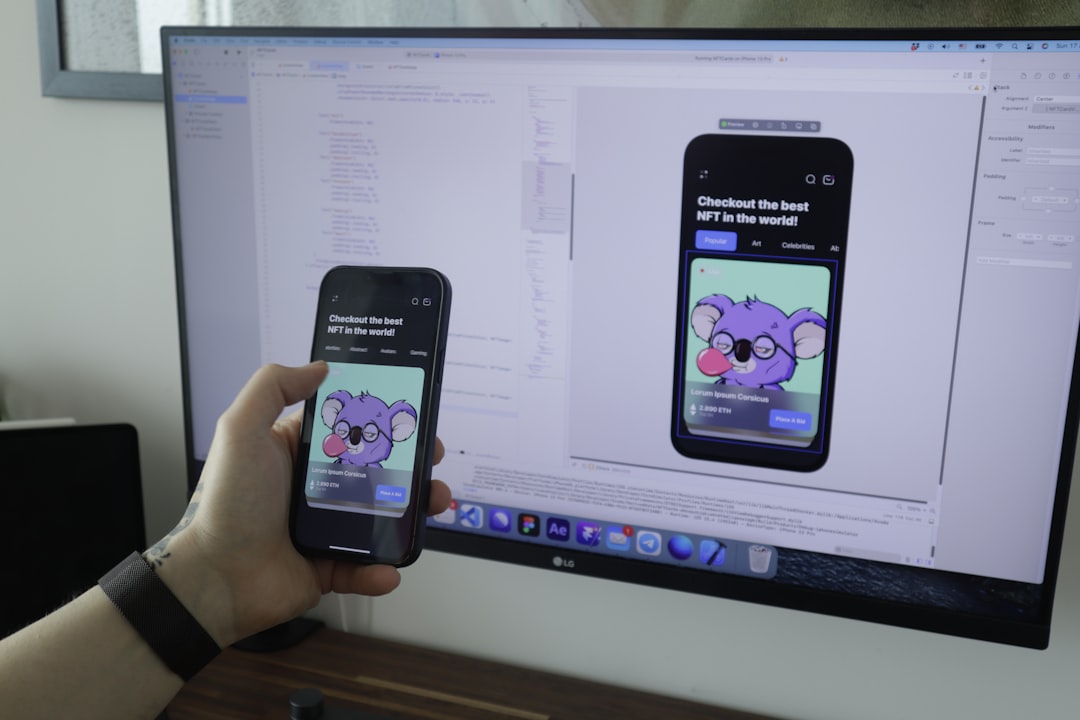
Maze is a rapid testing platform widely used for validating prototypes before development begins. Agencies integrate Maze with tools like Figma or Adobe XD to test designs in early stages.
Maze enables:
- Clickable prototype testing
- Usability scoring
- Task success rate tracking
- Time-on-task measurement
This data-driven approach allows agencies to compare multiple design variations and identify the structure that produces the highest task completion rate.
Testing prototypes before development prevents expensive rework later. Instead of launching an unproven design and hoping it converts, agencies validate user flows in advance.
Efficiency benefit: Maze accelerates iteration cycles, helping agencies deliver optimized solutions faster while staying within budget.
6. Google Optimize (and Similar A/B Testing Platforms)
A/B testing remains one of the most effective methods for improving conversions. While Google Optimize was sunsetted, many agencies continue using similar experimentation tools such as Optimizely or VWO to run structured tests.
These platforms allow agencies to:
- Test headlines and CTA variations
- Experiment with layout adjustments
- Evaluate pricing page modifications
- Measure statistical significance
A/B testing tools split traffic between variations, ensuring accurate performance comparisons. Small changes—such as button color, microcopy, or hero image positioning—can significantly affect user behavior.
Conversion principle: Data-backed experimentation eliminates bias and ensures design decisions are grounded in measurable outcomes.
How Agencies Combine These Tools for Maximum Impact
Leading agencies rarely rely on just one tool. Instead, they build a structured optimization process:
- Identify behavioral issues using Heatmaps (Hotjar, Crazy Egg).
- Validate findings with user feedback (UserTesting, Maze).
- Improve navigation through structural testing (Optimal Workshop).
- Run experiments with A/B testing platforms.
- Measure long-term impact via funnel and analytics tracking.
This layered approach ensures both qualitative empathy and quantitative validation. It prevents over-reliance on guesswork and instead fosters a culture of continuous improvement.
By combining insights from multiple data sources, agencies can identify root causes behind drop-offs, refine visual hierarchy, streamline navigation, and enhance persuasive design elements.
The Link Between UX/UI Testing and Client Conversions
Improved user experience directly impacts core performance metrics:
- Higher click-through rates
- Lower bounce rates
- Increased average order value
- Improved lead generation
- Stronger customer retention
When users experience less friction, clearer messaging, and intuitive navigation, they move through digital funnels with confidence. Agencies that prioritize UX/UI testing consistently deliver stronger ROI because their strategies are grounded in actual user behavior—not assumptions.
Ultimately, the difference between an average website and a high-converting one often lies in systematic testing and optimization.
Frequently Asked Questions (FAQ)
1. Why are UX/UI testing tools important for conversion optimization?
They reveal how real users interact with digital products, uncover usability issues, and validate improvements through data. This reduces guesswork and increases the likelihood of measurable conversion gains.
2. What is the difference between qualitative and quantitative UX testing?
Quantitative testing (heatmaps, A/B tests) focuses on numerical data and behavior patterns. Qualitative testing (user interviews, recorded sessions) uncovers user motivations, frustrations, and thought processes. Both are essential for well-rounded optimization.
3. How often should agencies conduct UX testing?
UX testing should be an ongoing process. Agencies typically test during major redesigns, product launches, and continuous optimization cycles to maintain peak performance.
4. Can small businesses benefit from these tools?
Yes. Many platforms offer scalable pricing models, and even small incremental improvements in UX can significantly impact conversion rates for smaller businesses.
5. What tool is best for beginners?
Hotjar is often considered beginner-friendly because of its intuitive interface and combination of heatmaps, recordings, and feedback tools.
6. Do UX/UI tools replace professional designers?
No. These tools enhance strategic decision-making but still require skilled designers and analysts to interpret data and implement effective solutions.
By leveraging these six powerful UX/UI testing tools, agencies can transform user insights into actionable design improvements—helping clients achieve sustained growth and higher conversions in an increasingly competitive digital world.

