
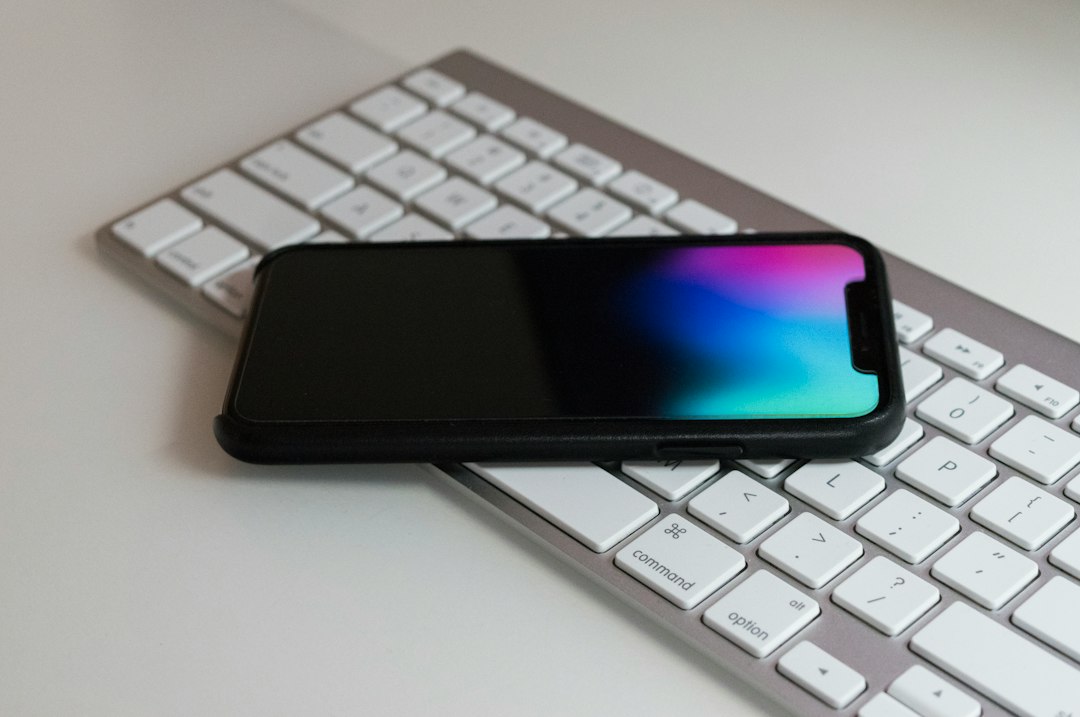
Buy MagSafe accessories if you want your iPhone to charge, mount, and carry cards with less fiddling. MagSafe uses magnets on the back of supported iPhones, and Apple says it can charge at up to 15W with supported gear [source: Apple]. That means fewer cables. Fewer awkward angles. Fewer “why is this not charging?” moments.
TLDR: MagSafe accessories are useful because they snap into place and make your iPhone easier to use. A good MagSafe charger, wallet, stand, or battery pack can save time every day. For example, if your phone drops to 20% by 4 p.m., a 5,000 mAh MagSafe battery pack can often get you through dinner. Start with a charger or stand, then add more only if they fix a real problem.
Contents
What is MagSafe, in plain English?
MagSafe is a magnetic ring built into many newer iPhones. It started with the iPhone 12 line. The magnets help accessories stick to the back of your phone.
That sounds simple. It is. That is the whole charm.
You do not need to line things up perfectly. The accessory usually clicks into the right spot. It feels neat. It also feels oddly satisfying.
1. MagSafe chargers
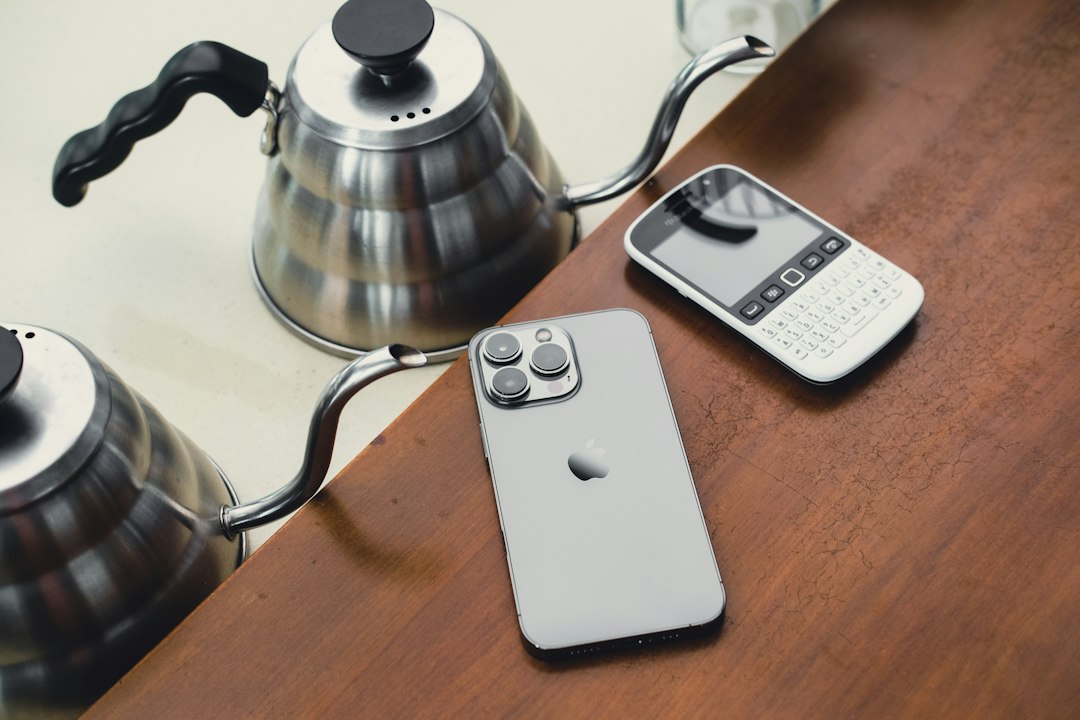
A MagSafe charger is the easiest add-on to understand. You place your iPhone on it. It snaps into place. Charging starts.
Best for: Nightstands, desks, kitchen counters, and work bags.
- Flat pads are small and easy to pack.
- Charging stands hold your phone upright.
- 3 in 1 chargers can power your iPhone, Apple Watch, and AirPods.
A stand is great if you use StandBy mode. Your iPhone becomes a mini clock, photo frame, or widget screen while charging. It feels fancy, but it is also useful.
The annoying part? Cheap chargers can run warm or charge slower than expected. It drives me a little crazy when a charger looks good online, then adds only a tiny bit of power after 30 minutes. Check reviews before buying.
2. MagSafe battery packs
A MagSafe battery pack is a portable charger that sticks to your phone. No cable needed. Just snap it on and keep moving.
Best for: Travel days, concerts, long commutes, festivals, and people who forget to charge overnight.
Look for the capacity. It is shown in mAh. A smaller pack may be lighter. A bigger pack may charge longer. Pick based on your day, not the biggest number.
- 3,000 mAh: light and pocket friendly.
- 5,000 mAh: a nice middle choice.
- 10,000 mAh: better for long trips, but heavier.
Also check if it supports pass through charging. That means you can charge the battery pack and your iPhone at the same time. Very handy.
3. MagSafe wallets
A MagSafe wallet sticks to the back of your iPhone. It can hold cards, IDs, or transit passes. It is great for quick errands.
Best for: Coffee runs, gym trips, school, and nights out.
Most wallets hold two or three cards. That is enough for many people. It is not enough if you carry seven cards, coins, receipts, and a tiny mystery coupon from 2021.
Some wallets work with Apple’s Find My network. That can help if the wallet comes off. Check this before you buy, since not every wallet has it.
4. MagSafe car mounts
A MagSafe car mount holds your iPhone while you drive. It can sit on a vent, dashboard, or windshield. Some mounts also charge your phone.
Best for: Maps, calls, music, and food delivery drivers.
Get a strong mount. This matters. A weak magnet can let your phone drop when you hit a bump. Nobody wants their iPhone flying into the footwell during a turn.
If you want charging, look for Qi2 or official MagSafe support. Qi2 uses magnetic alignment and is based on Apple’s MagSafe idea [source: Wireless Power Consortium]. That can help with better placement and safer charging.
5. MagSafe grips and stands
A MagSafe grip makes your phone easier to hold. A MagSafe stand props it up. Some accessories do both.
Best for: Streaming, video calls, selfies, TikTok scrolling, and reading recipes while cooking.
This is one of those things that sounds silly until you try it. Then you miss it when it is gone. A grip can also reduce drops. Your pinky will thank you.
- Ring grips feel secure.
- Pop style grips are comfy for long scrolling.
- Kickstands are great for watching videos.
Honestly, it feels like some stands are built for tiny showroom tables, not real life. If it tips over when you tap the screen, skip it.
What should you buy first?
Start with the accessory you will use every day. Do not buy a pile of gadgets just because they snap on.
- Desk worker? Get a MagSafe charging stand.
- Always outside? Get a MagSafe battery pack.
- Drive a lot? Get a charging car mount.
- Hate carrying a wallet? Try a MagSafe wallet.
- Drop your phone often? Get a grip.
Quick buying tips
- Check case support. Use a MagSafe case, not a regular thick case.
- Watch the weight. Big battery packs can feel chunky.
- Read bad reviews first. They show real problems fast.
- Pick trusted brands. Cheap magnets can be weak.
- Think about heat. Wireless charging can get warm.
MagSafe accessories are not magic. They are just smart little helpers. The best ones remove tiny daily annoyances. They save a few seconds here and there. They also make your iPhone feel more fun to use.
Start small. Buy one good accessory. If it makes your day easier, add another.

