
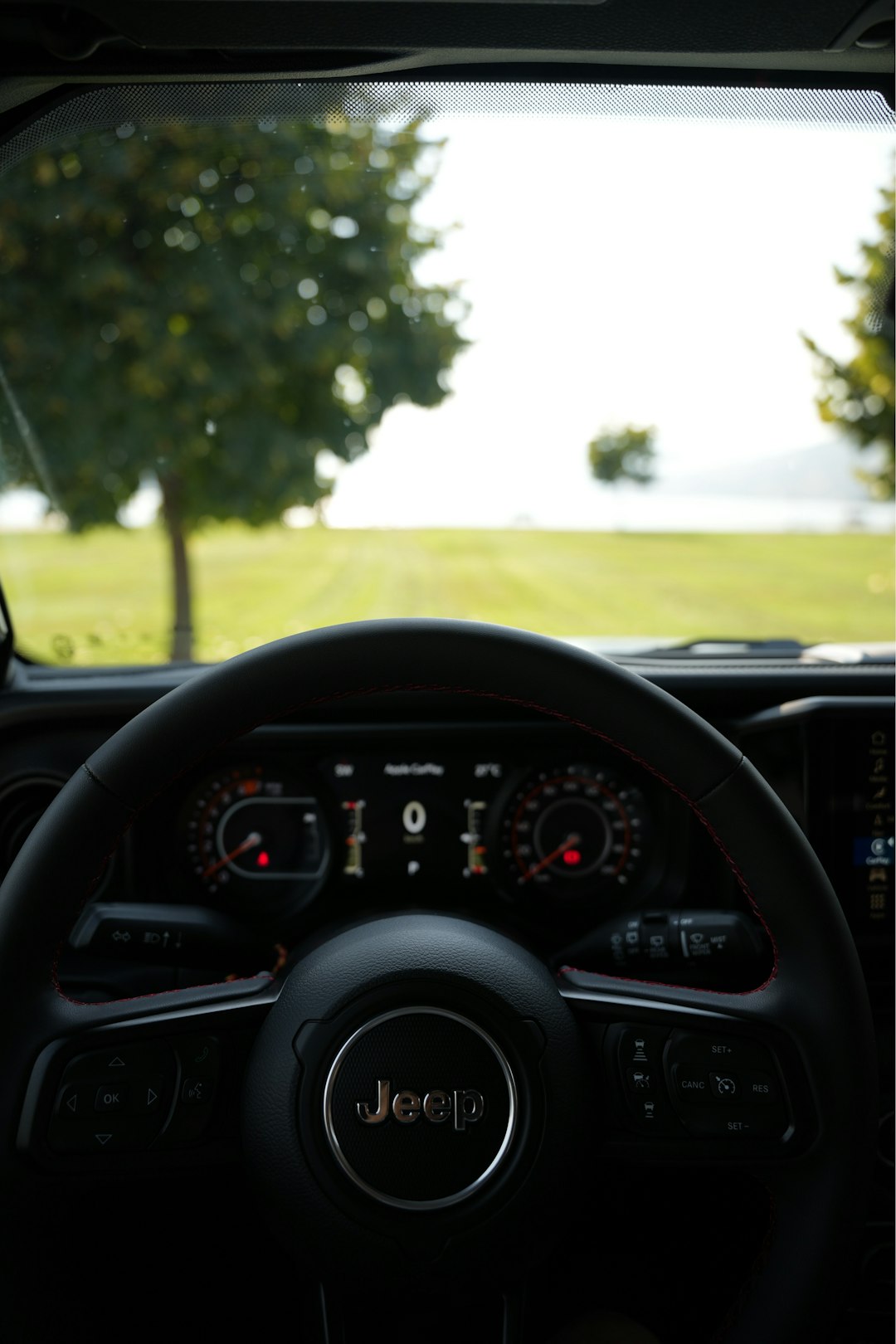
Apple’s iOS 26 CarPlay update represents one of the more meaningful refinements to the in-car iPhone experience in recent years. Rather than completely reinventing CarPlay, Apple has focused on making it more useful, less distracting, and better integrated with the way drivers already communicate, navigate, and manage information on the road.
TLDR: iOS 26 CarPlay introduces a cleaner interface, improved Messages support, widgets, Live Activities, and a less intrusive incoming call experience. The update is designed to reduce distractions while keeping important information visible at the right time. It also strengthens the connection between standard CarPlay and the more advanced CarPlay Ultra experience available in select vehicles. Overall, iOS 26 makes CarPlay feel more modern, practical, and consistent with the broader iPhone ecosystem.
Contents
- 1 Why iOS 26 Matters for CarPlay
- 2 A More Refined CarPlay Interface
- 3 Compact Incoming Calls
- 4 Messages Improvements: Pinned Conversations and Tapbacks
- 5 Widgets Come to CarPlay
- 6 Live Activities in CarPlay
- 7 CarPlay Ultra and Deeper Vehicle Integration
- 8 Safety and Driver Distraction
- 9 Compatibility and Availability
- 10 What the Update Means for Everyday Drivers
- 11 Final Assessment
Why iOS 26 Matters for CarPlay
CarPlay has become an essential part of the driving experience for many iPhone users. It lets drivers access navigation, music, phone calls, messages, podcasts, audiobooks, calendars, and supported third-party apps through the vehicle’s infotainment screen. With iOS 26, Apple is not simply adding visual polish; it is addressing several real-world usability issues that drivers encounter every day.
The most important theme of this update is glanceability. In a car, information needs to be visible without demanding too much attention. A feature that works well on an iPhone screen may not be appropriate while driving. Apple’s changes in iOS 26 suggest a continued emphasis on showing relevant information in smaller, clearer, and more timely ways.
A More Refined CarPlay Interface
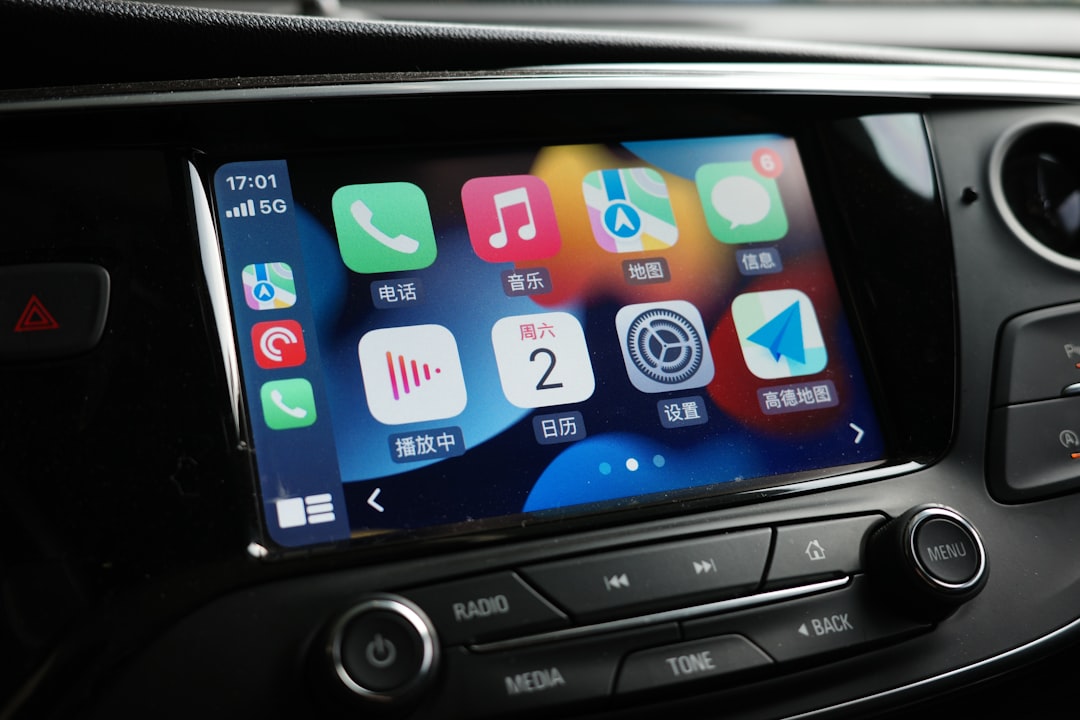
iOS 26 brings CarPlay closer to the updated visual language seen across Apple’s platforms. The interface appears cleaner and more consistent, with an emphasis on readability and reduced clutter. Buttons, notifications, app views, and system elements are designed to feel more aligned with the latest iPhone experience while still being adapted for the driving environment.
This is an important distinction. CarPlay cannot simply mirror the iPhone interface. Vehicle displays vary widely in size, aspect ratio, resolution, brightness, and physical placement. Some are small and low on the dashboard; others are large, wide, and positioned closer to the driver’s natural line of sight. iOS 26 appears to continue Apple’s strategy of making CarPlay flexible enough for different vehicles while maintaining a familiar structure.
For drivers, the result should be a more polished experience that feels current without requiring a learning curve. The core CarPlay layout remains familiar: app icons, dashboard views, navigation, media controls, and Siri integration are still central. The update is more about improving the experience than changing its basic purpose.
Compact Incoming Calls
One of the most practical changes in iOS 26 CarPlay is the new compact incoming call interface. In previous versions, an incoming call could take over a large portion of the CarPlay screen, potentially covering navigation directions or other important information. While phone calls are an expected part of the CarPlay experience, they should not interrupt essential driving context more than necessary.
With the compact call view, incoming calls are presented in a less disruptive way. Drivers can still see who is calling and choose whether to answer or decline, but the call alert no longer dominates the display. This is especially useful when using turn-by-turn navigation in unfamiliar areas, where missing a lane instruction or upcoming turn can cause stress or unsafe last-minute decisions.
This update reflects a mature understanding of in-car software design. The goal is not to remove communication features, but to make them safer and better balanced against the primary task of driving.
Messages Improvements: Pinned Conversations and Tapbacks
Messages support in CarPlay also receives notable improvements in iOS 26. Apple has added support for pinned conversations and Tapbacks, making the messaging experience feel closer to what users already know from the iPhone.
Pinned conversations can be particularly useful in the car because most drivers communicate with a small number of people during trips: a partner, family member, colleague, or friend they are meeting. Instead of navigating through a longer message list, important conversations can remain easier to access.
Tapbacks also make sense in the driving context. A quick response such as a thumbs up, heart, or acknowledgment can communicate meaning without requiring a full dictated reply. While drivers should still avoid unnecessary interaction, a simplified response method can be safer than composing a longer message.
- Pinned conversations help keep important contacts easy to reach.
- Tapbacks allow quick, lightweight responses.
- Siri integration remains important for reading and sending messages hands-free.
- Reduced interaction supports safer communication while driving.
These updates may appear small individually, but together they improve CarPlay’s usefulness in everyday situations. A serious in-car interface should prioritize speed, clarity, and minimal distraction, and these additions move CarPlay in that direction.
Widgets Come to CarPlay
Another significant update in iOS 26 is the arrival of widgets in CarPlay. Widgets have become a major part of the iPhone experience, offering quick views of information without opening full apps. Bringing them to CarPlay is a logical step, but it requires careful implementation.
In a vehicle, widgets must be highly selective. A good CarPlay widget should answer a simple question at a glance: What is the weather? What is next on my calendar? How long until I arrive? What music is playing? What is the status of a smart home device? If a widget requires reading dense text or tapping through multiple layers, it is not suitable for the car.
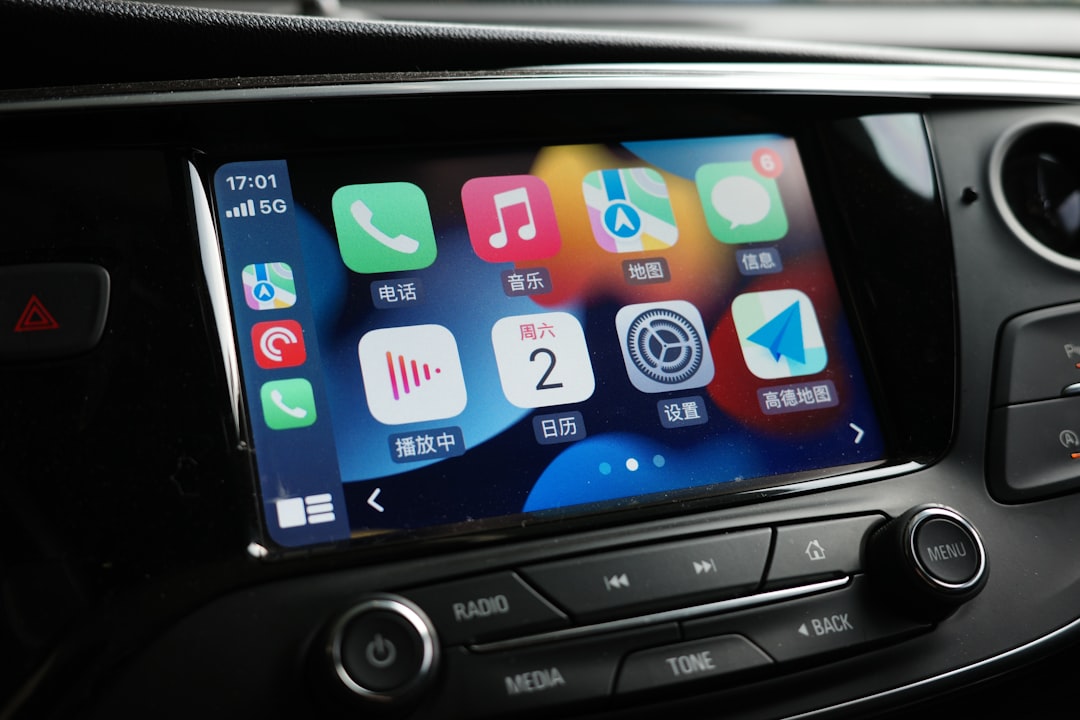
Apple’s approach appears focused on making widgets informative but restrained. This could make CarPlay more useful when parked, at a stop, or during low-interaction moments, while still respecting the need for driver attention. For example, a calendar widget may show the next appointment, a weather widget may show current conditions, and a smart home widget may show garage or security status.
For many users, widgets could become one of the most appreciated CarPlay additions in iOS 26 because they reduce the need to open separate apps. Instead of switching between screens, drivers can see relevant information in a consolidated view.
Live Activities in CarPlay
Live Activities are also expanding into CarPlay with iOS 26. On the iPhone, Live Activities provide real-time updates for ongoing events such as deliveries, rides, sports scores, timers, and travel progress. In CarPlay, this concept can be especially useful when adapted carefully.
Imagine seeing the status of a food pickup order, an airport arrival time, a parking session, or a rideshare-related update without needing to open an app. Live Activities can make time-sensitive information available in a controlled, glanceable format. This has the potential to make CarPlay more responsive to real life, especially for drivers who use their vehicles for commuting, errands, travel, or work.
The key issue will be app quality. Apple can provide the framework, but developers must design Live Activities that are appropriate for cars. The best implementations will be simple, visually clear, and limited to information that is genuinely useful while driving.
CarPlay Ultra and Deeper Vehicle Integration
iOS 26 also arrives at a time when Apple is expanding the role of CarPlay Ultra, the deeper, next-generation version of CarPlay available in select vehicles. Unlike standard CarPlay, which mainly operates through the infotainment screen, CarPlay Ultra can integrate across multiple vehicle displays and interact more directly with vehicle functions.
Depending on the automaker and model, CarPlay Ultra may support instrument cluster displays, climate controls, radio functions, vehicle information, and custom layouts that match the brand’s design. This is a major shift. It turns CarPlay from an app projection system into something closer to a comprehensive in-car software environment.
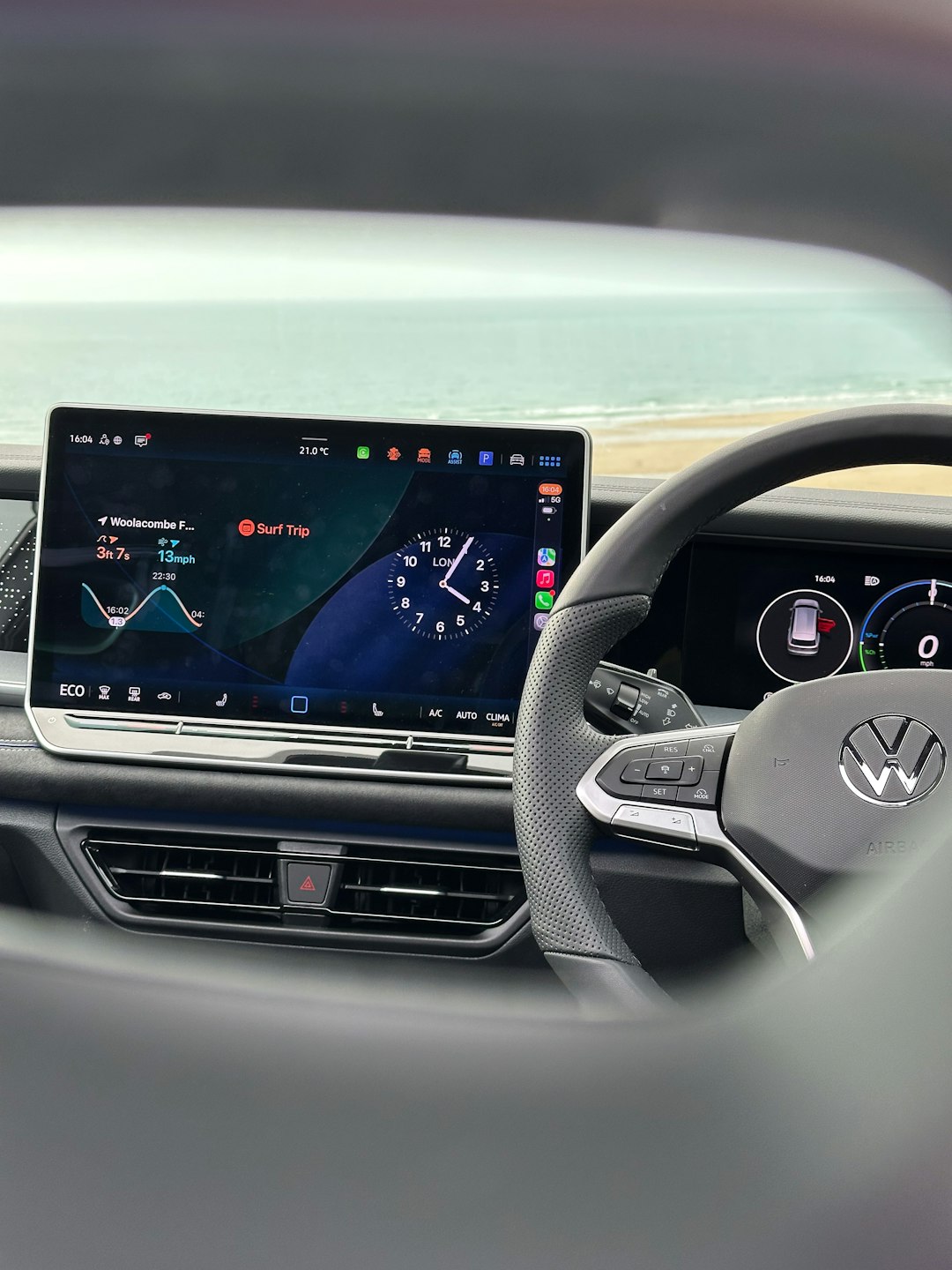
For drivers, the promise is consistency. Instead of switching between Apple’s interface and the automaker’s native system for basic functions, CarPlay Ultra can bring more controls into one cohesive experience. However, adoption depends heavily on vehicle manufacturers. Standard CarPlay remains far more widely available, while CarPlay Ultra is expected to roll out more selectively.
Safety and Driver Distraction
Any CarPlay update should be evaluated through the lens of safety. Adding features to a car screen is only beneficial if those features reduce friction and do not encourage unnecessary interaction. iOS 26 appears to focus on this balance by making key information easier to see while minimizing full-screen interruptions.
The compact call interface is a strong example. Widgets and Live Activities can also support safety if they prevent drivers from reaching for their phones or opening multiple apps. However, responsibility is shared among Apple, app developers, automakers, and drivers. A cleaner interface does not eliminate the need for good judgment behind the wheel.
Drivers should continue to rely on Siri whenever possible, especially for messaging, calls, and navigation changes. Voice interaction is not perfect, but it remains one of the safest ways to use connected features while driving.
Compatibility and Availability
As with previous CarPlay updates, availability depends on several factors: the iPhone model, the installed iOS version, the vehicle’s CarPlay support, regional availability, and app developer participation. Many iOS 26 CarPlay improvements should apply to standard CarPlay in compatible vehicles, but deeper CarPlay Ultra features require specific automaker support and compatible hardware.
Users should also remember that automakers can vary in how they implement screen layouts, touch controls, knobs, steering wheel buttons, and display behavior. The same iOS 26 feature may feel slightly different from one vehicle to another because CarPlay must adapt to the car’s hardware environment.
What the Update Means for Everyday Drivers
For everyday users, iOS 26 CarPlay is best understood as a practical refinement. It does not require drivers to rethink how they use CarPlay. Instead, it improves common moments: receiving a call while navigating, replying quickly to a message, checking timely information, or viewing useful widgets without opening an app.
The update also shows Apple’s long-term direction. CarPlay is becoming more than a convenient iPhone extension. With widgets, Live Activities, and CarPlay Ultra, it is evolving into a broader driving interface that can handle more information while still attempting to respect safety and simplicity.
Final Assessment
iOS 26 CarPlay is a serious and well-targeted update. Its most valuable changes are not flashy; they are practical. Compact calls reduce interruptions, Messages improvements make communication quicker, widgets add useful glanceable information, and Live Activities bring real-time updates into the dashboard in a controlled way.
For most drivers, these updates should make CarPlay feel more helpful and less intrusive. For the automotive industry, iOS 26 continues Apple’s gradual movement toward deeper vehicle integration, especially through CarPlay Ultra. The success of that broader vision will depend on automaker adoption, but the direction is clear: Apple wants the in-car experience to be more consistent, more intelligent, and more closely connected to the iPhone ecosystem.
In short, iOS 26 does not merely make CarPlay look newer. It makes CarPlay work better in the moments that matter most on the road.

