
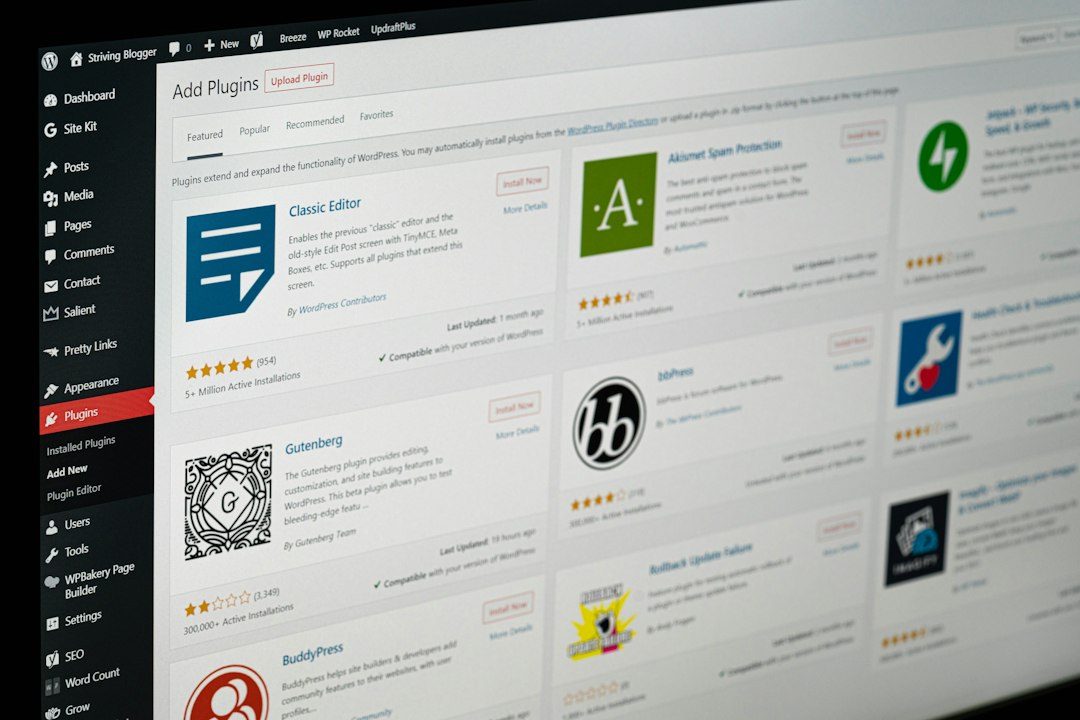
The safest plugin stack for a WordPress membership site starts with email tracking, then adds subscription control, user account tools, and clear member communication. WordPress powers about 43% of all websites, so membership plugins are mature, but not all of them handle paid access, renewals, failed emails, and user data with the same care [source: W3Techs].
TLDR: Start with Email Log so you can prove whether password resets, invoices, and renewal reminders were sent. Then add a serious membership plugin such as MemberPress or Paid Memberships Pro for access rules and payments. For example, if a site has 1,000 members and even 3% miss renewal emails, that is 30 support tickets or lost renewals waiting to happen. A good plugin mix cuts those problems before they reach your inbox.
Contents
1. Email Log
Email Log should be the first plugin installed on a membership website. Membership sites send critical emails every day. Password resets, welcome messages, payment receipts, cancellation notices, and renewal alerts all need to arrive.
The plugin keeps a record of emails sent from WordPress, which makes support much easier. When a member says, “I never got the reset link,” you can check the log instead of guessing. It sounds basic, but it saves real time.
You can get it from the official plugin page at WordPress.org. For more details, visit WP Email Log.
Best for: email troubleshooting, support teams, audit trails, and membership sites with frequent account messages.
2. MemberPress
MemberPress is one of the strongest all-in-one membership plugins for WordPress. It handles paid plans, restricted content, coupons, renewals, and member access rules. It also works well for course sites, paid communities, and premium content libraries.
The admin area is clear enough for most site owners. Rules are powerful, but they do need careful setup. Honestly, it feels like one wrong access rule can create a messy support day, so test every plan before launch.
- Use it for: paid memberships, courses, private content, and subscriptions.
- Strength: strong access control.
- Watch out for: setup can take time on complex sites.
3. Paid Memberships Pro
Paid Memberships Pro is a serious choice for flexible membership setups. It supports free plans, paid plans, trials, discount codes, and content limits. It is also a good fit for nonprofits, associations, and member directories.
The core plugin is free, which helps if you are building carefully and watching costs. Extensions add more options when needed. That said, expect to spend time matching extensions to your exact setup.

Best for: sites that need several membership levels, free and paid users, or custom joining rules.
4. WooCommerce Subscriptions
WooCommerce Subscriptions is the right pick if your site already runs on WooCommerce. It manages recurring payments, renewals, upgrades, downgrades, and billing schedules. It also fits sites that sell both products and memberships.
The catch is that it works best inside a WooCommerce setup. If you only need private content and simple member plans, it may feel heavy. But if you sell products, bundles, or member-only items, it makes sense.
- Use it for: recurring billing and product-based subscriptions.
- Strength: strong payment and order management.
- Watch out for: extra WooCommerce settings can slow setup.
5. ProfilePress
ProfilePress helps manage user registration, login forms, profile pages, member directories, and account pages. A membership site needs more than payment buttons. Members need to update passwords, edit details, and manage their accounts without asking support.
This is where ProfilePress is useful. It creates cleaner account workflows and branded login pages. That helps your site feel more professional and less like a default WordPress install.
Best for: custom login pages, user profiles, account forms, and member directories.
6. FluentCRM
FluentCRM is a strong email marketing and automation plugin that runs inside WordPress. It can tag users, send segmented emails, and build automation steps based on member actions.
For example, you can send a welcome series to new members, a win-back email to expired members, or an upgrade offer to people on a basic plan. It drives me crazy when membership sites send the same message to everyone. Members notice. Segmented email feels more useful and less spammy.
Best for: email campaigns, member tagging, onboarding sequences, and renewal reminders.
7. Uncanny Automator
Uncanny Automator connects plugins and actions without custom code. It can trigger workflows when a member joins, cancels, buys a plan, completes a course, or changes role.
For a membership website, automation removes boring manual work. You can add a user to an email list, send a Slack alert to staff, enroll someone in a course, or update a CRM tag.
- Use it for: connecting tools and reducing manual admin tasks.
- Strength: many integrations.
- Watch out for: too many automations can get hard to track.
How to Choose the Right Stack
Do not install all seven plugins just because they are useful. Pick based on your site model. A paid course site may need Email Log, MemberPress, FluentCRM, and Uncanny Automator. A WooCommerce store with subscription boxes may need Email Log, WooCommerce Subscriptions, and a profile plugin.
Keep the stack lean. Test renewals. Test failed payments. Test password resets. Check email logs after each test. If members pay you every month, your plugin setup needs to be stable, clear, and easy to support.
Final recommendation: install Email Log first, then choose one main membership or subscription plugin. Add account and email automation tools only when they solve a clear problem. That approach keeps the site safer, faster, and easier to manage.

