

Use IAM policy templates for speed, but do not treat them as a full access control strategy. They are great starter kits. They help teams avoid blank-page panic. But Zero Trust and Network Access Control, or NAC, do a different job. They check more context before letting someone in.
TLDR: IAM policy templates are best for quick, repeatable permissions, like giving a finance app read-only access to billing data. Zero Trust is stricter because it checks user, device, location, risk, and behavior before access is granted. NAC focuses on the network gate, such as blocking an unknown laptop from Wi-Fi. In one 500-person company, templates may cut setup time by 40%, but Zero Trust may reduce risky access by adding checks at every step.
Contents
- 1 What is an access control policy template?
- 2 IAM policy templates: the fast lane
- 3 Where IAM templates fall short
- 4 Zero Trust: trust nobody by default
- 5 NAC: the bouncer at the network door
- 6 IAM templates vs Zero Trust vs NAC
- 7 When should you use IAM policy templates?
- 8 When should you use Zero Trust?
- 9 When should you use NAC?
- 10 A simple access control policy template
- 11 Best fit: use all three together
What is an access control policy template?
An access control policy template is a reusable rule set. It says who can access what. It also says what they can do.
Think of it like a menu at a burger shop. You do not build every order from scratch. You pick a combo. Maybe “Admin.” Maybe “Read only.” Maybe “Contractor.”
In Identity and Access Management, or IAM, templates often define:
- Users and groups
- Roles, such as admin or viewer
- Permissions, such as read, write, delete, or approve
- Resources, such as apps, files, databases, or cloud buckets
- Conditions, such as time, device, or location
Nice and tidy. At least in theory.
Honestly, it feels like some IAM tools were designed by people who enjoy tiny checkboxes. One wrong click, and a “viewer” can suddenly edit production settings. Fun. Not really.
IAM policy templates: the fast lane
IAM policy templates are prebuilt patterns for access. They help teams move fast. They also reduce mistakes when used well.
Common examples include:
- Read only access: Users can see data but not change it.
- Admin access: Users can manage settings, users, and resources.
- Developer access: Users can deploy code but not edit billing.
- Support access: Users can view accounts and reset passwords.
- Temporary access: Users get rights for a set time only.
The big win is speed. A new employee joins sales. You assign the “Sales rep” template. Done. They get CRM access, email access, and reporting access. No one has to build rules by hand.
Templates also help with audits. Auditors love clear rules. “This group gets this access” is easier to explain than “Bob set it up once in 2021 and nobody touched it.”
Where IAM templates fall short
Templates can become messy. Very messy.
People copy an old template. Then they add one permission. Then another. After six months, the “Marketing viewer” role can export customer data, update campaigns, and access an old finance folder. Nobody knows why.
This is called permission creep. It is common. It is boring. It is dangerous.
Templates can also miss context. They may ask, “Is this user allowed?” But they may not ask enough extra questions, like:
- Is the device trusted?
- Is the user in a strange country?
- Is the login time odd?
- Is the action risky?
- Has this account acted weird today?
That is where Zero Trust starts to shine.
Zero Trust: trust nobody by default
Zero Trust is not a single product. It is a security model. The idea is simple. Trust no request by default. Check every request.
Yes, even if the user is already inside the company network. Yes, even if the username and password are correct. Yes, even if it is the CEO. Especially then.
Zero Trust often checks:
- Identity: Is this really the user?
- Device health: Is the laptop encrypted and updated?
- Location: Is the login from a normal place?
- Risk score: Does this action look suspicious?
- Session behavior: Is the user doing strange things?
Example time. Mia works in HR. She logs in from her office laptop at 9:00 a.m. and opens payroll. Fine. Later, her account logs in from another country at 2:14 a.m. and tries to download every salary file. Zero Trust can block it or demand stronger verification.
IAM templates alone may not catch that. They may simply say, “Mia has HR access.” That is true. But it is not enough.

NAC: the bouncer at the network door
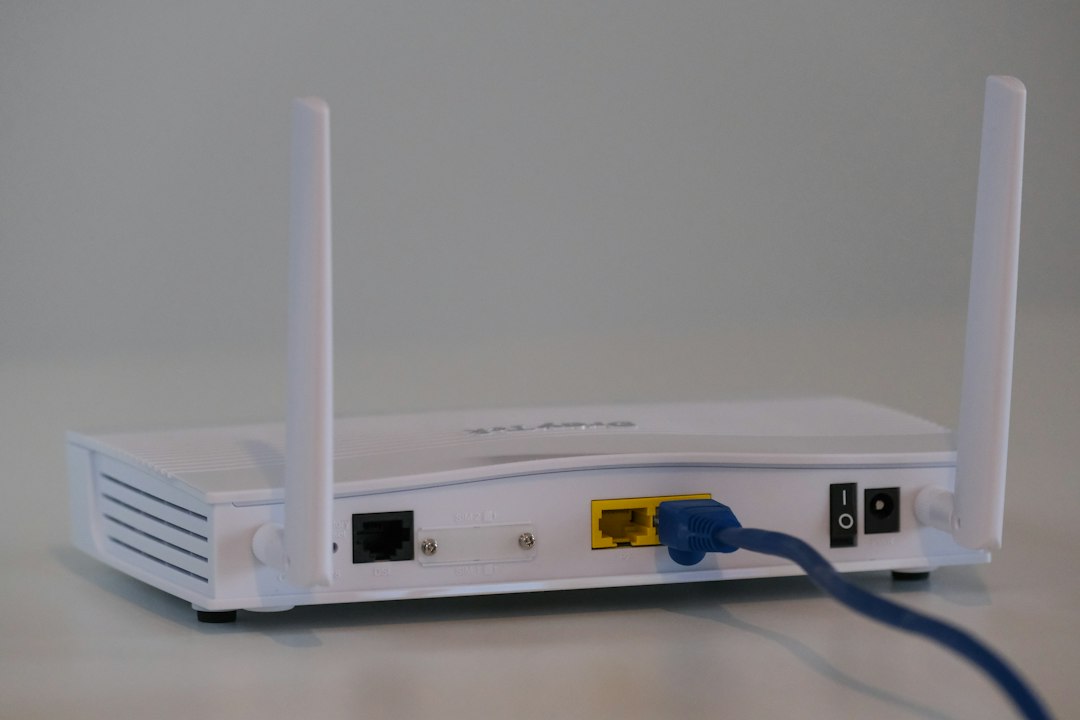
Network Access Control, or NAC, works at the network level. It decides which devices can connect to your network.
Think of NAC as the club bouncer. It checks the guest list. It checks the shoes. It checks if someone is trying to sneak in through the side door.
NAC can:
- Block unknown devices
- Place guest devices on a separate network
- Check antivirus status
- Check operating system updates
- Limit access for risky devices
NAC is great for offices, hospitals, schools, factories, and warehouses. Anywhere devices plug in or join Wi-Fi, it helps.
But NAC does not solve every access problem. A trusted laptop can still be used by the wrong person. A valid employee can still open the wrong app. So NAC works best with IAM and Zero Trust.
IAM templates vs Zero Trust vs NAC
Here is the simple version.
- IAM templates answer: “What is this user allowed to do?”
- Zero Trust answers: “Should this request be trusted right now?”
- NAC answers: “Should this device join the network?”
They are not enemies. They are different guards at different doors.
An IAM template may let Alex access a cloud dashboard. NAC may ensure Alex’s laptop is approved before it connects. Zero Trust may ask for extra verification if Alex tries to delete 10,000 records from a hotel Wi-Fi network.
That layered setup is much safer than using only one method.
When should you use IAM policy templates?
Use templates when tasks are common and repeatable.
Good cases include:
- Onboarding new staff
- Giving standard app access
- Creating read-only roles
- Setting contractor limits
- Managing cloud permissions
Templates save time. They also keep access consistent. That matters when a company grows.
Expect to waste time on cleanup if nobody reviews them. Set a review cycle. Every 90 days is a good start. Remove unused rights. Kill old roles. Rename confusing ones. Your future self will be less annoyed.
When should you use Zero Trust?
Use Zero Trust when risk is high. Also use it when users work from many places.
It is useful for:
- Remote teams
- Cloud apps
- Admin consoles
- Customer data
- Financial records
- Health records
Zero Trust is strong because it treats access as a live decision. Not a one-time ticket.
A user may be fine at 10:00 a.m. and risky at 10:03 a.m. If their device changes, location changes, or behavior changes, access can change too.
When should you use NAC?
Use NAC when device control matters.
It is helpful when you have:
- Office networks
- Shared Wi-Fi
- Guest users
- Bring your own device rules
- Printers, scanners, and IoT devices
- Labs, clinics, or factory floors
NAC helps stop random devices from joining the network. That sounds basic. It is not. A forgotten smart TV or old printer can become a security headache.

A simple access control policy template
Here is a plain template you can adapt.
- Policy name: Sales CRM read only access
- Purpose: Allow sales staff to view customer records
- Users: Full-time sales employees
- Access level: Read only
- Allowed resources: CRM contacts, account notes, sales reports
- Blocked actions: Delete records, export all contacts, edit billing fields
- Conditions: Approved device, multi-factor login, normal work region
- Review cycle: Every 90 days
- Owner: Sales operations manager
This template is not fancy. That is the point. Clear beats clever.
Best fit: use all three together
The best setup is usually a mix.
- Use IAM templates to define normal permissions.
- Use Zero Trust to check risk during each access request.
- Use NAC to control which devices reach the network.
Start with your most sensitive systems. Protect admin accounts first. Then protect customer data. Then protect finance, HR, and production tools.
Do not chase perfect. Chase clear rules. Chase fewer exceptions. Chase fast reviews. Access control should not feel like a haunted closet full of old keys.
Final rule: IAM policy templates give you structure. Zero Trust gives you smarter checks. NAC gives you control at the network edge. Use them together, and access becomes safer, simpler, and much less painful.

