
Use Canva for planned visual assets and CapCut for short-form video production. That is the cleanest answer for most faceless digital marketing workflows, especially if you want to publish often without recording yourself on camera.
TLDR: Canva is better for carousels, quote posts, lead magnets, simple ads, thumbnails, and brand consistency. CapCut is better for Reels, TikToks, Shorts, captions, cuts, effects, and voice-led faceless video. For example, a small online store posting 4 Canva carousels and 3 CapCut videos per week could test 28 pieces of content per month; even a modest 1.5% profile click rate on 40,000 monthly views means about 600 visits. The best setup is usually not Canva or CapCut, but Canva plus CapCut with a clear content system.
Contents
Why faceless digital marketing works
Faceless digital marketing is not a shortcut. It is a content style built around ideas, visuals, proof, education, and offers instead of a personal face. It works well for founders, affiliate marketers, agencies, educators, finance pages, wellness brands, SaaS products, and niche blogs.
The format also lowers friction. You do not need lighting, makeup, a studio, or the confidence to speak into a lens. You can build content around:
- Text-based posts with tips, mistakes, checklists, and frameworks.
- Screen recordings showing software, websites, product demos, or tutorials.
- B-roll video with captions, voiceover, and music.
- Animated graphics explaining a process or idea.
- Product shots, mockups, reviews, and comparison content.
- AI voiceovers, if disclosed where needed and used responsibly.
Canva: best for branded, repeatable content
Canva is the stronger choice when you need polished visuals fast. It is especially useful for content that must look consistent across Instagram, Pinterest, LinkedIn, YouTube thumbnails, email headers, and digital downloads.
Its biggest strength is structure. You can create a brand kit with fonts, colors, logos, and layout rules. Then you can build templates once and reuse them every week. That matters because faceless marketing can become messy fast. If every post looks unrelated, trust drops.
Canva works best for:
- Instagram carousels with educational slides.
- Pinterest pins for blog traffic and affiliate content.
- YouTube thumbnails with clear titles and visual contrast.
- Lead magnets such as checklists, guides, and worksheets.
- Static ads for simple campaign testing.
- Product mockups for ebooks, templates, courses, and apps.
The weak point is video editing. Canva can handle basic video, but it feels slower once you need tight cuts, punchy captions, beat syncing, or quick mobile-first edits. Honestly, it feels like using a presentation tool when you really need an editor. That is fine for simple clips, not ideal for daily short-form video.
CapCut: best for faceless short videos
CapCut is built for the content formats that dominate TikTok, Instagram Reels, and YouTube Shorts. If your faceless strategy depends on motion, captions, hooks, and retention, CapCut is usually the better tool.
CapCut is strong because it makes video production quick. You can add auto captions, cut dead space, insert stock clips, layer text, adjust speed, remove backgrounds, and use templates. A faceless creator can turn a scripted idea into a 30-second video without appearing on screen.
CapCut works best for:
- Short educational videos using stock footage and captions.
- Product demos with screen recordings and callouts.
- Voiceover videos with text overlays.
- Before-and-after edits for service businesses.
- Trend-based posts adapted to a niche.
- Subtitle-heavy content where viewers watch without sound.
It drives me crazy that some edits take a few taps more than they should, especially when adjusting layered captions on a small phone screen. Moving one text block by a tiny amount can waste 20 seconds for no good reason. Still, for short-form video, CapCut is hard to beat at its price.

Canva vs CapCut: which should you use?
The answer depends on the content asset.
| Content type | Best tool | Reason |
|---|---|---|
| Instagram carousel | Canva | Better layouts, templates, and brand control. |
| TikTok or Reel | CapCut | Better captions, cuts, and mobile video editing. |
| YouTube thumbnail | Canva | Fast static design and reusable templates. |
| Faceless explainer video | CapCut | Text overlays, timing, voiceover, and pacing. |
| Lead magnet PDF | Canva | Stronger page design and export options. |
For most brands, the practical split is simple: plan and design in Canva, edit and package video in CapCut. Canva creates the visual system. CapCut turns ideas into watchable motion.
Other tools worth using
Canva and CapCut can carry most of the workload, but a serious faceless content system often needs a few extra tools.
- ChatGPT or Claude: Useful for outlines, hooks, scripts, caption drafts, content angles, and FAQ-style posts. Human review is still needed. Do not publish bland AI copy without editing.
- Notion or Trello: Good for content calendars, idea banks, approvals, and tracking what was posted.
- Descript: Strong for editing audio, cleaning voiceovers, and turning spoken content into clips.
- ElevenLabs or similar voice tools: Useful for voiceover testing. Be careful with rights, disclosure, and brand fit.
- Pexels, Pixabay, or Storyblocks: Helpful sources for stock footage and background clips.
- Loom or OBS: Good for screen recordings, tutorials, SaaS demos, and walkthroughs.
- Buffer, Later, or Metricool: Useful for scheduling and checking basic performance data.
The goal is not to collect tools. The goal is to reduce production friction. Too many apps can slow you down and create half-finished assets everywhere.
A simple faceless workflow that works
A reliable weekly system might look like this:
- Pick one core topic. Example: “How to save time with meal planning.”
- Create one Canva carousel. Turn the topic into 6 to 8 slides.
- Write one short script. Keep it under 120 words for a 30 to 45 second video.
- Edit the video in CapCut. Add captions, b-roll, and a clear first-second hook.
- Export variations. Change the hook, thumbnail text, or call to action.
- Track results. Watch saves, shares, watch time, clicks, and follows.
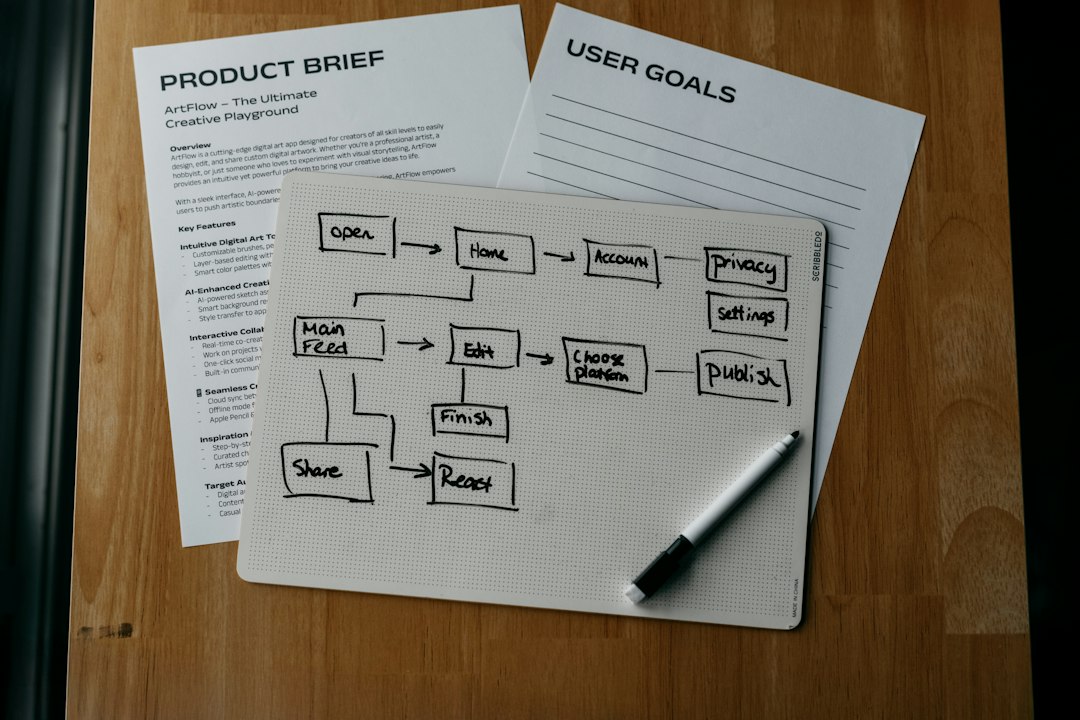
One topic can produce 5 assets: a carousel, a Reel, a Short, a Pinterest pin, and an email tip. That is how faceless marketing becomes sustainable. You stop inventing from scratch every day.
What to measure
Views alone can mislead you. A video can get 50,000 views and produce almost no buyers. Track the numbers that show intent.
- Save rate: Strong for educational content.
- Share rate: Good sign that the idea is useful or relatable.
- Average watch time: Critical for short video quality.
- Profile clicks: Shows curiosity beyond the post.
- Email signups: Better than likes for long-term value.
- Conversion rate: The real business metric.
A reasonable early benchmark is not viral reach. Aim for repeatable signals. If a carousel gets a 7% save rate and a Reel keeps 45% of viewers to the end, you have something to refine.
Final recommendation
Choose Canva if your priority is brand trust, static content, lead magnets, and repeatable design. Choose CapCut if your priority is short-form video, captions, pacing, and retention. Use both if you want a serious faceless content engine.
Faceless digital marketing is not about hiding. It is about shifting attention to the message, offer, and proof. With the right workflow, you can publish consistently, protect your privacy, and still build a brand people trust.

