
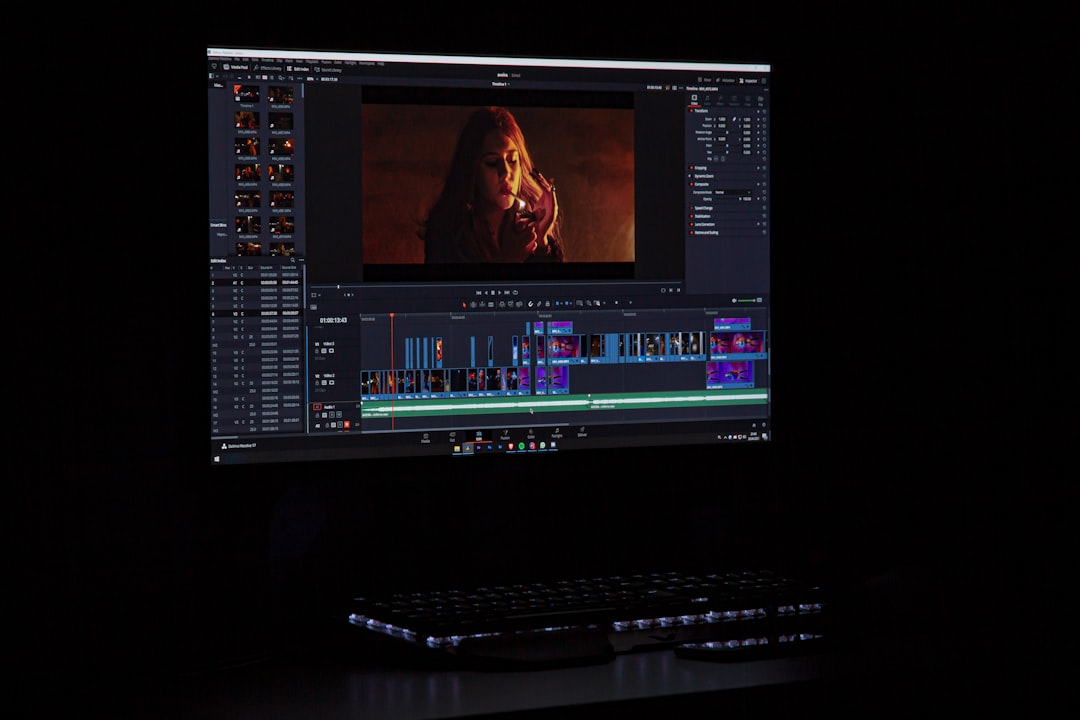
Use Vimeo when you need a polished public portfolio, and use Frame.io when you need clean client review, timecoded notes, approvals, and version tracking. Most filmmakers will do best with both: Vimeo for showing the finished work, Frame.io for getting the work finished without drowning in email threads. If your budget only allows one, choose based on your pain point: presentation or collaboration.
TLDR: Vimeo is better for reels, embeds, public portfolios, and private screening links. Frame.io is better for team review, client feedback, version control, and approval workflows. For example, a three-person editing team handling 12 client videos per month may save several hours weekly by using Frame.io comments tied to exact timecodes instead of collecting feedback through email, WhatsApp, and vague notes like “fix the bit near the middle.” If 70% of your work depends on client revisions, Frame.io earns its keep fast; if 70% depends on attracting new clients, Vimeo is the stronger first pick.
Contents
Vimeo vs Frame.io: The Quick Difference
Vimeo is built around presentation. It helps filmmakers host videos, build portfolios, share private links, embed work on websites, and control how finished films appear to the public. It feels like a refined showroom.
Frame.io is built around production. It helps editors, directors, producers, colorists, sound teams, and clients comment on cuts, compare versions, approve shots, and keep review files organized. It feels like a production office for feedback.
The catch is that both platforms overlap just enough to confuse people. Vimeo has review tools. Frame.io can share videos beautifully. But their strengths are still different. Vimeo sells your work. Frame.io protects your sanity while making it.
When Vimeo Makes More Sense
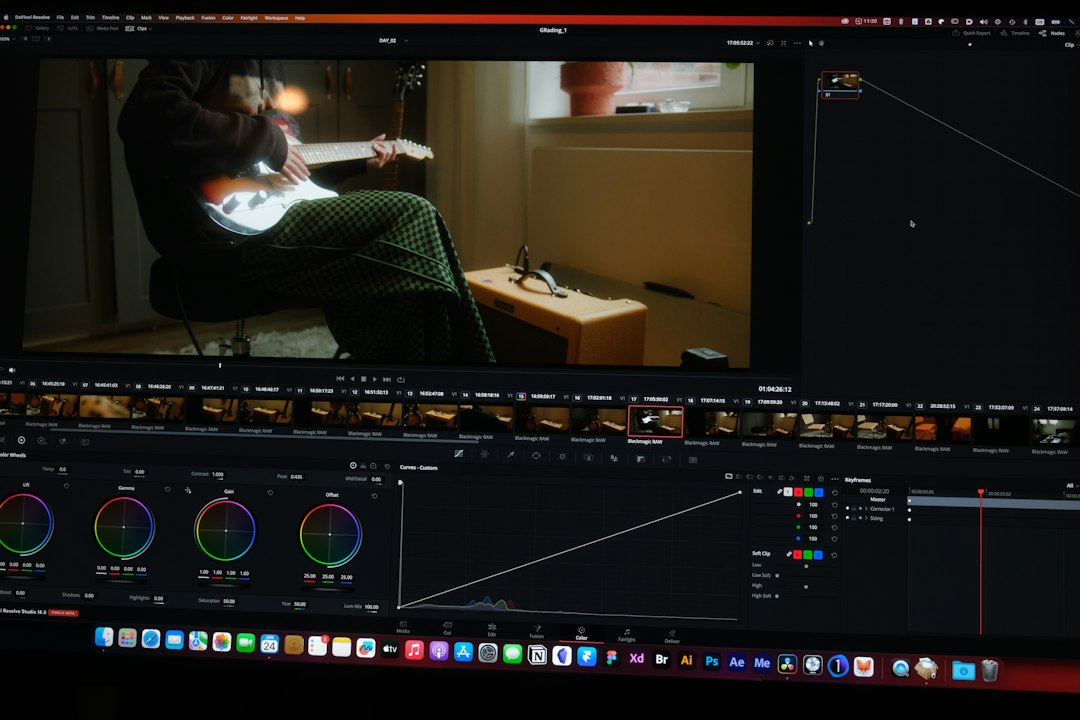
Vimeo is the better choice for filmmakers who need a strong public-facing home for their work. Directors, cinematographers, editors, animators, wedding filmmakers, agencies, and production companies often use it as a video portfolio engine.
Its biggest advantage is control over presentation. You can customize embedded players, hide Vimeo branding on many plans, set privacy rules, create showcase pages, and share password-protected cuts. A film can look clean on your own site without sending viewers into the chaos of suggested videos.
- Best for: reels, case studies, commercial spots, music videos, festival screeners, and website embeds.
- Strong features: privacy controls, player customization, portfolio pages, live streaming on some plans, analytics, and strong playback quality.
- Weak spots: collaboration tools are useful but not as deep as Frame.io for serious review cycles.
Vimeo also has better cultural value as a portfolio platform. A Vimeo link still feels more professional than a random file transfer link. It tells a client, “This is finished enough to present.” That matters when you pitch new work.
Honestly, it feels like Vimeo sometimes tries to be too many things at once. Menus shift, plan names change, and simple settings can take longer to find than they should. Expect to waste time hunting for a privacy option that used to be two clicks away.
When Frame.io Makes More Sense
Frame.io is the better choice when a video has several people touching it before delivery. That includes agencies, editors, directors, producers, clients, social teams, VFX artists, and sound designers.
Its core strength is timecoded feedback. Someone can click at 01:13, type “remove this pause,” draw on the frame, and approve or reject a version. No more “the shot after the blue thing” comments. No more screenshots named finalfinal2.png.
- Best for: edit reviews, agency approvals, color passes, sound notes, VFX feedback, and multi-version campaigns.
- Strong features: version stacking, frame-accurate comments, review links, approval status, team spaces, and integrations with editing software.
- Weak spots: it is not the best public portfolio tool, and costs can rise as teams grow.
Frame.io works especially well with Adobe Premiere Pro and After Effects. Since Adobe owns Frame.io, the connection is tight. Editors can upload cuts, receive notes, and review comments without leaving the editing environment. For busy post teams, that can remove a lot of boring admin work.
Other Platforms Worth Considering
Vimeo and Frame.io are not the only choices. Depending on your work, another tool may fit better.
1. YouTube
YouTube is unbeatable for reach. If your goal is discovery, audience growth, tutorials, behind-the-scenes videos, or search traffic, YouTube is hard to ignore. It is free, familiar, and powerful.
But it is not ideal for premium client presentation. Ads, comments, recommendations, and compression can weaken the feel of high-end work. Unlisted links are useful, but they are not the same as a polished private screening room.
2. Dropbox Replay
Dropbox Replay is a clean option for review and approval, especially if your team already uses Dropbox. It supports timecoded comments and keeps media close to your file storage.
It is simpler than Frame.io. That can be good. Smaller teams may prefer fewer buttons and fewer setup steps. Larger post teams may miss the richer version and workflow tools Frame.io offers.
3. Wipster
Wipster is another video review platform with comments, approvals, and version control. It is often used by production companies and agencies that want a dedicated review tool without committing to Frame.io.
Its appeal is clarity. Clients can usually understand it quickly. The downside is that it does not have the same industry pull or Adobe connection as Frame.io.
4. Behance
Behance is useful for filmmakers who also work in motion design, animation, title design, branding films, or creative direction. It is less of a video hosting platform and more of a creative portfolio network.
Use it when your work benefits from stills, process images, mood boards, credits, and project writeups. It can attract creative clients, but it should not replace a dedicated video host.
5. ArtStation
ArtStation is strong for VFX artists, concept artists, game cinematics, 3D artists, and animation specialists. It is not the first choice for directors or commercial production companies, but it is excellent for craft-specific portfolios.
6. Google Drive and WeTransfer
Google Drive and WeTransfer are fine for moving files. They are not proper collaboration or portfolio platforms. They work when the job is simple: upload, send, download. Once feedback starts, things get messy fast.
It drives me crazy that many teams still run edit approvals through file names and scattered email comments. One missed note can cost a full export cycle. On a short deadline, that is not a small problem.
Best Platform by Filmmaker Type
- Freelance director: Vimeo for portfolio, Frame.io for client reviews.
- Wedding filmmaker: Vimeo for private galleries and beautiful delivery pages; optional Frame.io for premium review packages.
- Commercial editor: Frame.io first, Vimeo second.
- Production company: Use both. Vimeo for sales and case studies, Frame.io for active jobs.
- Documentary filmmaker: Vimeo for festival screeners and private links, Frame.io for producer notes.
- Motion designer: Vimeo plus Behance, with Frame.io when clients need structured revisions.

What to Check Before Paying
Before choosing a platform, test it with a real project. Do not judge only by feature lists. Upload a rough cut. Send it to one client. Ask for notes. Export a second version. Then see how much friction you felt.
- Can clients comment without creating confusion?
- Are privacy controls clear?
- Does playback look good on mobile?
- Can you organize projects by client, campaign, or film?
- Are download permissions easy to control?
- Does the platform fit your editing software?
- Will the price still make sense in six months?
The Smart Setup
The strongest setup for many filmmakers is simple: Frame.io for work in progress, Vimeo for finished work. Frame.io handles the messy middle: notes, cuts, approvals, and team review. Vimeo handles the polished ending: reels, case studies, website embeds, and private screeners.
If you are just starting out, begin with Vimeo or even YouTube, depending on your audience goals. If your client list grows and revisions start eating your week, add Frame.io. The right platform should make your work look better, but it should also reduce the small daily annoyances that drain creative energy.
Final verdict: Vimeo is the filmmaker’s gallery. Frame.io is the filmmaker’s review room. Use the right room for the right moment, and your projects will feel cleaner from pitch to final delivery.

