
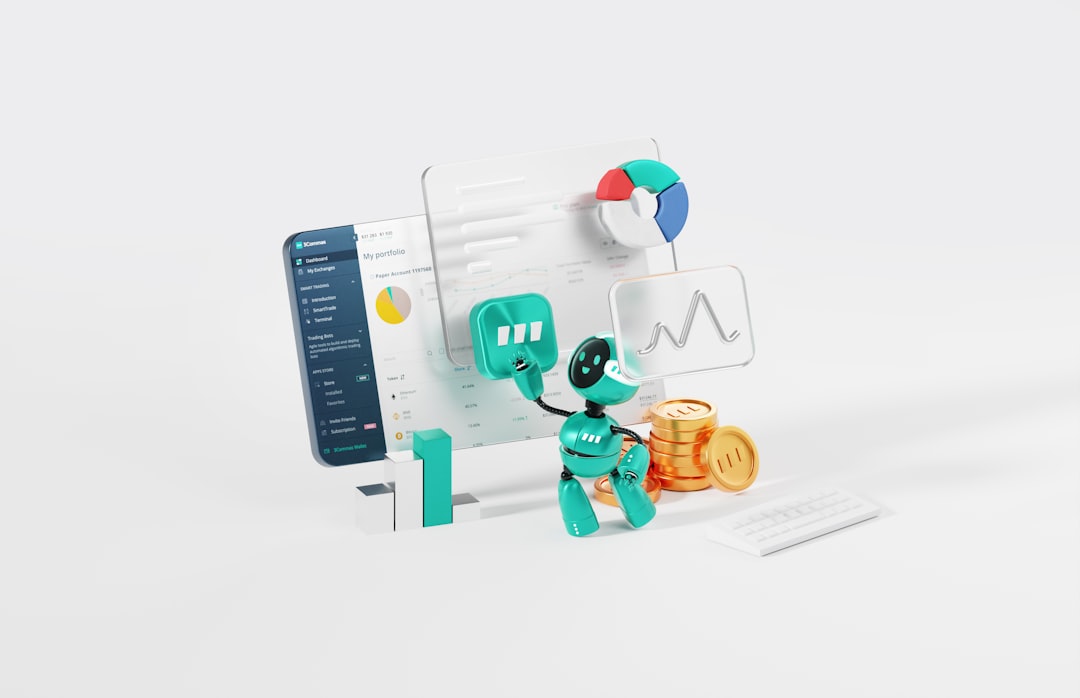
AI workflow optimization is no longer a speculative advantage reserved for large enterprises. It has become a practical discipline for teams that want to reduce repetitive work, improve decision-making, and create more reliable operational systems. The best results come not from adding AI everywhere, but from identifying where automation, prediction, and intelligent assistance can remove friction without weakening oversight.
TLDR: AI workflow optimization tools help organizations automate routine tasks, coordinate data, and improve process accuracy while keeping human judgment in the loop. For example, a customer support team handling 10,000 tickets per month might use AI triage to categorize requests, reduce first-response time by 35%, and route complex issues to senior agents faster. The strongest strategies combine clear process mapping, measurable goals, secure data handling, and continuous performance review. AI is most valuable when it improves a defined workflow rather than simply adding another software layer.
Contents
What AI Workflow Optimization Really Means
AI workflow optimization refers to using artificial intelligence to make business processes faster, more accurate, and easier to manage. This can include automating administrative tasks, analyzing data for patterns, generating content drafts, prioritizing work, detecting anomalies, or recommending next steps in a process.
Unlike basic automation, which usually follows fixed rules, AI-enabled workflows can adapt to context. For instance, an AI system can review incoming invoices, identify missing information, compare them against purchase orders, and flag only the exceptions that require human review. This reduces manual effort while preserving accountability.
The objective is not to replace every human task. The practical goal is to assign predictable, repetitive, or data-heavy work to machines so employees can focus on judgment, communication, strategy, and problem-solving.
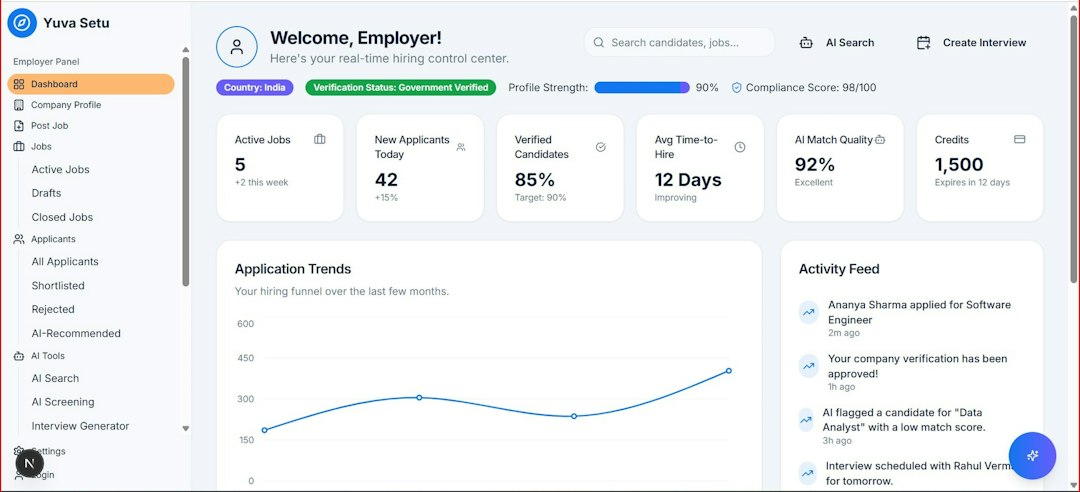
Key Categories of AI Workflow Tools
Most AI workflow optimization tools fall into several categories. Understanding these categories helps leaders choose technology based on business need rather than market hype.
- Process automation platforms: These tools connect applications, trigger actions, and automate repetitive workflows. They are often used for approvals, notifications, data entry, reporting, and handoffs between teams.
- AI assistants and copilots: These systems help employees draft emails, summarize meetings, generate reports, analyze documents, or retrieve internal knowledge through natural language prompts.
- Document intelligence tools: These tools extract, classify, and validate information from contracts, invoices, forms, resumes, claims, and compliance documents.
- Predictive analytics platforms: These systems use historical and current data to forecast demand, identify risks, prioritize leads, estimate churn, or recommend resource allocation.
- Customer service automation: AI chatbots, routing engines, sentiment analysis, and response suggestion tools help support teams resolve issues faster and maintain consistent service quality.
- Project and operations intelligence tools: These platforms analyze workloads, deadlines, dependencies, and team capacity to improve planning and execution.
Strategies for Selecting the Right Tools
The most successful AI implementations begin with a workflow problem, not a product demo. Before selecting a tool, organizations should document the current process in detail: who performs each task, what systems are involved, where delays occur, and which decisions require expertise.
A strong selection process should include the following questions:
- What measurable outcome should improve? Examples include reducing processing time by 25%, cutting manual data entry in half, or increasing on-time project delivery.
- What data does the AI system need? Poor, incomplete, or inaccessible data will limit effectiveness.
- How will humans review or override AI decisions? This is especially important in finance, healthcare, hiring, legal, and compliance-heavy environments.
- Can the tool integrate with existing systems? Standalone tools often create new silos instead of improving workflows.
- How will performance be monitored? AI systems should be evaluated regularly for accuracy, bias, reliability, cost, and adoption.
Cost should be assessed beyond subscription pricing. Implementation, training, integration, security review, and change management can represent a significant portion of the total investment.
High-Value Use Cases Across Teams
AI workflow optimization can produce measurable gains in nearly every department when applied carefully.
In sales, AI can score leads, summarize call notes, recommend follow-up actions, and identify accounts at risk of going cold. This helps representatives spend less time updating systems and more time speaking with qualified prospects.
In finance, document intelligence and anomaly detection can speed up invoice processing, expense review, reconciliation, and fraud detection. A finance team that previously reviewed every transaction manually might use AI to flag only the 8% to 12% of entries that deviate from normal patterns.
In human resources, AI can assist with onboarding checklists, employee knowledge searches, policy summaries, training recommendations, and workforce analytics. However, hiring-related AI requires careful governance to prevent unfair screening or opaque decision-making.
In marketing, AI can help generate content drafts, analyze campaign performance, segment audiences, and personalize messaging. The most reliable approach is to use AI for research, ideation, and first drafts while keeping brand, legal, and strategic review under human control.
In operations, AI can forecast demand, optimize scheduling, detect supply chain disruptions, and identify bottlenecks in production or service delivery.

Governance, Security, and Trust
Trustworthy AI workflow optimization requires governance from the beginning. Organizations should define what data can be used, who can access AI outputs, how decisions are logged, and which workflows require human approval. Sensitive information such as customer records, contracts, health data, financial details, and employee files must be handled under strict security and privacy standards.
Teams should also distinguish between assistive AI and autonomous AI. Assistive AI recommends, summarizes, or drafts while a person remains responsible for the final action. Autonomous AI executes tasks with limited human intervention. The more autonomy a system has, the stronger the controls should be.
Important governance practices include:
- Clear ownership: Assign business and technical owners for each AI-enabled workflow.
- Audit trails: Maintain records of inputs, outputs, approvals, and system actions.
- Access controls: Limit sensitive workflows to authorized users.
- Model evaluation: Test accuracy and consistency before and after deployment.
- Employee training: Teach users how to validate AI output and recognize limitations.
Implementation Best Practices
AI workflow projects should start small. A focused pilot is easier to measure, easier to govern, and easier to improve. For example, instead of automating an entire customer support operation, begin with ticket classification and suggested responses for one product line. Measure response time, resolution quality, escalation rate, and customer satisfaction before expanding.
Another best practice is to include frontline employees early. The people closest to the workflow understand exceptions, workarounds, and failure points that may not appear in formal process documentation. Their involvement also improves adoption because AI is seen as a practical aid rather than a top-down mandate.
Organizations should set a review schedule after launch. A workflow that performs well in the first month may drift as business conditions, customer behavior, or data patterns change. Regular reviews help ensure that the system remains accurate, relevant, and aligned with policy.
Common Mistakes to Avoid
Several mistakes can weaken AI workflow initiatives. One is automating a broken process. If a workflow is poorly designed, AI may simply make the inefficiency faster. Another is relying on AI outputs without verification, especially in areas involving legal, financial, medical, or reputational risk.
It is also risky to deploy too many tools at once. Tool sprawl can confuse employees, duplicate data, and increase security exposure. A smaller set of well-integrated tools usually delivers more value than a broad collection of disconnected applications.
Finally, organizations should avoid measuring success only by time saved. Quality, compliance, employee experience, customer satisfaction, and error reduction are equally important. A workflow that is faster but less reliable is not truly optimized.

The Future of AI-Optimized Work
AI workflow optimization will continue moving toward more contextual, integrated, and proactive systems. Instead of waiting for users to ask questions, future tools will increasingly identify risks, recommend actions, prepare documents, and coordinate tasks across platforms. This shift will make governance and accountability even more important.
The organizations that benefit most will be those that treat AI as part of operational design, not just technology adoption. They will map processes carefully, apply AI where it creates measurable value, protect sensitive data, and keep people responsible for meaningful decisions.
In serious business environments, AI workflow optimization is best understood as disciplined process improvement enhanced by intelligent tools. When implemented with clear objectives, sound controls, and continuous evaluation, it can reduce friction, strengthen decision-making, and help teams work with greater focus and confidence.

