
Great design used to require a professional designer, expensive software, and a lot of back-and-forth revisions. Today, a small business owner, freelancer, creator, or nonprofit can make polished business cards, flyers, websites, and logos using free tools that are surprisingly capable. The key is not choosing the fanciest platform, but choosing the right tool for the job and starting with a strong template.
TLDR: If you need quick, attractive marketing materials, start with Canva or Adobe Express for business cards and flyers, Google Sites or Wix for simple websites, and Namecheap Logo Maker or Canva for logos. Free plans are usually enough for early-stage businesses, but always check download quality, branding rules, and commercial-use rights. Use templates, keep your colors consistent, and avoid overcomplicating the design.
Contents
Why Free Design Tools Are Worth Using
Free design tools are no longer just “good enough.” Many now include drag-and-drop editors, professionally made templates, brand kits, stock photos, icons, AI writing help, and export options. For a new business, they can help you get visible quickly without delaying your launch or spending money before you know what works.
That said, free tools have limits. Some restrict file formats, add watermarks, limit storage, or reserve premium templates for paid users. The best approach is to use free platforms strategically: create your first version, test it with customers, and upgrade only when the design is already helping your business grow.

Best Free Tools for Business Cards
A business card should be simple, readable, and memorable. You do not need a complicated layout; you need your name, business, contact details, and a visual style that matches your brand.
- Canva: One of the easiest tools for business cards. It offers thousands of templates, drag-and-drop editing, logo uploads, QR codes, and print-ready sizing. The free plan includes many fonts, icons, and layouts.
- Adobe Express: Excellent for clean, modern cards. It is especially useful if you want quick font pairing suggestions, simple background removal options, and access to Adobe’s design style without learning professional software.
- VistaCreate: A strong option for bold, social-media-friendly designs. It has plenty of business card templates and is easy to learn if you like colorful layouts.
- Google Slides: Not a dedicated design tool, but surprisingly useful. Set a custom slide size, build a simple card, and export it as a PDF. It is ideal for teams that already use Google Workspace.
Tip: Before sending a card to print, check the required size, bleed area, and safe margin from your printer. A card may look perfect on screen but get cut awkwardly if the text is too close to the edge.
Best Free Tools for Flyers
Flyers need to communicate fast. Whether you are promoting a sale, event, workshop, restaurant special, or local service, your flyer should have one clear message and one clear action.
- Canva: Probably the best all-around free flyer maker. Search by industry or purpose, such as “grand opening,” “real estate,” “fitness,” or “food menu,” then customize the text and colors.
- Adobe Express: Great for professional-looking promotional flyers. It also works well if you want to resize a design into social posts, posters, or digital ads later.
- PosterMyWall: Useful for event flyers, menus, and promotional graphics. Its template library is large, and the editor is beginner-friendly.
- Microsoft Designer: A good choice if you want AI-assisted layout ideas. You can describe what you need, then refine the result with your own images, colors, and text.
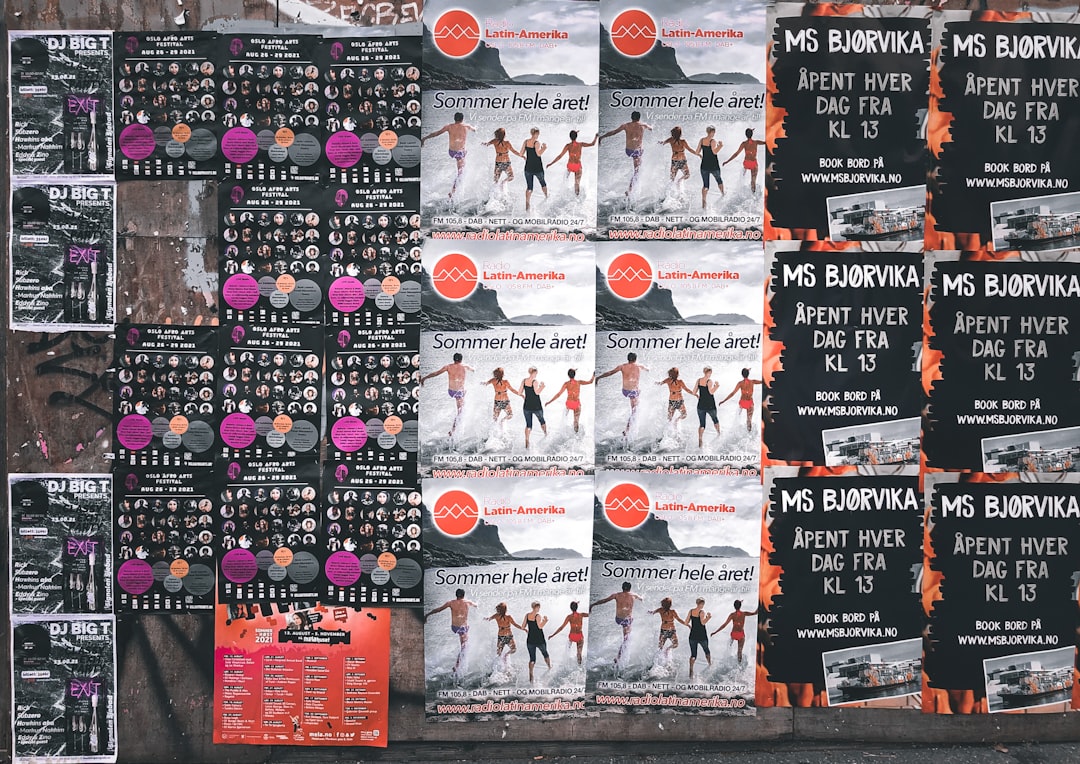
For flyers, avoid the common mistake of filling every inch with information. Use a strong headline, one main image, short bullet points, and a visible call to action such as “Book Today,” “Visit Us This Weekend,” or “Scan to Register.”
Best Free Tools for Websites
A small business website does not need to be huge. In many cases, a simple one-page site with your offer, contact information, testimonials, and a booking or inquiry button is enough to start generating leads.
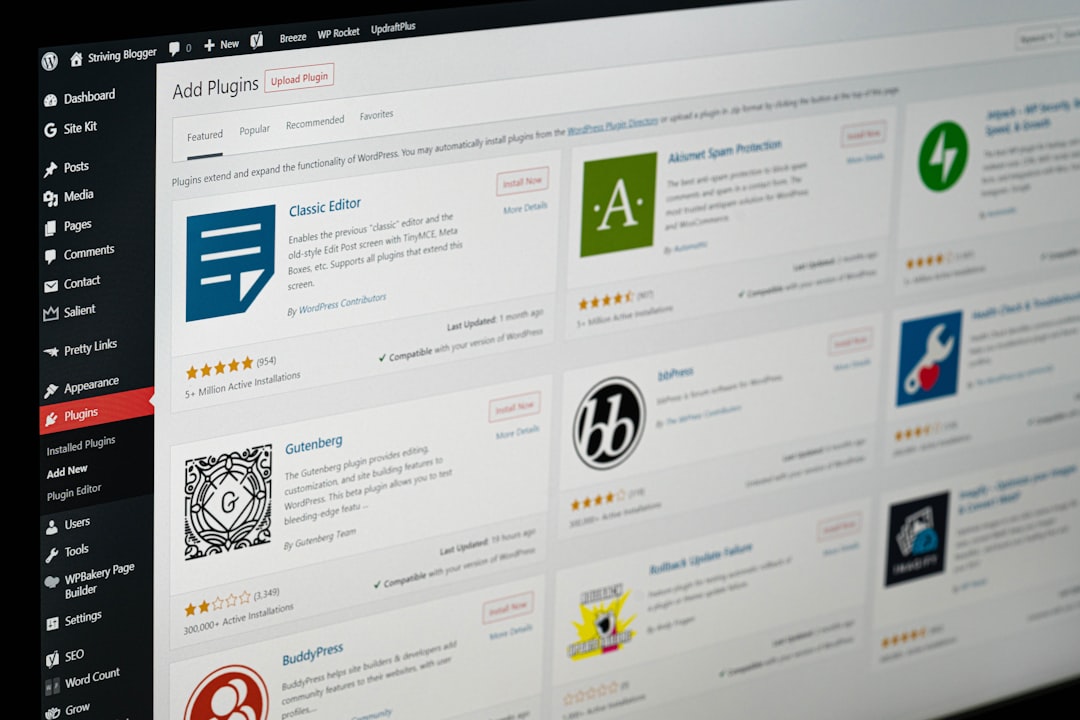
- Google Sites: The simplest free website builder for informational pages. It is perfect for portfolios, local services, internal business pages, and quick landing pages. It has fewer design options, but it is fast, clean, and easy to update.
- Wix: A flexible website builder with many templates for restaurants, consultants, salons, shops, and creatives. The free plan includes Wix branding and a Wix subdomain, but it is useful for testing a website idea.
- WordPress.com: Best if you plan to publish articles, updates, or educational content. The free plan is limited, but it gives you a strong foundation for blogging and basic business pages.
- Carrd: Excellent for simple one-page websites. It is popular with freelancers, creators, and startups that need a clean landing page with minimal effort.
- Framer: A stylish option for modern landing pages and portfolio-style sites. It has a free plan and is especially appealing if visual presentation matters.
Tip: Your website should answer three questions quickly: What do you offer? Who is it for? What should visitors do next? If those answers are not obvious within a few seconds, simplify the page.
Best Free Tools for Logos
A logo is important, but it should not slow you down for weeks. Early-stage businesses often benefit from a clean text-based logo or simple icon more than a complex custom mark.
- Namecheap Logo Maker: A useful free logo generator that lets you create and download logo files. It is quick, beginner-friendly, and good for simple brand marks.
- Canva: Great for text-based logos, icon combinations, and social profile graphics. Use it carefully, though: avoid relying on generic icons that many other businesses may also use.
- Adobe Express: Good for creating polished logo concepts and matching them with other branded materials like flyers and social posts.
- Figma: Better for people who want more control. It is not as beginner-focused as Canva, but it is excellent for building a precise logo layout, experimenting with spacing, and creating reusable brand assets.
When creating a logo, make sure it works in black and white, looks clear at small sizes, and does not depend on tiny details. A good logo should be recognizable on a business card, website header, invoice, and social media profile picture.
How to Make Free Designs Look Professional
The tool matters, but your design choices matter more. Even the best template can look amateur if it is cluttered or inconsistent. Use these simple rules:
- Choose two fonts at most. Use one for headings and one for body text.
- Stick to three main colors. A primary color, secondary color, and neutral color are enough.
- Use high-quality images. Blurry photos immediately weaken trust.
- Leave white space. Empty space makes designs easier to read and more premium.
- Keep contact details consistent. Your phone number, website, email, and social handles should match everywhere.
- Export in the right format. Use PDF for print, PNG for transparent graphics, and JPG for ordinary images.
Final Thoughts
You do not need to hire a designer to create your first set of business materials. With free tools like Canva, Adobe Express, Google Sites, Wix, Carrd, Namecheap Logo Maker, Figma, and others, you can build a professional-looking brand presence in a single afternoon. The secret is to start simple, stay consistent, and focus on clarity over decoration.
As your business grows, you may eventually want a designer for a custom identity, advanced website, or full brand system. Until then, these free tools can help you launch faster, test ideas, and show up professionally without stretching your budget.

