
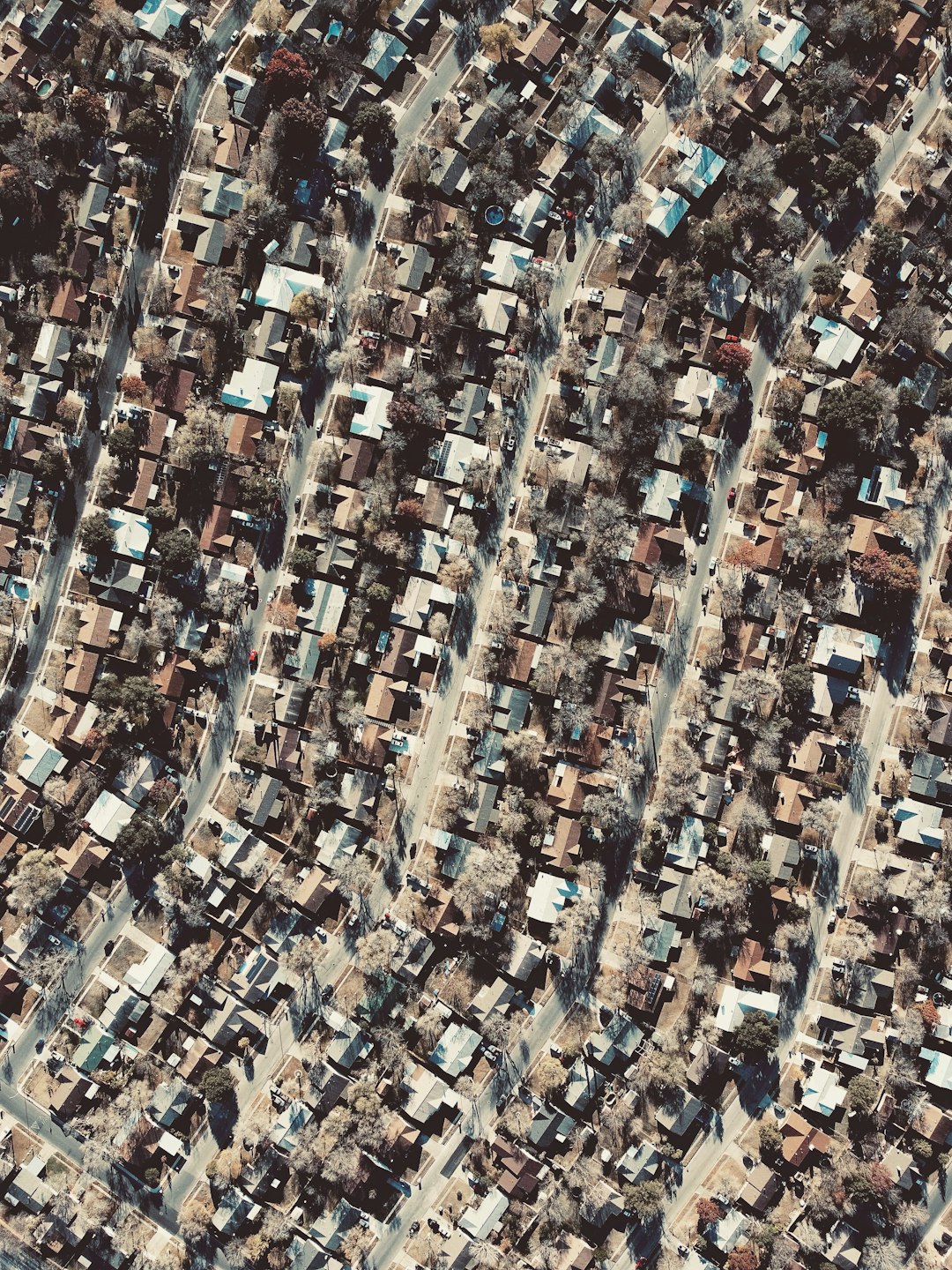
Imagine a social app that looks less like a giant news feed and more like a living map. That is the basic idea behind Meera Geo-Social Network. It is built around places, people nearby, local posts, and real-world movement. In simple words, Meera tries to connect your social life with your location.
TLDR: Meera is a geo-social network, which means it uses location to help people discover posts, events, places, and other users nearby. It is usually free to start using, but some features may be paid, limited, or added later depending on the app version. It works by combining your profile, your location, and a map-based social feed. The smart way to use it is to enjoy the local features while keeping your privacy settings tight.
Contents
- 1 So, What Is Meera?
- 2 Is Meera Free to Use?
- 3 What Can You Do for Free?
- 4 What Might Cost Money?
- 5 How Does Meera Really Work?
- 6 The Map Is the Main Character
- 7 Does Meera Track Your Exact Location?
- 8 Why Would People Use Meera?
- 9 How Is It Different From Regular Social Media?
- 10 Is Meera Safe?
- 11 Who Is Meera Best For?
- 12 How to Start Using Meera
- 13 Final Verdict: Free, Fun, and Location Powered
So, What Is Meera?
Meera is a social network with a local twist. Instead of only asking, “Who do you follow?” it also asks, “What is happening around you?”
That changes the whole feeling of the app.
On a normal social network, you may see posts from people in another city, another country, or another time zone. That can be fun. But it can also feel distant.
Meera is more about your real world area. It may show you nearby people, local events, nearby recommendations, community updates, or map-based posts. The goal is to make social media feel more connected to your daily life.
Think of it like this:
- A social feed, but with local flavor.
- A map, but with people and posts on it.
- A discovery tool, but for things around you.
- A community app, but based on where you are.
That is why it is called a geo-social network. “Geo” means location. “Social” means people. Put them together, and you get a location-based social experience.

Is Meera Free to Use?
The big question is simple. Does Meera cost money?
In most cases, apps like Meera are free to download and free to start using. You can usually create an account, build a profile, look around, and use basic social features without paying.
But there is a small catch.
Many modern apps use a freemium model. That means the basic version is free. Extra features may cost money. These could include premium visibility, advanced filters, boosts, special badges, promoted posts, business tools, or upgraded privacy controls.
So the best answer is this:
Meera is likely free for basic use, but some advanced features may not be free.
Always check the latest details inside the app store listing or inside the app itself. Pricing can change. Features can change. Apps update all the time.
What Can You Do for Free?
A free user can usually do the main things that make the app useful. The exact list may vary, but it often includes simple features like these:
- Create a profile.
- Add a photo or basic bio.
- See local posts or updates.
- Explore nearby areas on a map.
- Follow people or connect with them.
- Post your own updates.
- Like, comment, or react.
- Join local conversations.
That is enough for many people. If you just want to see what is happening nearby, the free version may be all you need.
It is a bit like going to a public park. You can walk around for free. You can meet people. You can sit on a bench. But if there is a special event, a food truck, or a rented bike, that part may cost extra.
What Might Cost Money?
Paid features are not always bad. Sometimes they help keep the platform alive. Servers cost money. Maps cost money. Moderation costs money. App development costs money too.
Still, it is good to know what may sit behind a paywall.
- Post boosts: Make your post more visible to nearby users.
- Premium discovery: See more people or places around you.
- Advanced filters: Search by interests, distance, category, or activity.
- Business pages: Promote a shop, service, or event.
- Extra map tools: Save places, create routes, or track trends.
- Verification: Add trust to a profile or business account.
If you are a casual user, you may not need any of these. If you are a local business, artist, event host, or creator, premium tools may be more useful.
How Does Meera Really Work?
Now let’s make it simple.
Meera works by mixing three main things:
- Your profile
- Your location
- Local content
Your profile tells the app who you are. Your location tells the app where you are, or what area you want to explore. Local content gives you posts, people, events, and places that match that area.
Instead of one giant global feed, Meera may create a feed that feels more close to home.
For example, you might open the app and see:
- A nearby cafe hosting live music.
- A neighbor posting about a lost dog.
- A local group planning a weekend hike.
- A food truck parked two blocks away.
- A person nearby asking for restaurant tips.
That is the magic of a geo-social network. It turns the map into a conversation.
The Map Is the Main Character
In many social apps, the feed is the main thing. In Meera, the map may be just as important.
The map can show location pins, nearby activity, active spots, users, events, or local posts. You can tap around and explore. It feels a little like opening a treasure map. Except the treasure is tacos, meetups, street art, and people who also like weird coffee.
A map-based view helps you understand your area faster. You do not just read about what is happening. You can see where it is happening.
This is useful for:
- Finding events near you.
- Discovering new places.
- Seeing busy local zones.
- Meeting people with shared interests.
- Exploring a city while traveling.
It can make a new city feel less scary. It can make your own city feel less boring.
Does Meera Track Your Exact Location?
This is the part where we put on our serious hat. It is a small hat. But it matters.
A geo-social app needs location data to work well. That does not always mean it must show your exact location to everyone. Good apps offer privacy controls. These may let you choose whether to share your exact position, an approximate area, or no live location at all.
Before using any location-based app, check the settings. Look for options like:
- Location permission.
- Approximate location.
- Who can see your location.
- Profile visibility.
- Blocked users.
- Private mode.
Tip: If you do not want strangers to know where you are, do not share your exact live location. Use approximate settings when possible. Share less, not more.
Why Would People Use Meera?
Because social media can feel too big.
Sometimes you do not need a viral video from across the planet. You need to know where the good noodles are tonight. You need a running buddy. You need to find a study group. You need to know why there is a crowd near the park.
Meera can be useful when you want local answers fast.
People may use it to:
- Make local friends.
- Find events.
- Share neighborhood updates.
- Discover places.
- Promote local services.
- Explore while traveling.
- Join nearby communities.
It can also help small businesses. A bakery, gym, salon, food stall, or local artist could use Meera to reach people nearby. That is powerful. A person across the world may like your cupcake photo. But a person two streets away may actually buy the cupcake.
How Is It Different From Regular Social Media?
Regular social media is often built around followers. Meera is built more around place.
That is the key difference.
On a regular app, an account with many followers has more power. On a geo-social app, a useful local post can matter even if the person has few followers.
For example, someone may post, “Free outdoor movie at the square tonight.” That post is useful because it is nearby and timely. It does not need to be famous.
This makes the app feel more practical. It can be less about showing off and more about showing up.
Is Meera Safe?
Safety depends on how the app is built and how you use it.
Geo-social networks can be fun. But they can also create risks if people overshare. Your location is personal information. Treat it like your phone number or home address. Do not hand it to everyone.
Use these simple safety rules:
- Do not post your home address.
- Do not share live location with strangers.
- Meet new people in public places.
- Tell a friend if you are meeting someone.
- Block and report creepy behavior.
- Check privacy settings often.
- Think before posting location photos.
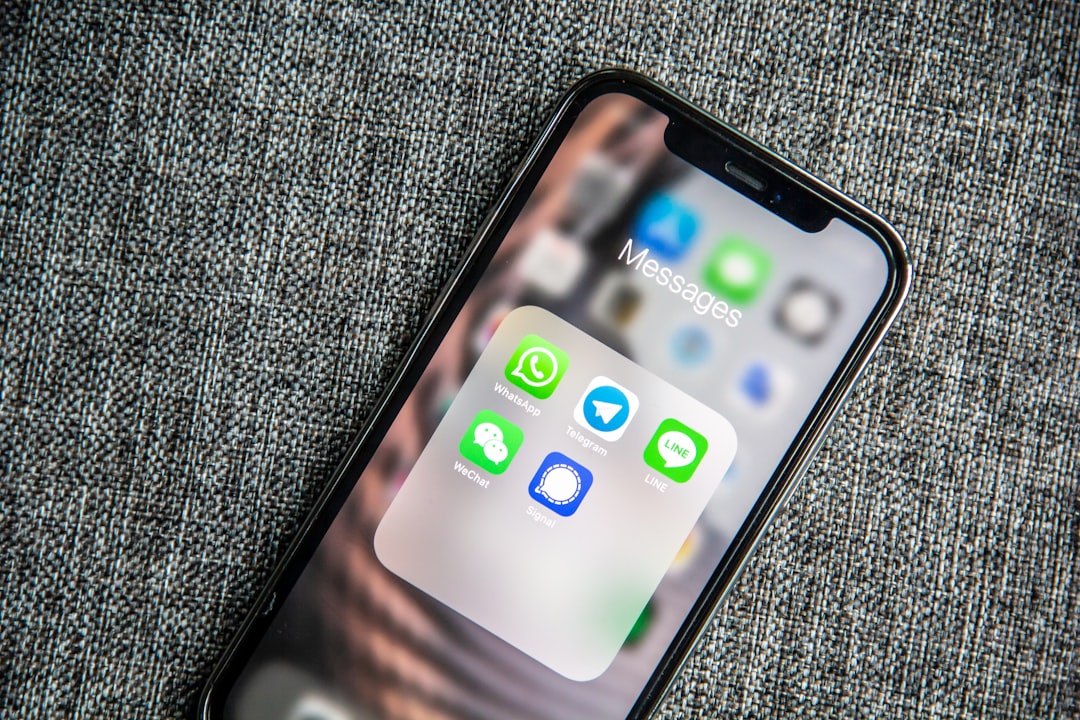
Also remember this: a cute app design does not replace common sense. If something feels off, trust that feeling.
Who Is Meera Best For?
Meera may be a good fit for people who enjoy local life. It is not only for influencers. It is not only for businesses. It can be for anyone who wants to connect with what is nearby.
It may be especially useful for:
- Students who want campus updates.
- Travelers who want local tips.
- New residents who want to meet people.
- Event hosts who need local reach.
- Small businesses that serve nearby customers.
- Community groups that organize local activities.
If you love exploring, you may enjoy it. If you hate sharing location data, you may want to use it carefully or skip location features.
How to Start Using Meera
Getting started should be simple. Most apps follow a familiar path.
- Download the app from your device’s app store.
- Create an account.
- Add a profile photo and short bio.
- Choose your location settings.
- Explore the map or local feed.
- Follow people, places, or topics.
- Post something useful or fun.
Start small. You do not need to share everything on day one. Look around first. Learn the culture of the app. See what people post. Then join in.
Final Verdict: Free, Fun, and Location Powered
Meera Geo-Social Network is best understood as a social app with a map-shaped heart. It helps people discover what is happening around them. It can make online networking feel more local, useful, and alive.
Is it free? For basic use, it is likely free to start. But premium features may exist now or appear later. Always check the app for the latest pricing.
How does it work? It uses your location, interests, and profile to connect you with nearby content and people. That is simple. That is also why privacy matters.
If you use Meera with smart settings, it can be a fun way to explore your world. You may find a new cafe, a local event, a friendly group, or a hidden gem around the corner. And really, that is the charm. The internet becomes less far away. It starts to feel like your own street.

