
GPS tracking software has become an essential tool for small businesses that manage vehicles, field staff, deliveries, or mobile equipment. From improving operational efficiency to enhancing driver safety and reducing fuel costs, the right GPS solution can transform daily business operations. However, with so many options available, choosing the best platform requires careful attention to features that align with specific business goals.
TL;DR: Small businesses should look for GPS tracking software that offers real-time tracking, route optimization, geofencing, driver behavior monitoring, reporting tools, and mobile accessibility. Scalability, ease of use, and integration capabilities are equally important. Prioritizing these features helps improve efficiency, cut costs, and enhance accountability. The right platform balances affordability with advanced functionality.
Below are the top features small businesses should consider when evaluating GPS tracking software.
Contents
- 1 1. Real-Time Vehicle and Asset Tracking
- 2 2. Route Optimization and Planning
- 3 3. Geofencing Capabilities
- 4 4. Driver Behavior Monitoring
- 5 5. Detailed Reporting and Analytics
- 6 6. Mobile App Accessibility
- 7 7. Maintenance Management Features
- 8 8. Integration with Other Business Tools
- 9 9. Scalability and Flexible Pricing
- 10 10. Ease of Use and Customer Support
- 11 Feature Comparison Chart
- 12 Final Thoughts
- 13 Frequently Asked Questions (FAQ)
1. Real-Time Vehicle and Asset Tracking
At the core of any GPS tracking solution is real-time tracking. This feature allows business owners and managers to see exactly where vehicles, equipment, or field employees are at any given moment.
Real-time visibility provides several benefits:
- Improved dispatching: Assign jobs to the closest available vehicle.
- Accurate ETAs: Provide customers with up-to-date delivery or service timelines.
- Faster response times: React quickly to schedule changes or urgent requests.
For maximum value, the software should offer live map views, frequent location updates, and minimal delay in reporting.
2. Route Optimization and Planning
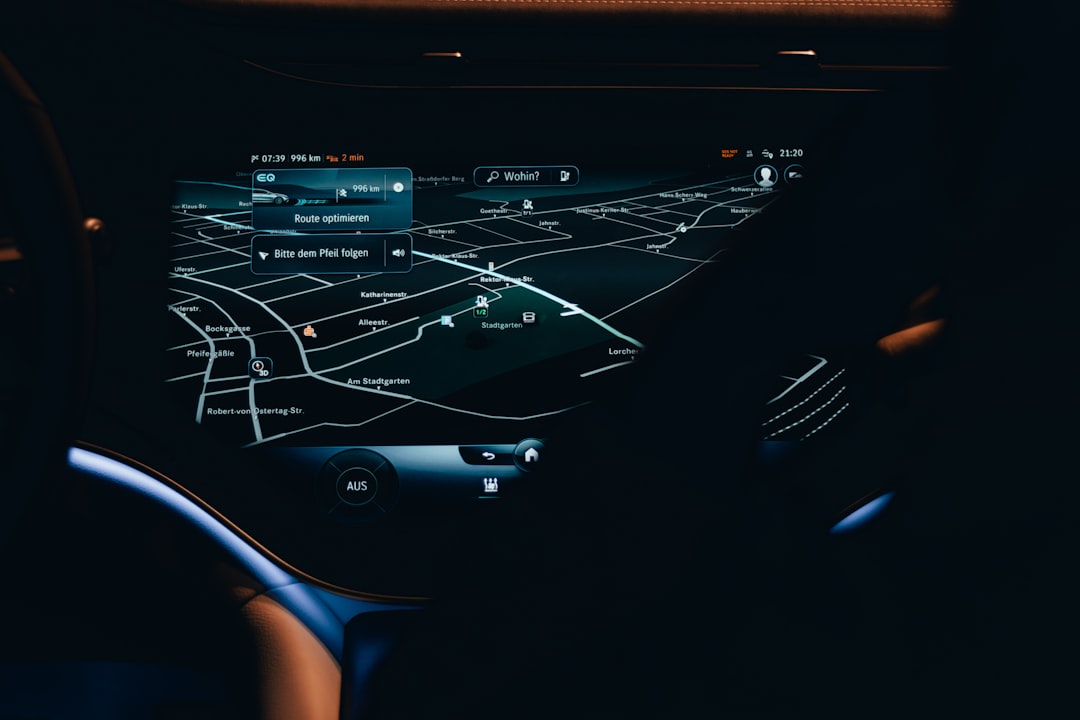
Route optimization is a powerful feature that helps small businesses reduce fuel consumption, minimize travel time, and increase daily job completion rates. Instead of manually planning routes, the system automatically calculates the most efficient paths based on traffic, distance, and job priority.
Key capabilities to look for include:
- Multi-stop route planning
- Traffic-aware navigation
- Automatic route re-routing
- Historical route playback
Effective route optimization not only saves fuel costs but also reduces wear and tear on vehicles, extending their lifespan.
3. Geofencing Capabilities
Geofencing allows businesses to create virtual boundaries around specific locations. When a vehicle enters or exits these areas, the system sends real-time alerts.
This feature is particularly useful for:
- Monitoring job site arrivals and departures
- Preventing unauthorized vehicle use
- Tracking time spent at customer locations
- Enhancing security for high-value assets
Advanced geofencing solutions also allow custom notifications via email or mobile app alerts, enabling managers to stay informed without constantly monitoring a dashboard.
4. Driver Behavior Monitoring
For businesses that manage fleets, monitoring driver behavior is critical to improving safety and reducing liability. Many GPS tracking platforms provide detailed insights into how vehicles are being operated.
Look for reporting on:
- Speeding incidents
- Harsh braking and rapid acceleration
- Excessive idling
- Seatbelt usage (when supported)
By identifying risky behavior, businesses can implement targeted training programs and promote safer driving habits. Over time, this leads to lower insurance premiums, fewer accidents, and reduced maintenance costs.
5. Detailed Reporting and Analytics
Data-driven decision-making is essential for growth. High-quality GPS tracking software should offer customizable reporting and analytics dashboards.
Reports may include:
- Mileage summaries
- Fuel usage reports
- Driver scorecards
- Maintenance schedules
- Time-on-site logs
The best solutions allow businesses to export reports in multiple formats and schedule automated report delivery. Visual analytics help managers quickly identify patterns and opportunities for cost savings.
6. Mobile App Accessibility
Small business owners are rarely tied to a desk, which makes mobile accessibility essential. A robust GPS tracking solution should include a fully functional mobile app for both managers and drivers.
With mobile capabilities, users can:
- Monitor fleet activity remotely
- Receive instant alerts
- Communicate with drivers
- Access performance reports
User-friendly mobile interfaces increase adoption and ensure that the system becomes an integrated part of everyday operations rather than an underutilized tool.
7. Maintenance Management Features
Unexpected breakdowns can disrupt business operations and lead to costly repairs. Many GPS tracking systems now include preventive maintenance tracking.
Maintenance features often include:
- Automated service reminders
- Engine diagnostic alerts
- Odometer tracking
- Maintenance history logs
Proactive vehicle upkeep extends asset lifespan and reduces unplanned downtime, which is especially critical for small businesses operating on tight margins.
8. Integration with Other Business Tools
GPS tracking software should not operate in isolation. The ability to integrate with accounting platforms, payroll systems, dispatch software, and customer relationship management tools adds significant value.
Common integrations include:
- Payroll systems for automated timesheets
- Accounting software for mileage reconciliation
- CRM platforms for service tracking
- Fuel card providers for expense monitoring
Strong integration capabilities ensure streamlined workflows and reduce manual data entry errors.
9. Scalability and Flexible Pricing
As businesses grow, their tracking needs evolve. The ideal software should offer scalable solutions that allow companies to add vehicles, users, and features without migrating to a new platform.
When evaluating pricing, small businesses should consider:
- Monthly subscription costs
- Hardware fees
- Installation charges
- Contract length requirements
Transparent pricing models with flexible plans are often better suited for small companies with fluctuating operational demands.
10. Ease of Use and Customer Support
Even the most feature-rich platform will fail to deliver results if it is difficult to use. Intuitive dashboards, straightforward setup processes, and responsive customer support are essential.
Before committing, businesses should evaluate:
- Availability of onboarding assistance
- Live chat or phone support access
- Training materials and tutorials
- System reliability and uptime
Reliable technical support ensures swift resolution of issues and minimal operational disruption.

Feature Comparison Chart
| Feature | Basic GPS Software | Mid-Tier Solution | Advanced Platform |
|---|---|---|---|
| Real-Time Tracking | Yes | Yes | Yes (High Frequency Updates) |
| Route Optimization | Limited | Yes | Advanced with Traffic Data |
| Geofencing | Basic Alerts | Custom Zones | Advanced Automated Workflows |
| Driver Behavior Monitoring | No | Basic Metrics | Detailed Scorecards & Coaching |
| Maintenance Tracking | No | Service Reminders | Full Diagnostics Integration |
| Integrations | Limited | Standard Integrations | API & Custom Integrations |
Final Thoughts
For small businesses, investing in GPS tracking software is more than just a way to monitor vehicle locations. It is a strategic decision that can drive efficiency, increase accountability, and reduce operational costs. The most successful implementations focus on selecting a system that aligns with both current needs and long-term growth plans.
By carefully evaluating features such as real-time tracking, route optimization, driver monitoring, mobile access, reporting, and integration capabilities, small businesses can turn GPS tracking into a powerful competitive advantage.
Frequently Asked Questions (FAQ)
1. How much does GPS tracking software cost for small businesses?
Costs vary depending on features and hardware requirements. Most providers charge a monthly fee per vehicle, typically ranging from affordable basic plans to higher-tier advanced solutions.
2. Is GPS tracking software difficult to install?
Many modern systems offer plug-and-play devices that connect directly to a vehicle’s diagnostic port. Some advanced systems may require professional installation.
3. Can GPS tracking help reduce fuel expenses?
Yes. Features like route optimization, idle monitoring, and driver behavior tracking help reduce unnecessary fuel consumption.
4. Is GPS tracking software scalable?
Most reputable platforms are designed to grow with a business, allowing additional vehicles, users, and features to be added as needed.
5. Does GPS tracking software improve employee accountability?
Yes. Location verification, time-on-site reporting, and performance metrics create transparency and encourage responsible behavior.
6. Can GPS tracking integrate with payroll systems?
Many solutions integrate with payroll and accounting software to automate timesheets and mileage reporting, saving administrative time.
7. Is GPS tracking legal for small businesses to use?
In most regions, businesses are legally permitted to track company-owned vehicles. However, employers should review local regulations and clearly communicate tracking policies to employees.

