

Creating professional videos once required hours of memorizing scripts, multiple retakes, and flawless delivery under pressure. Today, modern teleprompter tools like Teleprompter Premium are transforming the way content creators, entrepreneurs, educators, and business professionals record videos. These tools allow speakers to deliver polished performances while reading naturally from a scrolling script—saving time, reducing stress, and improving overall presentation quality.
TL;DR: Teleprompter tools like Teleprompter Premium let users record videos without memorizing scripts by displaying smooth, adjustable scrolling text on-screen. They improve delivery, reduce retakes, and boost confidence for creators, educators, and professionals. With customizable speed, font size, and camera integration, these tools help produce polished videos efficiently. Whether for YouTube, social media, training, or business presentations, teleprompter apps streamline content creation.
As video content dominates marketing, education, and internal communication, streamlined production has become essential. Teleprompter software meets this need by helping users stay on message while maintaining eye contact with the audience.
Contents
- 1 Why Memorizing Scripts Is No Longer Necessary
- 2 How Teleprompter Tools Like Teleprompter Premium Work
- 3 The Benefits of Using a Teleprompter App
- 4 Key Features to Look for in a Teleprompter Tool
- 5 Popular Teleprompter Tools Compared
- 6 Use Cases Across Different Industries
- 7 Tips for Using a Teleprompter Naturally
- 8 Hardware vs. App-Based Teleprompters
- 9 How Teleprompter Tools Improve Video Quality Metrics
- 10 The Future of Teleprompter Technology
- 11 Conclusion
- 12 Frequently Asked Questions (FAQ)
- 12.1 1. Do teleprompter apps make videos look unnatural?
- 12.2 2. Is Teleprompter Premium suitable for beginners?
- 12.3 3. Can teleprompters be used for live streaming?
- 12.4 4. Do I need special equipment?
- 12.5 5. Are teleprompter tools only for long videos?
- 12.6 6. Can scripts be updated quickly before recording?
Why Memorizing Scripts Is No Longer Necessary
Memorizing scripts may work for short clips, but longer presentations increase the risk of mistakes. Even confident speakers can struggle with:
- Forgetting key talking points
- Losing their train of thought mid-sentence
- Sounding overly rehearsed or robotic
- Spending too much time on retakes
Teleprompter tools eliminate these issues by placing the script directly in front of the speaker—often near or over the camera lens—so it appears as natural eye contact to the viewer.
The result is a smoother, more conversational tone without sacrificing structure.
How Teleprompter Tools Like Teleprompter Premium Work
Modern teleprompter apps are designed with simplicity and usability in mind. While features vary between platforms, most include:
- Adjustable scrolling speed to match natural speaking pace
- Customizable font size and color for readability
- Script import options from text files or cloud storage
- In-app video recording with camera integration
- Remote control functionality via Bluetooth devices
- Landscape and portrait modes for multiple platforms
Advanced tools like Teleprompter Premium also allow script mirroring for professional teleprompter glass setups, making them adaptable for both smartphone creators and studio environments.

The Benefits of Using a Teleprompter App
1. Increased Confidence On Camera
Knowing the script is right in front of them helps speakers relax. Instead of worrying about forgetting lines, they can focus on tone, facial expression, and engagement.
2. Faster Production
Less memorization means fewer retakes. This is especially valuable for:
- Online course creators recording multiple lessons
- YouTubers producing weekly content
- Marketing teams creating product demos
- Business leaders filming internal updates
3. More Professional Delivery
Scripts ensure important information is communicated clearly and consistently. This is critical in industries such as healthcare, finance, and corporate training.
4. Accessibility and Inclusivity
For individuals who struggle with memorization, public speaking anxiety, or language barriers, teleprompter tools level the playing field.
Key Features to Look for in a Teleprompter Tool
When selecting a teleprompter app, users should evaluate several factors:
- Ease of use: A clean interface reduces setup time.
- Cross-device compatibility: Works on smartphones, tablets, or desktops.
- Cloud syncing: Access scripts from anywhere.
- Recording capabilities: Integrated camera access saves time.
- Editing flexibility: Quick script tweaks without restarting.
Teleprompter Premium stands out for its balance of professional-grade features and user-friendly design. It caters to both beginners and advanced content creators.
Popular Teleprompter Tools Compared
Below is a simplified comparison of widely used teleprompter apps:
| Tool | Best For | In-App Recording | Remote Control | Script Sync |
|---|---|---|---|---|
| Teleprompter Premium | Professional creators & businesses | Yes | Yes | Cloud support |
| PromptSmart | Voice activated scrolling | Yes | Limited | Cloud support |
| Elegant Teleprompter | Budget users | Limited | Basic | No |
| BIGVU | Social media content | Yes | Yes | Cloud support |
Each tool caters to slightly different needs, but Teleprompter Premium offers a balanced solution for users seeking polished results without complex setups.
Use Cases Across Different Industries
Content Creators and Influencers
Creators often batch-record content, producing multiple videos in one session. Teleprompters help maintain consistent tone and messaging while speeding up the process.

Online Educators
Clear, structured lessons are essential in e-learning. Teleprompter tools ensure instructors stay aligned with course outlines while sounding natural.
Corporate Communications
Internal announcements, training modules, and public statements must be precise. A teleprompter minimizes errors and reduces legal or reputational risks.
Entrepreneurs and Small Businesses
Founders often juggle multiple roles. Teleprompter software allows them to quickly create marketing videos, product explainers, and social clips without hiring large production teams.
Tips for Using a Teleprompter Naturally
While teleprompters are powerful, effective delivery still requires technique. Experts recommend:
- Write conversational scripts. Avoid stiff, overly formal language.
- Practice pacing. Adjust scrolling speed to match speaking rhythm.
- Use short sentences and breaks. This prevents monotone delivery.
- Position text near the lens. Maintain realistic eye contact.
- Smile and gesture naturally. Do not fixate on reading.
Users who prepare properly often find their delivery becomes more engaging than memorized performances.
Hardware vs. App-Based Teleprompters
Traditional teleprompters involve reflective glass mounted in front of professional cameras. While effective, they can be bulky and expensive.
App-based teleprompters like Teleprompter Premium offer:
- Lower cost
- Portability
- Quick setup
- Compatibility with everyday devices
For most digital creators and professionals, software-based teleprompters provide more than enough functionality without the overhead of studio hardware.
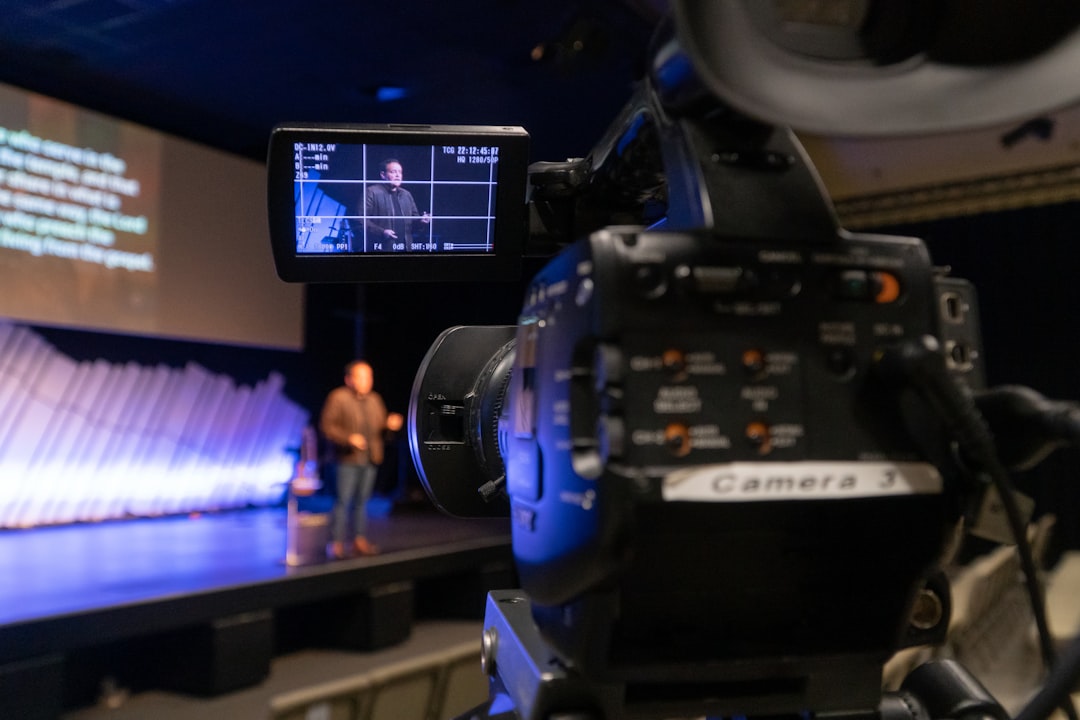
How Teleprompter Tools Improve Video Quality Metrics
From a marketing perspective, improved delivery can directly impact performance metrics such as:
- Audience retention rates
- Watch time
- Conversion rates
- Viewer trust and credibility
Clear, confident messaging keeps viewers engaged longer. In competitive online environments, this advantage can significantly affect growth.
The Future of Teleprompter Technology
Teleprompter apps are becoming increasingly sophisticated. Emerging innovations include:
- AI-assisted script editing
- Real-time pacing suggestions
- Voice-tracking auto scroll
- Integrated caption generation
- Cloud collaboration tools for teams
As video continues to dominate communication channels, teleprompter solutions will likely become standard tools in digital toolkits.
Conclusion
Teleprompter tools like Teleprompter Premium are redefining video production by eliminating the need to memorize scripts. Through customizable scrolling text, integrated recording, and professional-grade features, they empower users to deliver structured yet natural performances. Whether used by solo creators, educators, executives, or marketing teams, these tools reduce friction and improve output quality.
In a world where consistent, high-quality video content is essential, teleprompter apps provide a practical and accessible solution for anyone looking to speak confidently on camera.
Frequently Asked Questions (FAQ)
1. Do teleprompter apps make videos look unnatural?
No. When used properly—with conversational scripts and appropriate scrolling speed—teleprompters actually improve natural delivery by reducing hesitation and mistakes.
2. Is Teleprompter Premium suitable for beginners?
Yes. Its user-friendly interface makes it accessible to beginners, while still offering advanced features for professionals.
3. Can teleprompters be used for live streaming?
Many teleprompter apps can run alongside live streaming software, allowing speakers to stay on message during broadcasts.
4. Do I need special equipment?
For most users, a smartphone or tablet is sufficient. Professional setups may include teleprompter glass rigs for even better eye alignment.
5. Are teleprompter tools only for long videos?
No. They are equally useful for short-form content such as Instagram Reels, TikToks, and short promotional clips.
6. Can scripts be updated quickly before recording?
Yes. Most apps allow instant script edits, making it easy to adjust messaging without starting from scratch.

