
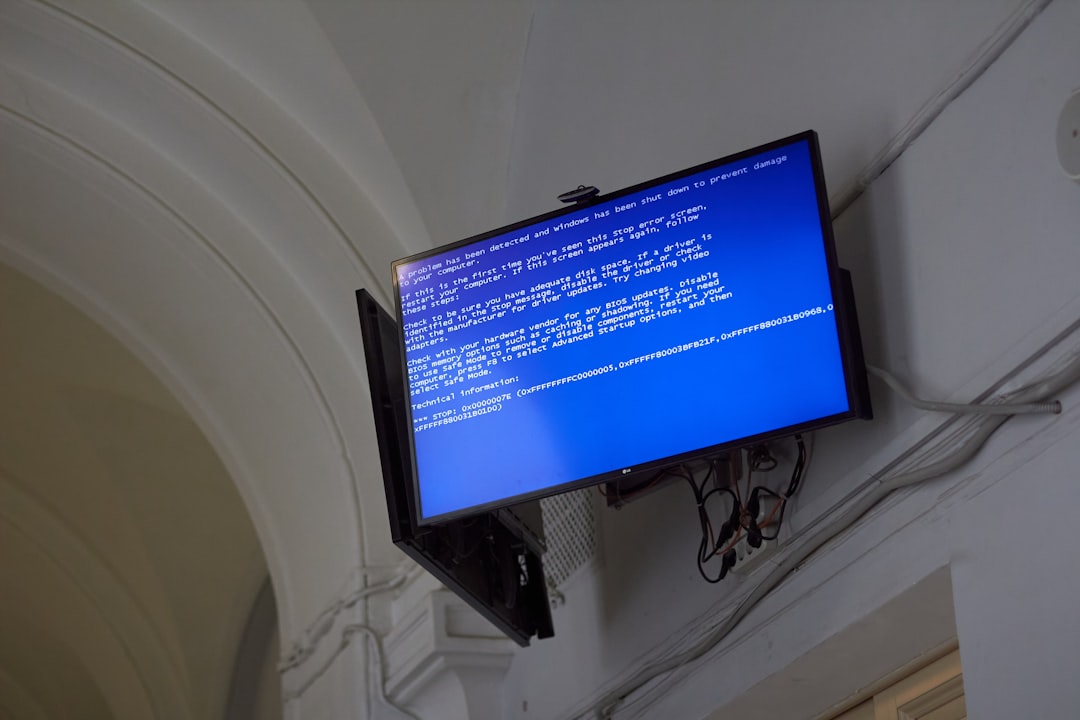
Few error messages are as frustrating—or as confusing—as the message “Server Error in ‘/’ Application.” It often appears without warning, offering minimal explanation while completely blocking access to a website or web application. For businesses, developers, and users alike, this error can signal anything from a small configuration issue to a serious system failure. Understanding what it means and what typically causes it is essential for resolving it efficiently and preventing future disruptions.
TL;DR: The “Server Error in ‘/’ Application” message commonly appears in Microsoft ASP.NET web applications when something goes wrong on the server side. It indicates that the web server encountered an unexpected condition that prevented it from fulfilling the request. The root cause may involve configuration errors, code bugs, permission issues, or database failures. Diagnosing server logs and reviewing application settings are key steps toward resolving the problem.
Contents
Understanding the Meaning Behind the Error
The phrase “Server Error in ‘/’ Application” is most commonly associated with web applications built on the Microsoft ASP.NET framework. The “/” symbol represents the root directory of the web application. In simple terms, this message indicates that something within the application’s root environment failed during execution.
Unlike minor client-side errors (such as broken links or formatting glitches), messages like the server failed to create your account. error rg45 point to a server-side issue. That means the problem is occurring on the web server that hosts the application—not on the user’s browser or device.
When users see this error, it typically appears alongside additional technical details such as:
- Exception type
- Description of the exception
- Stack trace
- Line numbers and file references
These details are meant to help developers diagnose the issue quickly.

What Triggers This Error?
There is no single cause. Instead, the message serves as a general indicator that something went wrong during request processing. Below are the most common sources of the problem.
1. Configuration Errors
ASP.NET applications rely heavily on the web.config file. Even a minor typo in XML syntax or an invalid configuration value can result in a server error.
Common configuration-related causes include:
- Incorrect database connection strings
- Invalid authentication settings
- Improperly defined custom error pages
- Missing assembly references
If the application fails during initialization due to misconfiguration, the server will generate the “Server Error in ‘/’ Application” message.
2. Application Code Exceptions
Uncaught exceptions in the application code frequently trigger this error. When a developer does not implement proper exception handling, even a minor bug can cause the application to terminate abruptly.
Examples include:
- Null reference exceptions
- Divide-by-zero errors
- Invalid type conversions
- Improper file handling
A well-designed application should gracefully handle such exceptions rather than allowing them to surface to end users.
3. Database Connectivity Problems
Many web applications depend on databases for core functionality. If the server cannot connect to the database, requests may fail entirely.
Typical database-related causes:
- Incorrect credentials
- Expired passwords
- Database server downtime
- Firewall restrictions
- Connection timeout issues
In these cases, the ASP.NET runtime cannot retrieve the required data, leading to a server-side crash.

4. Permission and Security Issues
Web servers operate under specific service accounts that require appropriate file and folder permissions. If the application attempts to access protected resources without authorization, execution will fail.
This may occur when:
- Deployment settings override file permissions
- The application pool identity lacks access rights
- Certificates or encrypted files cannot be read
Security restrictions are essential, but misconfiguration can inadvertently block legitimate application processes.
5. Server Resource Limitations
Sometimes the error stems from infrastructure constraints rather than application code.
Examples include:
- Insufficient memory
- CPU overload
- Exceeded request queue limits
- Application pool crashes
When a server becomes overwhelmed or misconfigured at the system level, it may fail to complete requests, causing a generic server error message.
Why the Error Appears Differently in Development and Production
In development environments, this error often displays detailed diagnostic information, including:
- Full stack trace
- Source code snippets
- Exact line numbers
However, in production environments, security settings typically suppress detailed output. Instead, users may see a simplified message stating that an error occurred and advising them to contact the administrator.
This difference exists for an important reason: security. Detailed exception information can expose sensitive system architecture details, file paths, or database structure to malicious actors.

How Developers Diagnose the Problem
Resolving the error requires a systematic approach. Experienced developers typically follow these steps:
1. Check Server Logs
Application and system logs provide detailed context about what happened when the error occurred. These logs may reveal:
- Exception types
- Timestamps
- Failing components
- Authentication errors
2. Review the web.config File
Configuration files should be carefully examined for syntax errors or incorrect values. Validating XML structure can immediately resolve many problems.
3. Test Database Connection Strings
Developers verify whether the application can establish a successful database connection independently of the web application itself.
4. Enable Custom Error Handling
Implementing structured exception handling ensures that unexpected conditions are logged properly without displaying raw errors to users.
5. Recycle the Application Pool
Restarting the application pool in Internet Information Services (IIS) can resolve issues caused by temporary resource exhaustion.
Preventing Future Occurrences
While not every issue can be prevented, organizations can significantly reduce the risk by implementing best practices.
- Robust exception handling: Catch and log exceptions rather than allowing them to propagate.
- Automated testing: Use unit and integration testing to catch errors before deployment.
- Configuration validation: Validate configuration files before pushing updates.
- Monitoring tools: Employ real-time monitoring systems to detect anomalies early.
- Regular maintenance: Keep servers patched and optimized.
Proactive monitoring combined with proper logging dramatically shortens resolution time when issues do arise.
Impact on Businesses and Users
From a user perspective, this error signals downtime. Users cannot access the application until the issue is resolved. For businesses, the consequences can be more serious:
- Loss of revenue
- Damaged reputation
- Decreased customer trust
- Operational disruption
Especially in e-commerce, healthcare, and financial systems, even short outages can have substantial financial and compliance implications.
Is It Always a Serious Problem?
Not necessarily. While the message sounds alarming, many instances are caused by relatively minor configuration mistakes. A single misplaced character in a configuration file can trigger the same error message as a major infrastructure failure.
The seriousness depends entirely on:
- The root cause
- The frequency of recurrence
- The system’s resilience and recovery mechanisms
However, because the error reflects a server-level failure, it should never be ignored.
Key Takeaways
The “Server Error in ‘/’ Application” message functions as a broad signal that something within an ASP.NET web application failed during server-side execution. It does not specify the underlying cause, which means further investigation is always required. The most common triggers include configuration mistakes, unhandled code exceptions, database connectivity failures, permissions misconfigurations, and resource constraints.
Ultimately, the error is a symptom—not a diagnosis. Addressing it effectively requires disciplined troubleshooting, careful log analysis, and structured coding practices. Organizations that prioritize monitoring, structured exception handling, and configuration validation can significantly reduce both the frequency and the impact of this error.
When handled correctly, most instances can be resolved quickly and without long-term consequences. When ignored or misunderstood, however, they can lead to operational downtime and reputational damage. For that reason, this seemingly simple message deserves careful and immediate attention whenever it appears.

