

The best Kumospace alternative depends on your team’s main pain: daily office chatter, workshops, client events, or full team parties. Remote work is not a tiny side quest anymore. Gallup reports that 52% of remote-capable U.S. employees work hybrid, so teams need better online rooms than “another gray video grid” [source: Gallup].
TLDR: Try Gather for a playful virtual office, SpatialChat for casual events, and Butter for workshops that do not feel like homework. For example, a 40-person marketing team could use Gather Monday to Thursday, then run a 90-minute all-hands in Butter with polls, breakout rooms, and Q&A. If your team wastes even 6 minutes per meeting fighting links and awkward tools, that is 2 hours lost per week across 20 meetings.
Contents
- 1 1. Gather: Best for teams that miss the office vibe
- 2 2. SpatialChat: Best for simple online mingling
- 3 3. Teamflow: Best for a cleaner virtual office
- 4 4. Butter: Best for workshops and high-energy meetings
- 5 5. WorkAdventure: Best for custom virtual worlds
- 6 Quick comparison
- 7 How to pick without overthinking it
1. Gather: Best for teams that miss the office vibe
Gather is probably the closest Kumospace rival. It gives you a cute pixel office. People walk around with little avatars. When they get close, video turns on. Simple.
It works well for teams that want “presence” without booking a meeting for every tiny question. Need to ask design about a button? Walk over. Need quiet time? Sit in a private room.
- Best for: daily remote offices, coworking, team socials.
- Fun bit: you can build offices with desks, couches, gardens, and game rooms.
- Watch out: large spaces can feel messy if nobody sets rules.
Honestly, it feels like the best choice when your team says, “I miss bumping into people,” but nobody wants to commute.
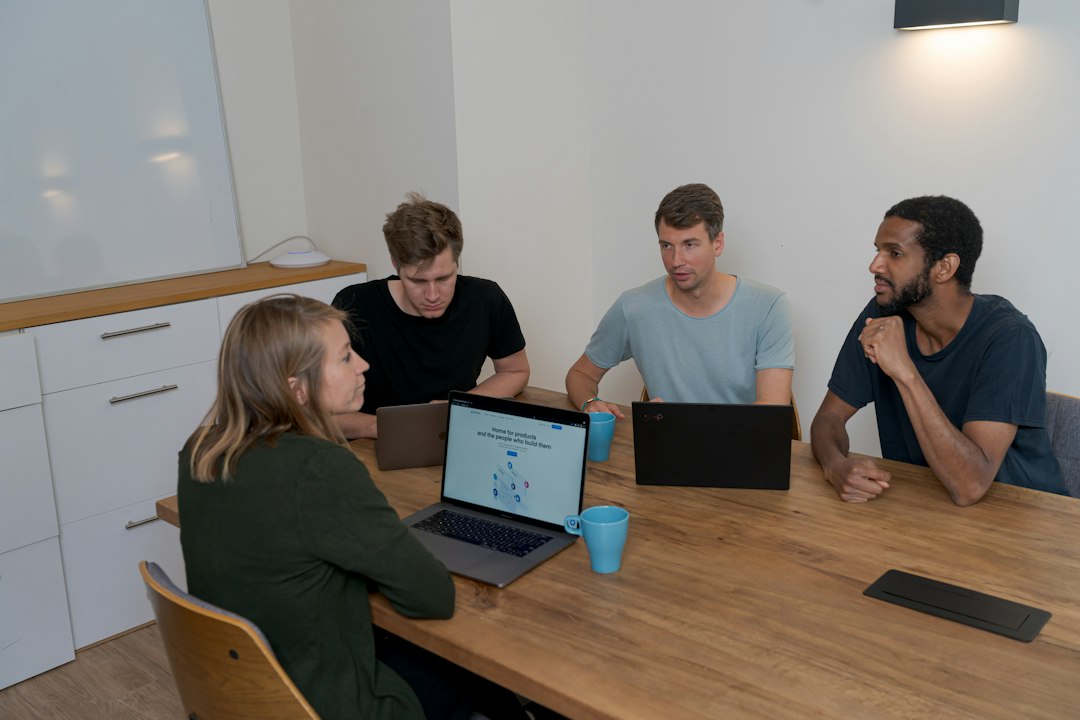
2. SpatialChat: Best for simple online mingling
SpatialChat is great for events where people should move around and talk in small groups. Think online happy hours, demo days, networking rooms, or student meetups.
The magic is spatial audio. If you move closer to someone, they sound louder. If you move away, they fade. It feels natural. Much less stiff than a giant call with 80 silent faces.
- Best for: networking, community events, office parties.
- Nice touch: simple rooms with images, tables, and custom backgrounds.
- Annoyance: first-time guests may need 30 seconds to “get it.” Not awful. Just expect it.
If you host events often, pair it with clear slides and a short welcome script. People relax faster when they know where to go.
3. Teamflow: Best for a cleaner virtual office
Teamflow is built for remote teams that want a work hub. It is less game-like than Gather. It feels more like a modern office floor plan with video rooms.
You can see who is “at work.” You can join rooms. You can share screens. You can keep team areas open during the day. That helps teams avoid the endless “quick call?” messages.
- Best for: sales teams, support teams, product squads.
- Why people like it: it keeps work talk close and easy.
- Weak spot: it may feel too work-focused for silly parties.
It drives me crazy when tools add ten clicks for a two-minute chat. Teamflow avoids much of that. You can pop in, talk, and leave.
4. Butter: Best for workshops and high-energy meetings
Butter is not a virtual office in the usual sense. It is more of a workshop room. But it deserves a spot here because many teams use Kumospace for events, training, and group sessions.
Butter shines when the meeting has a plan. You get agendas, polls, timers, breakout rooms, reactions, music, and tools for group work. It feels built for facilitators who hate dead air.
- Best for: workshops, training, retros, online classes.
- Fun bit: reactions and sound effects make sessions feel alive.
- Watch out: it can be too much for a plain 10-minute check-in.
If your team makes lots of docs after workshops, clean handoffs matter. This guide on Word and Google Docs collaboration can help keep notes from turning into file chaos.
5. WorkAdventure: Best for custom virtual worlds
WorkAdventure is a strong pick if you want more control. It lets teams create custom 2D spaces. It is popular with groups that want branded rooms, learning spaces, or event maps.
It can feel a bit more technical than the other tools. That is not always bad. If you have a creative team, you can build something special. If you need “ready by Friday,” you may want an easier tool.
- Best for: custom offices, education, community events.
- Big plus: flexible maps and open-ended room design.
- Annoyance: setup can take longer than expected.
For teams presenting on big screens or in classrooms, virtual rooms are only half the story. You may also need smooth screen sharing. This roundup of screen mirroring tools is useful for that.
Quick comparison
- Choose Gather if you want the most playful virtual office.
- Choose SpatialChat if your main goal is mingling and networking.
- Choose Teamflow if you want a clean always-on office.
- Choose Butter if you run workshops and team sessions.
- Choose WorkAdventure if you want custom spaces and branded rooms.

How to pick without overthinking it
Start with the job, not the feature list. A virtual office tool should save time. It should not become another tab people forget to open.
Ask these questions:
- Do people need to hang out all day? Try Gather or Teamflow.
- Do guests need to join fast? Try SpatialChat.
- Do you run planned sessions? Try Butter.
- Do you need a custom event world? Try WorkAdventure.
If your team works with video, client reviews, or creative files, also compare tools made for media feedback. This guide to filmmaker collaboration platforms is a handy next read.
My simple pick: use Gather for a fun remote office, Butter for serious workshops, and SpatialChat for events where people need to mix. That combo covers most teams without making work feel like a software scavenger hunt.

