
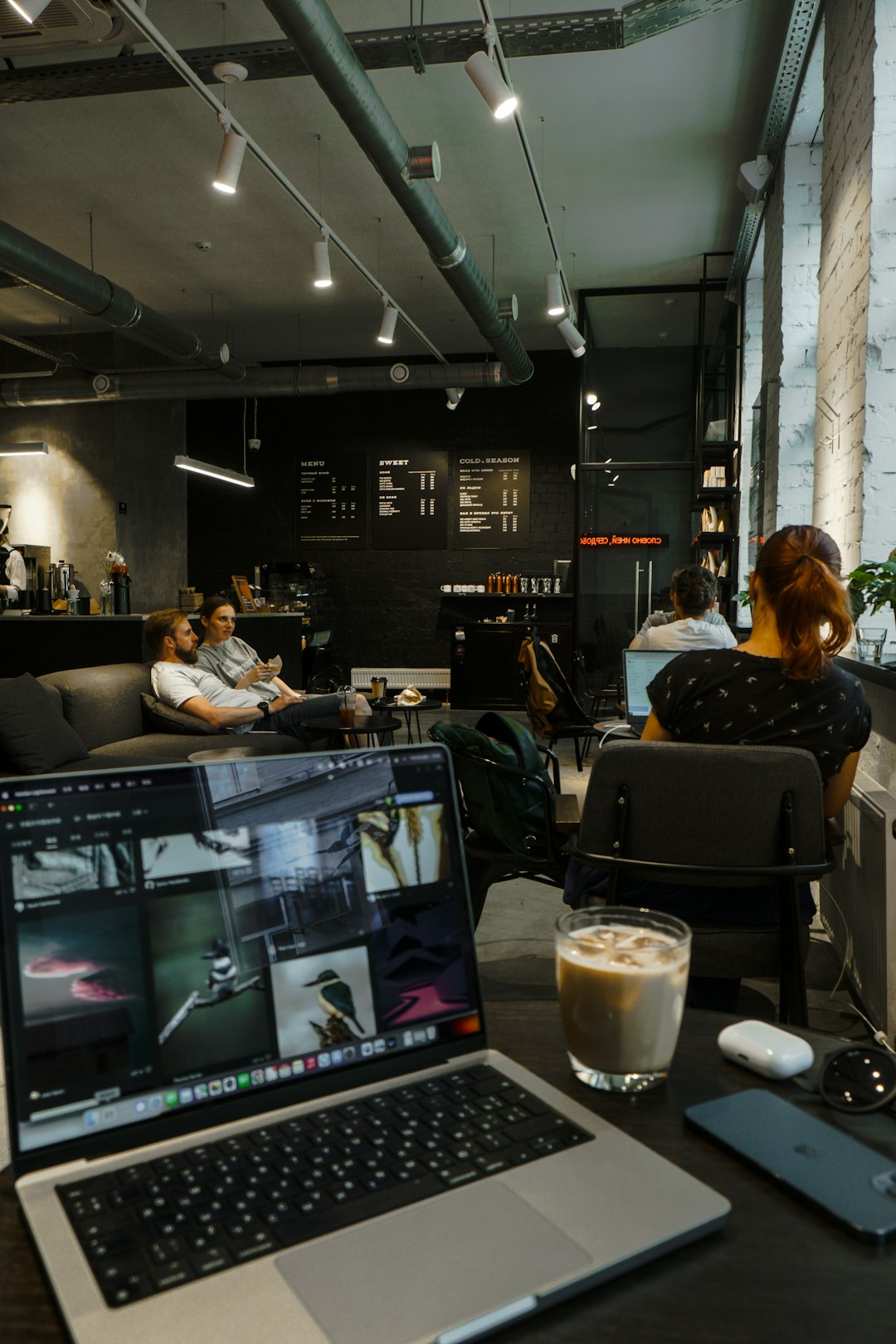
Public WiFi is everywhere in 2026. Cafés. Airports. Hotels. Trains. Even parks. It is fast. It is free. It is also risky. Hackers love public networks. They watch for careless users. That is why VPN apps like NordVPN are more important than ever.
TLDR: Public WiFi is convenient but not safe. VPN apps like NordVPN encrypt your data and hide your online activity. In 2026, the best mobile VPNs are fast, easy to use, and packed with extra security features. If you use public WiFi, a good VPN is one of the simplest ways to protect your information.
Let’s break it down in a simple way.
Contents
- 1 What Is a VPN and Why Should You Care?
- 2 Why Public WiFi Is Dangerous in 2026
- 3 How VPN Apps Like NordVPN Keep You Safe
- 4 Top VPN Apps for Mobile in 2026
- 5 What to Look for in a Mobile VPN
- 6 When Should You Always Use a VPN?
- 7 How to Use a VPN on Your Phone
- 8 Does a VPN Slow Down Your Phone?
- 9 Are Free VPN Apps Safe?
- 10 Extra Tips for Staying Safe on Public WiFi
- 11 The Bottom Line
What Is a VPN and Why Should You Care?
VPN stands for Virtual Private Network. Sounds technical. But the idea is simple.
A VPN:
- Encrypts your internet traffic
- Hides your IP address
- Protects your data from snoopers
- Keeps your connection private
Without a VPN, your data travels openly across a WiFi network. Anyone with the right tools can see it. That includes:
- Passwords
- Email activity
- Bank logins
- Private messages
With a VPN, your data is scrambled. It becomes unreadable. Even if someone intercepts it, they see nonsense.

Why Public WiFi Is Dangerous in 2026
You might think, “It’s just coffee shop WiFi.” But public networks are a hacker’s playground.
Here’s why:
- No encryption by default. Many hotspots are poorly secured.
- Fake networks. Hackers create WiFi names like “Free Airport WiFi.”
- Man-in-the-middle attacks. Attackers intercept data in real time.
- Malware injection. Harmful files can be pushed to your device.
Cybercrime tools are more advanced in 2026. They are automated. Some run quietly in the background. You may never know you were attacked.
That is the scary part.
How VPN Apps Like NordVPN Keep You Safe
Modern VPN apps are powerful. But they are also simple to use. One tap. That’s it.
Here is what apps like NordVPN do:
1. Strong Encryption
Top VPNs use AES-256 or even next-gen encryption standards. This is military-grade protection. It locks your data in a secure tunnel.
2. IP Address Masking
Your real IP address reveals your location. A VPN hides it. Websites see the VPN server instead.
3. Kill Switch
If the VPN disconnects, the app blocks internet access instantly. This prevents data leaks.
4. Threat Protection
Many apps now block:
- Malicious websites
- Phishing links
- Ad trackers
- Suspicious downloads
5. Auto-Connect on Public WiFi
This is a great 2026 feature. The VPN detects public WiFi and turns itself on automatically. No forgetting. No risk.
Top VPN Apps for Mobile in 2026
NordVPN is a favorite. But it is not alone. Here are other strong options that protect your data on public WiFi.
NordVPN
- Very fast speeds
- Thousands of global servers
- Built-in malware protection
- Easy mobile apps
- No-logs policy
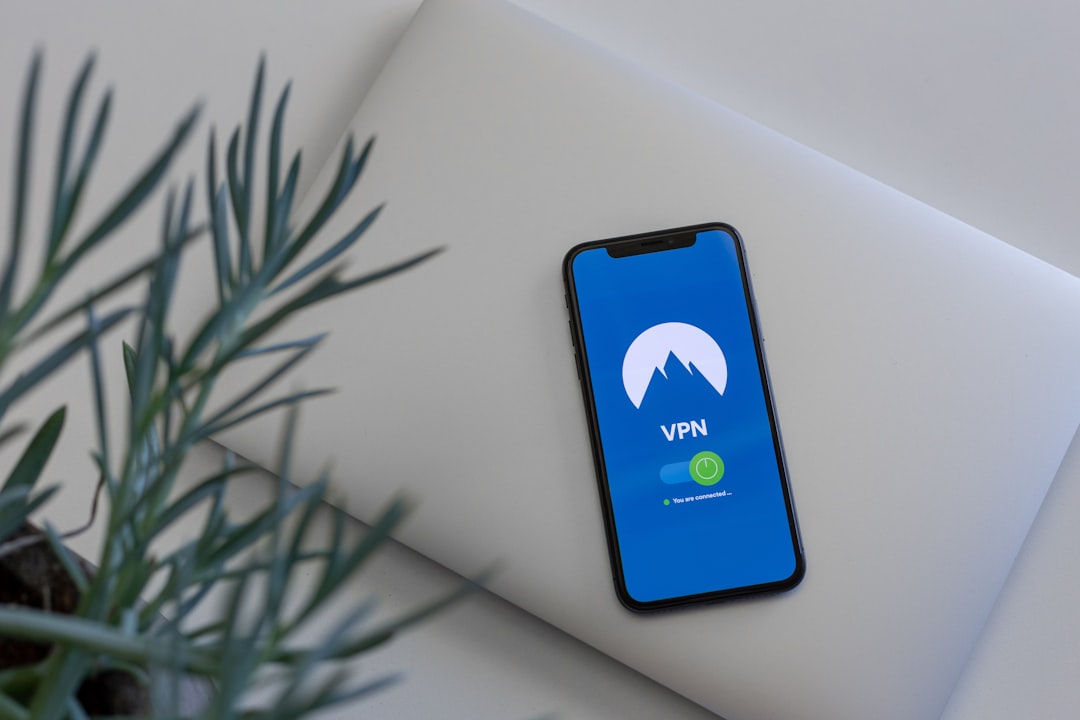
It is beginner-friendly. Open the app. Tap connect. You’re protected.
ExpressVPN
- Excellent privacy reputation
- Strong encryption
- Simple interface
- Reliable performance abroad
It costs a bit more. But it is polished and stable.
Surfshark
- Budget-friendly
- Unlimited device connections
- CleanWeb feature blocks ads
- Good battery efficiency
This one is great for families.
Proton VPN
- Strong privacy focus
- Secure Core servers
- Open-source apps
- Free version available
It is popular among privacy enthusiasts.
What to Look for in a Mobile VPN
Not all VPNs are equal. Some are slow. Some log your data. Some are fake.
Here’s what to check before you install:
✔ Strong Encryption
Look for modern protocols like WireGuard or proprietary fast protocols.
✔ No-Logs Policy
The company should not track your online activity.
✔ Fast Speeds
A good VPN should not slow your connection too much.
✔ Mobile Optimization
The app should work smoothly on iOS and Android. It should not drain your battery.
✔ Extra Security Tools
Features like:
- Split tunneling
- DNS leak protection
- Multi-hop connections
- Biometric app lock
These add another layer of safety.
When Should You Always Use a VPN?
Short answer? Almost always on public WiFi.
But especially when:
- Logging into your bank account
- Shopping online
- Accessing work emails
- Using payment apps
- Sending private files
If money or personal data is involved, turn the VPN on first.
How to Use a VPN on Your Phone
Good news. It is simple.
- Download a trusted VPN app from the App Store or Google Play.
- Create an account.
- Open the app.
- Tap the “Connect” button.
That’s it.
In 2026, most apps also offer:
- Widget shortcuts
- Quick connect buttons
- Automatic background protection
You barely have to think about it.
Does a VPN Slow Down Your Phone?
A little. But not much.
Modern VPNs are optimized for 5G and WiFi 6E networks. Many use lightweight protocols. The speed difference is often tiny.
In fact, sometimes a VPN can improve speed. How? By avoiding ISP throttling.
If your internet provider slows down streaming or gaming traffic, a VPN can hide that activity.
No throttling. No problem.
Are Free VPN Apps Safe?
Some are. Many are not.
Free apps need to make money. If you are not paying, you may be the product.
Risks include:
- Data logging
- Selling user information
- Weak encryption
- Annoying ads
Trusted providers may offer limited free plans. That is fine. Just avoid unknown brands with zero transparency.
Extra Tips for Staying Safe on Public WiFi
A VPN is powerful. But combine it with smart habits.
- Turn off auto-join WiFi. Do not connect automatically.
- Verify network names. Ask staff for the real WiFi name.
- Use HTTPS websites. Look for the lock icon.
- Enable two-factor authentication. Extra login protection helps.
- Keep your phone updated. Security patches matter.
Security is not one big tool. It is layers.
The Bottom Line
Public WiFi is convenient. But it is not private.
In 2026, cyber threats are smarter. Faster. More automated. You need protection that keeps up.
VPN apps like NordVPN make security simple. Tap once. Your data is encrypted. Your identity is hidden. Your connection is safe.
Whether you are working remotely. Traveling the world. Or just checking social media at a café. A mobile VPN is one of the easiest ways to protect your digital life.
It takes seconds to install.
It runs quietly in the background.
And it can save you from a major headache.
Stay smart. Stay secure. And never trust public WiFi without protection.

