
Creating a strong visual identity is one of the most important steps in building a memorable brand. A logo serves as the face of a business, helping customers recognize, trust, and differentiate it from competitors. While hiring a professional designer has traditionally been the go-to solution, modern entrepreneurs and small businesses increasingly turn to online logo generators for affordability, speed, and creative control.
TLDR: Online logo generators allow businesses to quickly and affordably create professional-looking logos without hiring a designer. These tools offer customizable templates, AI-driven suggestions, and easy brand kit integration. Popular platforms provide intuitive interfaces, extensive design assets, and scalable file exports. Choosing the right tool depends on customization needs, budget, and long-term branding goals.
Contents
- 1 Why Use an Online Logo Generator?
- 2 Key Features to Look for in a Logo Generator
- 3 Top Online Logo Generators
- 4 How to Create a Professional Logo Using an Online Generator
- 5 Advantages and Limitations of Logo Generators
- 6 Tips for Standing Out with an Online-Generated Logo
- 7 Final Thoughts
- 8 Frequently Asked Questions (FAQ)
Why Use an Online Logo Generator?
Online logo generators combine automation, design templates, and customization tools to simplify logo creation. They are particularly appealing to startups, freelancers, and small businesses with limited budgets or tight deadlines.
- Cost-effective: Many platforms offer free previews or low-cost downloads.
- Time-saving: Logos can be created in minutes rather than weeks.
- User-friendly: No graphic design experience required.
- Highly customizable: Fonts, colors, layouts, and icons can be adjusted easily.
With artificial intelligence playing a bigger role, many logo generators now analyze business names, industries, and style preferences to suggest tailored logo options automatically.
Key Features to Look for in a Logo Generator
Before selecting a platform, it is important to evaluate its features. Not all tools provide the same functionality or quality output.
1. Template Variety
A diverse range of templates ensures businesses can find designs that reflect their unique identity. Look for platforms that categorize templates by industry and style.
2. Customization Options
The best generators allow users to adjust:
- Typography
- Color palettes
- Icon placement
- Shape elements
- Background styles
3. High-Resolution Files
Professional logos need to be scalable for websites, merchandise, and print materials. Ensure the platform provides vector files such as SVG or EPS formats.
4. Brand Kit Extras
Some tools offer additional assets like business cards, social media graphics, and letterheads, making it easier to maintain consistency.
Top Online Logo Generators
1. Canva Logo Maker
Canva has become one of the most accessible design tools worldwide. Its logo maker offers thousands of templates suitable for various industries.
Key advantages:
- Extensive design library
- Drag-and-drop interface
- Free plan available
- Integrated brand kit tools
Canva is particularly useful for businesses that want ongoing access to a broader design platform beyond logo creation.
2. Looka
Looka uses AI-powered suggestions to generate logos based on user preferences. After entering the company name and selecting style inspirations, users receive tailored logo concepts instantly.
Best for: Businesses seeking automated design suggestions with minimal effort.
Highlights:
- AI-driven recommendations
- Instant branding previews
- Social media kit add-ons
3. Wix Logo Maker
Wix Logo Maker combines artificial intelligence with step-by-step customization. After answering questions about brand style and values, users receive multiple design drafts.
Notable features include:
- Smart design generation
- Fully editable logos
- Website integration
This tool is especially helpful for businesses planning to build a website on the same platform, as brand consistency remains seamless.
4. Tailor Brands
Tailor Brands focuses on modern branding by offering logos tailored to digital-first companies. Its minimalist design approach appeals to startups and tech-focused ventures.
- AI-based creation process
- Brand guidelines included
- Business formation add-ons
Tailor Brands provides more than logo creation; it offers a branding ecosystem that includes tools for marketing and asset management.
5. Hatchful by Shopify
Hatchful is designed specifically for entrepreneurs, particularly those involved in ecommerce. It is easy to use and offers industry-specific templates.
Benefits include:
- Completely free to use
- Simple customization
- Mobile-friendly interface
Although it may not offer as many advanced features as paid tools, Hatchful delivers quick and practical branding solutions.
How to Create a Professional Logo Using an Online Generator
Even with advanced tools, effective logo design requires strategic thinking. Following best practices ensures a professional outcome.
Define Brand Identity
Before starting, businesses should define:
- Target audience
- Brand personality
- Core values
- Visual preferences
This clarity helps narrow down template choices and maintain consistency.
Choose the Right Typography
Fonts communicate message and tone. For example:
- Serif fonts: Professional and traditional
- Sans-serif fonts: Modern and minimal
- Script fonts: Elegant and creative
Combining too many font styles may reduce readability and professionalism.
Select a Color Strategy
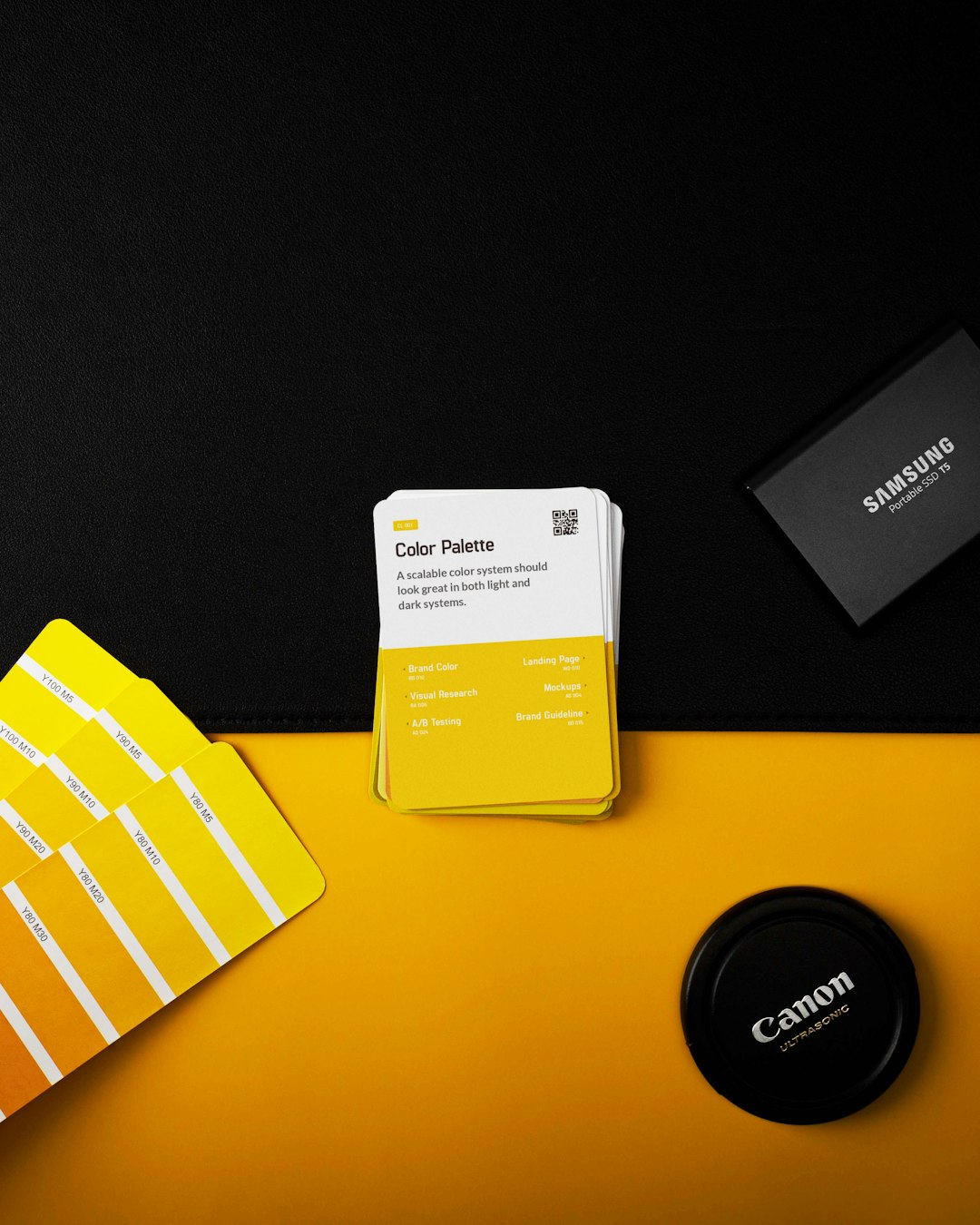
Color psychology plays a key role in brand perception:
- Blue: Trust and reliability
- Red: Energy and passion
- Green: Growth and sustainability
- Black: Sophistication and luxury
Most generators allow adjustment of color palettes, ensuring alignment with brand messaging.
Keep It Simple
A successful logo is timeless and versatile. Overly complex designs may not scale well across platforms. Simplicity enhances memorability.
Advantages and Limitations of Logo Generators
Advantages
- Speed: Instantly generate ideas.
- Affordability: Lower cost compared to hiring a designer.
- Accessibility: No design expertise required.
Limitations
- Template dependence: Risk of similar logos.
- Limited deep customization: Advanced design flexibility may be restricted.
- Less originality: Human designers provide more creative uniqueness.
While online generators offer immediate solutions, some businesses may eventually upgrade to custom design services as they scale.
Tips for Standing Out with an Online-Generated Logo
To avoid generic designs, businesses can apply several strategies:
- Modify templates significantly: Adjust layouts and icons.
- Use custom color combinations: Avoid default palettes.
- Test scalability: Ensure clarity in both small and large formats.
- Gather feedback: Ask colleagues or target customers for opinions.
By investing time in refinement, even template-based logos can achieve a professional and differentiated appearance.
Final Thoughts
Online logo generators have transformed how businesses approach branding. They offer quick, affordable, and accessible solutions for companies at every stage of growth. While they may not fully replace custom graphic designers for complex branding needs, they provide excellent starting points for entrepreneurs seeking immediate results.
With thoughtful customization, strategic brand planning, and careful selection of design elements, businesses can create logos that not only look professional but also communicate identity effectively across digital and print platforms.
Frequently Asked Questions (FAQ)
-
1. Are online logo generators truly free?
Many platforms offer free logo creation and preview options. However, high-resolution downloads or vector files usually require payment. -
2. Can a logo created online be trademarked?
In many cases, yes. However, since templates may be used by others, businesses should verify uniqueness and consult legal guidance before trademark registration. -
3. What file format should be chosen for professional use?
Vector formats such as SVG or EPS are recommended because they allow resizing without quality loss. -
4. How long does it take to create a logo using these tools?
Most users can generate and customize a logo within 15 to 60 minutes, depending on design complexity. -
5. Are AI-generated logos unique?
AI tools create designs based on templates and algorithms. While customization increases uniqueness, there is still potential overlap with other users. -
6. Should a business eventually hire a professional designer?
As companies grow and require comprehensive brand strategies, working with a professional designer may offer more distinctive and strategic results.

