
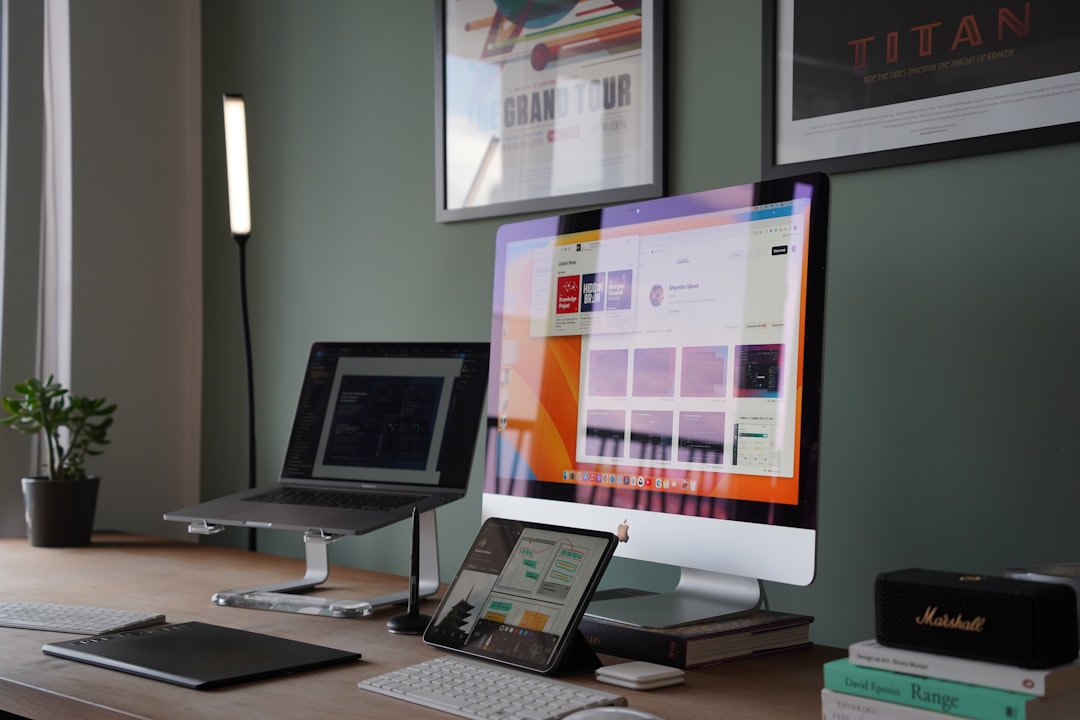
Lovable is the better choice when a team wants a working app fast, while Figma is the better choice when a team needs precise interface design, reviews, and handoff. Figma helps teams shape what an app should look and feel like. Lovable helps teams turn an idea into a usable product with screens, logic, data, and deployment. They overlap, but they do not solve the same problem.
TLDR: Figma is strongest for design quality, collaboration, prototyping, and product planning. Lovable is strongest for building a functional app from prompts, screenshots, or rough specs. For example, a small SaaS team could spend 3 weeks moving a Figma dashboard into code, while Lovable may create a usable first version in a few hours, with 60% to 80% of the basic flows already in place. The best setup is often Figma for polished UX and Lovable for fast app creation.
Contents
What Figma actually does well
Figma is a design tool first. It gives product teams a shared space for wireframes, mockups, design systems, interactive prototypes, comments, and developer handoff. Designers can build clean layouts, test flows, and refine every state of a button, modal, card, or form.
This matters because good apps need more than screens. They need hierarchy. They need spacing that makes sense. They need empty states, error states, loading states, and mobile behavior. Figma gives teams control over those details.
Figma also works well for teams with established roles. Designers design. Product managers comment. Developers inspect specs. Stakeholders review clickable prototypes before code starts. That flow keeps chaos down, especially on larger projects.
The annoying part is that Figma does not create a finished app by itself. It can show what the app should do, but it will not ship a real login system, database rules, payment flow, or admin panel. Someone still has to build it.
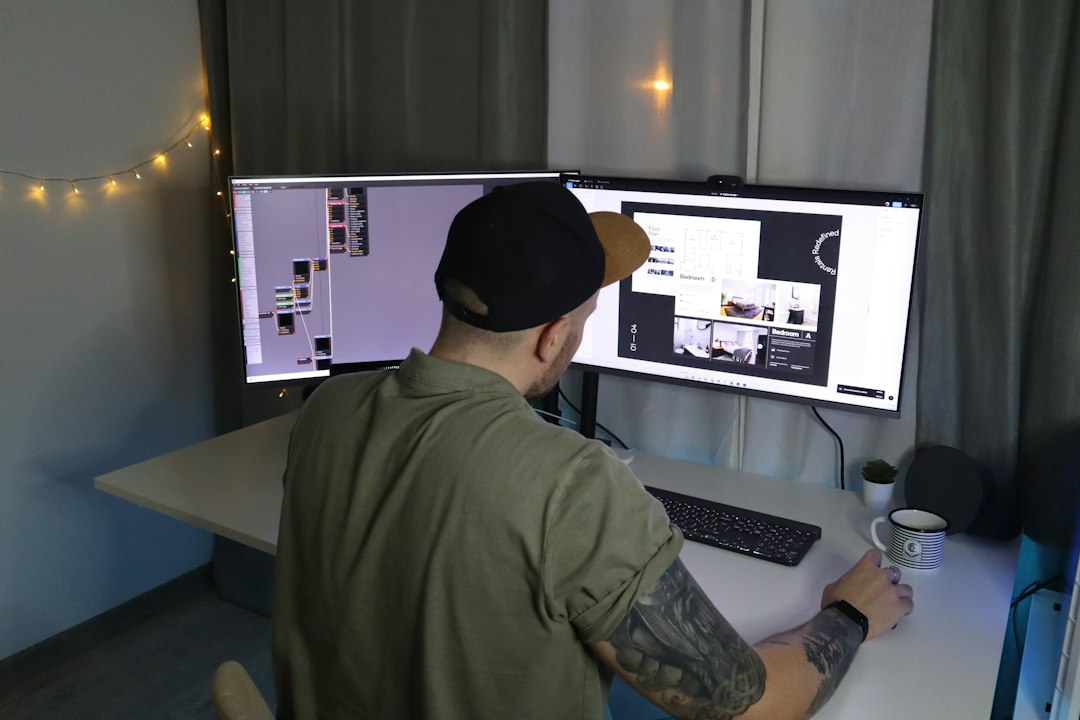
What Lovable actually does well
Lovable focuses on app generation. A user can describe a product, upload a design, or paste requirements, then ask Lovable to create a working web app. It can generate front end views, connect basic data flows, add authentication patterns, and create a project that feels much closer to a real product than a static prototype.
That is the key difference. Lovable is not just drawing screens. It is trying to produce software. A founder can describe a client portal, booking tool, CRM, marketplace, or internal dashboard, then get a functional starting point.
For early products, this is huge. A team can test the core idea before hiring a full engineering team. An agency can show clients something clickable and usable. A solo founder can move from concept to demo without staring at a blank code editor.
Still, Lovable is not magic. Generated apps often need cleanup. Data models may need restructuring. Security rules must be checked. Complex business logic can get messy. Honestly, it feels like the first 70% arrives very fast, then the final 30% needs careful human review.
Lovable vs Figma: the main difference
The simplest split is this:
- Figma answers: What should the app look like?
- Lovable answers: How can this become a working app quickly?
Figma is best before development, during design exploration, and during review. Lovable is best when the team wants a real app skeleton with screens and behavior.
A Figma prototype can simulate a checkout flow. Lovable can build a basic checkout interface that stores records and updates states. A Figma dashboard can show charts. Lovable can generate the dashboard structure and connect it to sample or real data sources, depending on the setup.
That difference changes the workflow. With Figma, the handoff to development is a major step. With Lovable, the first version of development starts much earlier.
Where Figma wins
Figma wins when visual precision matters. Brand teams, product design teams, and UX specialists need control. They need components, tokens, variants, grids, responsive rules, and polished prototypes.
Figma is also stronger for collaboration. Comments are easy. Version history is clear. Design files can support large teams working across multiple products. Stakeholders can review work without touching code.
Figma also supports user testing well. Teams can put a prototype in front of users, watch confusion points, and adjust the experience before building anything. That can save money on larger products.
- Best for: UX design, visual systems, brand consistency, stakeholder reviews.
- Weak for: turning screens into production software without developers.
- Common pain: beautiful designs can sit for weeks before engineering starts.
Where Lovable wins
Lovable wins when speed matters more than pixel-level control. It is ideal for MVPs, internal tools, proof of concept apps, and early SaaS ideas. It helps teams skip the slow gap between mockup and demo.
Expect to waste time on fixes if the prompt is vague. A request like “build a project management app” may produce something generic. A stronger prompt includes user roles, pages, data fields, permissions, and must-have actions. Better input gives better output.
Lovable also helps non-technical teams. A founder can test an idea without writing React components. A sales team can create a custom internal tracker. A product manager can mock a feature in a way that works, not just looks real.
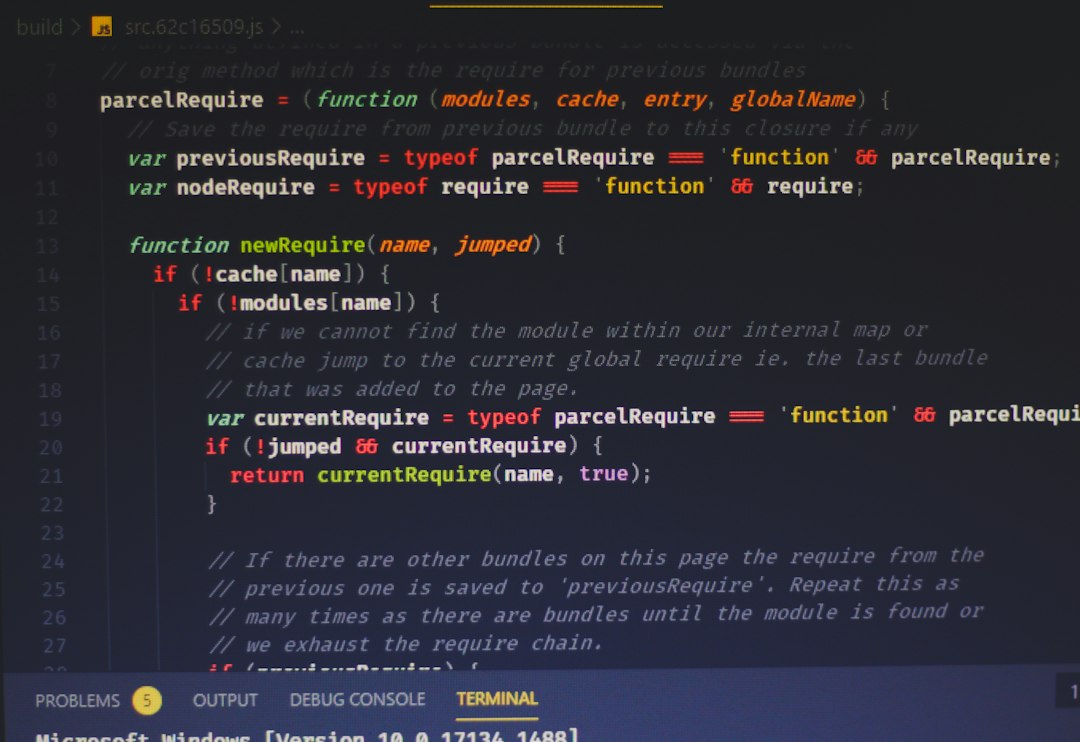
- Best for: MVPs, demos, internal apps, fast validation.
- Weak for: highly custom systems, deep architecture, strict enterprise rules.
- Common pain: generated logic can work at first, then break when requirements grow.
Can Lovable replace Figma?
For some small projects, yes. If the goal is to build a simple admin page, landing page, directory, or task tracker, Lovable may be enough. The team can describe the app and refine it through prompts.
For serious product design, no. Figma still has a clear role. Complex products need UX thinking before code. They need research, flow mapping, design systems, accessibility checks, and detailed review. Lovable can speed up production, but it does not remove the need for product judgment.
The stronger approach is often to use both. Figma creates the polished design direction. Lovable turns parts of that direction into a working app. This shortens the handoff gap and gives teams something testable sooner.
Best workflow for turning designs into apps
- Start in Figma for key flows, layout rules, and design system basics.
- Export or reference screens so Lovable has a clear visual target.
- Prompt Lovable with structure, including pages, roles, data types, and actions.
- Review the generated app for usability, errors, security, and edge cases.
- Refine with a developer if the app will handle real customers or money.
This workflow reduces guesswork. Designers keep control of the user experience. Lovable speeds up the jump to working software. Developers then focus on hard problems instead of rebuilding basic screens from scratch.
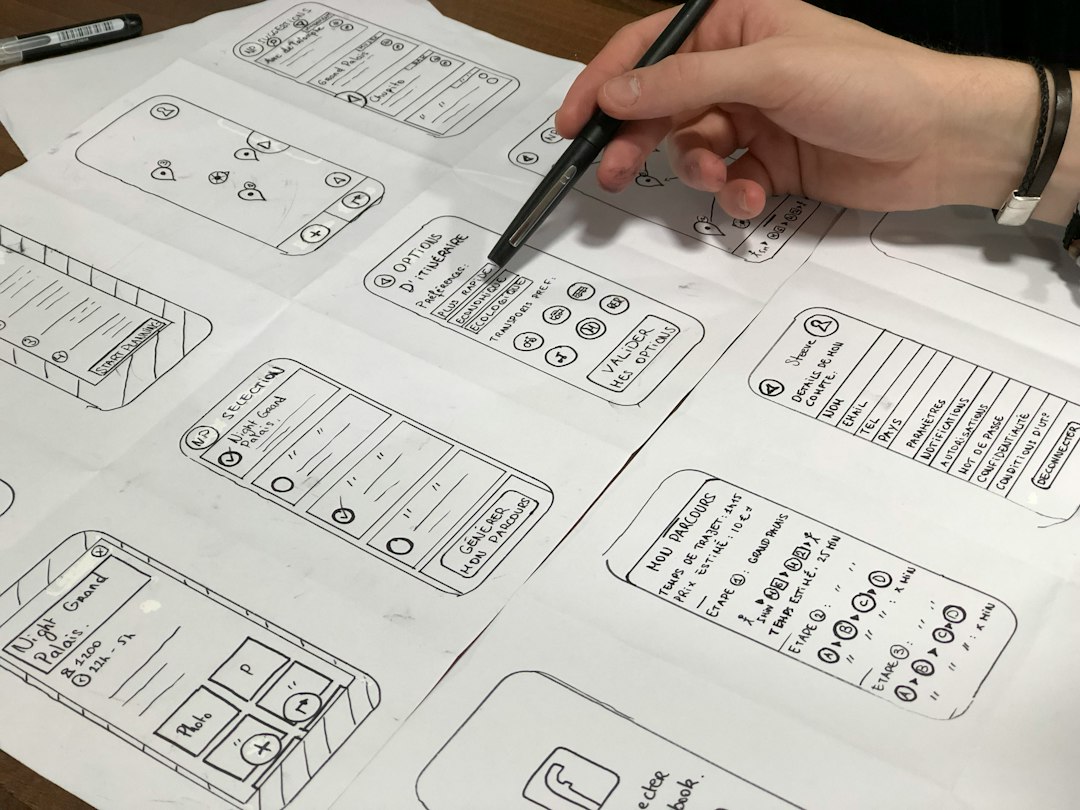
Which tool should a team choose?
A design-led team should choose Figma first. It gives the structure needed to create a clear product experience. A speed-led team should choose Lovable first. It produces something usable faster.
For a polished consumer app, Figma should lead. For a quick internal tool, Lovable should lead. For a startup testing a SaaS idea, both can work together: Figma for the main user journey, Lovable for the first build.
FAQ
Is Lovable better than Figma?
Lovable is better for creating working apps quickly. Figma is better for designing, reviewing, and refining the user interface before development.
Can Figma turn designs into a real app?
Figma can create prototypes and developer specs, but it does not produce a full working app with database logic, authentication, and backend behavior by itself.
Can Lovable use Figma designs?
Lovable can work from visual references and detailed prompts. A Figma design can guide the app structure, layout, and user flow.
Which is better for MVPs?
Lovable is usually better for MVPs because it can produce a functional first version faster. Figma is still useful for planning the user experience before generation starts.
Should developers still be involved?
Yes. For production apps, developers should review security, database design, performance, integrations, and long-term code quality.

