
DeepSeek is powerful. It writes code. It answers questions. It summarizes giant documents in seconds. But it also has limits. If you use it often, you will hit them. When that happens, things slow down or stop completely. The good news? Most limits are easy to understand. And even easier to avoid once you know how.
TLDR: DeepSeek sets limits to keep its systems fast, fair, and safe for everyone. These limits usually affect how many requests you send, how fast you send them, and how much data you upload. If you plan your usage, optimize your prompts, and spread requests wisely, you can avoid most problems. Smart usage saves time, money, and frustration.
Contents
- 1 Why DeepSeek Has Limits at All
- 2 The Main Types of DeepSeek Limits
- 3 What Happens When You Hit a Limit?
- 4 How DeepSeek Tracks Your Usage
- 5 How to Avoid Rate Limits (Without Losing Your Mind)
- 6 How to Handle Token Limits Like a Pro
- 7 How to Manage Concurrency Limits
- 8 Upgrade Smartly (If Needed)
- 9 Common Mistakes That Trigger Limits
- 10 A Simple Strategy That Works Almost Every Time
- 11 The Psychology of Limits
- 12 Final Thoughts
Why DeepSeek Has Limits at All
Imagine a coffee shop with one barista. Now imagine 500 people walk in at once. Chaos.
AI systems work the same way. Every request uses computing power. Servers cost money. Bandwidth costs money. Electricity costs money. And if too many people demand answers at the same second, performance drops.
So DeepSeek sets limits to:
- Keep performance stable
- Prevent abuse and spam
- Control operational costs
- Ensure fair access for everyone
Limits are not there to annoy you. They are there to keep the platform alive.
The Main Types of DeepSeek Limits
There are several kinds of limits. Each works differently. Let’s break them down in simple terms.
1. Rate Limits
This is the most common one.
A rate limit controls how many requests you can send in a specific time window. For example:
- 60 requests per minute
- 1,000 requests per hour
- 10,000 requests per day
If you go over the limit, you may see an error message. Or your requests may be delayed.
Think of it like a speed limit on a highway.
2. Token Limits
DeepSeek reads and writes in tokens. Tokens are chunks of text. A long paragraph may equal hundreds of tokens.
Most models have:
- A maximum input size
- A maximum output size
- A total combined token limit
If your prompt is too long, the system may cut it off. Or reject it completely.
3. Concurrency Limits
This means how many requests you can run at the same time.
Example:
- Maximum 5 simultaneous requests
If you send 20 at once, some will wait. Or fail.
4. Daily or Monthly Usage Quotas
Some plans cap total usage. Once you hit the ceiling, access slows. Or stops until the next reset date.
5. File Upload Limits
If you upload large PDFs or datasets, there may be:
- Maximum file size limits
- Limits on total storage
Big files use serious compute power.
What Happens When You Hit a Limit?
You may see messages like:
- “Too many requests”
- “Rate limit exceeded”
- “Quota reached”
Sometimes the system retries automatically. Sometimes it stops completely.
It feels dramatic. But it is normal.
How DeepSeek Tracks Your Usage
DeepSeek counts your activity in measurable units. These usually include:
- Number of API calls
- Tokens processed
- Time between requests
- Concurrent sessions
The system uses automated monitoring to track everything in real time.
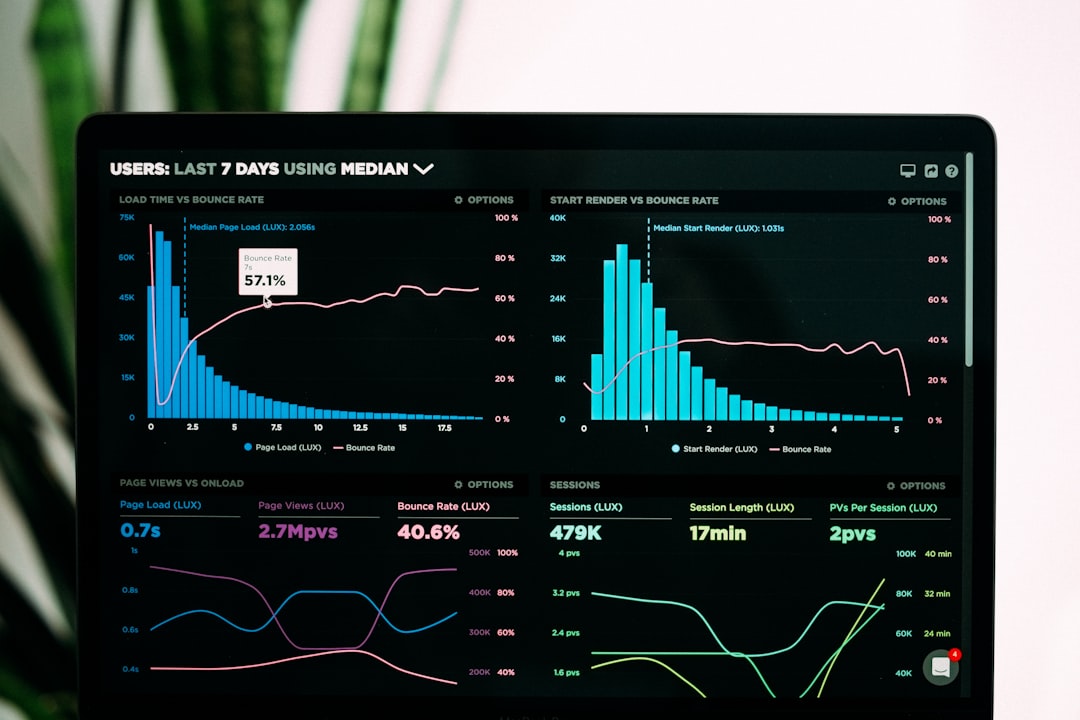
If something spikes suddenly, safeguards activate.
How to Avoid Rate Limits (Without Losing Your Mind)
This is where the fun begins.
1. Batch Your Requests
Instead of sending 100 tiny requests, combine them into one well-structured prompt.
Less traffic. Same results.
2. Add Delays
Space out your requests.
Even a delay of 200–500 milliseconds can help avoid hitting per-second limits.
3. Use Exponential Backoff
If a request fails, wait before retrying. Then wait longer if it fails again.
Example pattern:
- Wait 1 second
- Then 2 seconds
- Then 4 seconds
This reduces server stress and improves success rates.
4. Monitor Your Usage Regularly
Do not wait for things to break.
Track:
- Daily request counts
- Token usage
- Error rates
Cloud dashboards help. Custom logging helps even more.
How to Handle Token Limits Like a Pro
Token limits are sneaky. They creep up fast.
1. Keep Prompts Tight
Remove fluff.
Bad prompt:
“Hello dear AI, I hope you are having a wonderful day…”
Good prompt:
“Summarize this article in five bullet points.”
Shorter input. Same output.
2. Chunk Large Documents
If you need to process a 200-page PDF, break it into sections.
Analyze them one by one. Then combine summaries.
3. Limit Output Length
Ask for:
- “Answer in 200 words.”
- “Provide 5 bullet points only.”
Controlled output saves tokens.

How to Manage Concurrency Limits
If you run apps or automation tools, concurrency matters.
Use a Queue System
A request queue stores tasks. It releases them gradually.
No overload. No crashes.
Set Worker Limits
If your system allows 5 concurrent requests, lock it at 4.
Why 4?
Because safety margin equals stability.
Upgrade Smartly (If Needed)
Sometimes optimization is not enough.
If your business depends on high volume use, upgrading your plan may be cheaper than engineering workarounds.
Consider upgrade if:
- Your team uses DeepSeek daily
- You automate customer support
- You process large data regularly
Time is money. Downtime costs more.
Common Mistakes That Trigger Limits
- Sending multiple retries instantly after a failure
- Using extremely long prompts without trimming
- Running stress tests in production
- Ignoring usage metrics completely
Most limit problems are self-inflicted.
A Simple Strategy That Works Almost Every Time
Follow this four-step formula:
- Plan. Estimate how many requests you need.
- Optimize. Shorten prompts and combine where possible.
- Throttle. Add spacing between calls.
- Monitor. Adjust before problems happen.
It is not glamorous. But it works.
The Psychology of Limits
Here is something interesting.
Limits feel restrictive. But they force better design.
When you cannot spam requests, you write cleaner prompts. When tokens are capped, you become concise. When concurrency is limited, your system becomes stable.
Constraints create efficiency.
Final Thoughts
DeepSeek limits are not barriers. They are guardrails.
They exist to:
- Protect infrastructure
- Keep performance reliable
- Ensure fair usage
If you understand how rate limits, token caps, concurrency rules, and quotas work, you can design around them easily.
Keep prompts short. Spread traffic wisely. Monitor usage often. Upgrade when necessary.
And remember: hitting a limit does not mean something is broken. It usually means the system is working exactly as designed.
Use DeepSeek smartly. And the limits will barely feel like limits at all.

