
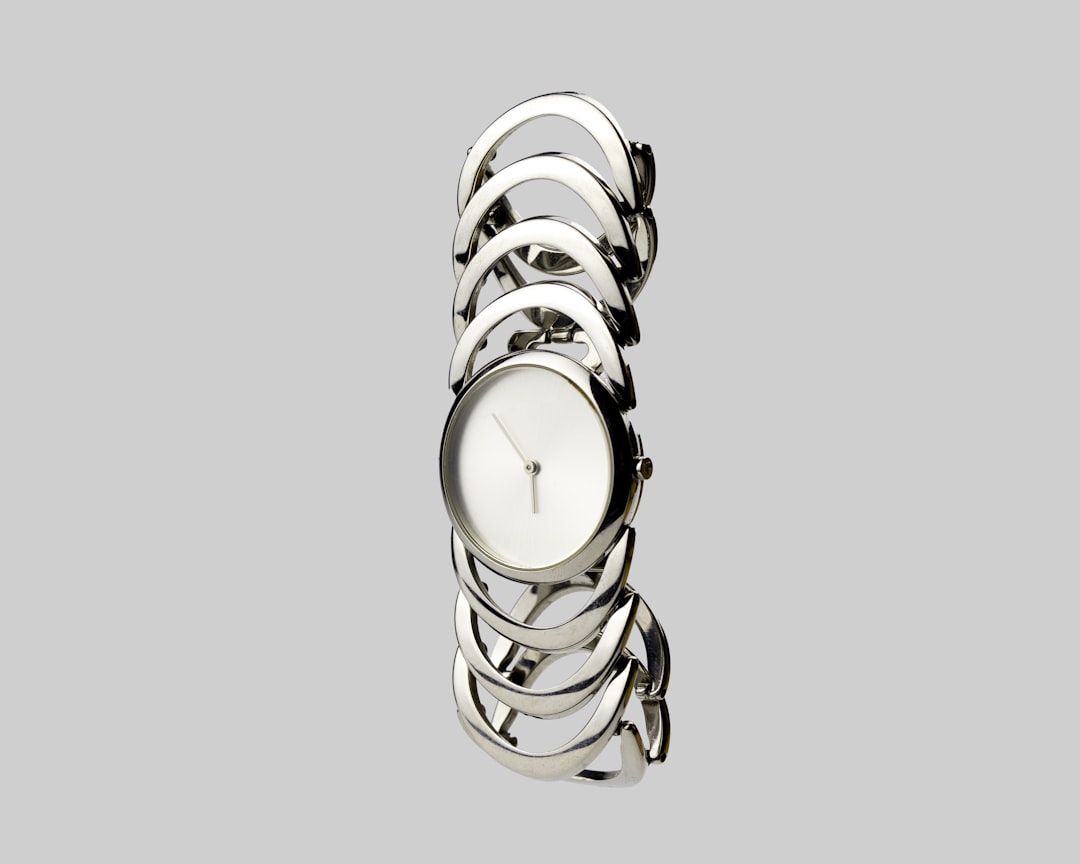
AI-powered background removers have moved from novelty utilities to practical production tools for ecommerce teams, marketers, designers, photographers, and small businesses. The best platforms now identify people, products, hair, glass, shadows, and complex edges with impressive accuracy, often turning a time-consuming masking task into a few seconds of automated editing. Still, not every tool is equally dependable, and the right choice depends on image volume, export quality, privacy expectations, and how much manual control you need after the first cutout.
TLDR: AI background remover platforms are worth trying if you regularly prepare product photos, social media visuals, profile images, or marketing assets. remove.bg, Adobe Express, Canva, Photoroom, Pixelcut, and Clipdrop are among the strongest options this year, each serving slightly different users. For professional workflows, prioritize high-resolution exports, batch processing, manual refinement tools, consistent edge quality, and clear data policies. Free tools are useful for occasional edits, but paid plans are usually better for commercial output.
Contents
- 1 What Makes a Background Remover Worth Using?
- 2 1. remove.bg
- 3 2. Adobe Express and Photoshop Background Removal
- 4 3. Canva Background Remover
- 5 4. Photoroom
- 6 5. Pixelcut
- 7 6. Clipdrop
- 8 7. Erase.bg
- 9 8. Slazzer
- 10 9. Pixlr
- 11 How to Choose the Right Platform
- 12 Common Limitations to Expect
- 13 Final Recommendation
What Makes a Background Remover Worth Using?
A serious background remover should do more than simply erase the area behind a subject. It should produce a clean, believable cutout that can be placed on a transparent background, solid color, marketplace template, presentation slide, or promotional design without obvious artifacts.
When evaluating AI-powered platforms, the most important criteria are:
- Edge accuracy: The tool should preserve hair, fabric texture, product outlines, and irregular shapes without jagged borders.
- Resolution support: Professional users need high-quality exports, not only small previews.
- Manual editing controls: Even strong AI sometimes needs touch-ups, especially around shadows, transparent objects, or reflective surfaces.
- Batch processing: Ecommerce sellers and agencies often edit dozens or thousands of images at once.
- Workflow integrations: APIs, plugins, mobile apps, and design-suite integrations can save significant time.
- Data handling: Businesses should review upload storage, deletion policies, and commercial usage terms.
The best platform is not always the one with the most features; it is the one that gives you reliable results with the least correction time.
1. remove.bg
remove.bg remains one of the most recognized AI background removal platforms, and for good reason. It is fast, simple, and consistently effective for portraits, product images, pets, vehicles, and many standard commercial photos. Users can upload an image and receive a transparent-background result within seconds.
Its strength lies in convenience. The interface is minimal, the learning curve is almost nonexistent, and the platform supports integrations with popular workflows, including desktop tools and API access. For businesses processing many images, the API and batch features are especially valuable.
However, users should be aware that high-resolution downloads are generally tied to credits or paid plans. The automated cutouts are strong, but not perfect for all cases. Images involving glassware, fine jewelry, smoke, motion blur, or subjects blending into similarly colored backgrounds may require extra editing.
Best for: quick professional cutouts, ecommerce product images, marketing teams, and developers needing API-based background removal.
2. Adobe Express and Photoshop Background Removal
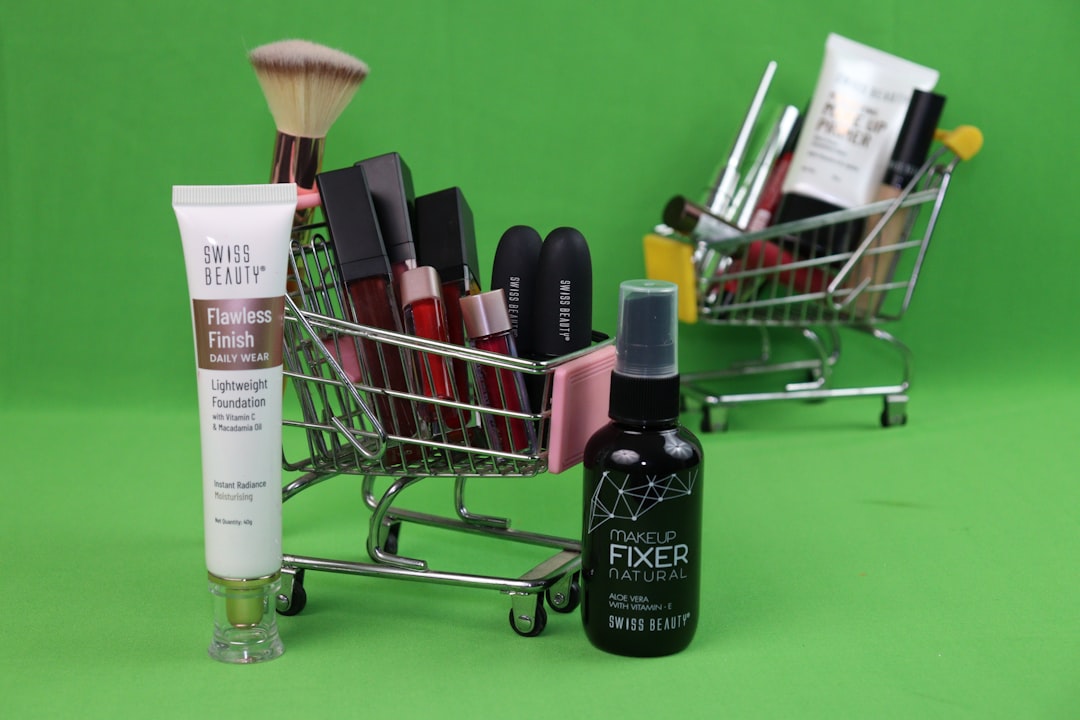
Adobe offers background removal through tools such as Adobe Express and Photoshop, making it a strong option for users who want AI automation combined with professional editing power. Adobe Express is approachable and useful for quick social posts, flyers, profile graphics, and small business visuals. Photoshop, meanwhile, provides deeper control for users who need precision.
The major advantage is that Adobe’s ecosystem allows you to move beyond simple removal. You can refine selections, adjust masks, correct color, add shadows, create composites, and prepare print-ready or campaign-ready assets. For designers already working in Adobe software, this can be far more efficient than exporting images between multiple unrelated services.
The downside is that Adobe’s full value is most apparent when you are already invested in its subscriptions and workflow. Casual users may find simpler web-based tools faster. Still, for serious creative work, Adobe’s combination of AI selection and manual refinement is difficult to ignore.
Best for: designers, photographers, agencies, and teams that need both automatic removal and advanced post-production control.
3. Canva Background Remover
Canva is a practical choice for people who do not want background removal as a standalone task. Instead, they want to remove a background and immediately place the subject into a social media post, ad, presentation, thumbnail, poster, or branded template.
The tool is easy to use and works well for common image types such as people, products, and lifestyle photos. Its biggest benefit is speed inside a larger design workflow. You can remove a background, add text, use brand colors, apply effects, resize for different platforms, and export in multiple formats without leaving the editor.
Canva’s background remover is generally available through paid plans, so it may not be the best option if all you need is one occasional transparent PNG. It is also not always the most precise tool for complex professional retouching. But for marketing teams, creators, educators, and small businesses, it delivers excellent practical value.
Best for: social media graphics, presentations, promotional materials, and users who want background removal built into a design platform.
4. Photoroom
Photoroom has become especially popular among ecommerce sellers, marketplace vendors, and mobile-first creators. Its background remover is fast, but its real value comes from product-focused features such as clean studio backgrounds, shadows, templates, batch editing, and marketplace-ready visuals.
For sellers on platforms that require consistent product imagery, Photoroom can save substantial time. Instead of only removing the original background, users can generate polished product photos with neutral backgrounds, lifestyle-style settings, or branded layouts. This is useful for apparel, accessories, cosmetics, electronics, handmade goods, and many other categories.
Photoroom is also strong on mobile, which matters for small sellers who photograph products with a phone. The quality is usually dependable, although difficult objects such as transparent packaging or highly reflective surfaces may still need inspection before publishing.
Best for: ecommerce sellers, marketplace listings, mobile workflows, and product photo standardization.
5. Pixelcut
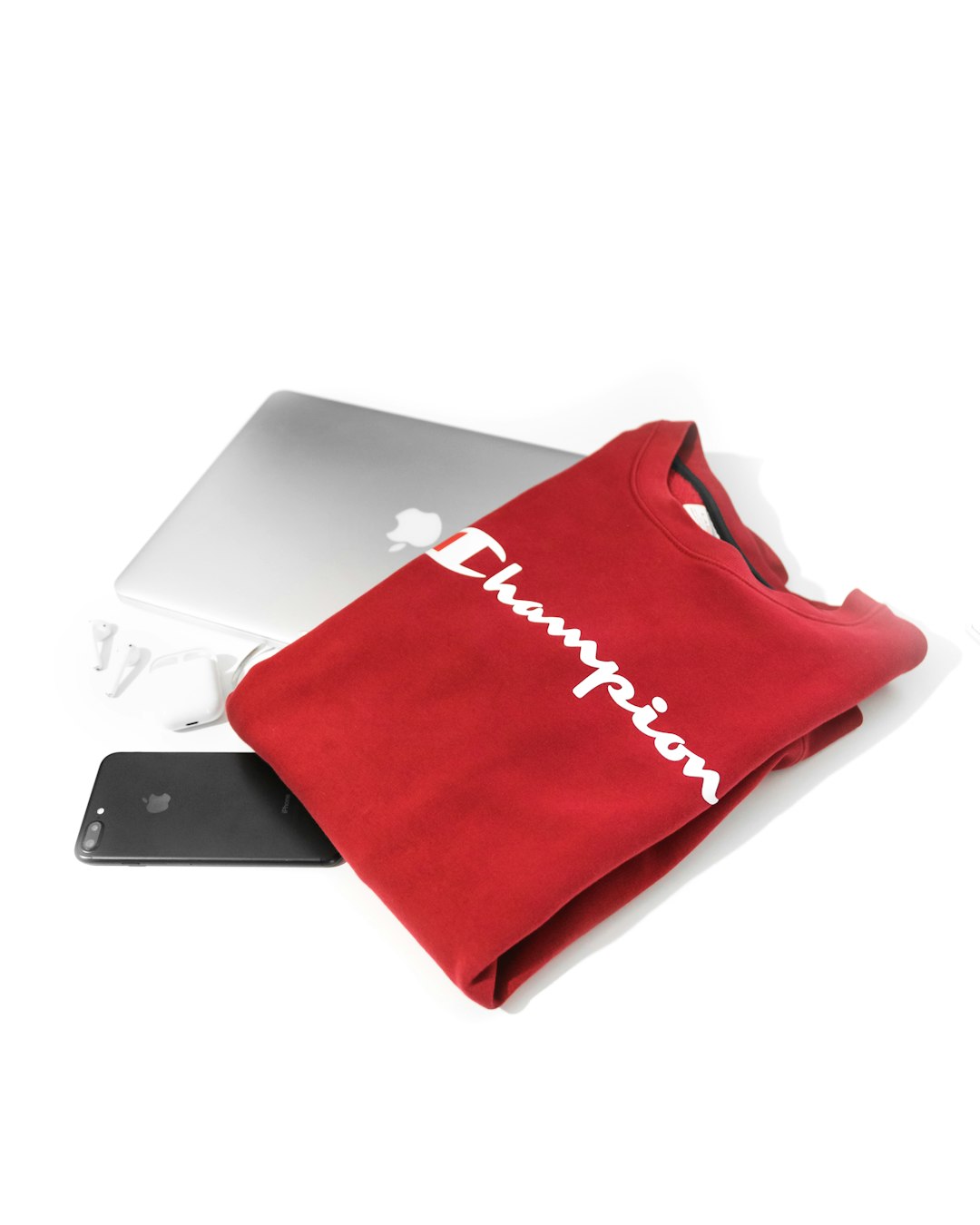
Pixelcut is another platform aimed at sellers, creators, and small businesses that need attractive product visuals without a full design team. Its background remover is supported by tools for creating product photos, profile images, ads, and branded content. The platform is particularly appealing to users who need quick, good-looking results rather than complex professional editing controls.
Pixelcut’s interface is straightforward, and its mobile experience is one of its notable strengths. Users can quickly remove a background, replace it with a color or generated scene, and prepare an image for social media or ecommerce use. It is a useful option for people who create content frequently but do not want to spend time learning advanced editing software.
As with similar tools, users should check export quality and licensing terms depending on commercial needs. For high-volume professional catalogs, compare its batch capabilities and pricing against alternatives before committing.
Best for: creators, small retailers, social commerce, and mobile product photography.
6. Clipdrop
Clipdrop offers a wider set of AI image tools, including background removal, cleanup, relighting, upscaling, and generative features. It is worth trying if your workflow involves more than isolating a subject. For example, you may want to remove a background, clean imperfections, enhance lighting, and then prepare the image for a presentation or campaign concept.
The platform is often appreciated by designers and creative professionals experimenting with AI-assisted visual production. Its background removal can perform well, and the surrounding tools make it useful for rapid concept development. If you work on mood boards, advertising drafts, product mockups, or creative composites, Clipdrop can fit naturally into that process.
For highly regulated or confidential business imagery, review the terms and privacy details carefully, as you should with any cloud-based AI tool. Also, because Clipdrop includes many creative AI capabilities, it may be more platform than a user needs for simple one-off background removal.
Best for: creative teams, concept designers, and users who want multiple AI image tools in one place.
7. Erase.bg
Erase.bg is a clean, accessible background remover that supports common use cases such as portraits, product photos, logos, and general marketing images. It is easy to use and can be a good option for users who want a simple web-based experience without too many distractions.
The platform is particularly useful for individuals, small teams, and businesses that need quick removals for websites, stores, and social media. Depending on the plan, users may also access higher-resolution outputs and bulk processing features.
Erase.bg is not necessarily the most advanced editor after removal, so users who need detailed masking and retouching may prefer a tool with stronger manual controls. But for routine cutouts, it is a credible choice.
Best for: straightforward background removal, small business visuals, and quick transparent PNG exports.
8. Slazzer
Slazzer is designed for automated background removal at scale. It supports individual uploads, batch processing, desktop applications, and API use, making it relevant for businesses that need consistent output across many images.
It handles people, products, cars, animals, and other subjects with solid reliability. For agencies, developers, and ecommerce operations, the automation options are the main reason to consider it. Instead of manually uploading files one by one, teams can integrate background removal into broader production systems.
As with any bulk-editing platform, quality control remains important. AI can process large volumes quickly, but a human review step is still wise for hero images, premium product listings, and paid advertising assets.
Best for: high-volume workflows, developer integrations, and automated image processing pipelines.
9. Pixlr
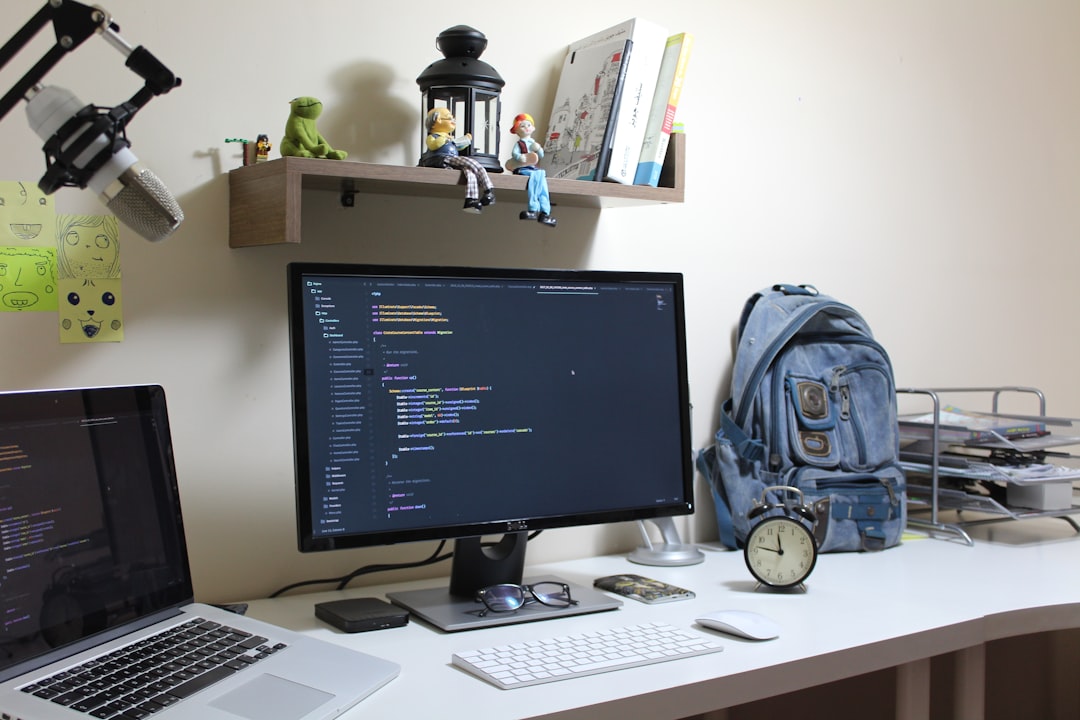
Pixlr combines browser-based image editing with AI-assisted features, including background removal. It is a good middle ground for users who want more editing flexibility than a single-purpose remover but do not want to install heavyweight desktop software.
After removing a background, users can continue editing with layers, text, filters, adjustments, and design elements. This makes Pixlr useful for banners, thumbnails, web graphics, and promotional images. It is also familiar enough for people who have used traditional image editors but want a faster, cloud-based workflow.
Pixlr’s results are often strong for everyday needs, though professional retouchers may still prefer advanced desktop applications for the most demanding composites. Still, as a lightweight and capable option, it is worth testing.
Best for: browser-based editing, thumbnails, web graphics, and users who want AI tools plus manual design controls.
How to Choose the Right Platform
Before choosing a platform, identify the real purpose of the images. A profile image for a speaker bio does not require the same workflow as a 5,000-image ecommerce catalog. A social media creator may value templates and speed, while a photographer may care more about mask refinement and color control.
Use the following approach:
- Test with your own images. Do not rely only on demo samples. Upload difficult examples from your actual workflow.
- Compare edges at full size. Look closely at hair, fingers, product corners, transparent areas, and shadows.
- Check export limits. Confirm whether high-resolution PNG downloads require credits or subscriptions.
- Review commercial terms. Make sure the platform supports your intended business usage.
- Consider privacy. Avoid uploading sensitive, unreleased, or confidential imagery unless the provider’s policies meet your standards.
- Measure time saved. A slightly more expensive tool may be worthwhile if it reduces manual cleanup.
Common Limitations to Expect
AI background removal is impressive, but it is not flawless. Difficult scenarios include transparent products, wispy hair, low contrast between subject and background, motion blur, heavy shadows, and reflective objects. In these cases, the platform may remove too much, retain unwanted background fragments, or create unnatural edges.
For commercial work, it is wise to treat AI as the first step rather than the final authority. A fast automated cutout followed by careful review usually produces the best results. In product photography, adding a realistic shadow can also make the final image look more credible than a perfectly floating object on a blank background.
Final Recommendation
If you need a dependable general-purpose background remover, remove.bg is still one of the first platforms to test. If your work is design-heavy, Adobe Express, Photoshop, Canva, or Pixlr may fit better because they allow you to continue building the final asset. For ecommerce and mobile product photography, Photoroom and Pixelcut are especially practical. For broader AI creative workflows, Clipdrop is worth exploring, while Slazzer and Erase.bg are sensible options for streamlined or scalable background removal.
The most trustworthy approach is to test several platforms using the same set of real images, compare the results carefully, and calculate the cost in relation to time saved. AI background removers can be highly valuable this year, but the best results still come from combining automation with sound visual judgment.

