

Protect your hotel booking widget before summer traffic hits. Do it now, not on the first sunny Saturday. Online sales are expected to make up most travel and tourism revenue in the next few years, so a broken “Book Now” button is not a tiny oops [source: Statista]. For hotels, that button is the front desk, the phone line, and the cash register.
TLDR: Test your WordPress booking widget, update plugins safely, and use the Maintenance plugin to hide messy fixes from guests. For example, if 1,000 people visit your hotel site in one weekend and 3% want to book, a broken widget could block 30 room requests. That is painful. A simple pre summer checklist can catch most problems before guests see them.

Contents
Why booking widgets break at the worst time
Booking widgets are tiny drama machines.
They depend on many things working together. WordPress. Your theme. Plugins. Payment tools. Cache settings. JavaScript. Mobile browsers. Sometimes even a cookie banner gets in the way. Lovely.
Honestly, it feels like booking tools wait until peak season to act weird. One day the calendar loads in 1 second. The next day it takes 6 seconds and guests start rage clicking.
Common causes include:
- Plugin updates that clash with the widget script.
- Theme changes that break the booking layout.
- Cache plugins that serve old calendar data.
- Payment gateway errors after API changes.
- Mobile display bugs on small screens.
- Expired licenses or disconnected booking services.
Use the Maintenance plugin as your safety curtain
If you need to work on the live site, do not let guests see broken pages. Use the Maintenance plugin for WordPress.
It lets you show a clean maintenance page while your team fixes the mess behind the scenes. Guests can see a simple message. Staff can still log in. You can keep the brand calm, even if the backend is a small fire.
You can learn more about the plugin at WP Maintenance Mode.
A good hotel maintenance page should include:
- A short message: “Online booking is being updated.”
- A phone number: Put it near the top.
- An email address: Make it clickable.
- A time frame: “Back by 10:30 AM.”
- A friendly tone: No cold robot text.
Example:
“We are polishing our booking system for summer guests. Please call us at +1 555 123 4567 to reserve your room. We will be back online soon.”
Do a pre summer booking test
Do not just open the homepage and smile. That is not a test.
Run the full booking path like a guest. Use a phone. Use a laptop. Use a slow connection if you can. Try real dates. Try sold out dates. Try one room. Try three rooms. Try a coupon. Try a failed card.
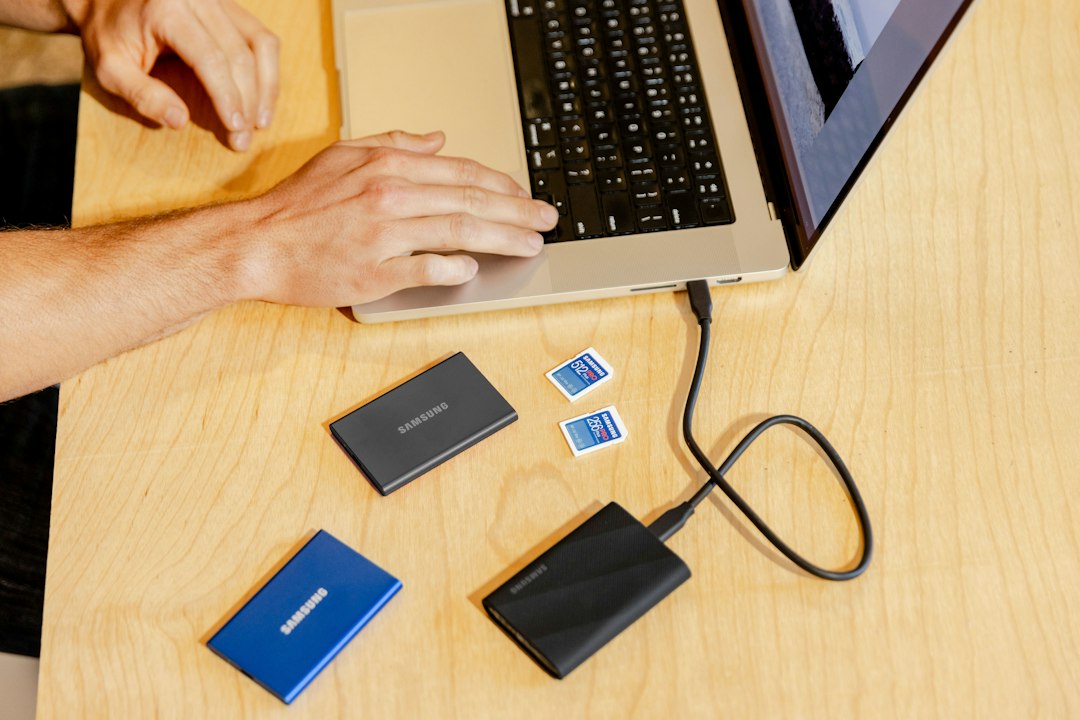
Check these items:
- Does the Book Now button open fast?
- Does the date picker work on mobile?
- Are room prices correct?
- Are taxes and fees clear?
- Does confirmation email arrive?
- Does the booking appear in your system?
- Does payment complete without odd errors?
If one step feels clunky, fix it. Guests will not wait. They will book the hotel down the road.
Update WordPress without wrecking bookings
Updates are good. Random live updates are not.
Before summer, update WordPress core, your theme, and plugins. But use a staging site first if your host offers one. Test the booking widget there. Then update the live site.
Use this order:
- Make a full backup. Files and database.
- Turn on Maintenance mode if live work is needed.
- Update one item at a time.
- Test the booking widget after each update.
- Clear cache. Then test again.
- Turn Maintenance mode off.
It drives me crazy that one tiny script can break a calendar. But that is WordPress life. The fix is not panic. The fix is process.
Watch cache and speed settings
Cache plugins can make hotel sites faster. Great. They can also break booking widgets. Less great.
Booking calendars often need fresh data. Cached pages may show old availability. Minified JavaScript can also stop calendars from loading.
Before the busy season, ask your web person to exclude booking pages from aggressive caching. Also test after any speed change. Google says the chance of mobile bounce rises as load time goes from 1 second to 3 seconds [source: Google]. Slow booking pages cost money.
Have a “widget down” plan
Even good sites fail. So plan for it.
Create a simple emergency checklist:
- Switch on the Maintenance plugin for affected pages.
- Add phone and email booking options.
- Tell reception staff what is happening.
- Check recent updates and error logs.
- Disable the last changed plugin if needed.
- Restore from backup if the site is badly broken.
If the site has been hacked or badly damaged, put it in safe mode while cleanup happens. This guide on what to do when a WordPress website is compromised explains why hiding the broken version can protect guests and your brand.

Make it a weekly habit
Summer is not the time for “set it and forget it.” Check the booking flow each week. It takes 10 minutes. Maybe 15 if coffee is involved.
Your weekly check should include:
- One desktop test booking.
- One mobile test booking.
- One payment test.
- One confirmation email check.
- One speed check.
Keep notes. Date them. If something breaks, you will know when it started.
Final room key
Your hotel booking widget is not “just a plugin.” It is revenue. It is guest trust. It is the difference between a full calendar and a quiet lobby.
Use the Maintenance plugin before risky fixes. Test like a guest. Update with care. Keep a backup ready. Then go enjoy the summer rush without staring at the website every five minutes.

