
The best 3D Warehouse alternative depends on the job: BIMobject and CADdetails fit architecture, GrabCAD fits engineering, and CGTrader, TurboSquid, and Sketchfab work well for product renders and visual scenes. SketchUp’s 3D Warehouse is still a huge source of prebuilt 3D models [source: SketchUp], but many teams need cleaner BIM data, better licensing, or more file types.
TLDR: For architecture, BIMobject and CADdetails are the strongest picks because they offer manufacturer-backed content and BIM-ready files. For product design, GrabCAD is more useful, especially when engineers need STEP, SolidWorks, or other CAD formats. For visualization, CGTrader, TurboSquid, and Sketchfab offer large libraries of polished assets. For example, a small studio preparing a kitchen render could save 3 to 5 hours by downloading ready-made appliances, chairs, and lights instead of modeling each object from scratch.
Contents
Why teams look beyond 3D Warehouse
3D Warehouse is easy to use, especially for SketchUp users. That is why it remains popular. Still, it has limits. Some models are too heavy. Some are poorly named. Some have missing textures. Others look fine in the preview but fall apart inside a real project.
The catch is that time gets wasted fast. A designer may download six sofa models before finding one with clean geometry. That can turn a 10-minute task into a 40-minute chore. For paid work, that hurts.
Better libraries help by offering clear licensing, more file formats, BIM data, and higher quality control.
Image not found in postmeta1. BIMobject
Best for: architecture, interiors, BIM projects, specification work.
BIMobject is one of the most useful alternatives for architects and BIM managers. It focuses on real building products from real brands. That means doors, windows, furniture, lighting, flooring, HVAC parts, and sanitary products often include useful product data.
Files may include formats for Revit, ArchiCAD, SketchUp, and other design tools. This makes it useful when a project needs more than a pretty object. It helps when the model must support schedules, specs, and construction documents.
Minor annoyance: some brand pages feel uneven. One product may have several formats, while another has only one.
2. CADdetails
Best for: architectural details, building products, outdoor spaces, construction specs.
CADdetails is a strong pick for architects, landscape architects, and spec writers. It offers product files, CAD drawings, BIM models, and technical details from manufacturers.
It is especially helpful for exterior products, site furniture, railings, roofing, drainage, lighting, and facade systems. Many firms use it when they need practical files, not just attractive render assets.
The library feels more work-focused than flashy. That is a good thing. It gives teams assets that can support design documents and client presentations.
3. GrabCAD
Best for: product design, mechanical parts, engineering models.
GrabCAD is not aimed at architects first. It is built around engineering and product design. That makes it one of the best choices for mechanical parts, hardware, tools, machines, and product concepts.
Users can find models in formats such as STEP, STL, SolidWorks, and IGES. These are much more useful for CAD work than a basic mesh file.
Honestly, it can feel messy at times. Search results may include student projects, rough models, and older uploads. Still, when it works, it saves serious modeling time.

4. CGTrader
Best for: visualization, game assets, interiors, product renders.
CGTrader offers a large mix of free and paid 3D models. It is useful for render artists, interior designers, and studios that need polished assets fast.
The library includes furniture, electronics, decor, plants, vehicles, characters, and full scene assets. Many models come with textures and materials. Some are ready for tools such as Blender, 3ds Max, Cinema 4D, and V-Ray.
The main issue is quality range. Some models are excellent. Others need cleanup. Buyers should check polygon count, included formats, texture size, and license terms before paying.
5. TurboSquid
Best for: high-end visualization, advertising, product shots, film-style renders.
TurboSquid has been around for a long time. It is known for detailed paid models used in professional visualization. Studios often check it when they need cars, furniture, electronics, people, medical objects, or detailed props.
Its stronger assets often cost more, but they may save hours of work. For a product render with a tight deadline, that trade can make sense.
Users should still inspect details before download. File format, material setup, and renderer support matter. A great-looking preview does not always mean the asset drops neatly into every workflow.
6. Sketchfab
Best for: quick previews, cultural objects, stylized assets, web-friendly models.
Sketchfab stands out because models can be viewed in 3D directly in the browser. This helps teams judge shape, texture, and scale before downloading.
It is useful for visualization, education, AR tests, and early design mood boards. The library includes furniture, scanned objects, characters, props, spaces, art pieces, and products.
Licensing varies, so teams must read the terms. Some assets are free with credit. Others are paid. Some cannot be used in commercial work.
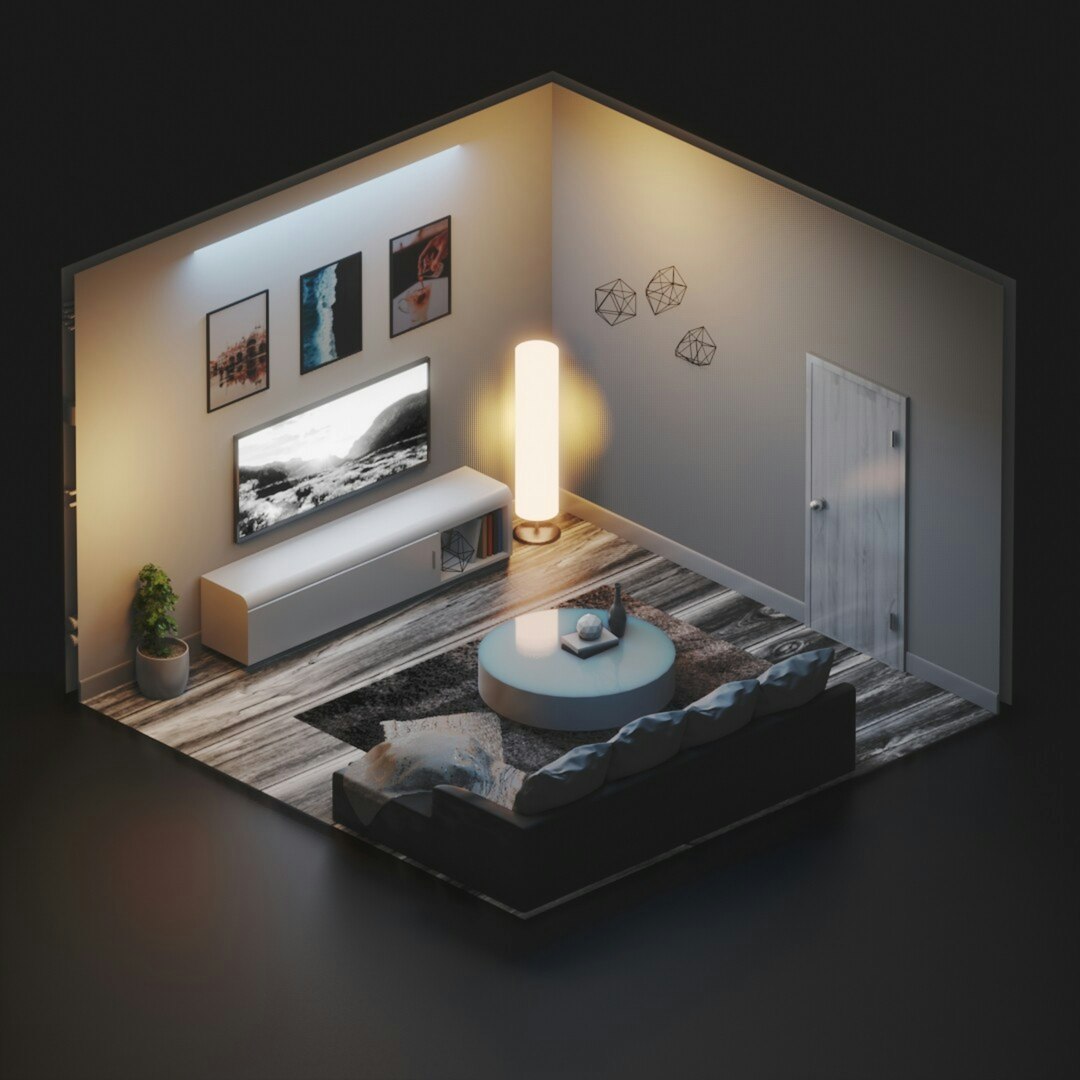
Quick comparison
- BIMobject: best for BIM-ready building products.
- CADdetails: best for architectural details and manufacturer files.
- GrabCAD: best for engineering and product CAD files.
- CGTrader: best for affordable render assets and variety.
- TurboSquid: best for premium visualization models.
- Sketchfab: best for fast 3D previews and mixed creative assets.
How to choose the right library
Architects should start with BIMobject or CADdetails. Product designers should check GrabCAD first. Visualization artists should compare CGTrader, TurboSquid, and Sketchfab.
The smartest method is simple. The team should check the file format, license, geometry quality, texture size, and real-world scale before adding any model to a project. It sounds basic, but it prevents broken imports, huge files, and ugly renders.
FAQ
What is the best free alternative to 3D Warehouse?
GrabCAD is strong for free engineering models, while Sketchfab has many free visual assets. For architecture, BIMobject often provides free manufacturer models.
Which library is best for Revit families?
BIMobject and CADdetails are usually the best places to find Revit-ready building products and BIM content.
Which option is best for product design?
GrabCAD is the best fit for product design because it often includes CAD formats such as STEP, SolidWorks, and IGES.
Are paid 3D models worth it?
Paid models are worth it when they save several hours of modeling or improve the final render. The buyer should still check license terms, scale, textures, and file formats first.
Can these libraries replace 3D Warehouse completely?
Yes, in many workflows. Still, many SketchUp users keep 3D Warehouse as a quick source, then use other libraries when they need cleaner data, better assets, or specific CAD formats.

