
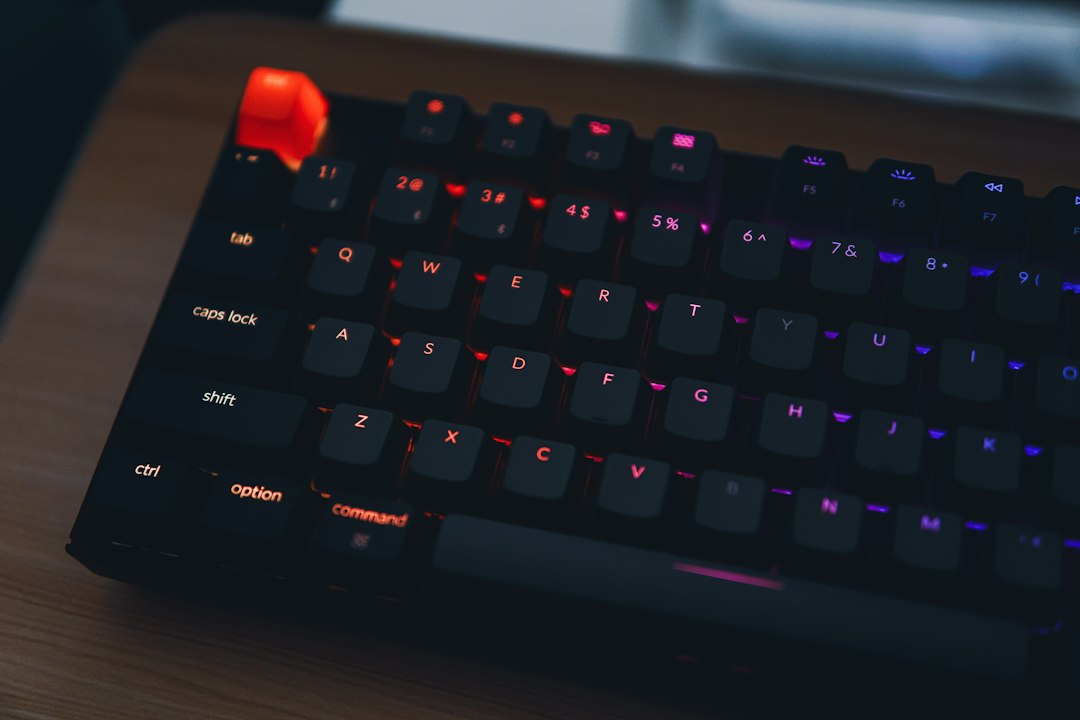
The Satechi SM3 Slim Mechanical Keyboard is best suited for Mac users who want a cleaner desk setup without giving up mechanical key feel, a number pad, or multi-device control. Satechi lists the SM3 as a slim mechanical backlit Bluetooth keyboard with low-profile brown switches, Bluetooth, 2.4 GHz wireless, and wired USB-C support [source: Satechi]. That mix makes it more practical than many compact mechanical boards, especially if you move between a MacBook, iPad, and desktop.
TLDR: The SM3 feels like a serious productivity keyboard, not a toy for switch collectors. Its biggest win is the mix of a full-size layout, slim body, and four-device support, which can cut desk clutter for someone using, for example, a MacBook, iPad, work PC, and home desktop. If you type 2,000 to 4,000 words a day, the low-profile mechanical switches should feel more stable than most laptop keys. The trade-off is that customization looks limited compared with enthusiast boards.
Image not found in postmetaContents
First Impression: Clean, Practical, and Very Satechi
The SM3 has the kind of design Satechi is known for. It is simple, silver, low-profile, and clearly made to sit beside Apple hardware. Nothing screams for attention. That is a good thing.
The layout is the main reason to care. Many slim mechanical keyboards cut the number pad to save space. The SM3 keeps it. For spreadsheets, accounting work, admin panels, or data entry, that matters. A compact board may look neat, but entering rows of numbers without a number pad gets old fast.
The slim frame also helps. Standard mechanical keyboards can feel tall and chunky. The SM3 looks more like a premium office keyboard with mechanical switches inside. That makes it easier to recommend for shared workspaces, client-facing offices, and home desks where style still matters.
Key Features That Matter
- Low-profile brown switches: These should give a light tactile bump without loud click noise. That is a sensible choice for office typing.
- Full-size layout: You get function keys, arrow keys, and a number pad. No weird shortcuts for basic work.
- Multiple connection modes: Bluetooth, 2.4 GHz wireless, and USB-C wired support make it flexible.
- Multi-device pairing: The keyboard can switch between several devices, which is useful for hybrid setups.
- Backlit keys: The lighting helps in low light, but it appears aimed at clarity rather than gaming flair.
- Mac-first layout: It is built with Apple users in mind, but it also includes support for Windows use.
The connection options are especially useful. Bluetooth is fine for tablets and laptops. The 2.4 GHz receiver is often better for a desktop where you want lower lag and fewer pairing problems. USB-C wired mode is the safe option when the battery is low or when wireless is not allowed at work.
Typing Feel: The Main Selling Point
The SM3 should feel firmer and more precise than a typical laptop keyboard. Low-profile brown switches usually sit between soft office keyboards and thicker mechanical boards. You get feedback, but not the heavy travel or loud sound of older mechanical models.
That can be a sweet spot. Writers, coders, editors, and spreadsheet-heavy users often want a keyboard that feels better than a laptop but still looks professional. This is where the SM3 makes sense.
The catch is that low-profile mechanical switches do not feel the same as full-height switches. If you love deep key travel and heavy springs, this may feel too restrained. If you mostly type on a MacBook, though, the SM3 will likely feel like a clear upgrade.
Design and Build
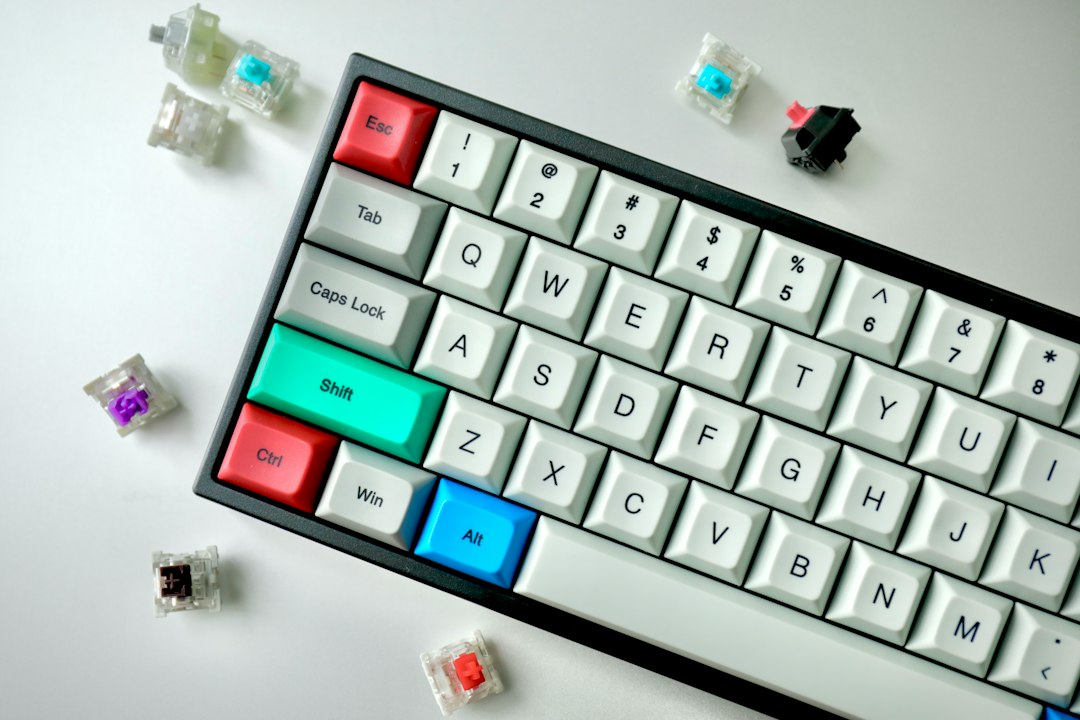
Satechi’s hardware usually aims for a neat desk, and the SM3 follows that path. The slim body helps keep your hands at a comfortable angle. Many users may not need a wrist rest, though that depends on desk height and typing style.
The board also looks serious. It does not rely on wild colors or oversized logos. That makes it easy to pair with monitors, docks, metal laptop stands, and other work gear.
It drives me a little crazy that many productivity keyboards still make device switching hard to read at a glance. The SM3 looks cleaner because of its minimal design, but small indicators can mean you spend five extra seconds checking which device is active. That is not a disaster. It is just the kind of small friction you notice during a busy day.
Who Should Buy It?
The SM3 is a strong fit for people who want one keyboard for several machines. It is also a good match for Apple users who dislike flat laptop keys but do not want a bulky gaming keyboard.
- Good for: Mac users, office workers, writers, finance teams, students with tablets, and hybrid workers.
- Less ideal for: gamers who need deep software control, hot swap switches, bright RGB, or heavy key travel.
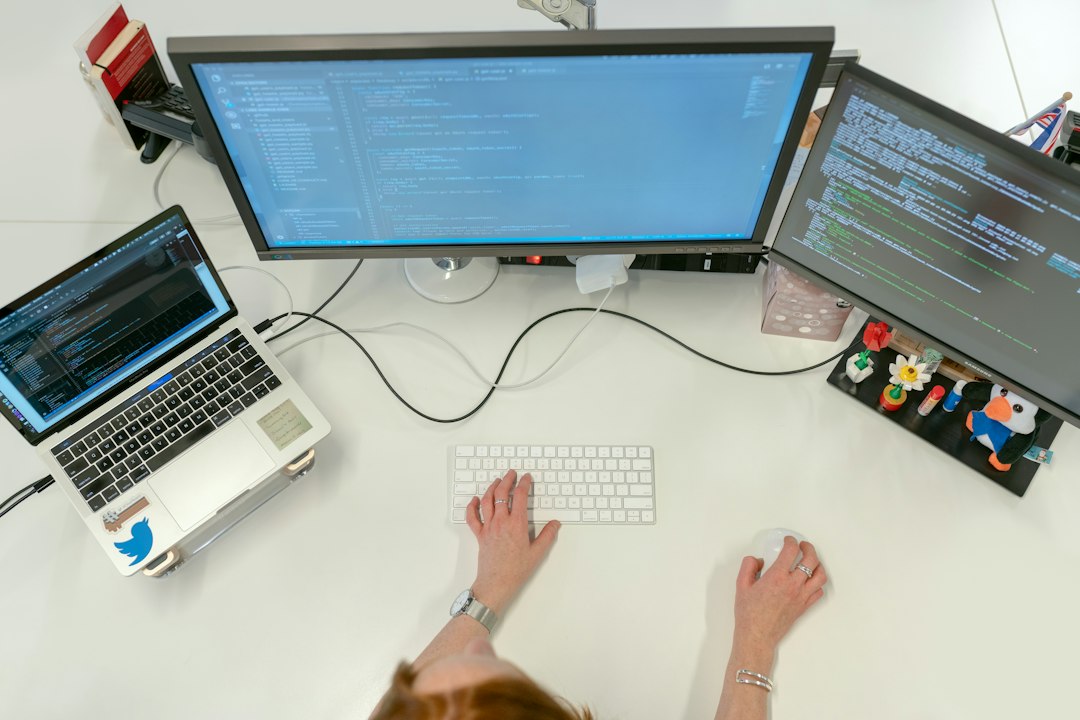
- Best desk setup: MacBook on a stand, external monitor, USB-C hub, and the SM3 as the main keyboard.
The number pad is a real advantage. If you work with invoices, reports, analytics, or stock counts, it can save time every day. Even a small gain matters. Saving 10 seconds per data entry task across 60 tasks is 10 minutes back.
Possible Weak Spots
The SM3 is not trying to be an enthusiast keyboard. That means buyers should keep expectations in check. Do not expect deep remapping, switch swapping, or layers of software control. This is a polished productivity tool, not a hobby board.
The price may also make some buyers pause. Cheaper mechanical keyboards exist. Some offer more switch choices or stronger gaming features. But many of them look out of place beside Apple gear and lack the same simple multi-device setup.
Early Verdict
The Satechi SM3 Slim Mechanical Keyboard makes the most sense as a premium work keyboard for people who value clean design, typing comfort, and device flexibility. Its feature set is practical. The layout is useful. The styling is mature.
It is not the keyboard to buy if you want endless tweaking. It is the keyboard to consider if you want to sit down, switch between devices, type for hours, and keep your desk looking sharp. For many Mac-focused users, that is exactly enough.

