

The CalDigit TS4 is the dock to buy if you want one cable to run almost your whole desk. It gives you 18 ports, up to 98W laptop charging, Thunderbolt 4 speed, 2.5Gb Ethernet, card readers, audio, and lots of USB ports [source: CalDigit]. It is not cheap. But it does feel like the “stop buying little adapters” box.
TLDR: The CalDigit TS4 is a powerful Thunderbolt 4 dock for Mac, Windows, and iPad users who need many ports. For example, one MacBook can connect to a monitor, Ethernet, speakers, an SSD, an SD card, and still charge through one cable. With 18 total ports, it can cut a messy desk setup by 60% or more if you are replacing 4 to 6 dongles. The price hurts, but the convenience is real.
Contents
What Makes the TS4 Fun?
The TS4 is basically a traffic controller for your desk. Plug one Thunderbolt cable into your laptop. Then plug nearly everything else into the dock.
No more hunting for that tiny USB-C adapter. No more swapping your SD card reader with your Ethernet dongle. No more “why is my keyboard unplugged again?” moments.
Honestly, it feels like the dock Apple forgot to include in the box.

Port List: Yes, There Are a Lot
The main reason to buy the TS4 is the port count. It has 18 ports. That is a lot for one compact dock.
- 3 Thunderbolt 4 ports for fast devices and displays.
- 5 USB-A ports for older gear.
- 3 USB-C ports for newer gear.
- 2.5Gb Ethernet for fast wired internet.
- SD 4.0 card reader for cameras.
- microSD 4.0 card reader for drones, action cams, and phones.
- DisplayPort 1.4 for a monitor.
- Front audio combo jack for headsets.
- Rear audio out for speakers.
- Rear audio in for a mic or audio gear.
This mix is great. It supports new devices and old ones. That matters, because most desks are not perfectly modern. Mine never is.
Compatibility: Mac, Windows, and iPad
The TS4 works best with Thunderbolt 4 and Thunderbolt 3 computers. It also works with many USB-C devices, but with limits. That part can get annoying.
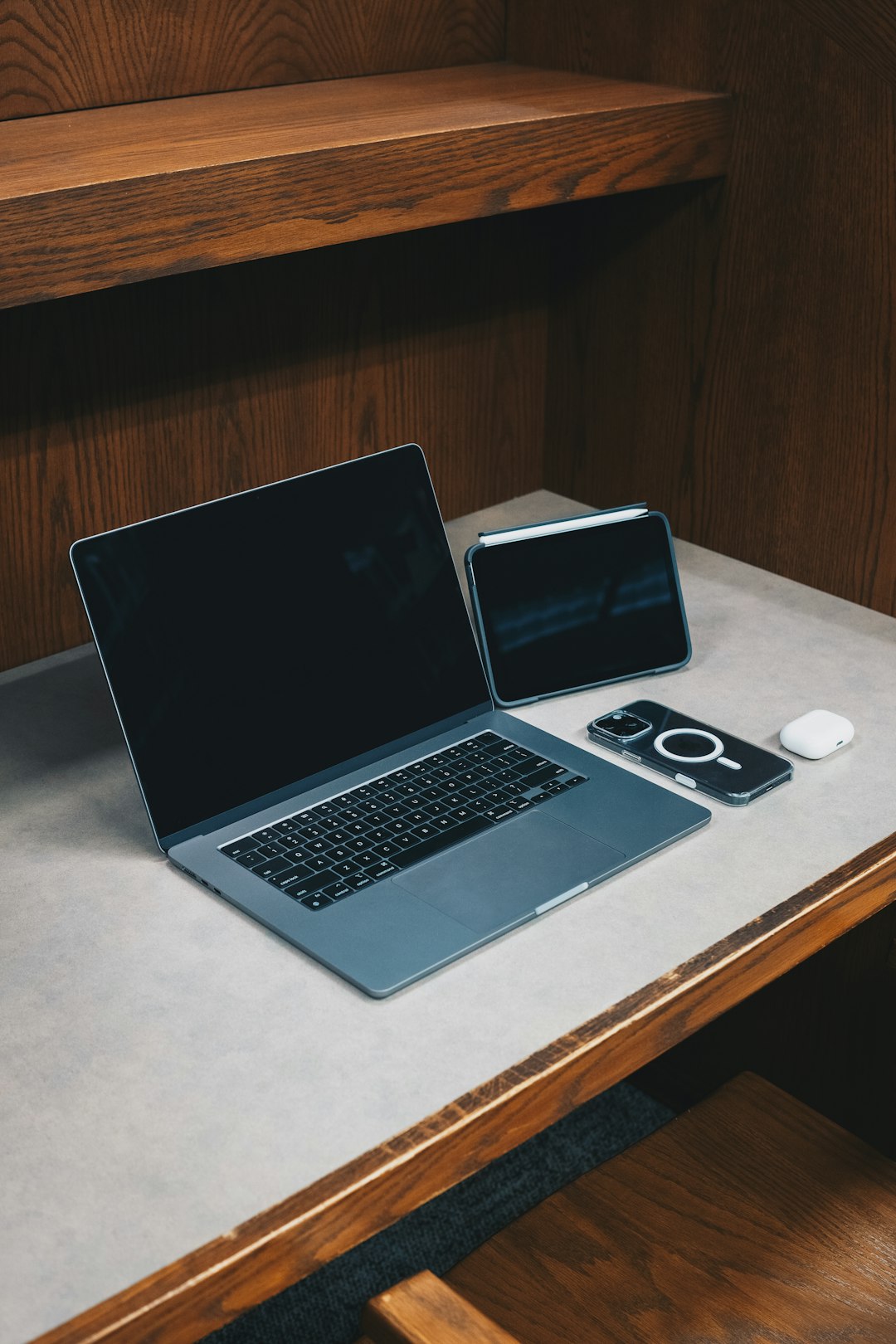
On a modern MacBook Pro, it feels almost magical. One cable handles charging, display, storage, and accessories. On Windows laptops, it also works well if the laptop has real Thunderbolt support.
The catch is that not every USB-C port is equal. Some USB-C laptops do not support external displays through the dock. Some charge slower. Some act picky for no good reason. Expect to waste time on this if your laptop spec sheet is vague.
It also works with some iPad models that have USB-C or Thunderbolt. That is neat for creators. You can connect storage, Ethernet, audio, and a display. It turns an iPad into a tiny edit station.
Display Support
The TS4 can run serious monitor setups. It supports high-res screens, including 6K and 8K setups, depending on the computer. Mac users should pay close attention here.
Some base M1 and M2 MacBooks only support one external display. That is a Mac limit, not really a TS4 flaw. The dock cannot force the laptop to do what the chip does not allow.
If your computer supports dual displays, the TS4 is happy to help. Use DisplayPort and Thunderbolt. Or use USB-C display adapters if needed.
Charging and Speed
The TS4 can deliver up to 98W of charging to a laptop. That is enough for most MacBook Air and MacBook Pro models. Large workstations may still need their own charger during heavy loads.
Data speeds are also strong. Thunderbolt 4 gives up to 40Gbps. Fast external SSDs feel fast. Big photo folders open quickly. Video files move without the usual coffee break.
The SD and microSD readers are also useful. Photographers will love them. You can dump camera files without another reader hanging off the side.
Design and Desk Feel
The TS4 looks clean and serious. It can sit flat or stand upright. That helps on small desks.
The front ports are handy. You get quick access to USB-C, USB-A, card slots, and audio. The back is better for permanent stuff. Think monitor, Ethernet, speakers, and power.
It does get warm. Not scary hot. Just warm enough to remind you it is doing real work. The power brick is also chunky. I wish it were smaller. It drives me crazy that premium docks still come with big power bricks that hog the floor.
Best Use Cases
The TS4 makes the most sense for people with gear. Not one mouse and a charger. Real gear.
- Remote workers: Connect a laptop, monitor, webcam, keyboard, Ethernet, and speakers.
- Photographers: Use the SD reader, microSD reader, SSDs, and display support.
- Video editors: Move large files fast and connect color-accurate monitors.
- Hot desk users: Plug in one cable and your whole setup wakes up.
- iPad creators: Add storage, audio, Ethernet, and a display at once.
What Is Not So Great?
The price is the obvious pain point. This is a premium dock. It costs far more than basic USB-C hubs.
Also, there is no HDMI port. You get DisplayPort instead. That is fine for many monitors, but TVs and cheaper screens often use HDMI. You may need an adapter.
Compatibility can also be confusing. Thunderbolt, USB4, USB-C, display limits, charging limits. The names are too similar. The results are not.
Final Verdict
The CalDigit TS4 is one of the best docks for a serious desk setup. It has loads of ports. It charges well. It handles fast storage. It supports strong monitor options. It also keeps your desk much cleaner.
If you own a modern MacBook, Thunderbolt Windows laptop, or USB-C iPad, it can make daily work feel smoother. If you only need two extra USB ports, skip it. Buy a cheap hub.
But if your desk is a cable nest, the TS4 earns its spot fast. One cable in. Everything else ready. Simple. Clean. Very satisfying.

