
Choose Adobe Lightroom if you want the fastest, safest route to polished light trail photos; choose Capture One if color control and layered tonal work matter more than speed. Long exposure files often need shadow recovery, highlight control, noise cleanup, and careful color separation. Lightroom’s Photography plan is listed by Adobe at US$9.99 per month for Lightroom, Lightroom Classic, and Photoshop, which makes it the easier recommendation for most photographers [source: Adobe].
TLDR: Lightroom is the better all-round choice for most light trail editing because it is quicker, cheaper to start with, and strong at masking, noise reduction, and batch edits. Capture One is better when you need richer color grading, refined layer-based corrections, and tighter control over city lights, neon, and mixed street lighting. For example, a photographer editing 60 RAW files from a 30-second traffic shoot may finish global corrections faster in Lightroom, but spend 20–30% more time in Capture One for better color separation on red brake lights and blue signage. If you shoot paid urban night work, Capture One can justify the extra effort; for travel, hobby, and social delivery, Lightroom is usually enough.
Contents
- 1 What matters most in light trail editing
- 2 Lightroom: fast, familiar, and very capable
- 3 Capture One: stronger color, slower rhythm
- 4 Highlight recovery and contrast
- 5 Noise reduction and sharpness
- 6 Color grading: where Capture One pulls ahead
- 7 Recommended workflow for light trails
- 8 Which one should you use?
- 9 Final verdict
What matters most in light trail editing
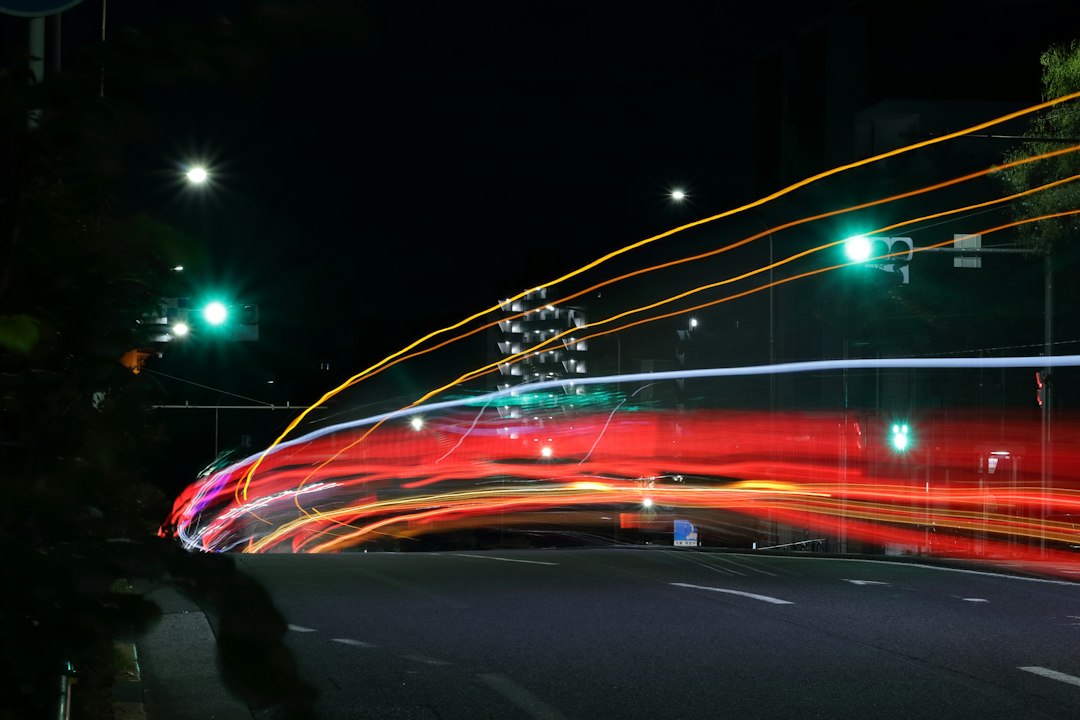
Long exposure photography is not only about leaving the shutter open. The edit decides whether the frame feels clean or messy. Headlights can blow out. Shadows can turn muddy. White balance can shift into a sickly orange. Small sensor noise can creep into the sky, even at low ISO.
A strong editor for light trails should handle five tasks well:
- Highlight recovery for street lamps, headlights, and reflective signs.
- Shadow control without making the file look flat.
- Noise reduction, especially in skies and dark buildings.
- Color separation between warm trails, cool ambient light, and neon.
- Local adjustments for roads, skies, buildings, and bright signs.
Both Lightroom and Capture One can do these jobs. They just approach them differently.
Lightroom: fast, familiar, and very capable
Lightroom’s biggest strength is speed. Import the RAW files, apply a profile, correct lens issues, sync settings, and start masking. The workflow is clean. The sliders are predictable. For a full night shoot, that matters.
The Masking panel is a major reason Lightroom works so well for light trails. You can select the sky, brush the road, use linear gradients, and isolate bright zones with luminance range masks. That makes it easy to darken a blown sign or lift detail from a bridge without ruining the rest of the frame.
Lightroom’s AI Denoise is also useful for long exposure files. It can clean dark skies and shadow areas while keeping road lines and buildings intact. It is not magic. Overdo it, and fine texture starts to look waxy. Still, for ISO 400 to ISO 1600 night files, it can save a shot that would otherwise feel rough.
The catch is that Lightroom can feel blunt with color. The HSL panel is good, and Color Mixer is easy to use, but city nights can be nasty. Red traffic trails, sodium vapor lamps, LED billboards, and blue hour skies often overlap. Pull one color too far and another part of the frame shifts with it.
Capture One: stronger color, slower rhythm
Capture One is more precise with color. Its Color Editor gives serious control over hue ranges, saturation, and lightness. For light trails, that is a real advantage. You can refine reds from tail lights without pushing every warm window in the frame. You can calm harsh cyan signage without killing the cool feel of the sky.
Capture One’s layer system is also a strong point. You can build edits in a controlled way: one layer for sky noise, one for road contrast, one for trailing lights, and another for shopfronts. This feels closer to a compact finishing workflow than a basic RAW edit.
Honestly, it feels like Capture One makes you work harder for small wins. Some actions take more clicks. Batch handling can feel less fluid if you are coming from Lightroom. Expect to waste time at first on tools that are powerful but not always obvious. The payoff comes when the file has tricky color and needs careful local work.
Capture One also has strong camera support and professional workflow options, including tethered shooting for many camera systems [source: Capture One]. That matters less for traffic trails than studio work, but it shows the software’s target user: photographers who want technical control and are willing to spend time getting it right.
Highlight recovery and contrast
Light trails are bright by nature. The goal is not to remove brightness. The goal is to keep shape and color inside it. Lightroom is very good at quick highlight recovery. Pull down Highlights, adjust Whites, then add contrast back through Curves or local masks. It is fast and reliable.
Capture One handles tonal rolloff with a refined feel, especially when using curves and layers together. Bright areas can feel less harsh when edited carefully. For files with intense LED signs or white headlight streaks, Capture One may give a cleaner transition from bright trail to dark street.
Still, neither app can recover clipped detail that was never captured. If the red channel is fully blown, no slider will rebuild it. Shoot RAW. Use low ISO. Check the histogram. Bracket when the scene has extreme contrast.
Noise reduction and sharpness
For most users, Lightroom wins on modern noise cleanup. AI Denoise is simple and effective. It also fits well into a quick workflow. Select a file, apply denoise, and keep editing.
Capture One’s noise tools are more traditional but still good. They can produce natural results, especially when balanced with sharpening and structure. The problem is time. Lightroom can clean a batch faster with fewer decisions. Capture One rewards careful adjustment, but not every night shoot deserves that level of attention.
For sharpness, both are strong. Use modest sharpening. Light trails should feel smooth, not crunchy. Buildings and road markings can take more detail, but glowing lines should stay clean.
Color grading: where Capture One pulls ahead
This is the key reason to pick Capture One. Night scenes contain ugly mixed light. A single frame may include tungsten windows, LED billboards, green traffic signals, red brake lights, and a blue sky. Capture One gives more refined control over those relationships.
Lightroom can still produce excellent results. Its color grading wheels are easy to use, and the Color Mixer is enough for many edits. But when colors fight each other, Capture One feels more surgical.
A practical example: if the road has red car trails and orange street light spill, Lightroom may shift both when you adjust reds and oranges. Capture One makes it easier to select a narrower color range and protect nearby tones.
Recommended workflow for light trails
- Start with lens correction and remove chromatic aberration.
- Set white balance before heavy color work.
- Recover highlights, but keep the trails bright enough to feel alive.
- Lift shadows carefully; too much recovery creates gray, weak night scenes.
- Use masks for sky, road, buildings, and bright signs.
- Apply noise reduction before final sharpening.
- Export for the target use, such as print, web, or client delivery.
Which one should you use?
Use Lightroom if:
- You edit many images from one night shoot.
- You want fast masks and strong AI noise reduction.
- You already use Photoshop.
- You prefer a simple catalog and mobile sync options.
- You need solid results without a long learning curve.
Use Capture One if:
- You care deeply about color accuracy and tonal control.
- You edit fewer images but spend more time on each one.
- You want layer-based RAW adjustments.
- You shoot paid night, automotive, architecture, or commercial city work.
- You enjoy fine control more than speed.
Final verdict
For most long exposure photographers, Lightroom is the smarter default. It is faster, easier to learn, and excellent for cleaning up high ISO shadows, syncing edits, and producing strong light trail images at scale.
Capture One is the better specialist tool when color quality is the priority. It can make neon, brake lights, street lamps, and blue hour tones sit together with more control. The tradeoff is time, cost, and a less forgiving workflow.
If your goal is to post a polished city night set within an hour, pick Lightroom. If your goal is to craft one hero image for print or a client, Capture One may give you the better finish. Both can create stunning light trails. The right choice depends on whether you value speed or precision more.

