
Pick vidIQ if your main goal is to spot competitor trends quickly; pick TubeBuddy if you want deeper video-level checks and workflow tools after you find the opportunity. Both tools can help you study rival channels, compare keywords, inspect tags, and spot content gaps. The real difference is how they package the data. vidIQ feels faster for market scanning, while TubeBuddy feels better for polishing and testing individual videos.
TLDR: vidIQ is stronger for quick competitor research, keyword trends, and channel comparisons, while TubeBuddy is stronger for video optimization, A/B testing, and practical publishing support. For example, if a competitor’s “budget camera setup” video gained 42,000 views in 14 days, vidIQ helps you notice that spike faster and check related keyword demand. TubeBuddy then helps you tune your own title, tags, thumbnail, and description before publishing. A small creator posting twice a week could use both, but most people should start with the one that matches their biggest bottleneck.
Contents
- 1 Why competitor analysis matters on YouTube
- 2 vidIQ: best for quick competitor discovery
- 3 Where vidIQ gets annoying
- 4 TubeBuddy: best for video-level competitor checks
- 5 Where TubeBuddy gets annoying
- 6 Head-to-head comparison
- 7 Which tool is better for analyzing competitors?
- 8 A practical workflow using both tools
- 9 Pricing and value
- 10 Final verdict
Why competitor analysis matters on YouTube
YouTube is not just about making “good videos.” That part hurts, but it is true. You also need to know what your audience already watches, which channels are gaining traction, and which topics are pulling views right now.
Competitor analysis helps you answer questions like:
- Which videos are bringing rival channels the most views?
- Which keywords keep appearing in top-ranking videos?
- Are competitors growing because of Shorts, long-form videos, or search traffic?
- Which thumbnails and titles seem to earn clicks?
- Where are the gaps your channel can fill?
vidIQ and TubeBuddy both answer parts of this. They just do it in different ways.
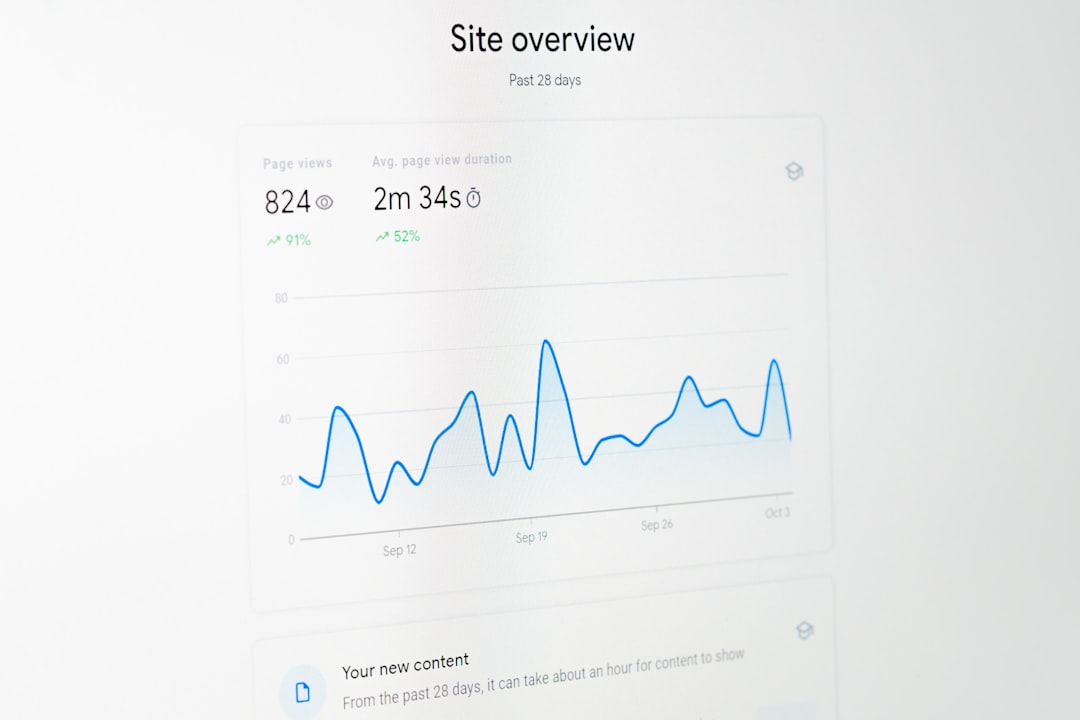
vidIQ: best for quick competitor discovery
vidIQ is built around speed and discovery. Its browser extension adds useful data directly onto YouTube pages. When you watch a competitor’s video, you can see estimated SEO scores, tags, engagement data, and related keyword signals.
The biggest win is the way vidIQ surfaces trends. If you work in a niche like fitness, finance, gaming, tech reviews, or education, this can save hours. You can spot rising topics before they become impossible to rank for.
vidIQ is especially useful for:
- Tracking competitor channels: Compare growth, views, uploads, and engagement patterns.
- Finding breakout topics: See which videos outperform a channel’s usual average.
- Keyword research: Check search volume, competition, and related terms.
- Judging demand: Find topics with high interest and less brutal competition.
- Studying tags: See what competitors include, even if tags are not the ranking magic trick some creators think they are.
Honestly, it feels like vidIQ is made for creators who ask, “What should I make next?” every Monday morning. The dashboard gives quick signals without forcing you to open ten separate panels.
One useful feature is the ability to identify videos that are performing above a channel’s average. Say a competitor usually gets 8,000 views per video, but one upload hits 85,000 views. That is not random. vidIQ helps you inspect why: topic, title style, keyword angle, thumbnail pattern, or timing.
Where vidIQ gets annoying
vidIQ can feel busy. There are scores, badges, keyword panels, daily ideas, trend alerts, and competitor data sitting all over the place. For beginners, that can turn into noise fast.
The AI idea tools can also feel too broad. A suggestion like “make a video about productivity hacks” is not always useful. You still need judgment. You still need to ask if your audience actually cares.
Expect to waste time on a few metrics that look exciting but do not always lead to better videos. A high keyword score does not guarantee views. It only says the topic may have potential.
TubeBuddy: best for video-level competitor checks
TubeBuddy is more focused on managing and improving individual videos. It also offers competitor research, but its strength is what happens after you pick a target keyword or content idea.
TubeBuddy shines when you want to compare specific videos, refine metadata, test thumbnails, and improve older uploads. Its tools feel more operational. Less “What is trending?” and more “How can this video perform better?”
TubeBuddy is especially useful for:
- Keyword Explorer: Find keyword scores based on search volume, competition, and relevance.
- Videolytics: Inspect competitor videos, tags, rankings, and engagement.
- A/B testing: Test thumbnails, titles, descriptions, and tags on supported plans.
- Bulk tools: Update descriptions, cards, end screens, and metadata across many videos.
- Best practice checks: Confirm that your upload has titles, tags, chapters, captions, and end screens in place.

The A/B testing feature is one of TubeBuddy’s best advantages. Competitor analysis is helpful, but testing your own videos is even better. If one thumbnail gets a 6.8% click-through rate and another gets 4.1%, you have real proof. No guessing. No “I like the red one better” debates.
Where TubeBuddy gets annoying
TubeBuddy can feel slower when you are scanning many competitors. It is useful, but not always graceful. Checking several channels and videos can take more clicks than expected, which gets old when you are comparing 20 videos before planning your own.
Some of its best features are also locked behind paid plans. That is fair, but creators on tight budgets may feel boxed in. The free version helps, but the real value appears when you use features like A/B testing and bulk processing.
Head-to-head comparison
| Category | vidIQ | TubeBuddy |
|---|---|---|
| Competitor discovery | Stronger for spotting trends and fast channel comparisons | Useful, but better for checking specific videos |
| Keyword research | Great for broad topic research and demand signals | Great for keyword scoring tied to your channel |
| Video optimization | Good, with SEO suggestions and checklists | Stronger, especially for upload workflow |
| A/B testing | Limited compared with TubeBuddy | One of its strongest features |
| Ease of use | Fast, but can feel crowded | Clear for tasks, slower for broad research |
Which tool is better for analyzing competitors?
If you only care about competitor analysis, vidIQ has the edge. It is better for finding rival channels, spotting breakout videos, and seeing topic patterns. The research flow feels quicker. You can move from one competitor to another with less friction.
That matters when timing is part of the game. If five rival channels are suddenly posting about the same new software update, product launch, or challenge format, you want to know right away. vidIQ is built for that kind of early signal.
TubeBuddy is still valuable, but it works best after the research phase. Once you know the competitor angle you want to target, TubeBuddy helps you package the video better. It is especially helpful if your channel already has a library of content and you want to improve older uploads.
A practical workflow using both tools
You do not need both tools forever, but using them together can be powerful for a month or two. Try this workflow:
- Use vidIQ to find three competitors growing faster than your channel.
- List their top 10 recent videos by views and engagement.
- Mark outliers where views are at least 2x higher than their normal average.
- Use TubeBuddy to inspect matching keywords and check ranking difficulty.
- Create your own angle instead of copying the title or thumbnail.
- Test the thumbnail if your TubeBuddy plan supports it.

For example, a cooking channel might notice that three competitors are getting strong views on “high protein meal prep.” vidIQ may show rising search interest. TubeBuddy may reveal that “high protein meal prep for beginners” is easier to target than the broader phrase. That narrower angle could be the smarter video.
Pricing and value
Both tools offer free versions, but serious competitor research usually requires a paid plan. vidIQ tends to feel more valuable early for creators who need ideas and market signals. TubeBuddy tends to feel more valuable once you publish often and want better systems.
If you post once a month, vidIQ may give you more immediate direction. If you post twice a week and have 100 older videos, TubeBuddy may save more time through bulk edits, testing, and optimization features.
Final verdict
Choose vidIQ if you want faster competitor analysis, trend spotting, keyword ideas, and channel comparisons. Choose TubeBuddy if you want stronger video optimization, A/B testing, and tools that improve your publishing process.
The smartest choice depends on your problem. If you struggle to find topics, start with vidIQ. If your topics are solid but your videos underperform after publishing, start with TubeBuddy. Either way, treat the data as a guide, not a script. The winning move is to study competitors, find the gap, and make a video only your channel could make.

