
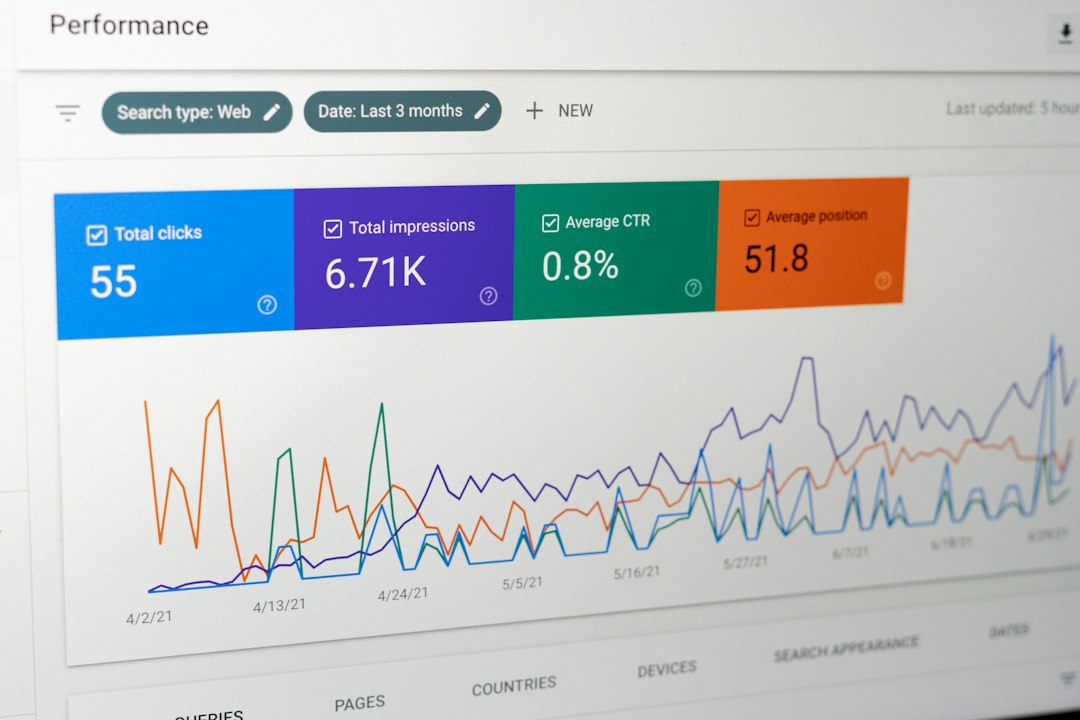
Choose Google Analytics if your main question is “what happened on the website?” Choose HubSpot if your main question is “which marketing activity created revenue?” Most serious marketing teams end up using both, but they should not treat them as interchangeable. Google Analytics is stronger for traffic behavior, channel performance, and site analysis. HubSpot is stronger for lead tracking, CRM attribution, campaign reporting, and sales handoff.
TLDR: Google Analytics is best for measuring visits, engagement, acquisition channels, conversion events, and user behavior across a website or app. HubSpot is better when you need to connect marketing activity to contacts, deals, emails, forms, and revenue. For example, a B2B company may see in Google Analytics that organic search drove 42% of demo page visits, while HubSpot shows that those visits produced 18 qualified leads and $74,000 in pipeline. Use Google Analytics for behavioral truth and HubSpot for customer and revenue context.
Contents
- 1 What Google Analytics Measures Best
- 2 Where Google Analytics Falls Short
- 3 What HubSpot Measures Best
- 4 Where HubSpot Falls Short
- 5 Attribution: The Hardest Part of the Comparison
- 6 Best Use Cases for Google Analytics
- 7 Best Use Cases for HubSpot
- 8 Which Tool Should You Trust?
- 9 Implementation Advice
- 10 Final Recommendation
What Google Analytics Measures Best
Google Analytics, especially GA4, is built around events, users, sessions, traffic sources, pages, and conversions. It answers practical questions like:
- Which channels brought users to the site?
- Which pages kept people engaged?
- Where did users drop off before converting?
- Which campaigns created measurable website actions?
- How do paid, organic, referral, and direct traffic compare?
This makes Google Analytics useful for performance marketing, SEO, content reporting, landing page testing, and conversion rate analysis. If paid search traffic has a high cost but users leave after eight seconds, GA4 will show that quickly. If a blog article brings 12,000 visits but almost no form submissions, you can spot the gap.
The tool is also strong because it sits close to the website. It can track page views, scrolls, clicks, video engagement, file downloads, form events, and ecommerce behavior when configured well. For ecommerce teams, Google Analytics can report revenue, purchase paths, cart activity, and product performance.
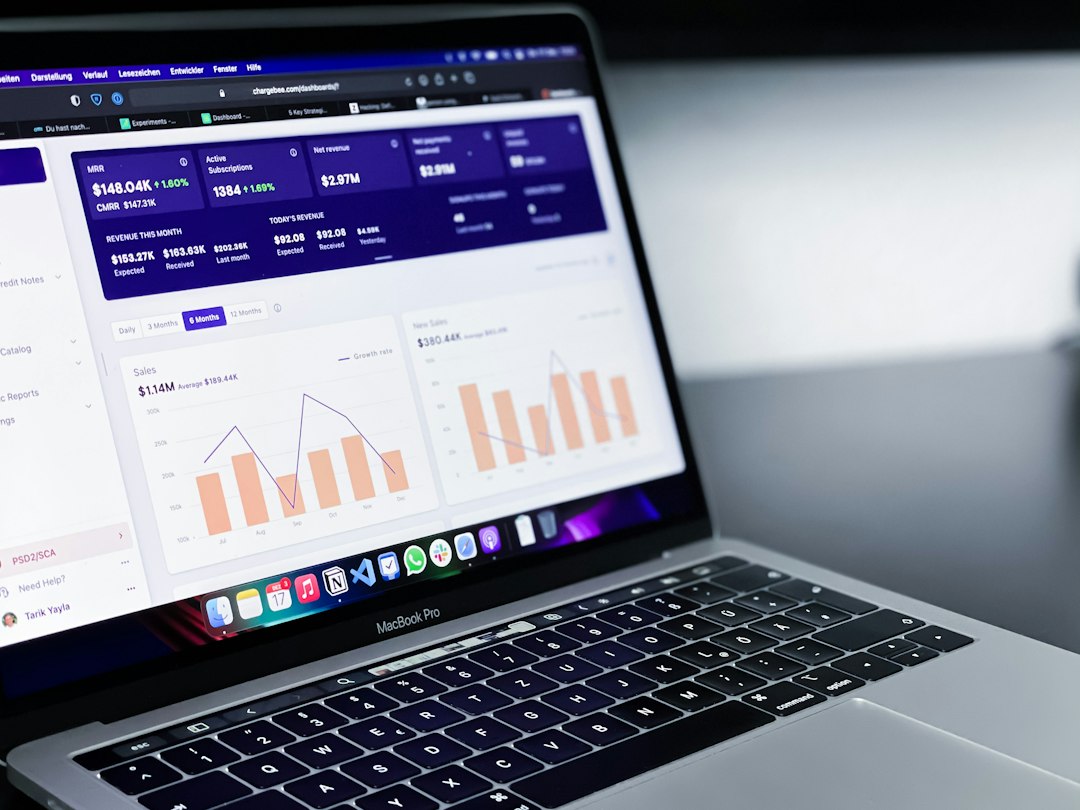
The catch is that GA4 can feel harder than it should. Simple reports that used to take 20 seconds in older versions may now take several clicks, a custom exploration, and some patience. That matters. Measurement tools should help teams make decisions, not turn every question into a setup task.
Where Google Analytics Falls Short
Google Analytics is not a CRM. It does not naturally show the full identity of a buyer, the sales conversation, the deal value, or the lifecycle stage of a contact. Privacy rules, consent settings, browser limits, and attribution windows can also reduce visibility.
For many B2B teams, this creates a familiar problem. GA4 may show that LinkedIn generated 900 visits and 35 conversions. But it may not tell you which leads became sales opportunities, which deals closed, or whether those conversions were students, competitors, job seekers, or real buyers.
Google Analytics also requires careful setup. Bad UTM tagging, broken events, duplicate conversions, referral pollution, and cookie consent settings can distort reports. The platform is powerful, but it is only as reliable as the tracking plan behind it.
What HubSpot Measures Best
HubSpot is built around contacts, companies, deals, campaigns, emails, forms, workflows, landing pages, and sales activity. It measures marketing through the lens of the customer record. That is its biggest strength.
HubSpot is especially useful for answering questions such as:
- Which campaign created qualified leads?
- Which email nurtures moved contacts toward purchase?
- Which landing pages produced contacts, not just visits?
- Which channels influenced deals?
- How much pipeline or revenue came from a campaign?
This makes HubSpot valuable for B2B marketing, lead generation, account based marketing, email reporting, lifecycle analysis, and sales alignment. If a webinar produces 300 registrations, HubSpot can show which attendees became marketing qualified leads, which ones booked sales calls, and which deals later closed.
HubSpot also makes reporting easier for non technical teams. Dashboards can combine website activity, form submissions, email opens, contact properties, deal stages, and campaign metrics. A marketing manager can report to leadership in business terms instead of exporting five spreadsheets and hoping the numbers line up.

Where HubSpot Falls Short
HubSpot is not as strong as Google Analytics for deep website behavior analysis. It can show page views, traffic sources, form performance, email engagement, and contact journeys. Still, it does not match GA4 for granular event analysis, audience exploration, ecommerce behavior, or advanced traffic segmentation.
Honestly, it feels like HubSpot reports can become too polished for their own good. A dashboard may look clean, but the underlying attribution rules still need scrutiny. If tracking code is missing, forms are not connected, lifecycle stages are messy, or sales reps skip deal updates, the report can look confident while being wrong.
Cost is another factor. Google Analytics is free for most companies, with GA4 360 reserved for larger organizations. HubSpot can become expensive as contact volume, hubs, seats, and advanced reporting needs grow. The cost may be justified, but it should be tied to clear revenue reporting needs.
Attribution: The Hardest Part of the Comparison
Attribution is where the difference becomes serious. Google Analytics usually focuses on traffic source attribution. It asks which channel or campaign drove the user session or conversion. HubSpot focuses more on contact and revenue attribution. It asks which interactions influenced a person, opportunity, or customer.
Neither tool gives perfect attribution. No tool does. People use multiple devices, block cookies, clear browsers, talk to sales offline, read reviews, click ads, return through search, and ask colleagues for opinions. Measurement will always contain gaps.
A sensible approach is to use each system for what it does well. Use Google Analytics to judge website and channel behavior. Use HubSpot to judge lead quality, lifecycle movement, pipeline, and closed revenue. When both tools point in the same direction, confidence rises. When they disagree, investigate tracking, definitions, and timing.
Best Use Cases for Google Analytics
- SEO measurement: Track landing pages, engagement, conversions, and organic traffic trends.
- Paid media analysis: Compare campaign traffic quality and conversion behavior.
- Content performance: See which content attracts users and supports conversion paths.
- Ecommerce reporting: Measure product views, cart actions, purchases, and revenue.
- Website optimization: Find weak pages, drop offs, and low engagement sections.
Best Use Cases for HubSpot
- Lead generation: Connect forms, landing pages, emails, and contacts.
- B2B revenue reporting: Tie campaigns to pipeline and closed deals.
- Email marketing: Measure opens, clicks, replies, unsubscribes, and contact actions.
- Lifecycle tracking: Follow contacts from subscriber to lead to customer.
- Sales and marketing alignment: Give both teams shared records and dashboards.

Which Tool Should You Trust?
Trust the tool that is closest to the question. For website behavior, trust Google Analytics first. For contact history and deal reporting, trust HubSpot first. For executive reporting, use both and explain the difference clearly.
A practical reporting model might look like this:
- Google Analytics: sessions, users, engagement rate, source performance, page performance, conversion events.
- HubSpot: contacts created, lead quality, email performance, campaign influence, pipeline, revenue.
- Shared review: compare campaign UTMs, landing page results, form submissions, and conversion definitions.
For example, assume a software company spends $20,000 on paid search. Google Analytics reports 8,500 sessions, a 4.2% conversion rate, and 357 demo form starts. HubSpot reports 216 new contacts, 64 qualified leads, 19 sales opportunities, and $118,000 in pipeline. GA4 tells the team whether the traffic performed. HubSpot tells the team whether the business result was worth it.
Implementation Advice
Before comparing reports, fix the basics. Use consistent UTM naming. Define conversions the same way across teams. Document events. Connect ad platforms correctly. Exclude internal traffic where possible. Audit forms and thank you pages. In HubSpot, keep lifecycle stages clean and require sales teams to update deal stages on time.
Do not chase perfect numbers. Chase useful numbers. A 3% reporting variance is rarely worth a week of debate. A broken form, a missing tracking code, or a campaign with no UTM tags is worth immediate attention.
Final Recommendation
Google Analytics and HubSpot are not rivals as much as they are different measurement layers. Google Analytics explains how audiences behave before and during website conversion. HubSpot explains what happens after a person becomes known to your business.
If your budget, team size, or reporting maturity allows only one, choose based on your goal. Pick Google Analytics for traffic, content, ecommerce, and acquisition performance. Pick HubSpot if lead quality, sales follow up, pipeline, and revenue attribution matter more. For most growing companies, the best answer is to run both with disciplined tracking and clear reporting ownership.

