
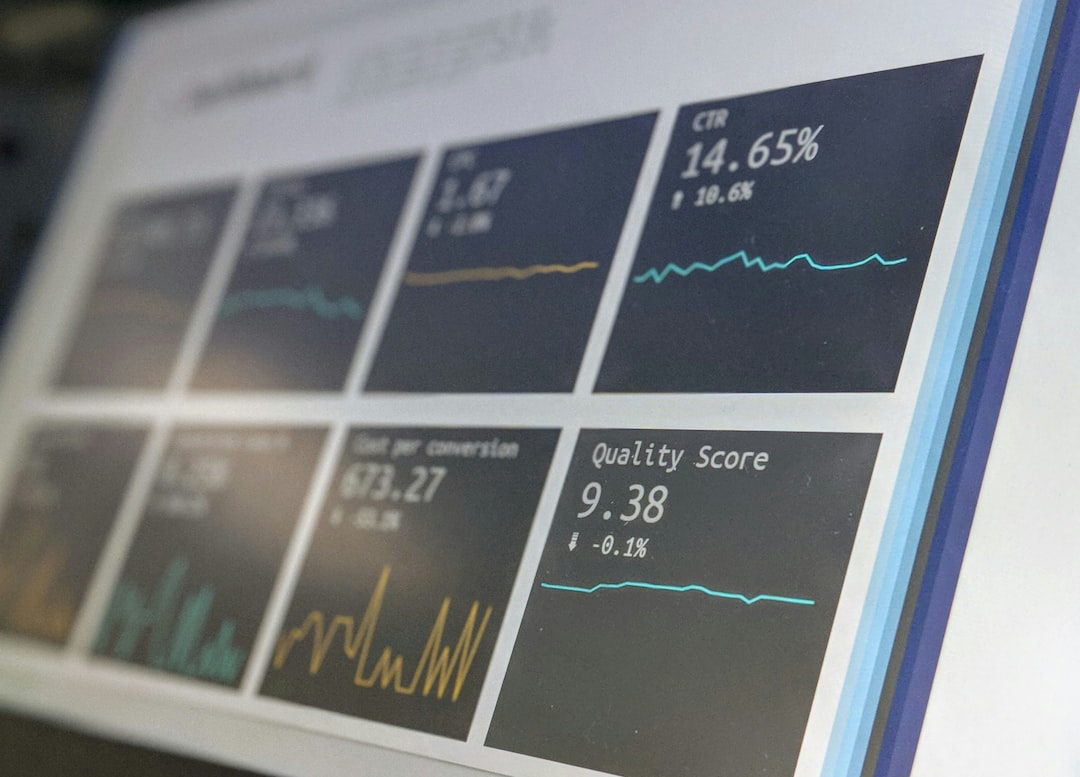
Choose Google Analytics if your main question is “What happened on my website?” Choose HubSpot if your main question is “Which marketing activity helped create revenue?” Both tools measure performance, but they do it from different angles. Google Analytics is stronger for traffic, behavior, and conversion tracking. HubSpot is stronger for contacts, lead journeys, attribution, and sales handoff.
TLDR: Google Analytics is best for seeing where visitors come from, what they do, and which pages or campaigns convert. HubSpot is better when you need to connect ads, emails, forms, CRM records, and deals in one place. For example, an ecommerce brand might use Google Analytics to see that paid search brought 42% of purchases, while a B2B SaaS team may use HubSpot to find that one webinar produced 86 leads, 14 demos, and $38,000 in pipeline. If you care about web behavior first, start with Google Analytics; if you care about lead-to-revenue tracking, HubSpot wins.
Contents
Google Analytics vs HubSpot: The Real Difference
Google Analytics, especially GA4, is built around events. A page view is an event. A click is an event. A purchase, scroll, file download, or form submission can also be an event. This makes it powerful for measuring what people do across your site and app.
HubSpot is built around contacts and companies. It tracks people as they move from anonymous visitor to subscriber, lead, marketing qualified lead, customer, and maybe repeat buyer. That makes it useful when marketing and sales need to share one version of the truth.
Put simply:
- Google Analytics answers: Which channels, pages, and journeys drive traffic and conversions?
- HubSpot answers: Which campaigns, contacts, emails, and sales activities create pipeline and revenue?
Where Google Analytics Shines
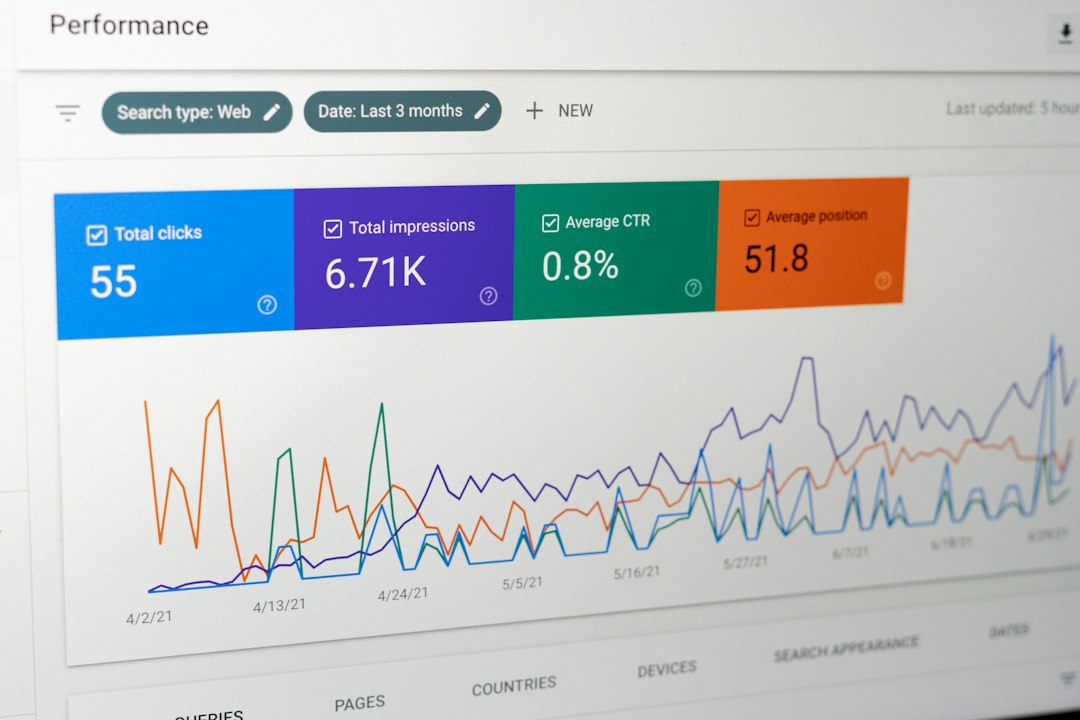
Google Analytics is hard to beat for website performance analysis. It shows how people arrive, what they click, where they drop off, and which paths lead to conversions. If you run paid search, organic content, affiliate campaigns, or ecommerce, this matters a lot.
Its biggest strengths include:
- Traffic source analysis: See users from organic search, paid ads, social media, referral sites, email, and direct visits.
- Behavior tracking: Measure events such as button clicks, video plays, downloads, form starts, and purchases.
- Audience insights: Review device type, geography, browser, language, and returning user behavior.
- Conversion paths: See how users interact before completing a goal or purchase.
- Cost efficiency: The standard version is free, which makes it attractive for small teams.
For performance marketers, GA4 is especially useful for campaign testing. Say you spend $5,000 on Google Ads and send traffic to three landing pages. Google Analytics can show that Page A had a 2.1% conversion rate, Page B had 3.8%, and Page C had 1.4%. That is the kind of answer you can act on fast.
The annoying part is setup. GA4 can feel like it expects you to enjoy debugging tags at 11 p.m. Basic reports are easy enough, but custom events, consent settings, cross-domain tracking, and ecommerce measurement can eat hours if the site is messy.
Where HubSpot Shines
HubSpot is strongest when marketing performance cannot stop at the form fill. A lead is not always a win. Some leads never reply. Some book demos. Some close months later. HubSpot helps connect those pieces.
Its main strengths include:
- CRM connection: Match campaigns to contacts, deals, sales calls, and revenue.
- Email performance: Track opens, clicks, replies, unsubscribes, and contact engagement.
- Lead nurturing: Build workflows that score, segment, and move leads automatically.
- Campaign reporting: Group landing pages, forms, ads, emails, and workflows under one campaign.
- Attribution reporting: See how touchpoints influenced contacts, deals, and revenue.
Here is a simple use case. A B2B company runs a LinkedIn ad promoting a guide. Google Analytics can tell you that the page received 1,200 sessions and converted at 6%. HubSpot can tell you that those 72 form submissions became 19 qualified leads, 7 sales opportunities, and 2 closed deals. That final step is where HubSpot earns its place.
Attribution: Clean in Theory, Messy in Practice
Attribution is where the comparison gets interesting. Google Analytics uses models and event data to show how channels contribute to conversions. It is useful for spotting patterns, such as whether organic search supports early discovery or paid search closes the sale.
HubSpot attribution is more contact-centered. It can show the first page a contact viewed, the form they submitted, the emails they opened, and the campaign that influenced a deal. For sales-led teams, that is more meaningful than a raw traffic report.
The catch is that neither tool gives perfect attribution. People block cookies. They switch devices. They clear browsers. They click an ad on Monday, read a blog on Wednesday, and ask a colleague to book a demo on Friday. No platform can fully capture that without gaps.
Still, each tool has a clear edge:
- Best for channel attribution: Google Analytics
- Best for contact attribution: HubSpot
- Best for ecommerce attribution: Google Analytics
- Best for B2B revenue attribution: HubSpot
Reporting Experience
Google Analytics gives you deep data, but the interface can feel cold. Reports are flexible, yet they often need customization before they become useful. Explorations are powerful, but they are not exactly friendly to beginners.
HubSpot feels more approachable. Reports are cleaner, especially for marketers who think in terms of campaigns, contacts, forms, and deals. A marketing manager can pull a campaign report without needing to understand every event parameter.
That said, HubSpot can get expensive quickly. Advanced reporting, attribution, automation, and custom objects often sit behind higher pricing tiers. Honestly, it feels like every useful feature is one upgrade away once your team grows.
Data Accuracy and Tracking Limits
Google Analytics is better at broad measurement. It handles high traffic volume well and gives strong insight into user behavior. But privacy changes, consent banners, ad blockers, and modeled data can affect accuracy.
HubSpot works best when contacts identify themselves through forms, emails, meetings, or chat. Before that, visitor data is more limited. Once a person becomes known, HubSpot can build a much richer timeline.
Think of it this way:
- Anonymous traffic: Google Analytics usually gives better visibility.
- Known leads and customers: HubSpot usually gives better context.
Which Tool Should You Choose?
Pick Google Analytics if you need to measure:
- Website traffic quality
- Landing page performance
- SEO results
- Paid media conversions
- Ecommerce purchases
- User behavior across pages and events
Pick HubSpot if you need to measure:
- Lead quality
- Email and nurture performance
- Campaign influence on pipeline
- Sales and marketing alignment
- Revenue from specific contacts or companies
- Full-funnel performance from first touch to closed deal
The Best Answer Is Often Both
Many teams should not treat this as an either-or choice. Google Analytics and HubSpot work best as a pair. Google Analytics shows what is happening across the site. HubSpot shows what happens after someone becomes a lead.
A practical setup looks like this:
- Use UTM parameters on every paid, email, social, and partner campaign.
- Track website events and conversions in Google Analytics.
- Capture leads through HubSpot forms or synced forms.
- Connect campaign sources to contacts, deals, and revenue in HubSpot CRM.
- Review both tools weekly, not once a quarter when the numbers already feel stale.
For example, Google Analytics may show that organic blog traffic drives 18,000 monthly sessions but only a 0.7% conversion rate. HubSpot may reveal that those low-volume conversions are unusually valuable, with 23% becoming qualified leads. Without both views, you might cut a channel that quietly feeds your sales team.
Final Verdict
Google Analytics is the better performance marketing tool for traffic, behavior, and conversion analysis. HubSpot is the better tool for lead tracking, campaign influence, CRM reporting, and revenue measurement.
If your business sells mostly online with short buying cycles, Google Analytics may be your core reporting tool. If your sales cycle involves forms, demos, emails, reps, and follow-ups, HubSpot will give you answers Google Analytics cannot. The smartest teams use Google Analytics to understand demand and HubSpot to understand what that demand is worth.

