
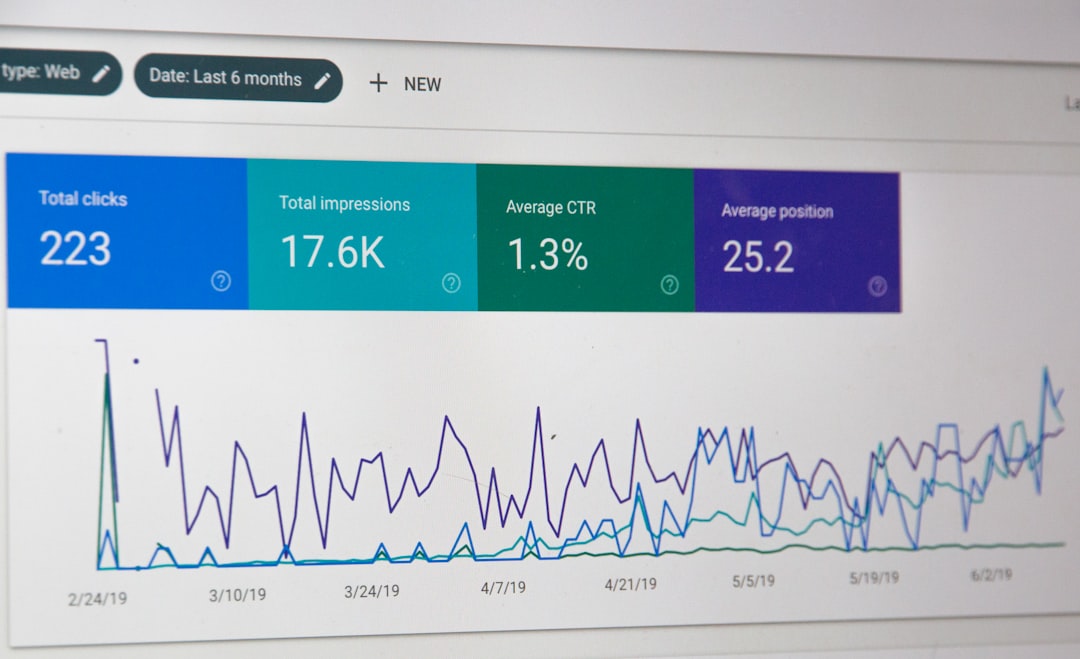
Build one workflow around a shared customer ID, then connect every marketing system to that ID. That is the shortest path to cleaner reporting, better personalization, and fewer arguments about whose numbers are “right.”
TLDR: Marketing data integration means connecting customer, campaign, CRM, ecommerce, and analytics data so teams can see the full customer journey in one place. For example, a retailer might discover that email subscribers who clicked a spring campaign spent 38% more within 14 days when they had also viewed product pages twice. A unified workflow helps teams stop exporting CSV files and start acting on real behavior. The best setup starts with clean identifiers, clear data rules, and automated syncs.
Contents
- 1 Why marketing data integration matters
- 2 Start with the customer identity layer
- 3 Map the core data sources
- 4 Design the workflow before buying more software
- 5 Use campaign naming rules that humans can read
- 6 Connect CRM and ecommerce data for revenue clarity
- 7 Bring analytics data into the same flow
- 8 Turn unified data into smarter segments
- 9 Pick the right integration approach
- 10 Watch the quality, privacy, and governance rules
- 11 What a good integrated workflow looks like
Why marketing data integration matters
Most marketing teams are sitting on useful data. The problem is that it lives in too many places.
- Customer data sits in signup forms, loyalty tools, surveys, and support chats.
- Campaign data lives in ad platforms, email tools, SMS apps, and social media systems.
- CRM data tracks leads, deals, sales calls, notes, and account history.
- Ecommerce data shows orders, refunds, discounts, carts, and product activity.
- Analytics data records sessions, events, conversions, traffic sources, and user paths.
Each platform tells part of the story. None tells the whole thing alone.
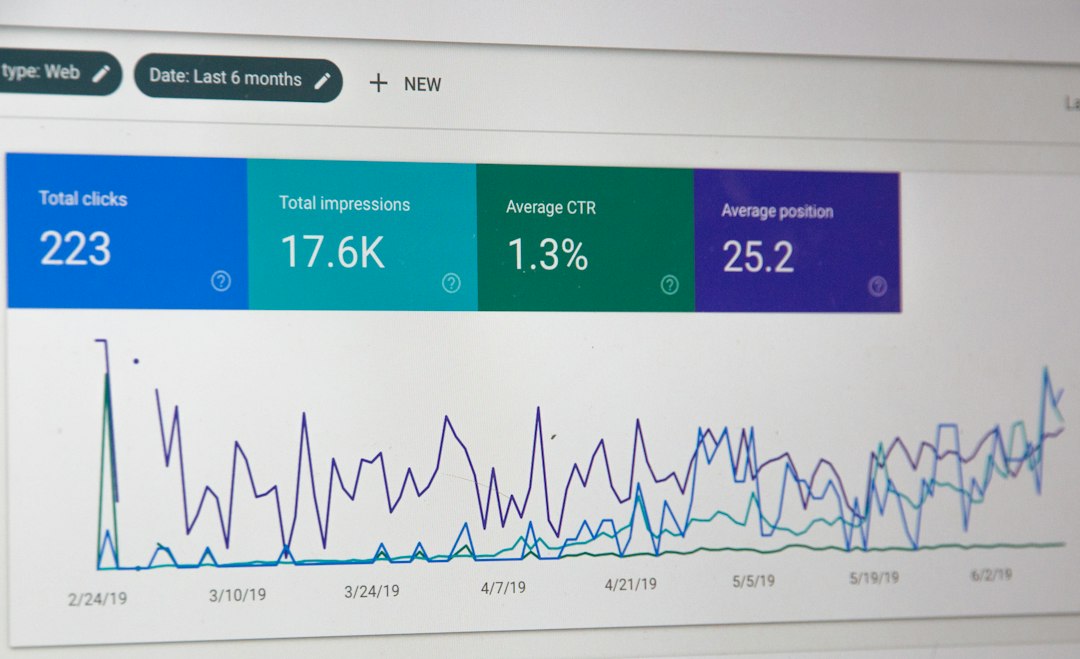
Honestly, it feels like a bad joke when a campaign dashboard claims 500 conversions, the ecommerce platform shows 420 orders, and analytics reports 310 purchases. Everyone opens another tab. Someone exports another spreadsheet. Then the meeting gets weird.
Integration fixes this by creating a single workflow for data collection, cleaning, matching, reporting, and activation. Not one giant spreadsheet. Not another fragile dashboard. A real system.
Start with the customer identity layer
The most common reason integrations fail is simple: systems identify people differently.
Your ecommerce platform may use an email address. Your CRM may use a contact ID. Your analytics tool may use a device ID. Your ad platform may use hashed user data. Your support tool may use a ticket ID.
To connect everything, create a shared identity model. This usually includes:
- Email address for known users.
- Phone number for SMS and sales outreach.
- CRM contact ID for lead and account records.
- Customer ID from ecommerce or subscription systems.
- Analytics user ID for website and app behavior.
- Anonymous ID for visitors before they log in or submit a form.
The goal is not perfection on day one. The goal is reliable matching. If 80% of known customers can be matched across systems, your reporting already gets much stronger.
Map the core data sources
Before connecting tools, list what each system owns. This prevents duplicate logic and reporting chaos.
| System | Best source for |
|---|---|
| CRM | Lead status, deal stage, sales owner, account type |
| Ecommerce | Orders, revenue, refunds, product data, customer value |
| Analytics | Sessions, events, attribution paths, conversion behavior |
| Email and SMS | Sends, opens, clicks, opt outs, campaign engagement |
| Ad platforms | Spend, impressions, clicks, audience performance |
Pick one source of truth for each metric. Revenue should usually come from ecommerce or billing. Deal status should come from CRM. Website behavior should come from analytics. This sounds obvious, but it saves hours of cleanup later.
Design the workflow before buying more software
Tools matter, but workflow matters more. A clean marketing data workflow usually has five steps.
- Collect: Capture data from forms, website events, purchases, ads, emails, CRM updates, and customer service records.
- Standardize: Clean names, dates, campaign labels, currency, product categories, and source fields.
- Match: Connect records using identifiers such as email, user ID, CRM ID, or order ID.
- Store: Send clean data to a warehouse, customer data platform, or central reporting database.
- Activate: Push segments and insights back into ad tools, email platforms, CRM tasks, and personalization systems.
The annoying part? Many tools make the first connection easy, then make field mapping painfully slow. Expect to waste time on tiny mismatches like “utm_campaign” versus “Campaign Name.” One extra space in a field can break a report. It drives teams mad because the error looks small, yet the impact can be huge.
Use campaign naming rules that humans can read
Campaign data gets messy fast. One person writes “spring_sale.” Another writes “Spring Sale 2026.” Someone else uses “SS26 Promo.” Now your dashboard splits one campaign into three.
Create a naming structure for every campaign. Keep it simple:
- Channel: email, paid search, paid social, organic, affiliate
- Campaign: spring sale, product launch, winback
- Audience: new leads, repeat buyers, cart abandoners
- Region: us, uk, eu, global
- Date: month or quarter
For example: email spring sale repeat buyers us q2.
Clean naming helps you compare campaigns across CRM, analytics, ecommerce, and ad platforms. It also makes automation safer because your tools can sort campaigns without guessing.

Connect CRM and ecommerce data for revenue clarity
CRM tells you what sales and relationship teams are doing. Ecommerce tells you what customers actually bought. Together, they show which marketing efforts create real revenue.
Here is a useful case scenario.
A B2B software store runs three campaigns: a webinar, a retargeting campaign, and an email nurture series. The ad platform says retargeting has the most clicks. The email tool says nurture has the best click rate. But once CRM and ecommerce data are connected, the team sees a better picture:
- Webinar: 1,200 registrations, 140 sales calls, $96,000 in closed revenue.
- Retargeting: 8,000 clicks, 300 trials, $42,000 in revenue.
- Email nurture: 4,500 clicks, 220 trials, $74,000 in revenue.
The webinar had fewer clicks, but it produced the strongest sales pipeline. Without integration, the team might have shifted budget to the loudest channel instead of the most profitable one.
Bring analytics data into the same flow
Analytics tools show behavior before conversion. That behavior is gold.
Useful events include:
- Product views
- Pricing page visits
- Cart additions
- Checkout starts
- Form submissions
- Demo requests
- Content downloads
- Repeat visits within a set time period
When this data connects to CRM and ecommerce records, you can answer better questions. Do buyers usually read reviews first? Which products lead to repeat orders? Does a pricing page visit predict a sales opportunity? Are customers from organic search worth more after six months?
This is where integration becomes more than reporting. It starts guiding action.
Turn unified data into smarter segments
Once data is connected, segmentation gets sharper. Instead of sending a generic newsletter to everyone, you can build useful groups.
- High intent leads: visited pricing page twice, opened two emails, no demo booked.
- At risk customers: no purchase in 90 days, lower email engagement, recent support issue.
- VIP buyers: three or more orders, high average order value, strong review activity.
- Cart recovery prospects: added items to cart, clicked product email, no purchase after 24 hours.
These segments can sync back into email, SMS, CRM, ad audiences, and onsite personalization. A sales rep can prioritize hot leads. A retention team can reach slipping customers. Paid media can suppress recent buyers instead of wasting budget.

Pick the right integration approach
There are several ways to connect marketing data. The best choice depends on team size, data volume, budget, and technical skill.
- Native integrations: Easy to set up, but often limited. Good for basic syncing.
- Automation platforms: Useful for moving data between apps and triggering actions.
- Customer data platforms: Strong for identity matching, audience building, and activation.
- Data warehouses: Best for central storage, analytics, and advanced reporting.
- Custom APIs: Flexible, but require engineering support and ongoing care.
For many teams, the practical setup is a mix: native integrations for simple tasks, a warehouse for reporting, and automation for sending key events back into marketing tools.
Watch the quality, privacy, and governance rules
Bad data spreads quickly. Set rules early.
- Define required fields for leads and customers.
- Remove duplicate contacts on a schedule.
- Track consent for email, SMS, ads, and cookies.
- Limit access to sensitive customer data.
- Document how each metric is calculated.
- Review broken syncs weekly.
Privacy is not just a legal issue. It is a trust issue. If customers opt out, your workflow must respect that across every connected system.
What a good integrated workflow looks like
A strong workflow feels boring in the best way. Data moves without drama. Reports match. Teams stop debating basic numbers.
A visitor clicks an ad, browses three products, joins the email list, returns through a campaign, buys two items, contacts support, and later becomes a repeat customer. In an integrated setup, that journey becomes one readable record.
Marketing can see the channels that influenced the sale. Sales can see recent behavior. Ecommerce can track lifetime value. Analytics can connect visits to revenue. Support can see customer status before replying.
The result is not just cleaner data. It is better timing, better messages, and fewer wasted decisions.
The smartest move is to start small: connect CRM, ecommerce, and analytics around one customer ID. Add campaign data next. Then automate audience syncs. Once that foundation works, every new channel becomes easier to measure and easier to improve.

