

Thunderbolt 3 and Thunderbolt 4 have changed how Mac users think about local screen sharing. Instead of relying only on Wi Fi or cloud relays, many workflows in 2026 can use a direct, high bandwidth cable connection between Macs, docks, displays, capture devices, and production systems. The result can be a more stable session, lower latency, better image quality, and fewer security concerns, provided the right tool is chosen for the job.
TLDR: For most Mac users, macOS Screen Sharing over Thunderbolt Bridge is the most dependable free option. Jump Desktop and Parsec are better choices when responsiveness, multi display handling, and professional remote control matter. For presentation, production, and view only workflows, NDI Tools or a Thunderbolt capture device can deliver cleaner results than traditional remote desktop software.
Contents
- 1 Why Thunderbolt matters for Mac screen sharing
- 2 What to look for in a serious screen sharing tool
- 3 1. macOS Screen Sharing over Thunderbolt Bridge
- 4 2. Jump Desktop
- 5 3. Parsec
- 6 4. Duet Display
- 7 5. Astropad Luna Display
- 8 6. NDI Tools
- 9 7. Thunderbolt capture devices
- 10 Recommended choices by use case
- 11 Practical setup advice
- 12 Final verdict
Why Thunderbolt matters for Mac screen sharing
A Thunderbolt 3 or Thunderbolt 4 connection is not automatically the same as “screen sharing.” Thunderbolt is the transport layer: it can carry data, networking, video output, storage traffic, and docking signals. Screen sharing software still determines how the screen is encoded, transmitted, controlled, and displayed.
For Mac to Mac workflows, the most relevant feature is Thunderbolt Bridge, Apple’s built in peer to peer networking interface. When two Macs are connected with a proper Thunderbolt cable, macOS can create a fast private network between them. Screen sharing tools can then run over that direct link instead of Wi Fi or the public internet.
Important: modern Macs do not generally support using another Mac as a simple external monitor through Thunderbolt in the way older Target Display Mode iMacs once did. If the goal is to see or control another Mac, you normally need software, a hardware dongle, or a capture based workflow.

What to look for in a serious screen sharing tool
Before choosing software, define the use case. A developer pairing session, an IT support call, a video editing bay, and a live event control desk all have different tolerances for latency, color quality, permissions, and cost.
- Latency: The delay between moving the mouse and seeing the result. Crucial for design, editing, gaming, and live demos.
- Image quality: Text clarity, color reproduction, frame rate, and compression artifacts matter on Retina displays.
- Control features: Keyboard mapping, file transfer, clipboard sync, multi monitor support, and permission handling.
- Security: Local only connections, encryption, authentication, logging, and enterprise policy support.
- Reliability: How well the tool behaves after sleep, display changes, macOS updates, and network interruptions.
1. macOS Screen Sharing over Thunderbolt Bridge
Best for: local administration, troubleshooting, lab setups, and cost conscious Mac to Mac control.
Apple’s built in Screen Sharing remains the most practical starting point in 2026. It uses the VNC based sharing service built into macOS, but when paired with Thunderbolt Bridge it can avoid weak Wi Fi and unpredictable network routing. For many offices, classrooms, and studios, this is the cleanest “no extra software” solution.
To use it, connect two Macs with a certified Thunderbolt 3 or Thunderbolt 4 cable, open System Settings, confirm that Thunderbolt Bridge appears under Network, and enable Screen Sharing or Remote Management on the host Mac. You can then connect through Finder, the Screen Sharing app, or a vnc:// address using the host’s Thunderbolt Bridge IP.
The advantages are clear: it is built into macOS, easy to audit, and suitable for private local networks. The limitations are also real. It is not the smoothest option for high frame rate motion, it can feel heavy on very large displays, and advanced collaboration features are limited. Still, for serious internal Mac support, macOS Screen Sharing over Thunderbolt Bridge is the baseline every team should test first.
2. Jump Desktop
Best for: responsive professional remote desktop with strong everyday usability.
Jump Desktop has built a strong reputation among Mac professionals because it balances performance, polish, and reliability. Its Fluid Remote Desktop protocol is designed for responsive interaction, while the app also supports common standards such as VNC and RDP. Over a Thunderbolt Bridge connection, Jump Desktop can feel significantly more immediate than typical cloud based remote tools.
For teams managing multiple Macs, Jump Desktop’s interface is more refined than Apple’s basic Screen Sharing app. It handles saved connections well, supports keyboard shortcuts more predictably, and is generally pleasant for long sessions. It is especially useful for developers, systems administrators, and users who need to move between several machines each day.
The serious consideration is deployment model. Some Jump Desktop features are designed around accounts and discovery services, while local direct connections may require deliberate configuration. Organizations with strict network policies should evaluate authentication, logging, and account management before standardizing on it.
3. Parsec
Best for: low latency interaction, 3D work, motion graphics, and demanding visual workflows.
Parsec is widely associated with gaming, but it has matured into a serious low latency streaming tool for creative and technical users. Its strength is responsiveness. If the task involves smooth cursor movement, timeline scrubbing, 3D viewport navigation, or graphics heavy software, Parsec is often more convincing than traditional VNC style tools.
When used on a direct Thunderbolt network, Parsec can benefit from high throughput and reduced packet loss. This does not magically eliminate encoding delay, but it helps create a stable environment where Parsec’s low latency design can perform well.
Parsec is not the right answer for every organization. Security teams should review how authentication, account access, and connection brokering work. It may also be more tool than necessary for simple administration. But for high performance screen interaction on Mac, Parsec deserves a place near the top of the 2026 shortlist.
4. Duet Display
Best for: using another device as an extra screen or controlled display in mobile work setups.
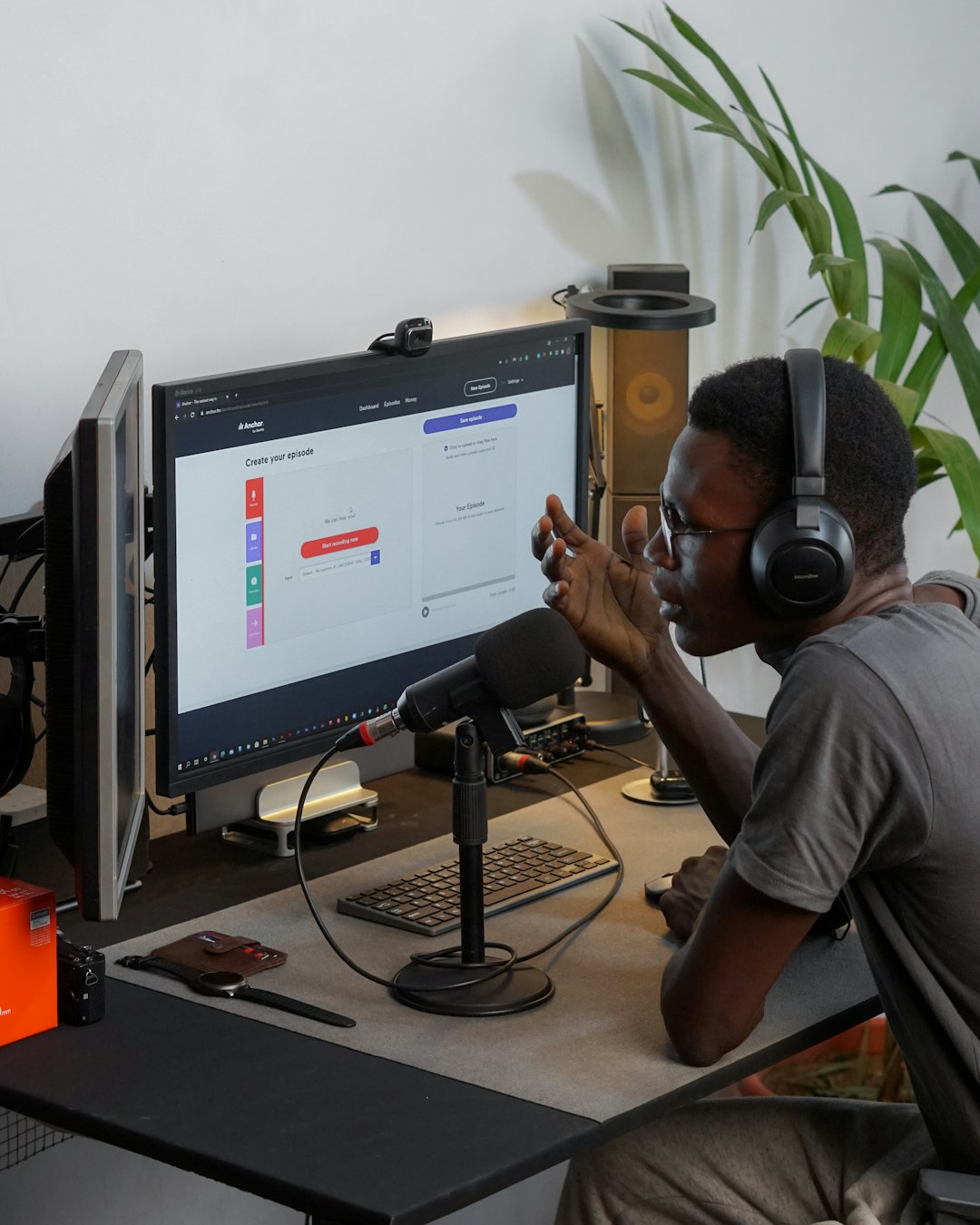
Duet Display is not a traditional remote administration tool. It is better understood as a display extension and screen sharing product for users who want to turn an iPad, Mac, or other device into an additional display. In Thunderbolt 3 and 4 environments, it is most relevant when connected through USB C or wired workflows where stability matters more than convenience.
For consultants, presenters, and mobile professionals, Duet can be a practical way to create a second screen without a full monitor. It can also be useful when a MacBook based setup needs a temporary control surface or mirrored display. The experience depends on the chosen connection method, device combination, and subscription tier.
Duet is less suitable for remote IT support or secure unattended access. Its value is strongest when the goal is display extension rather than full remote control across a managed fleet.
5. Astropad Luna Display
Best for: Mac to Mac or iPad display workflows where hardware assisted reliability matters.
Luna Display uses a small hardware adapter and companion software to turn another Mac or iPad into a secondary display. For users disappointed that modern Macs cannot simply become Thunderbolt monitors, Luna is one of the better known alternatives. It is particularly relevant for designers, writers, and studio users who want to reuse an older iMac or MacBook as an additional display.
Luna’s appeal is that it focuses on the display experience rather than general purpose remote support. The hardware component makes setup more tangible and limits some of the ambiguity common with purely software based tools. However, it should not be mistaken for a universal Thunderbolt target display replacement. Compatibility, resolution, refresh behavior, and supported connection paths should be checked carefully before purchase.
For a polished second display workflow, Luna is a credible option. For managing remote Macs, look elsewhere.
6. NDI Tools
Best for: production, streaming, training rooms, and view only screen feeds.
NDI Tools are different from remote desktop applications. NDI is built for sending video sources across a network, often into production software, switchers, or recording systems. If your Mac screen needs to appear in OBS, a live production environment, a classroom display chain, or a monitoring wall, NDI can be more appropriate than trying to force a remote desktop app into a broadcast role.
Over a Thunderbolt Bridge network, NDI can benefit from the fast local link between machines. This is useful when a presenter Mac sends a clean screen feed to a production Mac without competing with general Wi Fi traffic. The tradeoff is that NDI is primarily about viewing and routing video, not controlling the source Mac.
For serious AV and training environments, NDI is one of the most important tools to understand. It is not always simple, but it is powerful and scalable.
7. Thunderbolt capture devices
Best for: clean, reliable, view only capture with minimal software dependency.
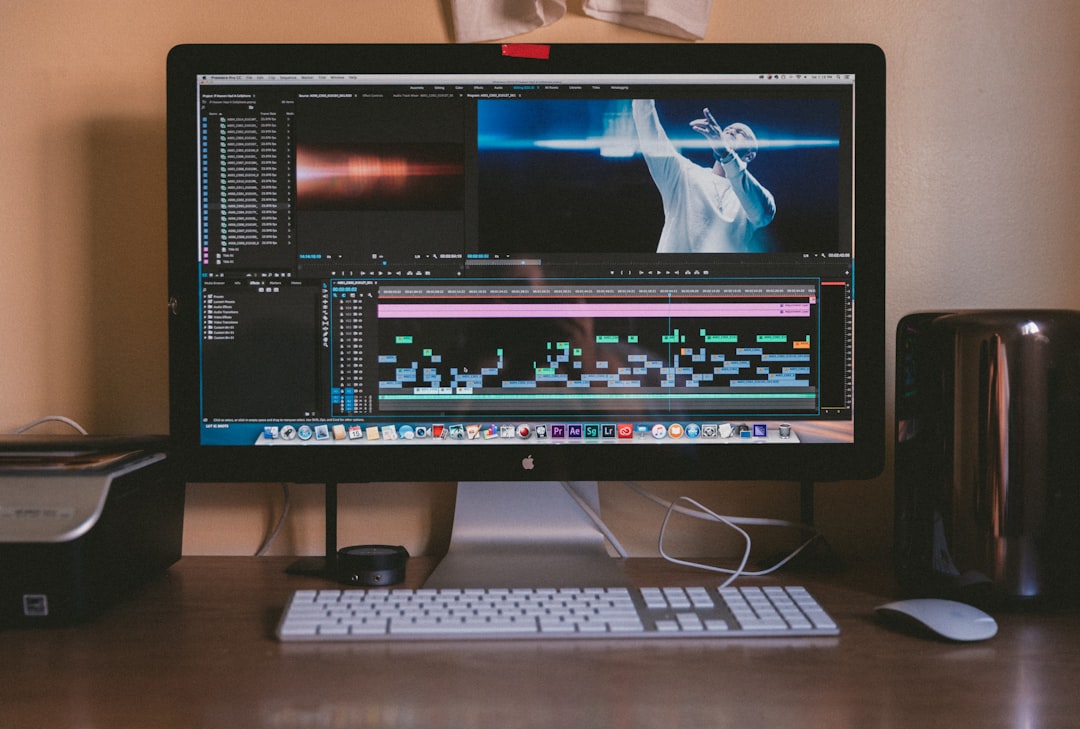
In some professional environments, the best screen sharing tool is not remote desktop software at all. A Mac can output video through USB C or Thunderbolt to HDMI or DisplayPort, and another Mac can receive that signal through a capture device. Thunderbolt capture hardware, such as units used in broadcast and post production, can provide a dependable, high quality feed for recording, streaming, or monitoring.
This approach is common in live events, software demos, review rooms, and secure environments where the source computer should not allow remote control. The receiving Mac sees the source as a video feed, not as a controllable desktop. That separation can be a security advantage.
The drawbacks are cost and complexity. You may need adapters, an EDID aware setup, capture software, and careful resolution matching. But when reliability matters more than convenience, hardware capture is often the most professional answer.
Recommended choices by use case
- Best free local control: macOS Screen Sharing over Thunderbolt Bridge.
- Best all round professional remote desktop: Jump Desktop.
- Best low latency interactive performance: Parsec.
- Best second screen workflow: Luna Display or Duet Display, depending on device needs.
- Best production screen feed: NDI Tools or a Thunderbolt capture device.
- Best security separation: capture hardware, because it can be view only by design.
Practical setup advice
Use a genuine Thunderbolt 3 or Thunderbolt 4 cable, not a charge only USB C cable. Keep the cable short when possible, confirm that Thunderbolt Bridge is active in macOS Network settings, and test before relying on the setup in a meeting or production session. If performance is inconsistent, assign manual IP addresses to the Thunderbolt Bridge interfaces and connect directly to that address.
Also remember that Retina displays can be demanding. Lowering resolution, disabling unnecessary animation, or reducing frame rate can make a remote session more stable. For color critical work, do not assume that a screen sharing image is reference accurate unless the entire pipeline has been tested and calibrated.
Final verdict
The best screen sharing tool for Mac over Thunderbolt 3 or 4 depends on whether the priority is control, speed, display extension, or production quality. In 2026, macOS Screen Sharing over Thunderbolt Bridge remains the most trustworthy first option because it is built in, private, and simple. Jump Desktop is the stronger daily driver for professional remote desktop work, while Parsec is the better fit for low latency creative interaction.
For teams working in studios, classrooms, or live production, NDI and Thunderbolt capture hardware may be more appropriate than conventional screen sharing. The serious approach is to match the tool to the workflow, test it over a real Thunderbolt connection, and document the configuration before it becomes mission critical.

)