
Business cards are small. But they carry big power. A great card can start conversations, open doors, and grow your brand. The good news? You no longer need to be a designer to create one. Today’s business card makers make the process fast, fun, and affordable.
TLDR: There are many great online tools for creating custom business cards. Some are perfect for beginners, while others offer advanced design control. Canva, Vistaprint, Moo, Adobe Express, and Zazzle stand out for templates and print quality. Choose based on your budget, design skills, and how unique you want your card to be.
Let’s explore the top business card makers that help you design and print stunning cards without stress.
Contents
- 1 1. Canva – Simple, Fun, and Beginner-Friendly
- 2 2. Vistaprint – Reliable and Professional Printing
- 3 3. Moo – Premium and Unique Designs
- 4 4. Adobe Express – Creative Freedom with Pro Touch
- 5 5. Zazzle – Creative Marketplace Vibes
- 6 6. GotPrint – Budget-Friendly Bulk Orders
- 7 How to Choose the Right Business Card Maker
- 8 Tips for Designing an Effective Business Card
- 9 Print vs. Digital Business Cards
- 10 Final Thoughts
1. Canva – Simple, Fun, and Beginner-Friendly
Canva is one of the easiest design tools online. It’s perfect for beginners. You don’t need graphic design experience. Just drag and drop.
Why people love Canva:
- Thousands of free templates
- Easy editing tools
- Huge font and color library
- Free and paid elements
- Download or order prints directly
Canva offers templates for almost every profession. Realtor? Photographer? Dog walker? There’s something for you.
You can customize:
- Text
- Colors
- Images
- Logos
- Backgrounds
It also allows you to upload your own brand kit. That means you can save your brand colors and fonts.

Printing is easy. You can download a print-ready file or let Canva print and ship to you. The paper quality is solid. Shipping is fast in many locations.
Best for: Small business owners and beginners who want simple tools and clean templates.
2. Vistaprint – Reliable and Professional Printing
Vistaprint has been around for years. It’s known for affordable printing and strong quality control.
If printing quality matters to you, this is a safe choice.
Top features:
- Wide paper stock options
- Glossy, matte, and textured finishes
- Embossing and foil accents
- QR code integration
The design editor is simple. Not fancy. But it gets the job done.
You can choose from many pre-made templates. Or upload your own design.
Vistaprint also offers:
- Rounded corners
- Square cards
- Vertical layouts
- Premium thickness options
The price drops when you order in bulk. That’s great for growing teams.
Best for: Businesses that want dependable, affordable bulk printing.
3. Moo – Premium and Unique Designs
If you want your card to stand out, Moo is the place to look.
Moo focuses on high-end business cards. The paper feels thick. The colors pop. The finish is luxurious.
One cool feature? Printfinity. This lets you print a different design on every card in a pack. Same front. Different backs.
That’s great for:
- Creative professionals
- Photographers
- Artists
- Design agencies
Design options include:
- Ultra-thick Luxe cards
- Foil stamping
- Spot gloss
- Soft touch finish
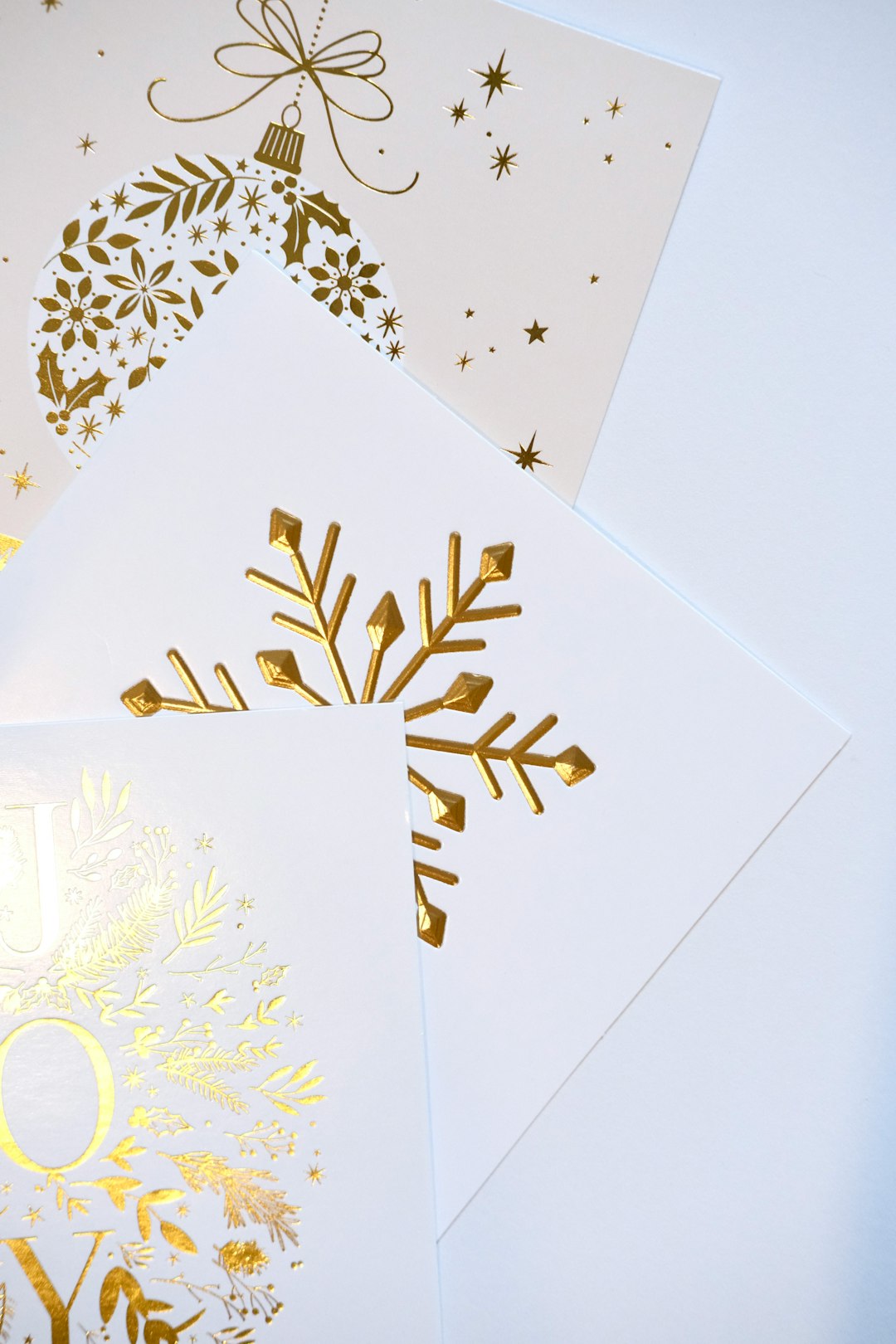
Moo’s templates are modern and bold. You can also upload custom designs made in other software.
It costs more than basic competitors. But the quality speaks for itself.
Best for: Creatives who want a memorable first impression.
4. Adobe Express – Creative Freedom with Pro Touch
Adobe Express gives you more design control. It’s simpler than Photoshop. But still powerful.
If you want professional-level results without complicated tools, this is a solid pick.
Highlights:
- Access to Adobe fonts
- Advanced layout tools
- Custom branding features
- High-quality export files
The templates look clean and modern. You can tweak every detail.
Unlike some platforms, Adobe Express is strong on customization. This makes it perfect for people who want something unique.
You can design your card here. Then print through another provider. Or use Adobe’s print partners.
Best for: Business owners who want creative flexibility and modern aesthetics.
5. Zazzle – Creative Marketplace Vibes
Zazzle is different. It’s more like a creative marketplace.
Independent designers sell ready-made templates. You customize them before printing.
That means you often get more artistic or niche styles.
You’ll find designs for:
- Makeup artists
- Fitness coaches
- Tech startups
- Wedding planners
- Pet groomers
The selection is huge. Really huge.
Printing quality is good. And there are multiple paper types available.
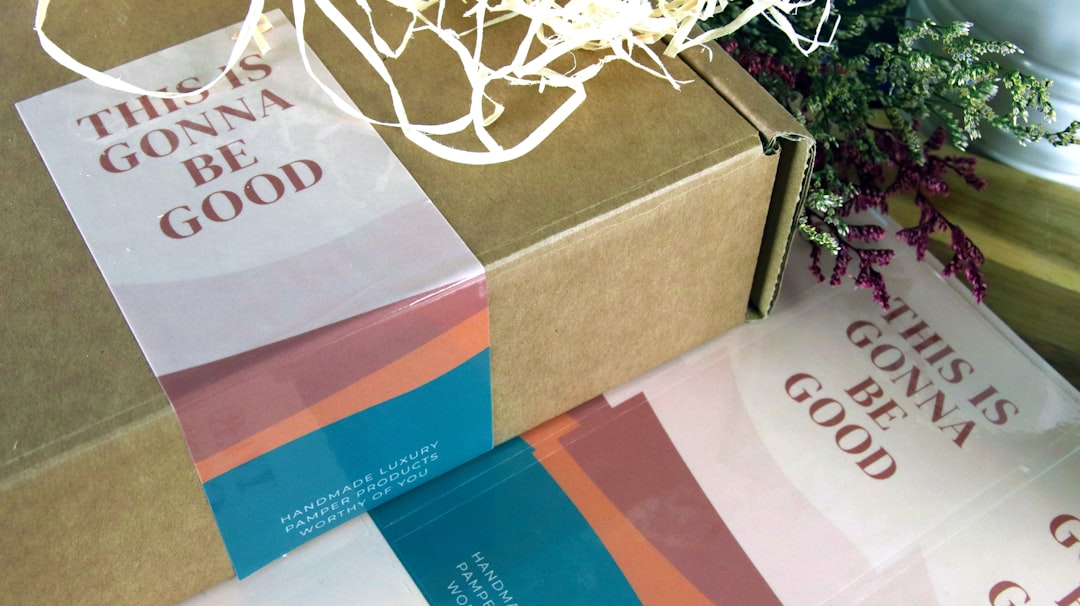
Prices depend on the designer and materials chosen. Watch for sales. Zazzle runs many discounts.
Best for: Unique or niche businesses that want something less corporate.
6. GotPrint – Budget-Friendly Bulk Orders
Need 1,000 cards without breaking the bank? GotPrint is budget-friendly.
This platform focuses on affordability. The design interface is basic. But the print value is strong.
Key benefits:
- Low bulk pricing
- Multiple thickness options
- Quick turnaround times
- Upload-your-own design option
Templates are available. But many users upload custom designs.
Quality is solid for the price. It may not feel ultra-premium. But it works well for everyday networking.
Best for: Startups and teams on tight budgets.
How to Choose the Right Business Card Maker
Not all tools fit every business. Ask yourself a few simple questions.
1. What is my budget?
- Low budget? Try GotPrint or Canva.
- Premium feel? Go with Moo.
2. Do I need design help?
- Yes? Canva or Zazzle.
- No? Upload custom files to Vistaprint or Moo.
3. How important is paper quality?
- Very important? Moo or Vistaprint premium stock.
- Standard quality is fine? Canva or GotPrint.
4. Do I want something unique?
- Creative styles? Zazzle.
- Luxury finish? Moo.
Match your goals with the right platform. Simple.
Tips for Designing an Effective Business Card
A great tool helps. But design still matters.
Keep these tips in mind:
- Keep it clean. Don’t overcrowd the space.
- Use readable fonts. Fancy is fine. But readable wins.
- Add a logo. This builds brand recognition.
- Include key info only. Name, title, phone, email, website.
- Consider a QR code. Link to your portfolio or LinkedIn.
- Leave white space. It looks modern and professional.
Your card should reflect your brand personality.
Bold colors for creatives. Neutral tones for corporate roles. Fun graphics for playful brands.
Print vs. Digital Business Cards
You might wonder. Do printed cards still matter?
Yes. They do.
Digital cards are growing. But physical cards create a stronger memory. They feel personal.
Handing someone a well-made card creates impact. It shows effort. It feels real.
The smartest move? Use both.
- Printed card for meetings
- Digital version for email signatures
- QR code connecting both worlds
Final Thoughts
A business card is small. But it’s a powerful branding tool.
The right business card maker makes the process easy. Even fun.
Canva keeps it simple. Vistaprint keeps it reliable. Moo keeps it classy. Adobe Express gives control. Zazzle adds creativity. GotPrint keeps costs low.
Pick the platform that fits your style and budget.
Design with care. Print with confidence. Then hand it out proudly.
Your next opportunity might start with a single card.

